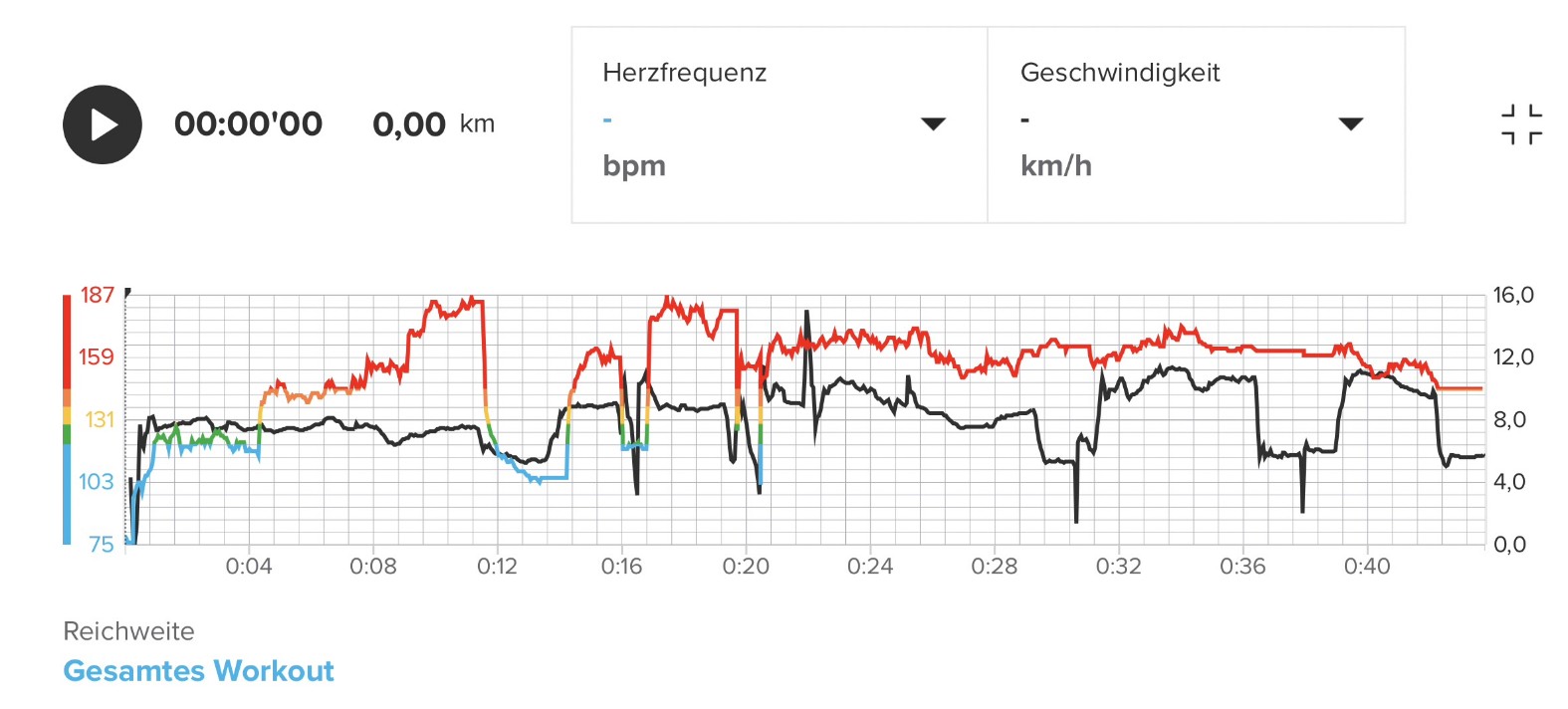
@cosme.costa I firmly believe that a navigation route is not open for interpretation by the watch and must be followed as originally planned unless the user gives up and moves on the new direction for some distance. This must be unambiguous.
The watch must not silently reverse the route direction or skip a part of the route without giving the user a chance to notice and correct the mistake. This should work within the tolerance of detecting off-route condition, of course.
The algorithm should be straightforward and consistent. If there is any significant divergence from the route, which includes changing the direction or skipping a significant part of the route, there must be OFF ROUTE notification first. If user continues to move along the altered route for more than e. g. 100 meters, they the watch should snap to the altered route, which may be either reversed direction or skipping a part of it. If there is more than one choice, skipping a part of the route should be preferred over reversing.
Ideally, once the original route has been altered there should be a clear notification about that.
The above should not apply when the user is not currently navigating. For example, someone had a one way route and they have reached the destination point, so they have ended the navigation. In that case moving back on the route should not generate the OFF ROUTE warning and it should just silently lock to the reversed route. By the way, I sometimes see OFF route warnings even before I have reached the start point of the route, which is clearly a bug.
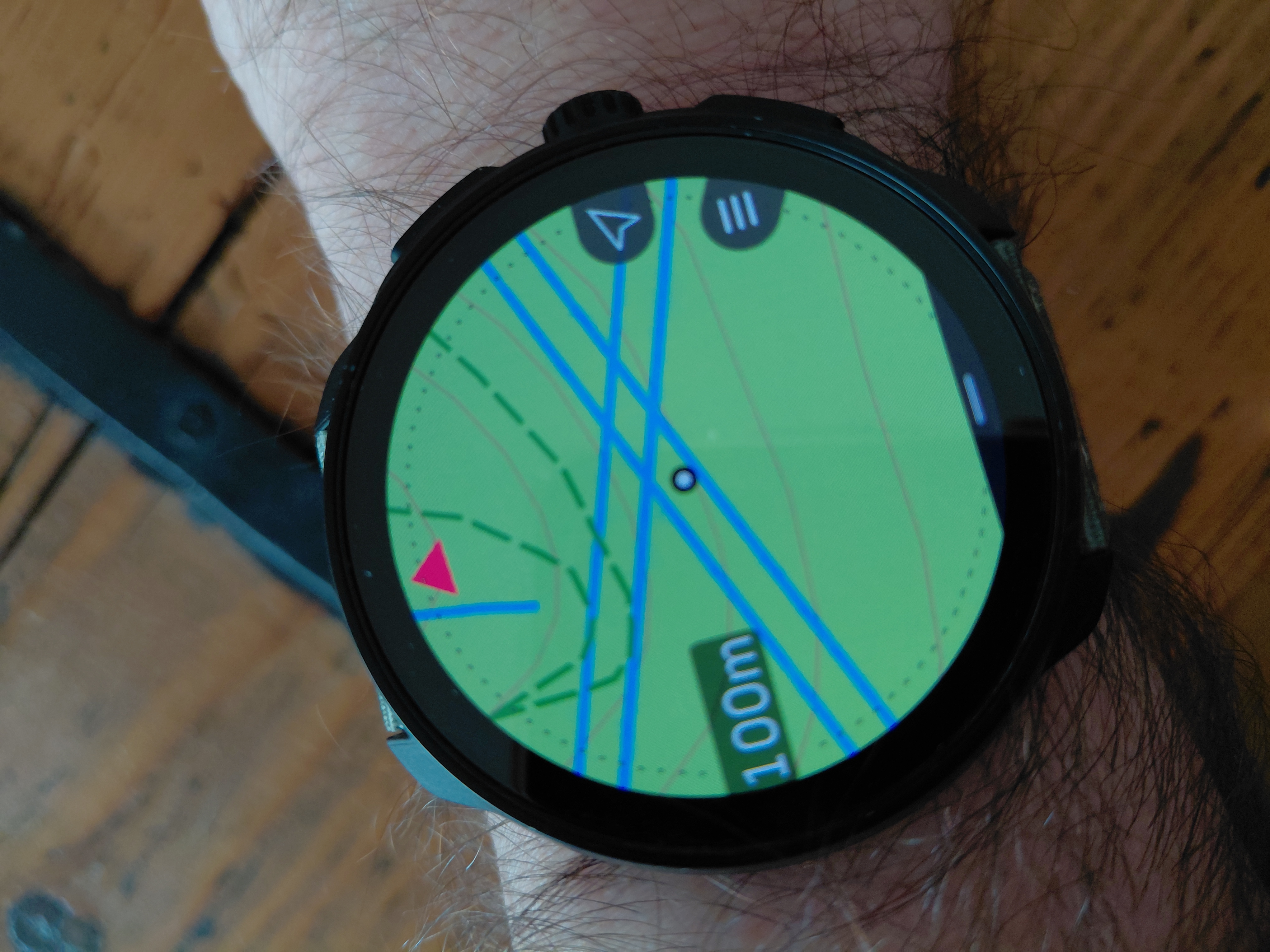
Also, the light blue navigation arrows should not disappear when OFF route is detected. The arrows should continue showing where the route is supposed to go as planned. Only when the new route option is accepted, if user continues to move in a new direction, only then the light blue navigation arrows should confirm the new altered route.
The same as above should work for detours. Even when getting completely off route, the route should retain the navigation arrows at a point on the route closest to the user position, showing where the original route is supposed to go. That is very helpful for merging back into the original route.