• Scare in Paris: SAFE MODE stuck in a LOOP!

    5
    0 Votes
    5 Posts
    309 Views
    atoponceA
    @enriqueescoms I had this problem the night before the Chicago Marathon. I plugged my watch into the hotel alarm clock USB to charge and it went into this endless loop. Despite unplugging and soft-resetting, it remained it this loop. As soon as I plugged it into my laptop USB, it stopped and booted normally as if nothing happened.
  • Wahoo Kickr Core 2 speed and distance

    20
    0 Votes
    20 Posts
    320 Views
    D
    @raven said in Wahoo Kickr Core 2 speed and distance: @Dwartus said in Wahoo Kickr Core 2 speed and distance: Thank you for your proposal, for that topic when I run outside with my bike, I add a Suunto “Bike POD” which provide to the watch cadence ans speed. Also, I remember that during the run the average speed and speed is given by the “Bike POD”, but at the end of the actvity, GPS data are used to give average speed and distance. Nevertheless, you understood that I didn’t connect/used this Suunto “Bike POD” for Home Trainer activity (also save “Bike POD” battery because unmount). Thanks Oops, I missed this in my last reply. If you already have a speed/cadence sensor you use outdoors, then yes try that as an additional sensor for your indoor rides and it should work. Yes ! Thanks for the hint, I didn’t think about that because actually not installed because Home Trainer period As a conclusion, the Suunto watch Race/Race S (perhaps other models) are not able to catch all the data broadcasted by Wahoo trainer, only power meter can be read (but not as a Suunto “Power POD” because not possible to calibrate it), it’s too bad Thank you
  • Suunto Race S – stress and HR issues after charging (firmware 2.50.x)

    3
    0 Votes
    3 Posts
    247 Views
    withManishW
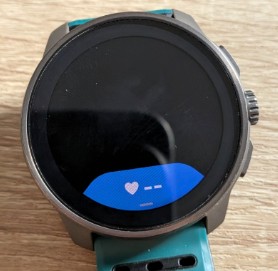
    @matt-r, I have noticed that with this watch, HR and SpO2 readings are inconsistent and inaccurate, even after following the instructions during resting.
  • Stuck to Power Save Mode

    3
    1
    0 Votes
    3 Posts
    177 Views
    withManishW
    @Horizontal_2 Thank you, the trick that worked.
  • Watch freezes after last update

    14
    0 Votes
    14 Posts
    615 Views
    sky-runnerS
    @2b2bff No question about it! I’ve also been programming since early 1990s and do that for living.
  • Suunto Race S disconnects from HRM's

    6
    1 Votes
    6 Posts
    533 Views
    Aleksandr EgorinA
    @reijervanrijsbergen I’m having the exact same issue. It’s further complicated by GNSS jamming. I’ve noticed that once the heart rate signal is lost, it doesn’t always recover, even when the watch is worn directly on my wrist rather than over a jacket. Coros HRM + Suunto Race S.
  • Average speed for hiking by moving time preferred

    1
    0 Votes
    1 Posts
    109 Views
    No one has replied
  • SuuntoPlus Guides are not syncing

    19
    0 Votes
    19 Posts
    1k Views
    E
    Also bit he bullet and did a factory reset. All works fine now, but it was a pain. Realized how much I customized the settings… let’s hope it’ll keep working stable now.
  • Swimming pool laps inaccurate

    9
    1 Votes
    9 Posts
    733 Views
    M
    @frullewulle thank you Anybody else has used the latest SW 2.50.26 and not have issues with the laps being incorrect?
  • Navigation arrows on the map - can this be improved (see the photo)?

    15
    1
    24 Votes
    15 Posts
    2k Views
    sky-runnerS
    One year later this issue still exists. I did a 50K trail race today that consisted of 3 laps. The arrows were absolutely invisible behind several tracks from multiple laps. There were at least a couple of tricky 4 way trail junctions on the race course where the arrows would be helpful, if they were visible. I didn’t have time to take a picture of my watch because I was racing but here are fragments from the recorded activity: [image: 1771720463549-screenshot-2026-02-21-at-4.33.38-pm.png] [image: 1771720472616-screenshot-2026-02-21-at-4.34.05-pm.png] Please give this simple fix a priority!
  • Resources used to be better

    14
    4
    2 Votes
    14 Posts
    754 Views
    2
    @LUIS-RAZORMAX 70% after restart is normal. It is the baseline the Watch assumes until it gets different data. I found that it seems to matter how I wear my watch. If I wear it too tight, it won’t register any changes. Maybe because of the watch is held in a different spot? If I wear it more loose it works better and actually declines.
  • Big battery drain after the new firmware 2.50.28 ?

    3
    1 Votes
    3 Posts
    341 Views
    N
    @geoffrey-reymond Bonjour, est ce que c’est arrivé juste après la mise à jour, que la batterie a diminué ? Jack
  • incorrect frequency and sleep

    5
    0 Votes
    5 Posts
    294 Views
    M
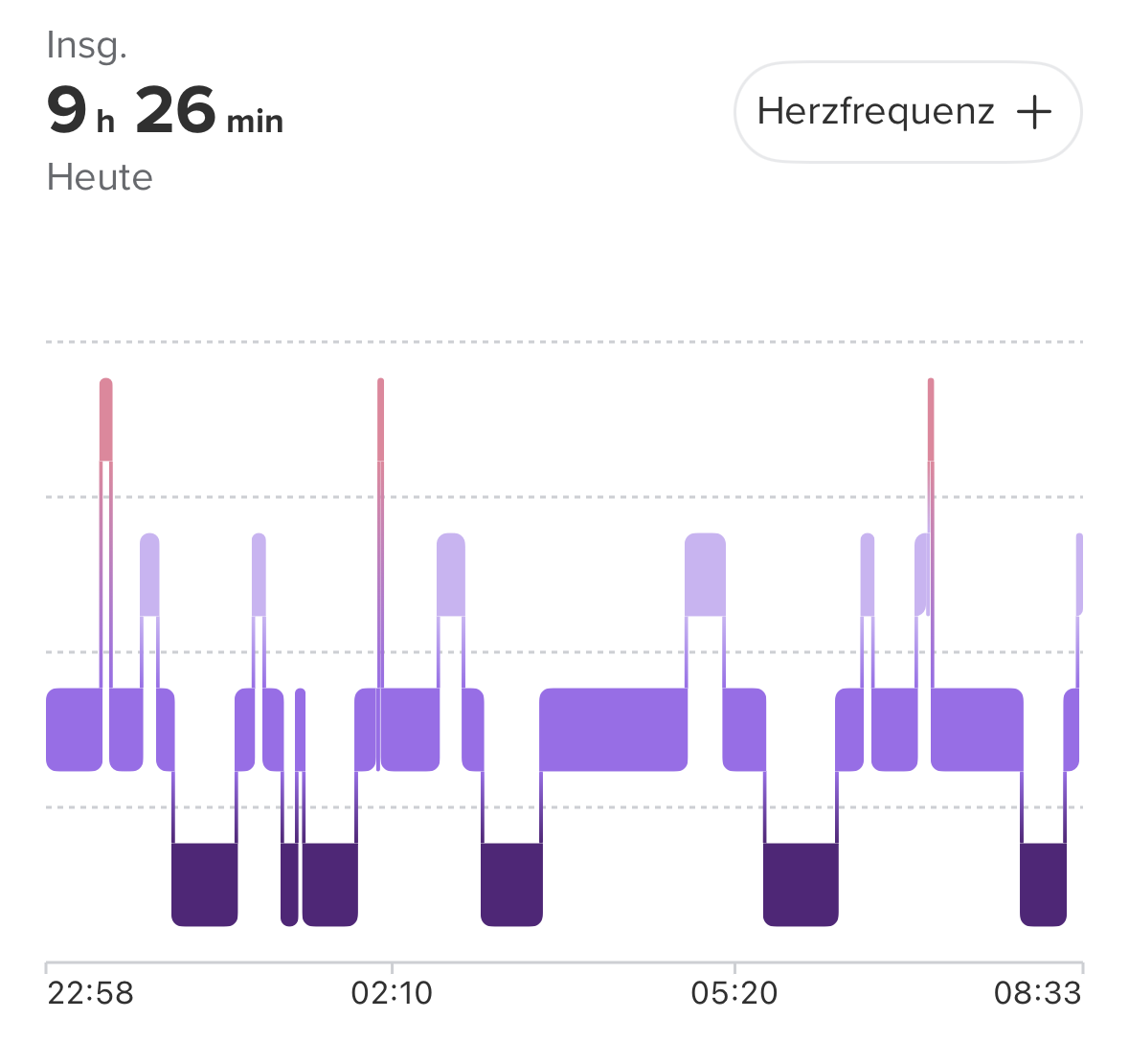
    @2b2bff You’re right, it was enabled without me ever intentionally doing so… I’ll try. Thank you for now.
  • Battery lasts only 1 day – Suunto Race S (SW 2.50.28)

    1
    0 Votes
    1 Posts
    133 Views
    No one has replied
  • Previous times on route missing when running.

    2
    0 Votes
    2 Posts
    115 Views
    2
    @mayakwyllie I can see it in the App - iOS…
  • In running using race S with lap itself at 15:00

    7
    0 Votes
    7 Posts
    316 Views
    LUIS RAZORMAXL
    @Egika already off the s+ for tunning exonomy, yeah the problem solved. So running 2coniny s+ really lap itself at 15:00 mins. Thanks guys
  • Some cadence despiting waiting on the traffic light?

    1
    2
    0 Votes
    1 Posts
    126 Views
    No one has replied
  • Dodgy sleep tracking

    1
    1 Votes
    1 Posts
    125 Views
    No one has replied
  • HR issues after update 2.50.28 – Great hardware, failing software?

    8
    1
    1 Votes
    8 Posts
    614 Views
    L
    @Brad_Olwin Yup, you’re lucky. My point is just that if anyone hasn’t invested in Suunto yet, they should look at my experience as a warning. You’re better off looking for another brand.
  • Sleeptracking not showing in watch

    6
    1 Votes
    6 Posts
    531 Views
    D
    I have a similar issue, looks like my watch lags behind 1 day with showing sleep data. It looks all good on the watch.

Suunto Terms | Privacy Policy