Suunto app Forum Suunto Community Forum
    • Recent
    • Tags
    • Popular
    • Users
    • Groups
    • Register
    • Login
    1. Home
    2. Popular
    Log in to post
    • All Time
    • Day
    • Week
    • Month
    • All Topics
    • New Topics
    • Watched Topics
    • Unreplied Topics

    • All categories
    • M

      Core 2 functionality update..

      Watching Ignoring Scheduled Pinned Locked Moved Watches
      1
      1 Votes
      1 Posts
      110 Views
      No one has replied
    • Matěj NovotnýM

      TSS (hr) different for imported activities

      Watching Ignoring Scheduled Pinned Locked Moved Suunto Race S
      7
      1 Votes
      7 Posts
      973 Views
      S
      ​Hi everyone, ​I contacted Suunto Support regarding an issue with Heart Rate zone distribution and TSS calculations for activities synced from my Hammerhead Karoo unit. ​Currently, third-party imported activities ignore custom HR zones set on the watch and instead rely on Suunto’s default backend algorithms. As a result, rides synced from my Karoo end up with mismatched HR zones (e.g., shifting Zone 2 efforts into Zone 1), which directly distorts HR-TSS, CTL, and ATL tracking in the Suunto App. ​I strongly request that Suunto allows manual HR zone configuration directly within the Suunto App (or enables synced activities to respect the watch’s custom HR zone settings/LTHR). This would ensure that data imported from head units like Hammerhead is categorized accurately. ​Below is the official response I received from Suunto Support confirming this current limitation: Thank you for contacting Suunto Support and for providing the detailed information. We understand that you are recording cycling activities with your Hammerhead Karoo 3, which are then automatically synced to the Suunto App, and that you have noticed differences in the heart rate zone distribution between the Hammerhead platform and the Suunto App. Regarding imported activities from third-party platforms, the heart rate zone analysis displayed in the Suunto App is calculated based on the settings and algorithms used by Suunto. The HR zones configured on your Suunto Race S watch may not be applied to activities imported from other services, which can result in differences between the original platform and the Suunto App. At the moment, the Suunto App does not support setting independent heart rate zones specifically for imported third-party activities. Therefore, there is currently no setting available to force imported activities to use the HR zone configuration from Hammerhead. We appreciate your feedback regarding this functionality. We will forward your comments to the relevant team as user feedback for future improvements. Thank you again for your understanding and support. Kind regards, Suunto Support Team
    • Casey BallardC

      Aqua Light Replacement Charger

      Watching Ignoring Scheduled Pinned Locked Moved Headphones
      3
      0 Votes
      3 Posts
      421 Views
      J
      @Anton-M Is it reliable? i hope it is, i bought it and now just waiting for the delivery.
    • Thaler MartinT

      Schlafaufzeichnung Wachphasen erkennung jetzt besser?

      Watching Ignoring Scheduled Pinned Locked Moved Suunto Race 2
      12
      -1 Votes
      12 Posts
      853 Views
      Thaler MartinT
      Any news ? Are in work?
    • M

      Run App Not Seeing All Songs

      Watching Ignoring Scheduled Pinned Locked Moved Suunto Run
      2
      0 Votes
      2 Posts
      884 Views
      ?
      @metrodraft Try turning off and on the Bluetooth on your phone. I believe this happened to me before and that’s what fixed it.
    • S

      Race S physical button

      Watching Ignoring Scheduled Pinned Locked Moved Suunto Race S
      1
      0 Votes
      1 Posts
      130 Views
      No one has replied
    • ?

      Firmware Collection

      Watching Ignoring Scheduled Pinned Locked Moved Watches
      114
      19 Votes
      114 Posts
      46k Views
      V
      Hi everyone, I accidentally deleted all pkg in my Race 2 during bug diagnose. Could anyone please check their watch and give me the file names of the old pkgs so I can create a download link? That would be of tremendous help, thanks.
    • K

      Syncing to Suunto app (iOS) goes very slow

      Watching Ignoring Scheduled Pinned Locked Moved Nautic
      1
      0 Votes
      1 Posts
      73 Views
      No one has replied
    • A

      Is it possible to access currently selected target hr/pace zone values?

      Watching Ignoring Scheduled Pinned Locked Moved Suunto Plus Development
      1
      0 Votes
      1 Posts
      103 Views
      No one has replied
    • S

      [Tip] How to save/load persistent data

      Watching Ignoring Scheduled Pinned Locked Moved Suunto Plus Development tip settings variables tutorial json manifest
      9
      2 Votes
      9 Posts
      1k Views
      A
      @SuuntoPartnerTeam Hello! I’m currently developing an app and own a Suunto 5 Peak watch to test my app. I have followed the manuals and examples, and everything works as expected, except that it looks like my app crashes (or glitches) as soon as it is uploaded to my watch. After commenting out and uncommenting parts of the code, I discovered that it looks like localStorage is not available at all, so the settings cannot be loaded. My app heavily depends on being able to configure these settings. So, what am I doing wrong? Why might localStorage be unavailable inside onLoad, and how should I access it to load my app’s settings? Thank you!
    • P

      sleep tracking not working after most recent update

      Watching Ignoring Scheduled Pinned Locked Moved Suunto 9 Peak Pro
      31
      1 Votes
      31 Posts
      6k Views
      J
      During last 6 months my S9PP stopped HR moritoring / sleep tracking, so this is somehow related to last sw update as noticed already. Earlier this happened only once a month and always in the middle of the month, 17th-19th of the month. Now in August this was getting worst, 2 times in the beginning of the month and now again on last night (14.8)
    • N

      Connector start to rust...!

      Watching Ignoring Scheduled Pinned Locked Moved Nautic
      6
      1
      0 Votes
      6 Posts
      749 Views
      L
      Hi Same for me … I dive in salt water but I rinse the Nautic in fresh water after each dive
    • JMOppenheimJ

      Make firmware for Ambit 3 opensource

      Watching Ignoring Scheduled Pinned Locked Moved Ambit
      6
      6 Votes
      6 Posts
      450 Views
      André FariaA
      @Ze-Stuart thanks for the input. Due to your suggestion it has been a long 2 week low sleep work to built an ambit app with claude ahahh Lot’s of reverse engineering. Not easy. I am missing just some points that if someone can help (I believe from Suunto would be easier, @pavel.samokha @dimitrios-kanellopoulos @isazi ) How does the firmware decide a rule is a browsable WORKOUT (listed in the WORKOUT menu) vs a normal pinned display app? Is it purely that the rule is wired to the PID_RUNNER_GPS_TEMPLATE_GUIDANCE display template, or is there another marker (a rule flag, a CustomModes tag, an EXERCISE_MODES_RULE field beyond the 6 bytes [RuleIdx][UseRule][LogRule] we see, an Apps-entry field, …)? What bytecode/data does the guidance graph consume to draw a segment (segment count, per-segment duration/distance/lap end, upper/lower target, target metric)? i.e. what is the .Binary a Category:"guidance" rule compiled to — its structure, or the App-Zone/VM primitives it uses that a generic app does not? Is the guidance .Binary a different bytecode dialect than a normal App-Zone app, or the same VM with specific built-ins/opcodes for segments/targets? (If the latter, the live community compiler might be able to emit it with the right source.) Full claude recap here. These features that were lost in the movescount transition, and I am trying to get them back to the community.
    • B

      GF99 and SurfGF: now with feeling

      Watching Ignoring Scheduled Pinned Locked Moved Suunto Ocean surfgf gf99 update
      3
      1 Votes
      3 Posts
      519 Views
      G
      There is no feature I would love to see more on the Ocean than GF99 and Surface GF display as a switch view.
    • B

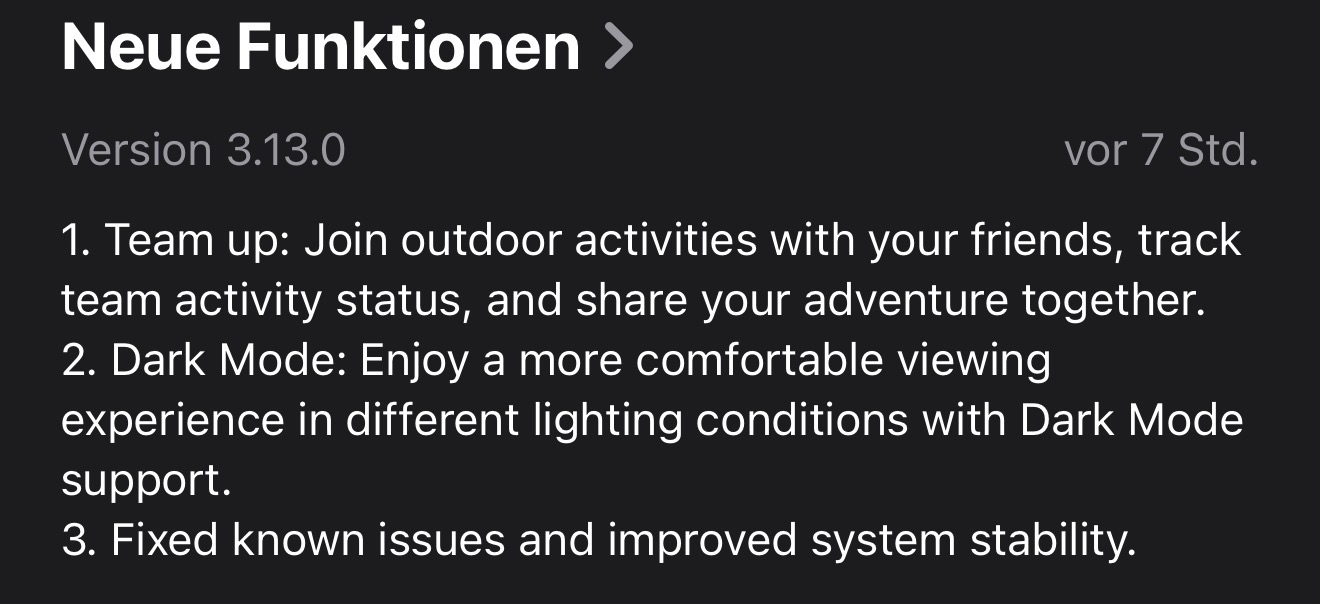
      New Update Features…

      Watching Ignoring Scheduled Pinned Locked Moved iOS Updates
      1
      1
      1 Votes
      1 Posts
      210 Views
      No one has replied
    • K

      HR broadcast

      Watching Ignoring Scheduled Pinned Locked Moved Suunto Ocean
      2
      1 Votes
      2 Posts
      294 Views
      K
      Hi, Is there any chance to get HR broadcast feature in a future firmware updates for Ocean?
    • I

      Suunto Ocean OTA downgrade

      Watching Ignoring Scheduled Pinned Locked Moved Suunto Ocean
      1
      0 Votes
      1 Posts
      160 Views
      No one has replied
    • Horizontal_2H

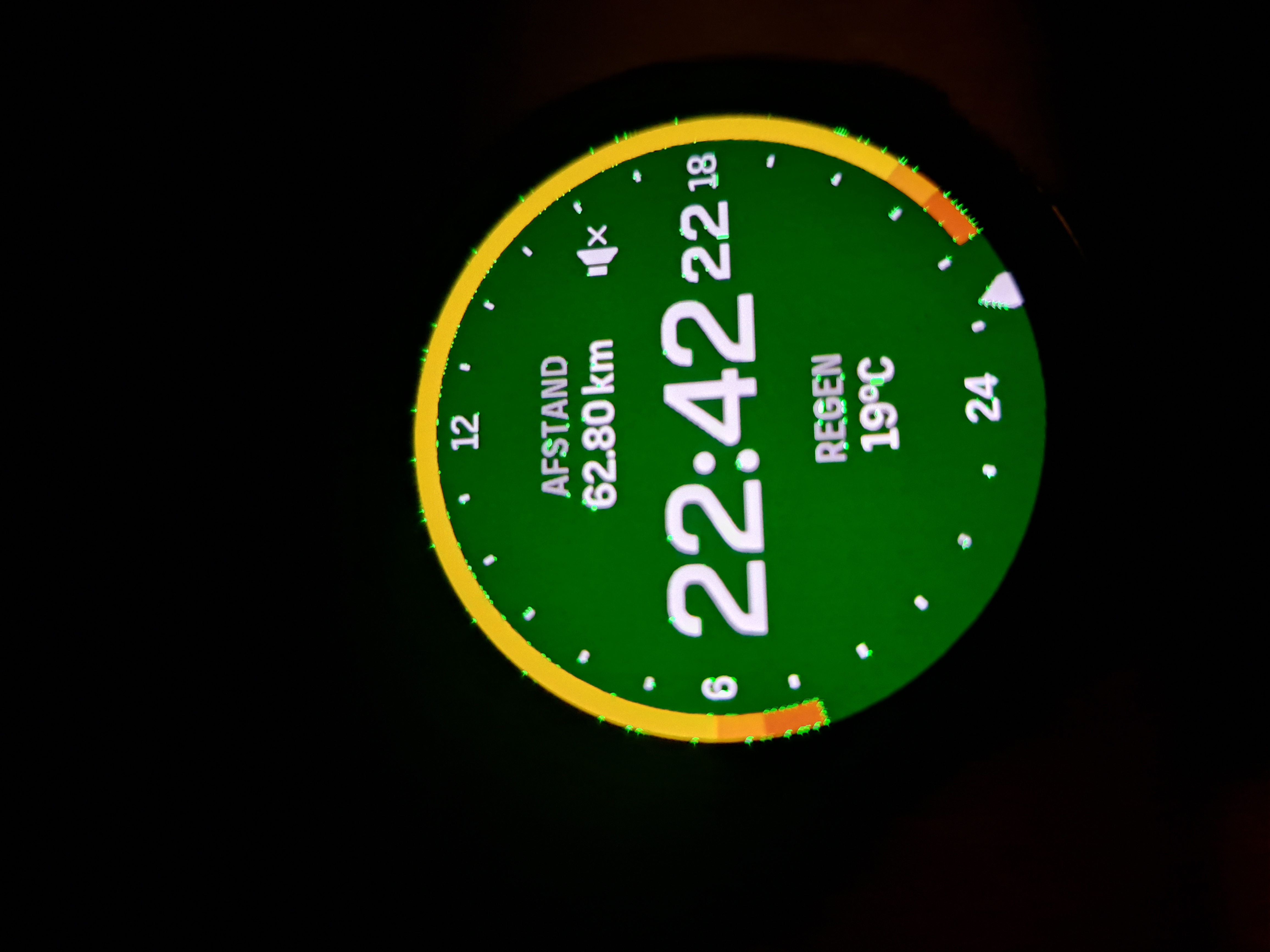
      Screen went weirdly green

      Watching Ignoring Scheduled Pinned Locked Moved Suunto Vertical 2
      1
      1
      0 Votes
      1 Posts
      213 Views
      No one has replied
    • N

      Suunto Run – Show sender name in notifications

      Watching Ignoring Scheduled Pinned Locked Moved Suunto Run
      1
      2 Votes
      1 Posts
      112 Views
      No one has replied
    • 2

      Feature Request: Strokes per lane while pool swimming

      Watching Ignoring Scheduled Pinned Locked Moved Watches
      1
      1 Votes
      1 Posts
      88 Views
      No one has replied