Suunto app Forum Suunto Community Forum
    • Recent
    • Tags
    • Popular
    • Users
    • Groups
    • Register
    • Login
    1. Home
    2. Popular
    Log in to post
    • All Time
    • Day
    • Week
    • Month
    • All Topics
    • New Topics
    • Watched Topics
    • Unreplied Topics

    • All categories
    • Nikolai SimonovN

      Live location S+ app

      Watching Ignoring Scheduled Pinned Locked Moved SuuntoPlus™ Sports Apps
      346
      59 Votes
      346 Posts
      98k Views
      Nikolai SimonovN
      Hey guys! If anyone faced up with issue when S+ app turn black and disconnect from the app. could you please try latest 1.8 R9 (it should be in the suunto store already) and let me know if it works also i can confirm that it wont work alongside with structured workouts structured workout also quite greedy of heap mem. live.τ too.
    • sky-runnerS

      "Navigate on watch now" works exactly once during an activity

      Watching Ignoring Scheduled Pinned Locked Moved Suunto Vertical 2
      19
      8 Votes
      19 Posts
      1k Views
      Mff73M
      @sky-runner Tested today and multiple normal routes were synced during same activity. SV2 and Android, but some firmware and app versions ahead for testing. At least some hope…
    • BokiRunB

      I will try...

      Watching Ignoring Scheduled Pinned Locked Moved Suunto Run
      9
      0 Votes
      9 Posts
      630 Views
      OutdoorManO
      @snow after a backlash on reddit, yes.
    • Speed ManS

      Suunto Spark

      Watching Ignoring Scheduled Pinned Locked Moved Headphones
      60
      0 Votes
      60 Posts
      6k Views
      Francesco PaganoF
      I finally received mine and use them on a run yesterday for the first time. I noticed a bug: at first I could adjust the volume with the touch I had set up (triple tap), but after some time this stopped working; I had media controls on my watch, too, and when I chose the volume option nothing happened.
    • DonTomGotD

      HR-ZoneTracker: "Intensity zones" with an extra touch

      Watching Ignoring Scheduled Pinned Locked Moved SuuntoPlus™ Sports Apps
      8
      2
      10 Votes
      8 Posts
      650 Views
      L
      @DonTomGot ok thanks! Can it be listed in the app information? Is it just the visual issue? Numbers would be accurate?
    • F

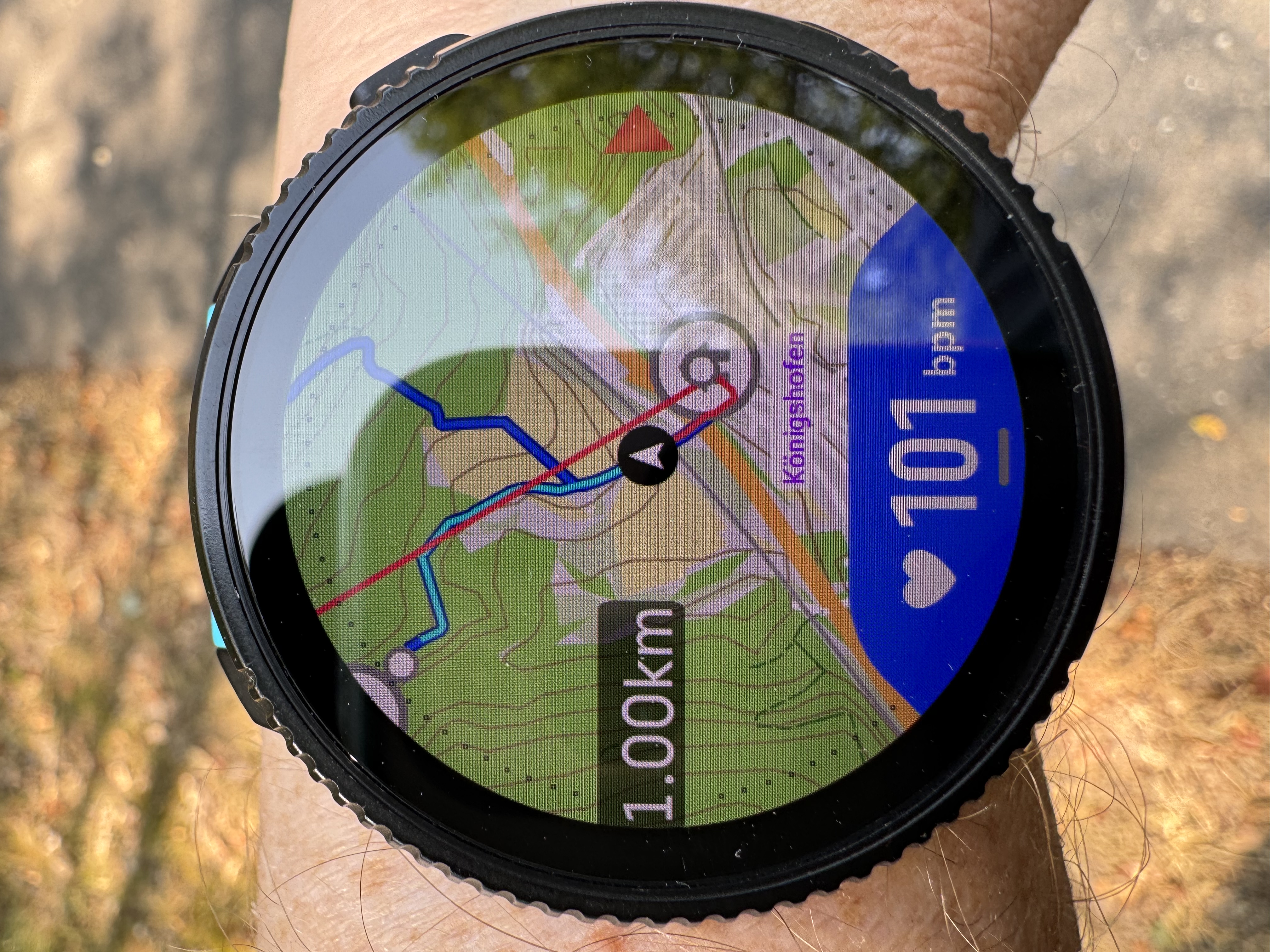
      No contour lines with latest maps/firmware (any way to get previous maps)

      Watching Ignoring Scheduled Pinned Locked Moved Suunto Race 2
      8
      0 Votes
      8 Posts
      506 Views
      D
      @pavel.samokha Thanks. Didn’t intend to sound negative. Suunto’s map update process is a bit of a mystery and must be more complicated than I imagine. As a frequent OSM contributor, I’m probably just more aware of it than others.
    • V

      HR Belt broken und looking for a new on

      Watching Ignoring Scheduled Pinned Locked Moved Accessories and other products
      8
      0 Votes
      8 Posts
      421 Views
      Speed ManS
      @sky-runner For me, ZoneSense matches my breathing quite well. I’ve been using it almost every day for over one years.
    • S

      Need help doing Interval Training with my Suunto with current software

      Watching Ignoring Scheduled Pinned Locked Moved SuuntoPlus™ Sports Apps
      8
      0 Votes
      8 Posts
      345 Views
      herlasH
      @stavrogin - Third party own the data that is displayed on their imported workouts on Suunto, for TP there’s this ER idea to add the step counter, feel free to vote for it. https://peaksware.uservoice.com/forums/106657-trainingpeaks-customer-feedback/suggestions/46005451-interval-counter-on-suunto-s-structured-workouts Adding to my previous post, after disabling the auto lap, you can setup your own screens to see avg numbers for whatever metric you want and it’ll be for that step of the workout. But definitely you cannot see what step you’re on with TP workouts, until TP implements above idea. On your question about undoing a manual lap, it’s not possible, and when doing a manual lap while executing a workout from TP or any other place, it’ll skip the current step. This is by design and cannot be altered. With that said, Training Peaks has the best screen for executing structured works, the only missing piece is the step count in my opinion
    • M

      Help Finding Watchband for Older Suunto

      Watching Ignoring Scheduled Pinned Locked Moved Accessories and other products
      8
      2
      0 Votes
      8 Posts
      299 Views
      M
      Here is the photo of the other watch I found on eBay. [image: 1782430445459-5681d8dd-d3d3-4f45-9151-e77c3eec8da0-image.jpeg]
    • T

      Constant mystery vibration alerts during guided workout. Suunto Vertical 2

      Watching Ignoring Scheduled Pinned Locked Moved Suunto Vertical 2
      8
      0 Votes
      8 Posts
      482 Views
      2
      @skifast12 sorry, I mixed you up with the topic creator. In the first post has been written an interval.icu SuuntoPlus Guide…
    • ManueleM

      Very important: Suunto Vertical malfunction

      Watching Ignoring Scheduled Pinned Locked Moved Suunto Vertical
      32
      1 Votes
      32 Posts
      6k Views
      cosme.costaC
      @maszop said: The manufacturer’s warranty period is set by the manufacturer itself – Suunto usually offers 2 years, but there are other terms as well. I’m talking about Europe. I think the 2 years is because the Eropean regulations and in Spain is 3 years. I bought some months ago a Pixel 10 and the warranty is also 3 years. If for that that the warranties periods depends on the purchase country. [image: 1783601144438-c500847a-be20-4b8e-bc62-ca3905c66adc-image.jpeg] A fantastic thing that suunto has is that they honor the warranty, if you do not have a purchase receipt, using the serial number. As you can see in the picture. Probably Suunto web page is not updated…
    • Nikolai SimonovN

      1 year Live.τ 🎉

      Watching Ignoring Scheduled Pinned Locked Moved SuuntoPlus™ Sports Apps
      7
      26 Votes
      7 Posts
      557 Views
      Adrian.SA
      Ok, I see… Thanks for the explanation.
    • H

      Mandatory Gas Time Alarm at beginning of the dive

      Watching Ignoring Scheduled Pinned Locked Moved Nautic
      10
      2
      1 Votes
      10 Posts
      907 Views
      H
      I have been testing with 3 different LED flashlight on / near / close / up and down to the POD and the Nautic and the computer held its connection state as expected. So I do not expect that the RFI is causing the signal to become in-stable. Maybe a combination with POD pressure buildup in combination with RFI? I hope the Suunto dev teams can find the issue reading my POD and Nautic logs.
    • S

      Deco dive planner issue

      Watching Ignoring Scheduled Pinned Locked Moved Nautic
      7
      2
      1 Votes
      7 Posts
      446 Views
      C
      @soryp When you do plan like this or dive a dive with air on 50m. Do you consider the findings of risks with gas density, EADD? I would really like that Suunto integrated the possibilities and risks with gas density in computers and planning software. Usually people plan EAD for a maximum of 35m but no-one reflects about the gas density of the breathing gas.
    • L

      APP not synchronising with Nautic

      Watching Ignoring Scheduled Pinned Locked Moved Nautic synchronisation problème
      7
      0 Votes
      7 Posts
      307 Views
      H
      Ldive A lot of us have had problems with the app and bluetooth sync, Somehow it looks related to language settings on the Nautic and phone, i’m putting all in english and had problems with my phone when in Dutch. After setting all on english, sync works flawless. So make sure they match. Start sync and the app should give you a green checkmark almost instantly when the Nautic is near and switched on.
    • Gilles D.G

      Watch shut down and re-started during activity!!

      Watching Ignoring Scheduled Pinned Locked Moved Suunto Vertical
      7
      3 Votes
      7 Posts
      475 Views
      G
      I’ve got the Race S on the current software & same issue the other night, I was 1km into a fell race & the watch randomly restarted Raced the next night no issues with the watch Annoying, but at the same time it’s only done it the once in a years worth of use Sent the logs to Suunto & messaged as per the forum guidance, hope it helps for future
    • Danny LabranaD

      Disappointed by altitude, using the R2 barometer

      Watching Ignoring Scheduled Pinned Locked Moved Suunto Race 2
      7
      2
      2 Votes
      7 Posts
      502 Views
      Stefano M64S
      I usually always check if the altitude shown by the watch is correct, if not it can be set manually or auto adjusted. Apart of that, the data look very scattered, I agree with Egika about strong wind or dirty sensor. Did you get the same behavior also other times? in this case the pressure sensor could be defective.
    • pavel.samokhaP

      New Maps in Suunto App - Terrain and City

      Watching Ignoring Scheduled Pinned Locked Moved Suunto app and other software services
      6
      2
      36 Votes
      6 Posts
      806 Views
      sky-runnerS
      @pavel.samokha Terrain map looks nice and could be useful, but sadly trails disappear from the map too quickly when zooming out, which makes it much less useful for routing. And even when trails are shown they they are too thin unless I zoom in a lot, at which point the terrain is much less useful because of how little map area I see.
    • DonTomGotD

      Race Surgeon

      Watching Ignoring Scheduled Pinned Locked Moved SuuntoPlus™ Sports Apps
      6
      2
      5 Votes
      6 Posts
      501 Views
      sky-runnerS
      An app like this would be super useful for planning longer ultramarathons on trails where the terrain is always variable. I did a similar plan many times where I try to come up with a target time for each aid station on the race course and then during the race see how I perform against that - whether I am ahead or behind the plan. The main problem is that as long as segments are based on distances, they aren’t going to be accurate and often deviate towards the end of the race. Perhaps for officially measured road races distances are accurate, but for trail races they are usually not. Towards the end of a race, distance that you have on your watch can easy be up to 5% off from the official distance, depending how accurately the official race distance was measured. Often, tace officials just use distance from CalTopo or other online mapping tool, and that is often way too short. It would be super nice if segments were defined by waypoints on the navigation route and if Suunto supported an extension of navigation route that allows including timestamps. That would allow building on the estimated pacing plan right into the navigation route. Garmin does actually have that and the Pace Pro feature utilizes that, and some 3rd part tools like Ultrapacer can generate a plan that can be loaded on a Garmin watch. I think a feature like this should be built-in, or at least have some built-in support - like an ability to load a timed GPX (GPX with relative timestamps) and tell you how much you are ahead of behind when following the route. Then more advanced apps could be built on top of that.
    • S

      Race 2 accuracy

      Watching Ignoring Scheduled Pinned Locked Moved Suunto Race 2
      124
      0 Votes
      124 Posts
      14k Views
      I
      @YoeChr the post-processing issue is visible on all platforms that import activity data from Suunto, as this is the total distance data that is sent. In Strava, this can be corrected using the “Correct distance” option for the activity, but this is a web-only option and requires manual execution.