Subcategories

  • Large screen adventure watch for outdoor expeditions and training V2

    198 Topics
    2k Posts
    S
    [image: 1782514066378-screenshot-2026-06-26-at-6.44.51-pm.png] [image: 1782514066407-screenshot-2026-06-26-at-6.44.35-pm.png] [image: 1782514066418-screenshot-2026-06-26-at-6.42.51-pm.png] I have recently had my HRM zero out mid run and had to take it off and reattach it to get a proper reading. The red one is with a Coros band. The one with two drop outs is with a Garmin HRM Pro+ The blue total disconnect one was with a new Polar strap. As I look at most workouts with BT HRMs I see dropouts and reconnects. My Coros and Garmins do not do this. It was an issue about a year ago to have total disconnects and that seems to be remedied, but I wanted to ask. Why does Suunto have an issue staying connected even when the HR during a workout does not disappear? In the red one it showed okay in the workout that it was okay and stayed continuous, but that doesn’t seem like it should be happening. (BTW the last red one is where I just walked around the farm in a walk activity to see what it would do so the HR is very low.) The graphs are done using DC Rainmaker Analyzer. Any insight would be great, Thanks!
  • Ultimate performance watch for racing and training V2

    224 Topics
    2k Posts
    off242O
    @outdoorman, et al. – What I’ve noticed is that… Race 2 unpaired from iPhone & powered down Re-paired, synced, etc. with no sticky notifications Went for run this morning (first activity since re-pairing) and sticky notifications are back, even though no phone with me during run; activity saved post-run before getting in range of phone for sync, notifications, etc. Others’ experiences the same or similar? Debating whether or not to unpair/re-pair with phone as it seems like quite the hassle just to avoid the stickiness. Regardless, I hope Suunto has seen this thread or been otherwise made aware of the issue and has a fix with next update.
  • Large screen adventure watch for outdoor expeditions and training.

    1k Topics
    15k Posts
    V
    Zirkeltraining have no gps recording?
  • Ultimate performance watch for racing and training.

    834 Topics
    8k Posts
    Marcelo MönchM
    @Pierre-Matelski If you want the battery to last as long as possible during everyday use (outside of workouts), make these adjustments in the Settings menu: Display > Always-on: Turn this option off. Let the screen wake only when you look at the watch. Display > Brightness: Set it to Auto or reduce it to Low. Connectivity > Media Controls: Turn this off if you don’t usually control music playing on your iPhone from the watch, as it keeps Bluetooth active and uses more battery. Backlight with Button Press: Turn this feature on so the backlight only comes on when you press a button, preventing the display from lighting up by itself at night while you’re in bed.
  • Light and compact but ultimate performance watch for racing and training.

    467 Topics
    4k Posts
    Marcelo MönchM
    @athinakap30 you can leave the “Discovery” option disabled.In fact, disabling this feature is highly recommended to save battery and protect your privacy.What does the “Discovery” option do?When “Discovery” is enabled, your Suunto Vertical 2 emits a continuous Bluetooth signal so that any new device around you (such as other people’s cell phones or gym equipment) can find your watch in the scan list.Why should you disable it now?Pupa Battery: With it turned off, the watch’s Bluetooth chip uses less energy because it doesn’t need to constantly “shout” that it’s available for new connections.It does not affect your current connections: Your iPhone and your Coospo HW9 sensor will continue to connect and function perfectly. The watch will still recognize devices that have been paired before.Security: Prevents strangers’ cell phones from trying to pair with your watch on the street or at the gym.You will only need to reactivate “Discovery” if you plan to pair a new sensor in the future or if you want to connect the watch to a new phone. For daily use, you can safely leave it deactivated!
  • Suunto 9 Peak Pro

    434 Topics
    6k Posts
    E
    @duffman19 as someone who works with motors all the time, this is kinda difficult to stay away from magnets.
  • Lightweight sports watch designed for runners

    176 Topics
    1k Posts
    M
    I recently bought a Suunto Run and started using the Suunto App. Everything works fine until I connect my Strava account. As soon as I do, the Suunto App starts crashing about 2–3 seconds after opening. Here’s what I’ve tried: Uninstalling and reinstalling the app multiple times Restarting my phone Setting everything up from scratch The strange part is that if I create a new Suunto account with a different email address, the app works perfectly. However, as soon as I connect that new account to Strava, the app starts crashing again. So it seems like the issue is specifically related to the Strava integration. Has anyone experienced the same problem or found a solution? Phone: [iPhone 17prol] OS Version: [iOS 26.5.1] Suunto App Version: [recent]
  • Suunto 9 Peak

    453 Topics
    6k Posts
    N
    @lothoreSimon Bonsoir, Avez-vous essayé de laisser la montre charger pendant une longue période ? Ne pas se rallumer comme ça, c’est étrange. Peut-être que le câble est mort ou que la brique de charge est morte, à vérifier en premier. Sinon, oui, vous avez raison : la réparation et la maintenance des montres, à long terme, ce n’est vraiment pas super. Ils ne peuvent que vous accorder une réduction et ne peuvent pas reprendre la montre en échange d’une réduction. Après, c’est une histoire de coûts : maintenir des montres de sport leur coûterait énormément, malheureusement. Je crois qu’aucune marque ne fait mieux en la matière. Sinon il y a la Suunto Core Alpha…
  • Suunto 9

    1k Topics
    15k Posts
    brechtvbB
    @Ze-Stuart well it was really not working for me. It was also the xc200, not xc210z
  • Suunto’s first smart-with WearOS

    678 Topics
    10k Posts
    E
    Bonjour, Comment se fait-il que chez Suunto,il n’y ai pas la possibilité de voir les parcours avec différentes couleur suivant les difficultés ? À moins que je ne l’ai pas trouvé. Voir modèle de “Oruxmaps” [image: 1780729547970-7ea60608-3e85-4e93-9a70-ae5776765c0b-oruxmaps.jpg]
  • Suunto 5 Peak

    63 Topics
    718 Posts
    A
    I know that HR measurement at the wrist can be difficult and it is better to use a chest strap. However, even for normal walking (not even Nordic walking) I get horribly wrong measurements, e.g. yesterday the watch showed a maximum of 139 bpm in the afternoon, but an 24h-ECG (which should be 100% accurate) shows a maximum of 106 bpm in the morning (it is hard to search for the same time span). Anyhow, the difference is not acceptable! Yes the watch has correct settings (left arm) and is correctly attached to the wrist. What can I do? I need to track my pulse.
  • All Suunto Spartan Series

    328 Topics
    3k Posts
    S
    Good day, I have a Suunto Spartan Ultra and have had it for 8 years. From my last Samsung UI update my watch has not synced my daily steps with the Suunto app. I have tried the following but not success: Restart phone and watch. Reinstall Suunto App Force stop Suunto App Unpair watch from phones Bluetooth and reconnect. Gave all items on Suunto App permission. Made sure Suunto APP and phone is not on energy saving mode. If anyone has a solution please assist. Kind regards
  • Ambit 1,2,3 Series

    284 Topics
    3k Posts
    V
    @margusl hello the link is not working! OK sorry the question is 6 Year old ;-(
  • Suunto 5

    215 Topics
    2k Posts
    A
    I haven’t used my D5 since January; I got it out of the cupboard today to charge it as it’s dead, but I can’t remember how to attach the charger. I’ve searched the manual but it just says ‘attach’, it doesn’t explain how. There’s a red thing on the end of the cable which I seem to recall ‘snaps’ onto the watch, but right now it’s not snapping onto anything - it doesn’t stick to the back of the watch like I seem to remember. Have I got this totally wrong? Please can someone explain in simple terms how to attach the charger?! Thanks
  • Suunto 3 and Suunto 3 Fitness

    56 Topics
    551 Posts
    P
    Hei Expert Users, I am using SUUNTO AMBIT3 PEAK device, do we have options to set the training plan in the device?
  • Traverse Series

    75 Topics
    447 Posts
    No new posts.
  • Scroll current data on Pause Screen with button push

    1
    1 Votes
    1 Posts
    239 Views
    No one has replied
  • Strange bug on pause screen for Spartan (maybe s5? )

    4
    1
    0 Votes
    4 Posts
    525 Views
    B
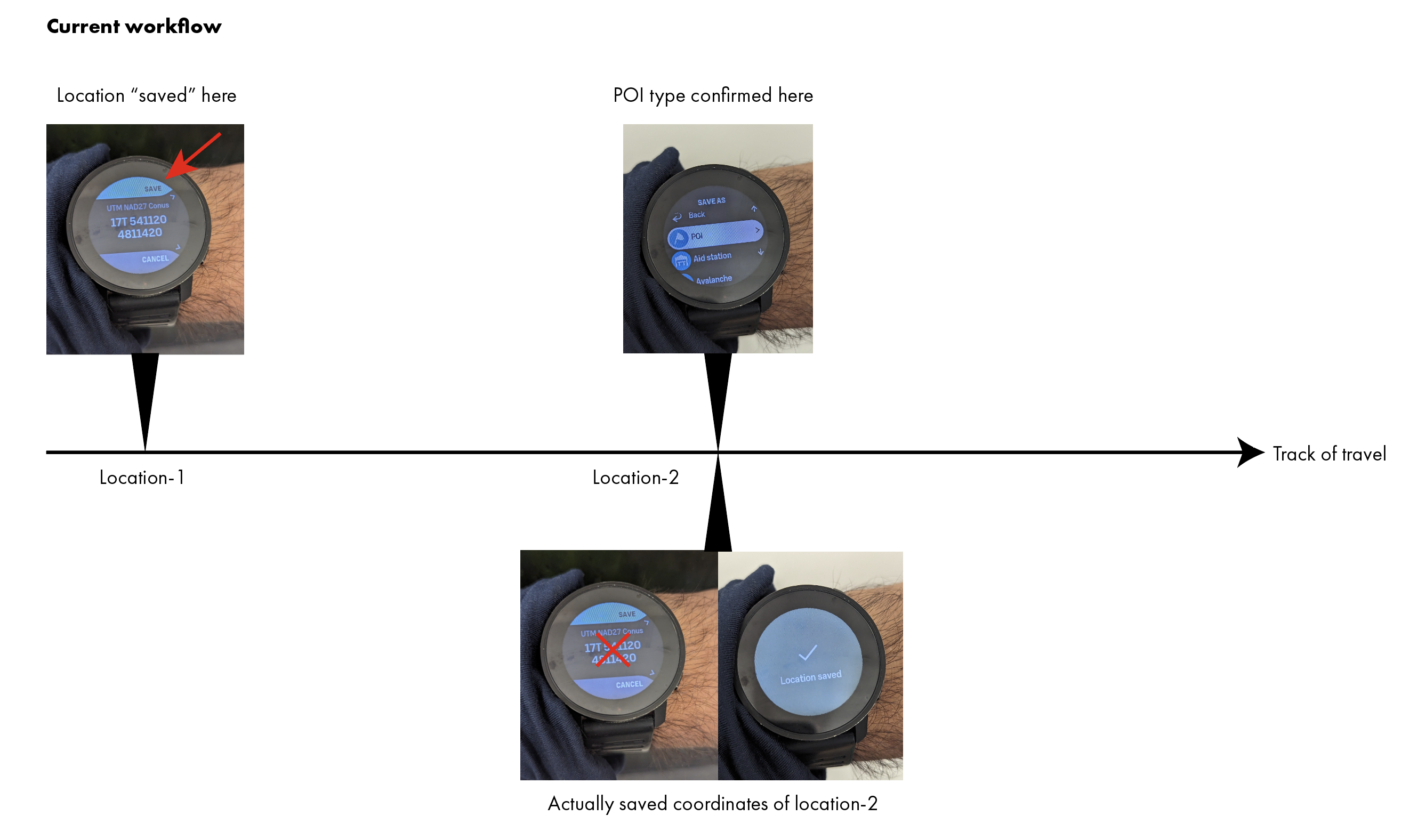
    @sartoric - apologies, I misread and didn’t realize these are the repro steps: start training with 10s screen timeout pause training, allow the screen to timeout click the lower right button when screen is timeout, note new lap created on SSU I’m able to repro this on an SSU but not on the S5 with older FW 2.14.16. The SSU is reasonably logically behavior. If the training is ended by clicking the “End” button when the display is lit, the new lap will have 0 seconds as its lap duration. Presumably resuming the training will start into the new lap created during the pause. On the older FW S5, the lower right button press in screen timeout will bring up the anticipated training status screen ( Resume, Paused time, End ) and will not create a new lap. This also seems like the better choice.
  • Vietnamese Language

    Moved
    6
    1
    0 Votes
    6 Posts
    774 Views
    isaziI
    @Łukasz-Szmigiel I know, but I believe that Vietnamese is not supported by Suunto at the moment.
  • HRV Metrics With Multiple Watches

    8
    1 Votes
    8 Posts
    2k Views
    Umer JavedU
    @ChrisA you and Brad make great points and I agree with you. I particularly follow Scott Johnston’s work with Uphill athlete (and now Evolv). SJ wasn’t absolutely against HRV btw, but that current methods of measuring them aren’t reliable (as we have experienced as well). That said, I believe the main idea of the original question is whether this measurement is inconsistent when swapping watches. They probably somewhat are if there are differences in watch sensors. I mean, we can get different results on the same watch just by switching arms.
  • Vector help with repair…

    19
    1
    0 Votes
    19 Posts
    3k Views
    Mff73M
    @freeheeler Thanks google in fact .
  • Software update 2.22.60 (Only S9 Peak Pro) (HotFix)

    12
    9 Votes
    12 Posts
    2k Views
    MiniForkliftM
    @Dimitrios-Kanellopoulos said in Software update 2.22.60 (Only S9 Peak Pro) (HotFix): This update brings improvements to GPS performance in a watch. Shorter time to find GPS signal Kind of irrevelant but FWIW my nearly 3yr old S9B has taken less than 5 seconds to acquire a GPS fix every day so far this week
  • Mermaid and snorkeling for older watch

    6
    0 Votes
    6 Posts
    1k Views
    EgikaE
    Underwater precision is not the issue. Pressure changes magnitudes bigger than in the atmosphere with altitude. It is the total detection range of the sensor that is limiting it. You have a fixed bit resolution of the sensor in total. To get high precision altitude resolution, you need to waste a lot of bits for under water. With S9PP this has been re-dialed. Not so for older models. Any extension under water will reduce resolution above.
  • Navigation and Suunto Plus Guides together?

    Moved
    7
    0 Votes
    7 Posts
    988 Views
    K
    @isazi It had the latest firmware on it. But after your post I tried to reinstall on it. This morning I tried out Guides and Navigation together for my training session and … IT WORKS NOW Thanks a lot, for your helping. About guides and apps not work together, I knew. I guess it is because both are S+ apps practically and only one S+ can run in a time. But anyway, I really wait when Suunto extend this at least to run two of them.
  • Allow two SuuntoPlus apps to run on a Suunto 9 Peak Pro

    Moved
    3
    4 Votes
    3 Posts
    561 Views
    EgikaE
    @seanvk Suunto is already looking into this. I am very sure it will come to enable multiple at a time (e.g. external device, structured workout and a technical one together makes sense). Can’t confirm any dates though.
  • Flashlight function S9

    Moved
    4
    24 Votes
    4 Posts
    907 Views
    inkognitoI
    Sorry to revive this dead thread But I had to share this with you, guys. Yesterday there was a powercut when I was at work in the underground (no windows), I just had my watch with me. Naturally, the first thing I tried to get an improvised flashlight was turning on the backlight of my watch. But that was of no use - even at the highest brightness and with white background, the intensity is just not good enough… The way to go is quite different! Consider this as a life-hack In these situations, you just take the watch off your wrist and activate the optical HR measurement. The optical HR sensor LEDs are much brighter than any “backlight flashlight”! Their flashing is slightly annoying, but better than nothing in such situations…
  • The color of the route segments on the watch depends on the steepness

    Moved
    6
    27 Votes
    6 Posts
    983 Views
    isaziI
    And being able to zoom the alti profile
  • This topic is deleted!

    1
    0 Votes
    1 Posts
    10 Views
    No one has replied
  • Wrong PO2 vallue in AIR dive mode zoop NOVO

    1
    0 Votes
    1 Posts
    283 Views
    No one has replied
  • This topic is deleted!

    1
    0 Votes
    1 Posts
    4 Views
    No one has replied
  • This topic is deleted!

    1
    0 Votes
    1 Posts
    7 Views
    No one has replied
  • This topic is deleted!

    1
    0 Votes
    1 Posts
    5 Views
    No one has replied
  • "Smart Alarm" capability built into Suunto sleep tracking.

    Moved
    1
    4 Votes
    1 Posts
    674 Views
    No one has replied
  • Ability to lock home screen

    Moved
    4
    5 Votes
    4 Posts
    688 Views
    gerasimosG
    @Jeremy-Doll https://forum.suunto.com/topic/7813/lock-button-in-time-mode-new-feature?_=1658313463754 good luck!!
  • Show battery life during activity

    2
    1 Votes
    2 Posts
    331 Views
    freeheelerF
    @activejiggy you’ll see percentage when you press and hold the lower button as if you would like to lock or unlock the buttons, or when you pause an activity and flip thru pause screens with middle button. but the watch will remind you during an activity when battery capacity becomes critical and offers you to switch to another battery mode. it’s very clever and smart designed in order to make us worry less about it
  • Differences between training modes

    3
    0 Votes
    3 Posts
    790 Views
    EgikaE
    plus the energy consumption algorithm is different for different sports.

Suunto Terms | Privacy Policy