yes, I got this too.
Claude research on this:
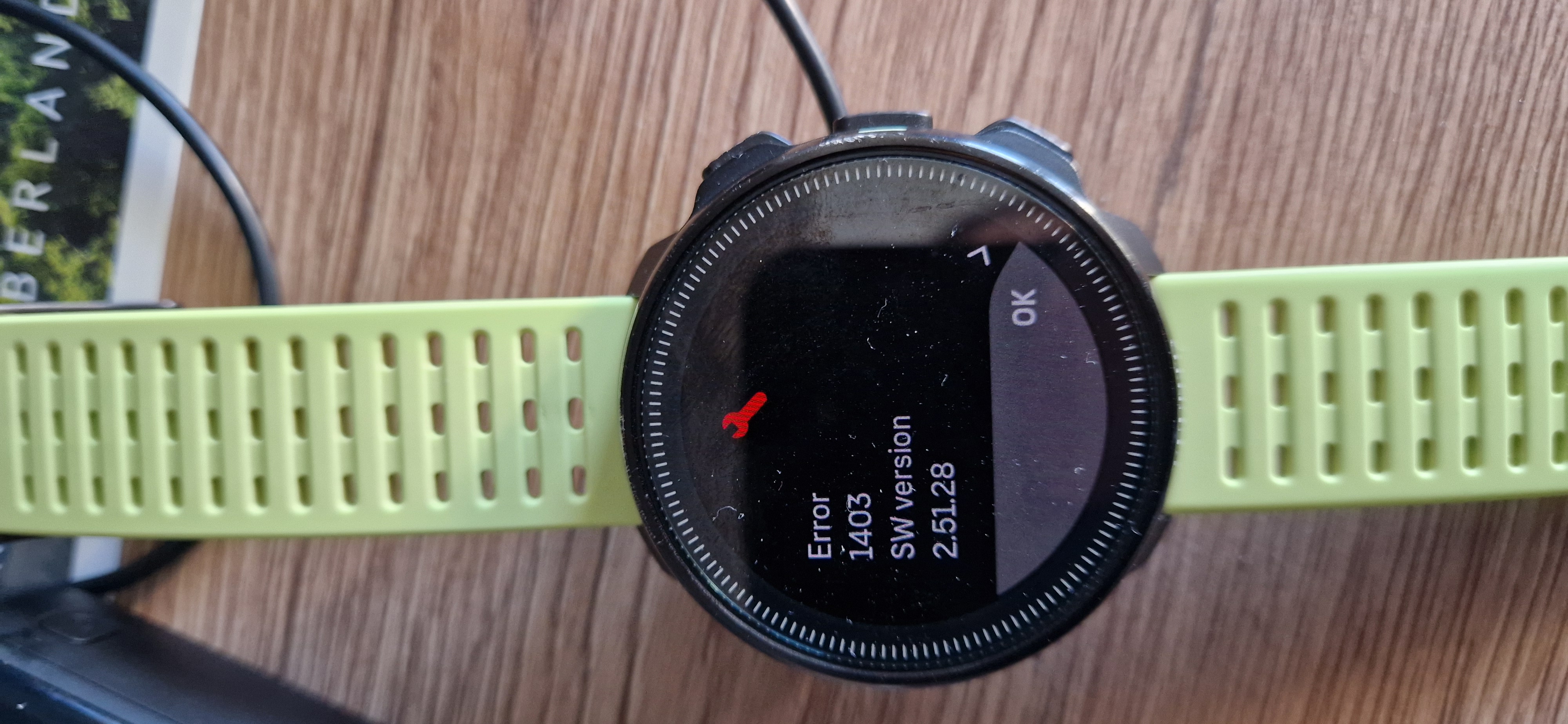
This is a long-standing, recurring issue with Suunto devices, not exclusive to the Ocean. The typical pattern involves a green progress screen repeating multiple times, followed by “Error 1403” (sometimes 1405 or 1301) and the message “the device recovered from an error,” after which the cycle repeats. Charging is a known trigger—there is an entire forum thread dedicated to resets occurring during charging, showing this exact behavior. Error 1403 is interpreted as a memory or flash error; some units recover, while others require service.
The consensus on the forum is that 1403 is a memory error—possibly a bad flash sector. Recovery doesn’t mean the problem is solved: there are reports of watches returning to normal operation for a while, only to crash during the first workout with the same 1403 error.
The culprit appears to be Wi-Fi, not the charging process itself.
The watch doesn’t remain idle while charging; once plugged in, it activates its wireless connection for background tasks. Firmware version 2.51.28 introduced automatic nightly GNSS optimization via wireless networks, in addition to map downloads.
In a forum thread discussing this exact scenario—crashing during charging, a “restored to a safe state” message, and Error 1403—a Suunto engineer analyzed the logs. Unable to pinpoint the exact cause, they asked users to do two things: disable Wi-Fi on the watch (via Settings → Connectivity) and send the logs immediately if the issue recurs.
One specific case supports this hypothesis: the crash occurred in an office where no Wi-Fi network had even been configured on the watch, suggesting a bug triggered by the attempt to connect when the charger was plugged in.
What to do:
Turn off the watch’s Wi-Fi (Settings → Connectivity). You will lose Wi-Fi map downloads, but Bluetooth syncing will continue to work normally.
Send the logs now, while the event is still recent. In the app, the option is located at the bottom of the Settings menu or within the watch menu, depending on the version.
Suunto Community
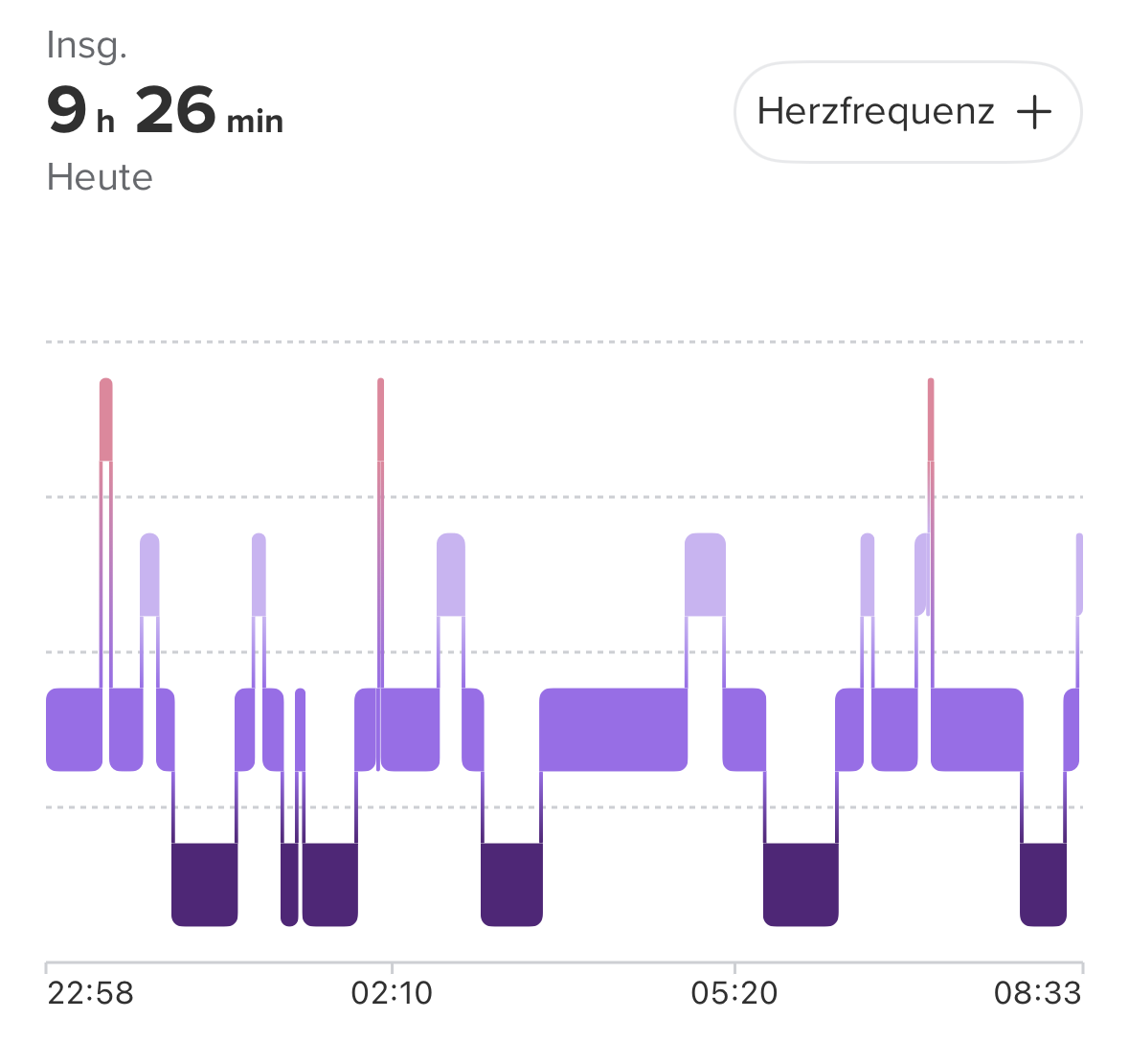
Switch to charging during the day. There are two reasons for this: you can monitor whether the issue recurs, and a night spent charging doesn’t mean a lost night in your sleep tracking streak.
Decision criteria
If it freezes again with Wi-Fi turned off, the software hypothesis is ruled out, leaving hardware as the likely culprit—in which case, it’s a matter for technical support rather than a settings adjustment. In this scenario, the records you’ve already gathered (photo, date, “only while charging”) are what support your support ticket.