• New Suunto Nautic firmware 2.49.28 (23rd January 2026)

    Pinned
    15
    0 Votes
    15 Posts
    2k Views
    Ray de JagerR
    @hhouter Thank you for this update. 🫶 In case of problems while updating Nautic: -Make sure the Nautic is connected to charger -Make SURE the power save function on the phone is OFF since it interferes with the app in a serious way in my case. Probably has to do with the power save function settings of the Suunto app. If it still fails, try turning off and back on the WIFI and BT on the phone. After reconnecting the process should resume. In my case i see the percentage increasing at least every minute. (Samsung s21 ultra) First bug or disfunction: In the dives of the divelogbook the diveprofiles are gone or don’t show.
  • Black screen after changing gas (reproducable)

    5
    0 Votes
    5 Posts
    229 Views
    D
    @Ray-de-Jager @Ray-de-Jager said in Black screen after changing gas (reproducable): @Divingpassion I had something similar. Try removing the gas, and re-add the gasses. Then you should be able to change it again. Is it correct you made the gas in a previous version? That is what ‘caused’ it with me. I dont know when I made it. But a diving computer never should hang it self and got a black window, when you add or change something. If it doesnt like gas, which were before added, than a notification should come
  • Not able to choose new gas

    1
    0 Votes
    1 Posts
    76 Views
    No one has replied
  • Transfering logged dives from old Suunto dive computer to Nautic

    3
    0 Votes
    3 Posts
    172 Views
    Pascal RoyP
    @Garageman No, there is no direct way to import or transfer dive logs from a Vyper Novo into the Suunto Nautic dive computer itself, nor to merge them natively between different computers in the Suunto app. My situation was similar with a Vyper Air (DM5 only): I downloaded the dive logs from the Vyper Air to Suunto DM5 via USB. In SuuntoLink, I used the “Import dive logs” option (under the menu) to pull the DM5 history directly into the Suunto app on my Android phone—no device connection required for this step. All my previous dives are now in the Suunto app. Unfortunately, this only consolidates everything in the app (not on the Nautic device). The app remains the central storage for historical logs across Suunto computers. So I guess that’s how it is, and it makes sense for the vast majority of users. I don’t expect Suunto to add an “export to dive computer” function anytime soon.
  • Showing bar below 30

    6
    3 Votes
    6 Posts
    423 Views
    D
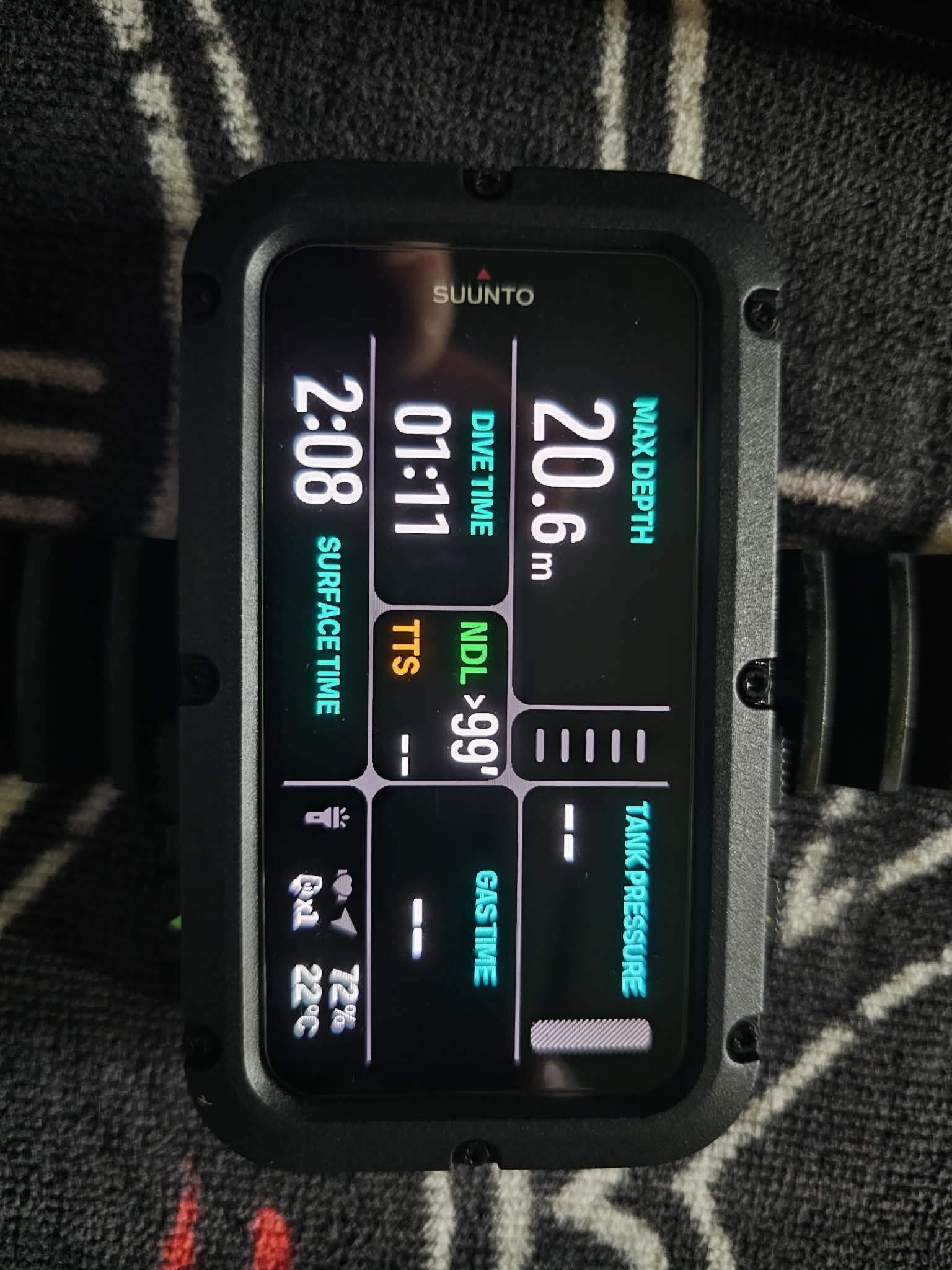
    Figured out that if its less than 30, it starts to show 0:00 gastime. And than you have change settings again, to see the actual bar. Also happens for example, if you use air pressure and gastime in the same window. Anyways, in my opinion gas should always be visible. Its also gone if you get deko, than you need to change again, to see the pressure.
  • Suunto Dive computer Nautic

    3
    0 Votes
    3 Posts
    134 Views
    H
    @octane-koh put the device on the charge cable doing this.
  • Mandatory Gas Time Alarm at beginning of the dive

    2
    2
    0 Votes
    2 Posts
    144 Views
    Ralf PlewaR
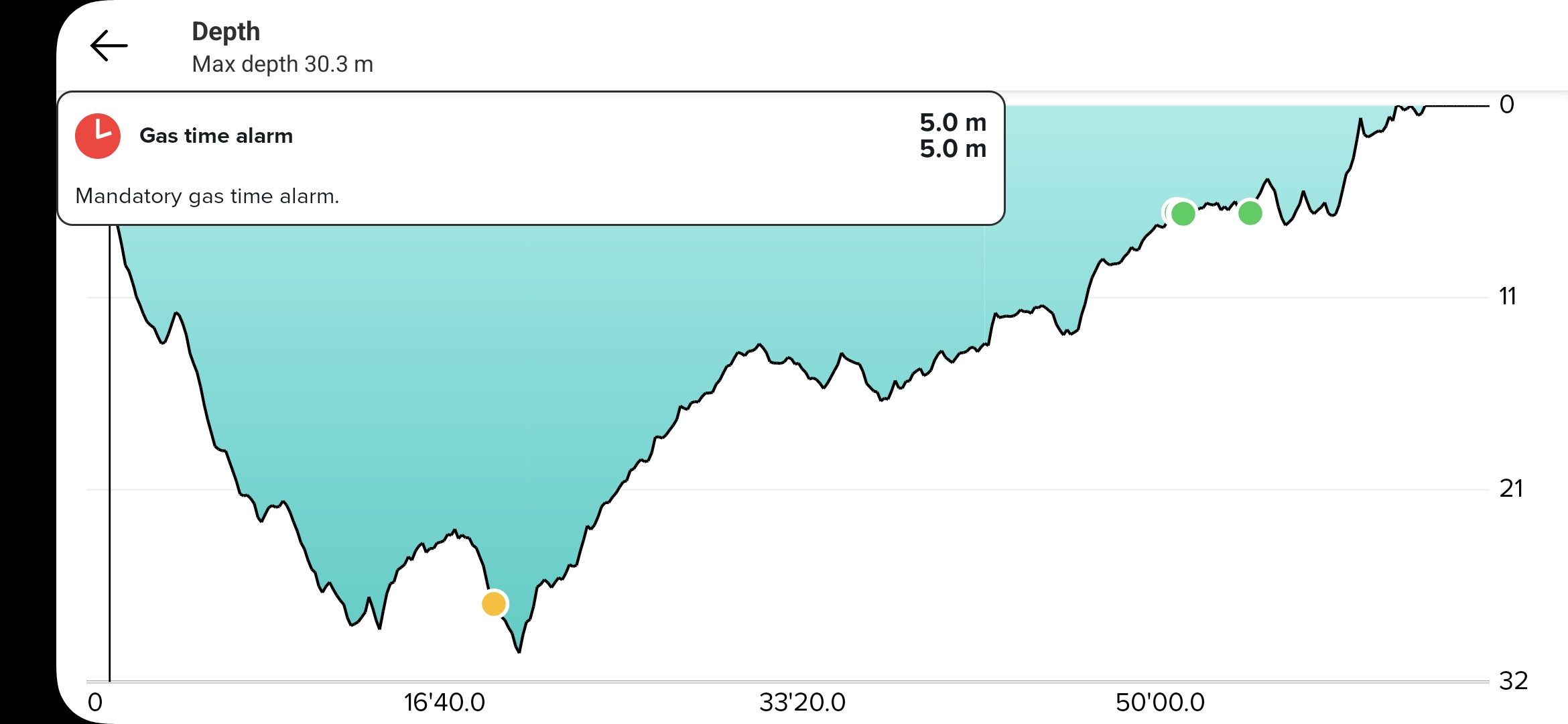
    Hi, yes, i had this issue 2 or 3 times at some dives at the very begining of the dive. I did not made an emergency ascend, because i verified my gas with my analog pressure gauge.
  • Bungee Strap is too short for winter diving

    2
    0 Votes
    2 Posts
    216 Views
    Pascal RoyP
    Hi everyone, quick tip for the Suunto Nautic bungee attachment/strap setup: You don’t need to attach both pull tabs to the retainer loop on the strap. With both tabs attached, it fits perfectly snug on my arm over a 3 mm wetsuit. With my 7 mm wetsuit, it’s way too tight, so I only attach one tab. That leaves it a tad too slack on its own, so I added a small bungee D-loop extension (just a short extra piece of bungee cord), and now it’s spot-on perfect. On a drysuit, I imagine attaching only one tab would give a great fit without any extra tweaks. Another option if you need even more length/flexibility for thicker suits (or just prefer it): you could swap the entire bungee cord for a longer one. The Nautic bungee is adjustable via knots, but replacing it with a custom longer piece (or aftermarket equivalent) is a straightforward way to dial in the perfect fit for your setup. This makes the whole thing super comfortable and adaptable depending on your suit thickness. Hope it helps anyone fine-tuning their Nautic strap!
  • Software Limitations of Suunto Nautic vs Garmin X50i

    12
    3
    5 Votes
    12 Posts
    1k Views
    A
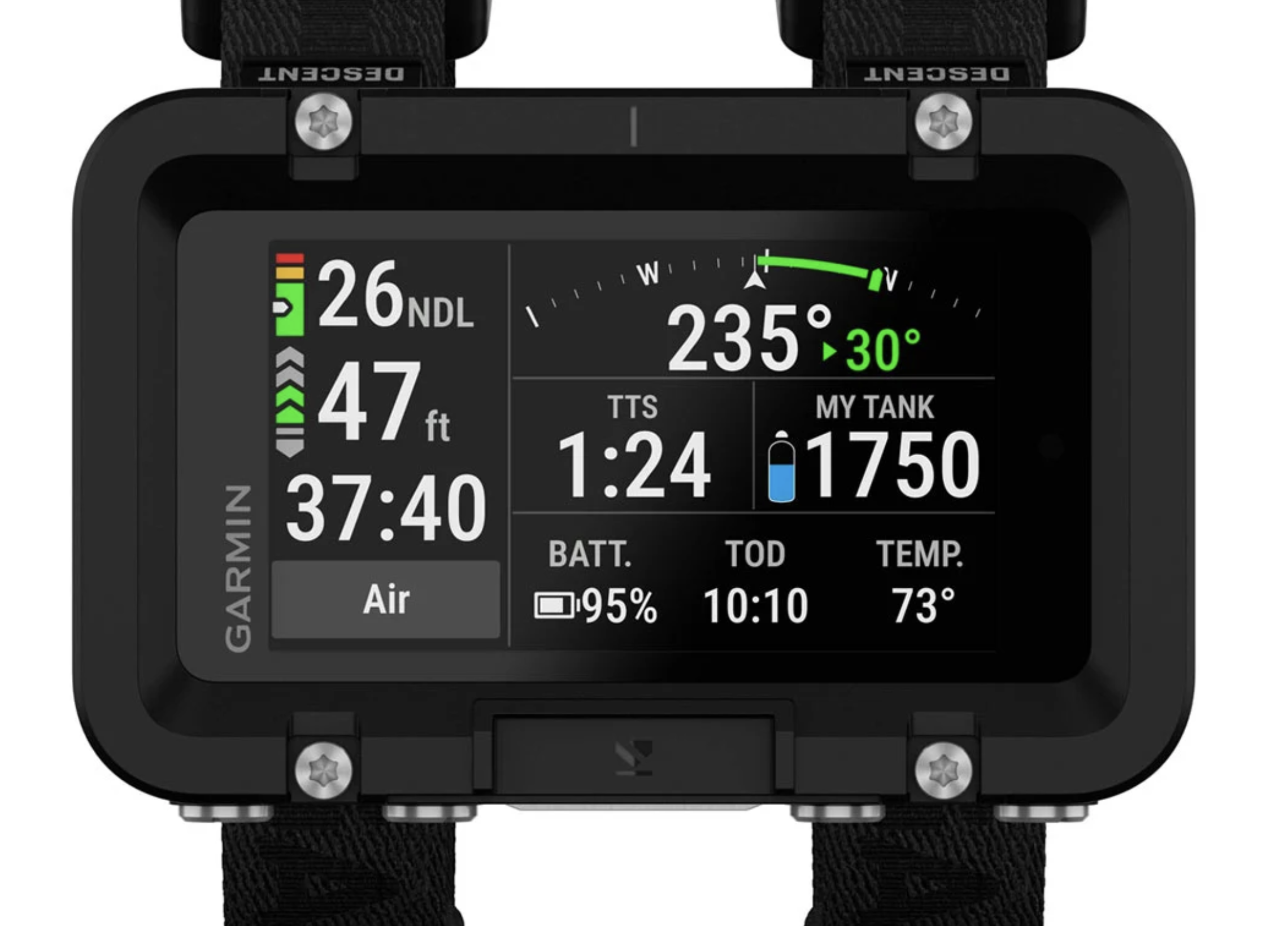
    User @divingpassion discovered that the tank pressure disappears under 30 bars. if you go below 30 bar, Suunto Nautic shows 0.0 minute gas consumption remaining. Source: https://forum.suunto.com/topic/14751/showing-bar-below-30
  • Bug... forgets the POD

    4
    1 Votes
    4 Posts
    242 Views
    N
    @Ray-de-Jager I did pair again after the update… and dived. But now it has forgotten the POD after deep sleep. @voigas Yes, the POD must have pressure to turn on. The EON pairs auto, always (this time also)… I stille use the EON as a backup (which turned out to be a good decision on this dive). It is just a software bug i the Nautic… either in loading config or in re-scan for the POSs after turned on if the POD is in the config - and if the POD is not present then give a Warning POD not found! (This might be good if someone has forgot to turn on the air on, also!) I guess that it will be solved soon…
  • New Firmware is available… 2.49.32

    1
    0 Votes
    1 Posts
    130 Views
    No one has replied
  • Compass bearing

    1
    1
    1 Votes
    1 Posts
    128 Views
    No one has replied
  • Custom Maps in Nautic

    4
    0 Votes
    4 Posts
    394 Views
    Ray de JagerR
    @Hugues78fr Yes I understand, that is why I said it is a great idea, and thus i was taking it hypothetically further…very often at a diveresort or liveaboard they show you this drawn card. I would find it a great feature if i could just take a picture and have it on my wrist! The Nautic has an awesome screen…so i guess showing a drawn map or picture for me would be SUPERHANDY If there was ANYTHING on my wishlist that would be it! Tides and maps…tssshhh…i have a phone
  • Wearing direction

    4
    0 Votes
    4 Posts
    493 Views
    H
    @mitchellrishe get the latest firmware from 13/02 it will fix this issue.
  • Nautic stuck in boot loop

    4
    1
    0 Votes
    4 Posts
    347 Views
    Ray de JagerR
    @JeffBB I noticed that while updating and or transferring offline maps it needs to be connected to the charger… Edit: Oh didnt see you sent it away and it got resolved.
  • Do you like to see dedicated diving APP for Nautic, Ocean & Nautic S

    4
    0 Votes
    4 Posts
    334 Views
    P
    New branch of software is a bad idea. Same problem as with firmware - less frequent updates due to complexity. I see no issues using Ocean both for diving and other activities and all logged in a single app. Besides, lots of features like maps, notifications are universal to activities so having two separate apps would be worse than frequently updated one.
  • Tank pressure must be displayed at all times!

    6
    6 Votes
    6 Posts
    618 Views
    H
    # Suunto Request: It would be great if can you make a Switch Window “Compass View” double field. In this case we can assign it to the main screen and have the pressure + compass in a single view. The view would be perfect to hold position and check regurarly during the dive. The limited view should hold the position N/S/W/E markers and bearing indication as in the picture below. [image: 1770198867673-suunto.png] [image: 1770200200608-suunto2.png]
  • Adjustments to FR labels

    5
    1 Votes
    5 Posts
    421 Views
    el.FakirE
    @2b2bff said in Adjustments to FR labels: But the things I mentioned months ago are still not worked in into the iOS App… That would be disappointing. An active and engaged community is a real asset and a win-win opportunity. Nautic is quite well designed from a hardware point of view. Most of the issues discussed here are minor software and UI refinements: low cost, but high impact on product quality and user experience.
  • Where is the Tide Widget?

    6
    2 Votes
    6 Posts
    568 Views
    S
    @GiPFELKiND we need to push the need of the TIDE widget for all watches. That’s why I reply. Hope suunto will soon include it in the next software update.
  • Missing features & new functionalities

    8
    0 Votes
    8 Posts
    747 Views
    EgikaE
    @Nandodiver had to lough hard when the “soonish” was transcripted into “Suunto-ish” [image: 1769503821565-9013d03f-c96b-4e71-bb1b-8fc5e0e1fb43-image.png]

Suunto Terms | Privacy Policy