• Misallocation of activity date

    1
    0 Votes
    1 Posts
    207 Views
    No one has replied
  • Can't remove routes from the watch

    5
    0 Votes
    5 Posts
    796 Views
    F
    That’s worked, thanks It was extra annoying as the 2 orphaned routes were named very close to routes I wanted to keep and I kept getting confused. Much better now
  • TSB / Form / bugs?

    3
    1 Votes
    3 Posts
    538 Views
    Brad_OlwinB
    @James-Eastwood Welcome and yes, have to wait for TSB, and keen the questions coming!
  • pool monitoring problem

    1
    0 Votes
    1 Posts
    195 Views
    No one has replied
  • Latest activity will not download

    1
    0 Votes
    1 Posts
    233 Views
    No one has replied
  • Garbage battery life on brand new Suunto Race S

    Locked
    2
    0 Votes
    2 Posts
    838 Views
    sartoricS
    @Ian There are lots of existing discussion about this topic. like this one or search result I would contact support as it looks like a defective battery Locking to avoid duplicates.
  • Screen protector recommendations for Race S

    9
    0 Votes
    9 Posts
    3k Views
    S
    @Dragan thanks you for recommendation. It looks good. I ordered the same screen protector yesterday.
  • Suunto Race S push-pin holder

    9
    1
    0 Votes
    9 Posts
    2k Views
    ChrisAC
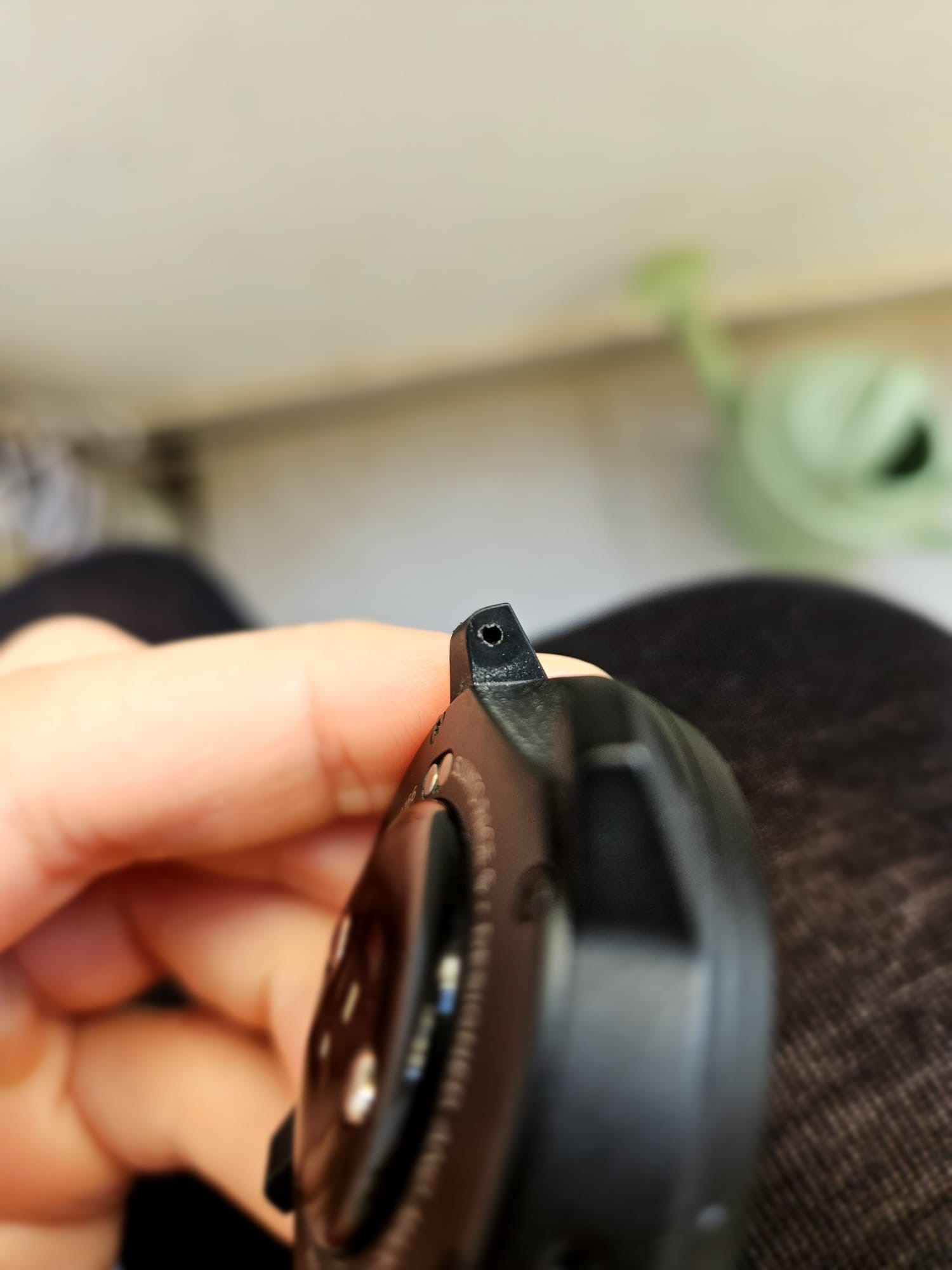
    @shai-cristallo did you check if the band or the watch isn’t subject to forces applied by the back of your hand (or wrist movement at all), e.g. when doing push-ups or grabbing weights/ handlebars - anything where you lower arm muscle contract etc.? It looks like you wear it very close to your wrist ankle. I cannot wear it that close during training, because it would be too near and interfere with movement. [image: 1744792098377-img_5915.jpeg]
  • Distance in Race s

    Moved
    5
    0 Votes
    5 Posts
    732 Views
    matthinshM
    @rizojm is this even possible to do accurately with any watch? I’ve not heard of it without needing GPS on.
  • Race S Battery drain vs Race

    2
    0 Votes
    2 Posts
    456 Views
    TieutieuT
    @MoTrailrunner never had such battery drain on my RACE S. Don’t know how to directly help, but here are my settings (i would say around 5% battery drain per night). For sur what drains battery the most is backlight. Maybe also notifications ? Eco mode OFF main permanent backlight setting OFF sounds : buttons OFF vibration OFF Alarm BOTH backligh : LOW permanent display OFF raise to wake DISPLAY ONLY Notications OFF H24 HR tracking and sleep tracking ON (sleep period set to 23h to 7h) VFC tracking ON SPO2 tracking OFF auto DND mode ON (same than sleep 23h to 7h)
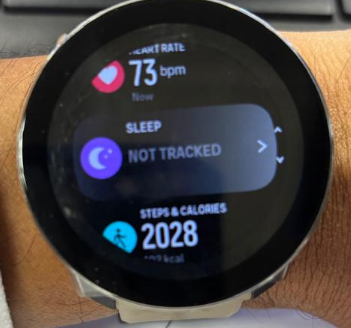
  • Suunto Race S not tracking my sleep ( firmware 2.40.38 )

    4
    3
    0 Votes
    4 Posts
    739 Views
    2
    @kaab6271 as there is an Auto DND feature I asked specifically for manual activation. So, my guess is that enabling DND makes the watch more aware of a possible sleep cycle or napping. I don’t know if it doesn’t work without enabling DND. I only tried one night and it didn’t detect sleep. But as Suunto doesn’t respect focus modes on iOS it sends all the notifications over to the watch even with “sleep” focus mode. Therefore disabling DND has not proven to be useful to me…
  • The alarm clock isn't working in the mornings.

    14
    0 Votes
    14 Posts
    2k Views
    thanasisT
    double post
  • Suunto Race S ignoring some settings

    3
    0 Votes
    3 Posts
    885 Views
    M
    OK I found the “Problems”: To disable the Notification sounds I needed to change two settings: Control Panel -> Settings -> General -> Tones -> All off Control Panel -> Settings -> General -> Tones -> Alarm -> Vibration I just changed the second one … bit confusing. Setting Control Panel -> “Aways on display” does keep the display on, but the WatchFace nevertheless changes to a very minimalistic one … bit confusing. And also bit confusing, there is another “Aways on display” setting here: Control Panel -> Settings -> General -> Display -> “Aways on display”
  • Suunto Race S - Heart Rate Monitor issues - Software Version 2.40.38

    1
    1
    1 Votes
    1 Posts
    370 Views
    No one has replied
  • Turn by turn navigation problems

    Locked
    2
    0 Votes
    2 Posts
    479 Views
    Brad_OlwinB
    @phipsi161 closing this, see discussion in release thread!
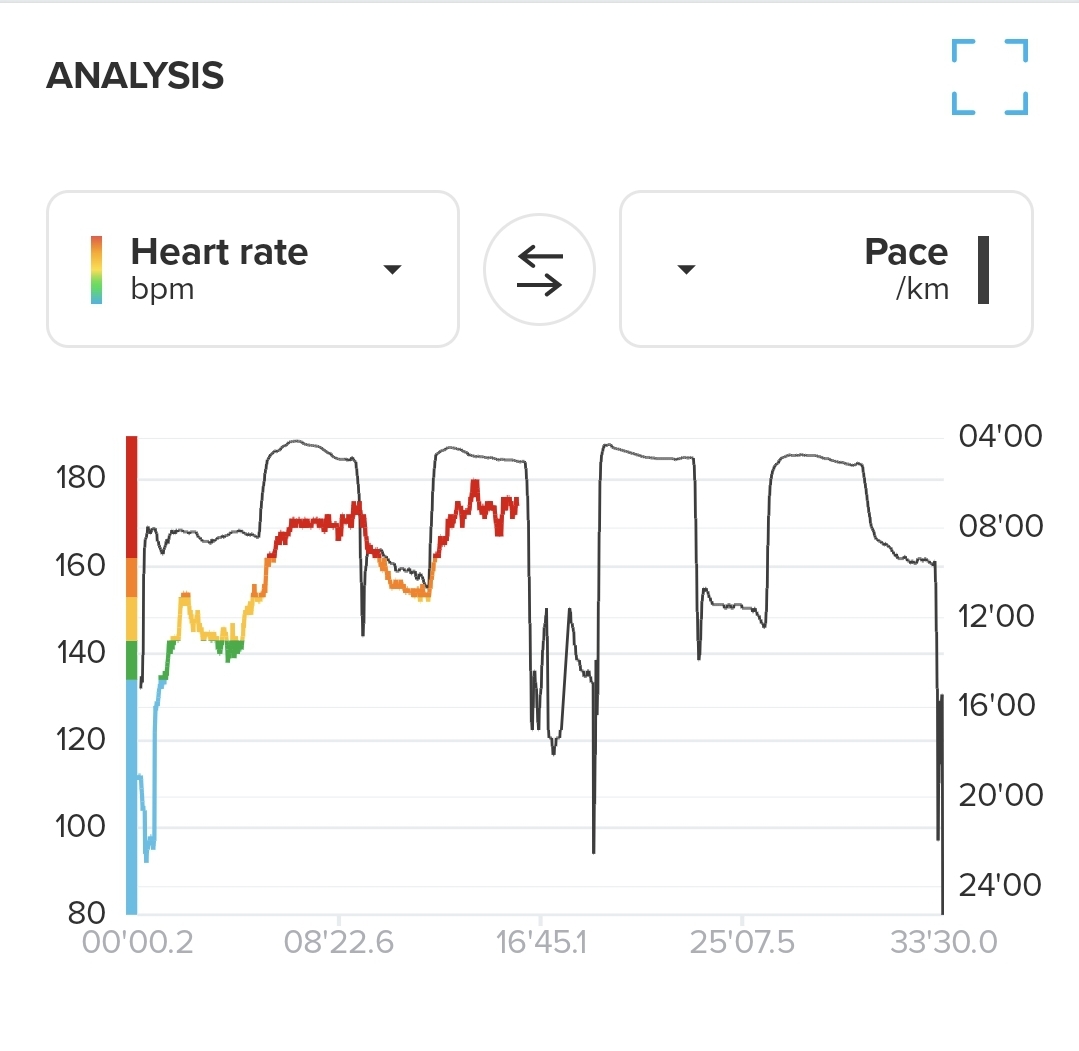
  • race s HR suddenly missing in action while in the run

    1
    2
    0 Votes
    1 Posts
    207 Views
    No one has replied
  • Thinking of getting a Race S

    4
    0 Votes
    4 Posts
    897 Views
    brechtvbB
    @gshaw34 Hear rate sensor is just bogus. I will post some heart rate screenshots in https://forum.suunto.com/topic/11854/suunto-race-s-optical-heart-rate-sensor-accuracy/13
  • Suunto Race S Watch Face Resets After Syncing"

    5
    2 Votes
    5 Posts
    1k Views
    Matthias JäggliM
    Exactly! Hey Suunto team, this is so annoying, everytime the watch updates itself, it resets all colors and watch face. Please fix this
  • How to clean the sticky crown?

    2
    0 Votes
    2 Posts
    563 Views
    Martin NavrátilM
    @Patrick-Rx What works for me with sticky buttons (for crown should work as well) is luke warm water with some liquid soap, I put it in the glass and leave the watch 2-3 hours inside. You can gently stir it.
  • Compatible chest straps

    3
    0 Votes
    3 Posts
    1k Views
    H
    @Seybothula any bluetooth HR belt can be used with these watches. One thing to watch our for is whether the particular device transmits R-R interval data (like the Suunto Smart Sensor or Polar H10 do) or just HR snapshots. R-R data is required for ZoneSense to work. The only feature Suunto watches only support with Suunto Smart Sensor is the capability to use the sensor’s memory to store the HR data while the watch is out of BT range (like during swimming).

Suunto Terms | Privacy Policy