• 1 Votes
    3 Posts
    414 Views
    Mister PYCM
    @Brad_Olwin Hello Brad I’m not in agreement with you why ? first of all the crown is already unlocked when buttons are lock, you can always click on it to navigate from one screen to the other secondly what I’m suggesting is to unlock the rolling of the crown when you are on the specifi map screen so that the zoom IN and OUT can operate. such a feature does not damage in any manner anything. We should come back to the original reason why the buttons were locked The sole danger of not having button locked is that in the middle of an exercise and exactly as you said the poles or a press by your clothes could stop accidenatly the recording. this is the sole big danger that you may encounter. It happened to me mutiple time with my SUUNTO 9 baro when I was forgetting to lock the buttons. Apart that, OK for sure it might not be enjoying to see the screen on another one but there is no danger. in reverse locking the button and firbidding by such a zoom in and out is again creatign danger, if you want to zoom in/out you will be obliged to unlock and not only you loose time but also you take the risk to forget to lock again or to do a wrong manpulation Hence fo me the current lock is perfect except on the map, here the rolling to zoom in and out should work also in a locked button mode which I hope you will agree with me is not a big change versus what we have already today and you are also requesting
  • Suunto Race - apps wont load on the watch

    5
    0 Votes
    5 Posts
    493 Views
    ?
    @Alexander-Stewart73 “Press and hold the upper button for 12 seconds and release it to perform a soft reset.“ https://www.suunto.com/Support/Product-support/suunto_race/suunto_race/settings/resetting-your-watch/
  • Suunto Race Sw update Problem

    1
    1
    0 Votes
    1 Posts
    354 Views
    No one has replied
  • Custom battery mode + and pause button when seeing maps

    3
    1 Votes
    3 Posts
    364 Views
    V
    @Egika Tanks for reply, then I can stop searching
  • Suunto livetrack

    13
    1 Votes
    13 Posts
    3k Views
    EgikaE
    @JVMT74 things don’t come to live from just time passing. Product management will always prioritize. This can lead to things not coming at all, even if the idea has been there for ages.
  • Watchfaces Complications

    Locked
    4
    0 Votes
    4 Posts
    545 Views
    sartoricS
    Locking to avoid duplicates
  • Step count calculation during the "Hunting" activity

    4
    2 Votes
    4 Posts
    316 Views
    I
    @ben_cb Sorry to ask, but I have never got that detailed results with my Verical paired to a Android device. How can you get all that?
  • Interval Training - Alert when I'm not in the pace range

    17
    7 Votes
    17 Posts
    3k Views
    Rija RajohnsonR
    I’ve performed my interval training with my 4yo Forerunner 745 2 days ago… Perfectly in the pace range. I’m done anyway, I’ve sold my watch, I can’t run another quality session …
  • Race GPS erratic behaviour with poor coverage

    3
    1
    2 Votes
    3 Posts
    358 Views
    Stefano M64S
    @far-blue said in Race GPS erratic behaviour with poor coverage: My understanding is that the Race and the Race S use identical hardware and identical firmware so the only difference will be the antenna design and whether both watches have the same gps data file sync’d to them. They were both synced before the activity, in fact the overall track is very similar, the problem arises when the signal is weak. It seems strange that the smaller Race S has a better antenna. I’m wondering if this a common problem for the Race model, or just of mine. If common, maybe an appropriate filtering of the GPS data could minimize the effect.
  • Altitude incorrect after exercise

    16
    0 Votes
    16 Posts
    1k Views
    Christos TsampasC
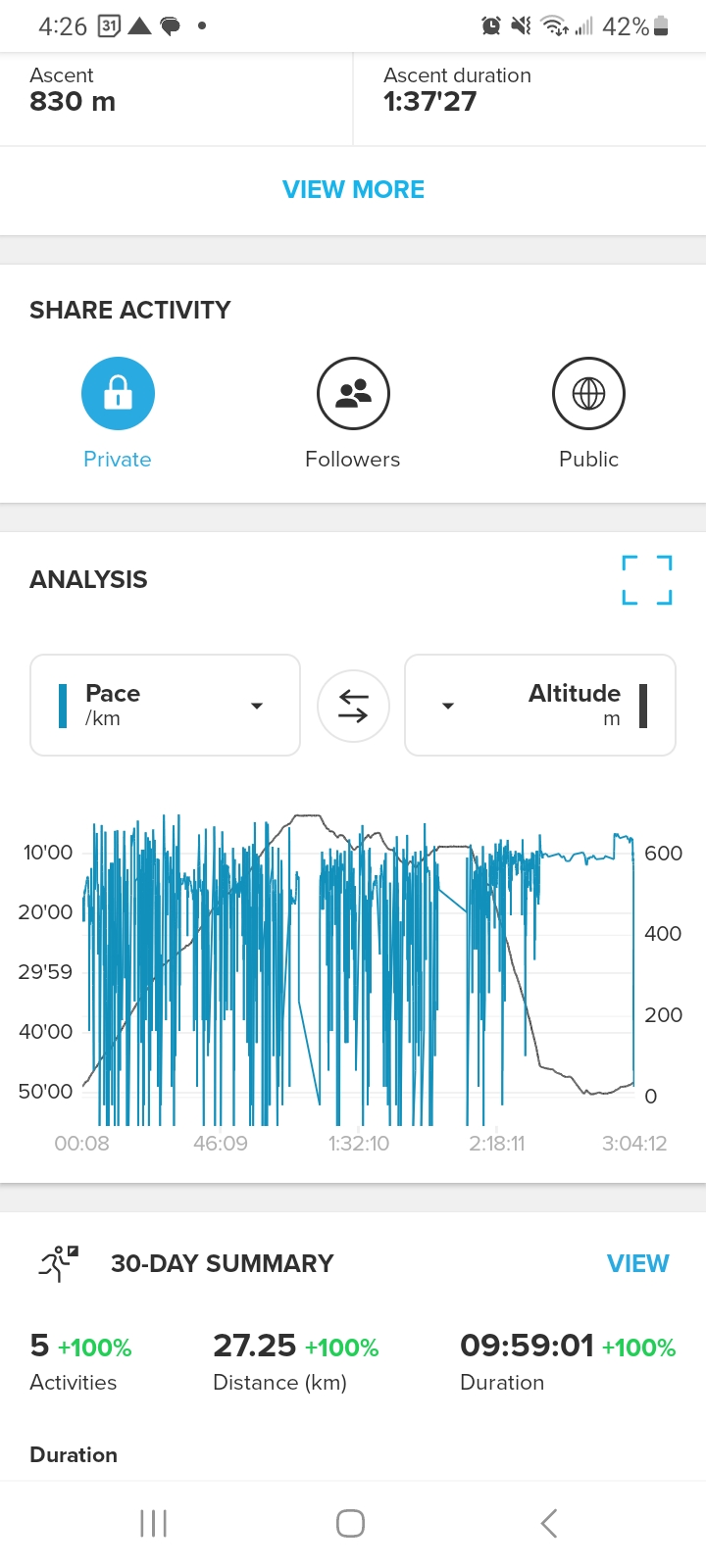
    @isazi Also not working properly At the app at the altitude analysis report seems most of the activity below Zero. How could it works right all the time, during the activity and also rest of the day?
  • Connection Problems with my Suunto Race

    3
    0 Votes
    3 Posts
    1k Views
    J
    @Todd-Danielczyk Thank you so much.
  • 0 Votes
    5 Posts
    2k Views
    M
    @tim3g totally agree. I really like the recently published software update for the Race. Stratum watch face looks awsome. But the always on display has such thin lines, it only looks good when there’s not too much light. Digits are barely visible in normal lightning conditions - looks almost like the display is off. The battery of my Race lasts for about six days. Would be fine for me, if if have to recharge it every four days, If I had an option to enable a brighter watch face. In darkness most of the AOD watch faces are too bright. Maybe there can be differnet types for different lightning conditions.
  • Sleep track "feature"

    sleep traking
    1
    0 Votes
    1 Posts
    305 Views
    No one has replied
  • The sleep tracking is not working with 2.37.34 on RACE.

    2
    0 Votes
    2 Posts
    251 Views
    Brad_OlwinB
    @juamram Mine is working well. Check you HR is on 24/7, Sleep tracking is enabled and auto DND is on. I would try a soft reset as well.
  • Poor GPS performance (compared to Race S)

    20
    2
    1 Votes
    20 Posts
    3k Views
    N
    Update from next activity: I have been out for a running activity again following almost the same route as before. In the meantime, a firmware update has been released and I performed the update. Additionally, I have followed the advise from Suunto website’s FAQ and replies in this post: performing a soft reset on the watch and making sure I have synced the watch with the phone before the activity. This time the GPS tracking was nearly spot on. I will keep checking in the coming activities to see how this progresses. Thank you all for the inputs.
  • Not clear wether HR is from HR monitor or watch

    2
    0 Votes
    2 Posts
    226 Views
    isaziI
    @mrtn22 in the pre activity start page you have different icons for the OHR internal module (a heart), and an external HR monitor (a heart with a strap around it)
  • No HR detection

    6
    1 Votes
    6 Posts
    712 Views
    Jussi VaihiaJ
    Seems to be fixed in 2.37.34. No issues today on day of update. Fingers crossed…
  • DND during activity disable activity notifications

    19
    2 Votes
    19 Posts
    2k Views
    Anthony GuillemetteA
    @Mff73 yep, could be another workaround. But it need to be manually reactived after activity. Still just a workaround ^^
  • Sync watch faces

    Locked
    2
    0 Votes
    2 Posts
    305 Views
    sartoricS
    No need to open a new topic replying to an existing one. Use te one linked https://forum.suunto.com/topic/11539/watch-faces
  • Always on setting during activity (cycling)

    18
    0 Votes
    18 Posts
    3k Views
    K
    Hey on the topic of always on mode. It was added in some last update but not working as expected (or maybe I’m not setting this up right). So in cycling mode I have display setting in always on + 3 options: off, display only, full awake mode. Non of it allows to have maps screen always on when watch on handlebar. So it’s working on any other screen in cycling mode BUT not maps. Make no sense as you can’t use the function as it’s described so always on. Any plans to change it I next software update. I use my suunto race mounted on handlebar and it’s useless when I want to use maps for direction…

Suunto Terms | Privacy Policy