• [bug] Chest HR monitors not staying connected

    1
    0 Votes
    1 Posts
    216 Views
    No one has replied
  • Suunto Race 2 missing one led?

    2
    1
    0 Votes
    2 Posts
    611 Views
    EgikaE
    @Tami999 this is working as designed
  • Race 2 OPEN WATER

    10
    0 Votes
    10 Posts
    2k Views
    gerasimosG
    @Artus-Diver not only acceptable but this is absolute PERFECT!! check this the older drifts of gps https://forum.suunto.com/topic/13279/open-water-gps-drifting/57?_=1757339542401
  • Suunto Race 2 Reviews

    16
    3 Votes
    16 Posts
    4k Views
    wzxecrW
    Active Ideas (Navigation focus) : https://www.youtube.com/watch?v=TABQygGp3J4
  • Sleep Tracking

    1
    0 Votes
    1 Posts
    185 Views
    No one has replied
  • No difference brightness levels

    5
    0 Votes
    5 Posts
    704 Views
    T
    More a judge by the eye. During the day, I could actually notice differences. Especially on the lighter maps. These are really only subtle differences, but at least there’s a difference. It would still be better if there were more than three levels of brightness.
  • Bug: Time in HR zones wrongly calculated

    1
    0 Votes
    1 Posts
    235 Views
    No one has replied
  • First questions about the Race 2

    47
    0 Votes
    47 Posts
    11k Views
    wzxecrW
    Hello. I probably miss something but I set “Buttons off” under General / Tones But still when launching an activity (if GPS is not yet ready or when starting / pausing / stoping) it beeps and vibrate Is this the right way to disable any button beep (if not could you pelase tell me how to do that) ? And if so do other Race 2 users have the same issue ? Race 2 / Firmware 2.46.4 Thanks
  • [ bug ] Low brightness setting

    4
    0 Votes
    4 Posts
    818 Views
    M
    @helgonet12 Indoor, watch mode, just raising my wrist I and pressing button for full activation of the watch, I was surprise one more time by the brightness. That was not ‘low’ at all, more high than low or even medium. So I went in the general setting, set display to medium and screen came back to an effective ‘medium’ brightness. Then I set it on Low, and then brightness was lower than medium. So I guess there is a bug about that display setting
  • Track didnt record in map Screen

    1
    1
    0 Votes
    1 Posts
    203 Views
    No one has replied
  • Unresponsive Crown

    2
    0 Votes
    2 Posts
    630 Views
    martintrailM
    I would return it, it looks like a manufacturing problem.
  • Setup New Watch

    5
    0 Votes
    5 Posts
    805 Views
    Stoke80S
    @Stoke80 Ok, then I see the reason behind this setup. Thank you
  • Compilations change on default watch face?

    2
    1
    1 Votes
    2 Posts
    677 Views
    ?
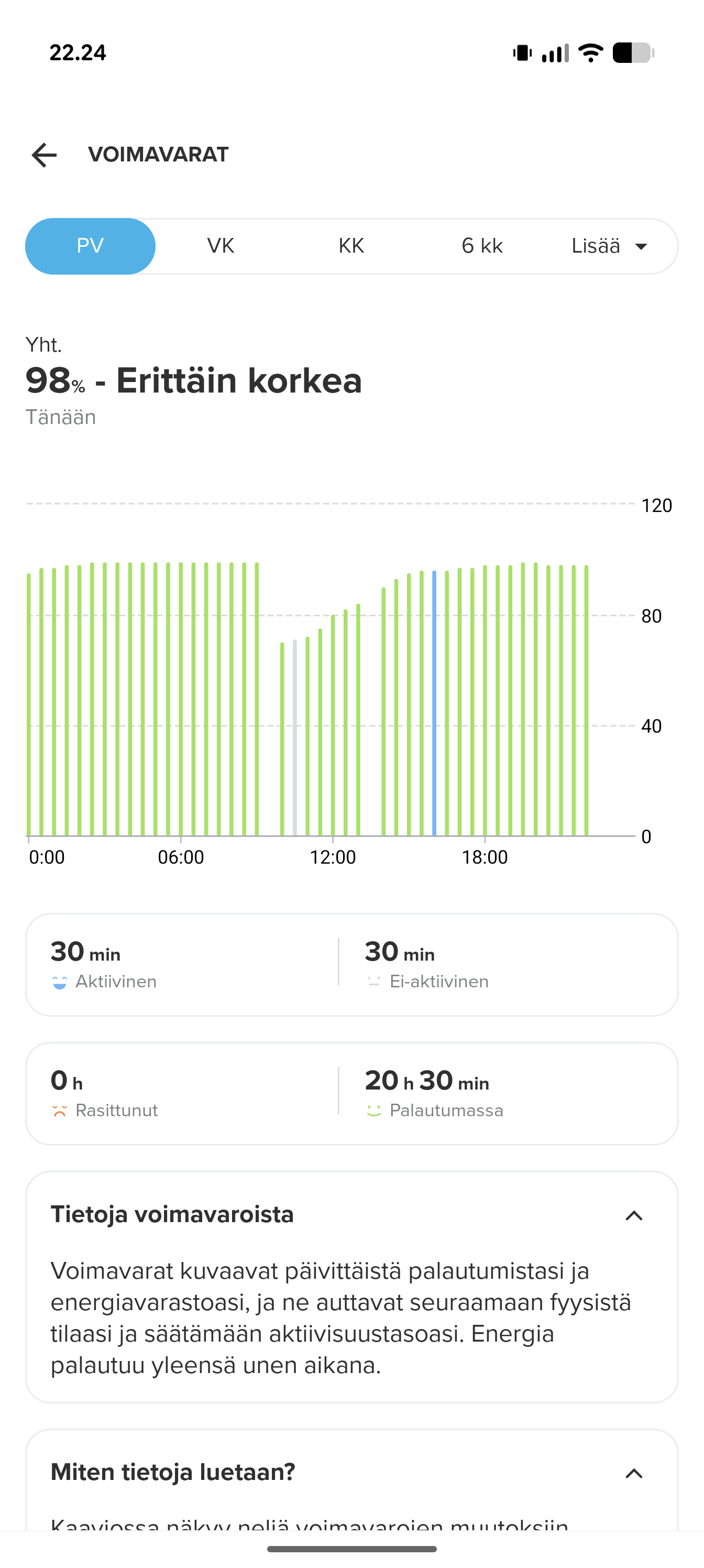
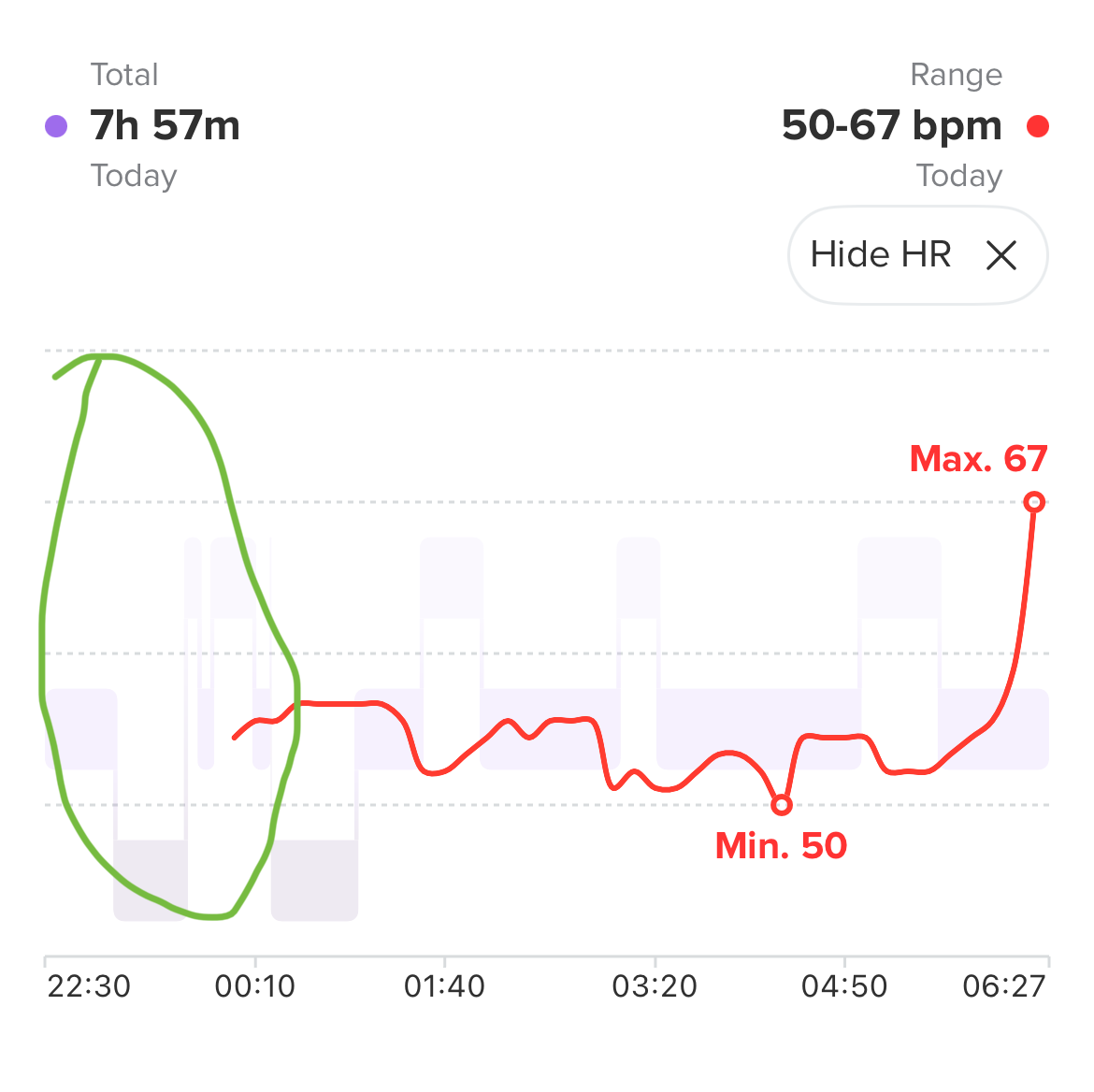
    @krzyśMac Hey, at the moment Resources do not match the phone app, it’s apparently a bug. In my experience sleep tracking was a bit better with Race 1, in my case Race 2 doesn’t recognise waking times (when I go to the toiled during night i.e.), it doesn’t show. The graph you are asking about is fixed, you cannot change it at the moment. Other than that it’s a pretty good watch, just not that advanced compared to Race S/Race 1 at this time. Of course, compared to Race S the display is huge. And I think more features come in the future, but right now I wouldn’t see a reason to upgrade, other than the display.
  • returning to suunto with the Race 2, few startup question

    4
    0 Votes
    4 Posts
    913 Views
    N
    @surfboomerang Thanks for the reply. 1: is fixed with custom sports mode, perfect! 2: a little annoying that i have to turn dnd on/ off manually, but mybe it will be an option to turn notifications off during workout, in future fw. 3: not good- button lock on, sports data pages still changing with a short press of middle button. A custom sportmode, can help, just having one page, or only usefull pages, that will do fine. Even worse, a force reset was made twice during my latest workout, im not even sure which button needs to be activated to perform that hard reset, but it did, twice, during handstand and handstand walk
  • Understanding the different icons on the watch

    9
    1
    1 Votes
    9 Posts
    2k Views
    EgikaE
    the above linked picture is from here: https://www.suunto.com/Support/Product-support/suunto_spartan_ultra/suunto_spartan_ultra/getting-started/icons/
  • Heart Rate zones in the App?!

    2
    1
    0 Votes
    2 Posts
    733 Views
    ?
    I read it as you can change them on the watch and synchronize with the app, or?
  • Heart Rate Widget broken?

    3
    1
    0 Votes
    3 Posts
    633 Views
    GiPFELKiNDG
    @duffman19 ah good to know thank you for your answer

Suunto Terms | Privacy Policy