• Swimming pool laps inaccurate

    8
    1 Votes
    8 Posts
    379 Views
    F
    Yesterday I have tested indoor swiing with the latest update 2.50.26 and it seems to be to sensitive now. Before it misssed some turning points; ± 2 in 100 laps or 2,5 km. Now i think it has devided soms lenghts in 2, adding 4 or 5 laps on 1,9 km. I can upload my latest fit files if they want to investigate further…
  • The sleep widget is acting up. How do I fix it? (Edit: FIXED)

    20
    0 Votes
    20 Posts
    831 Views
    enriqueescomsE
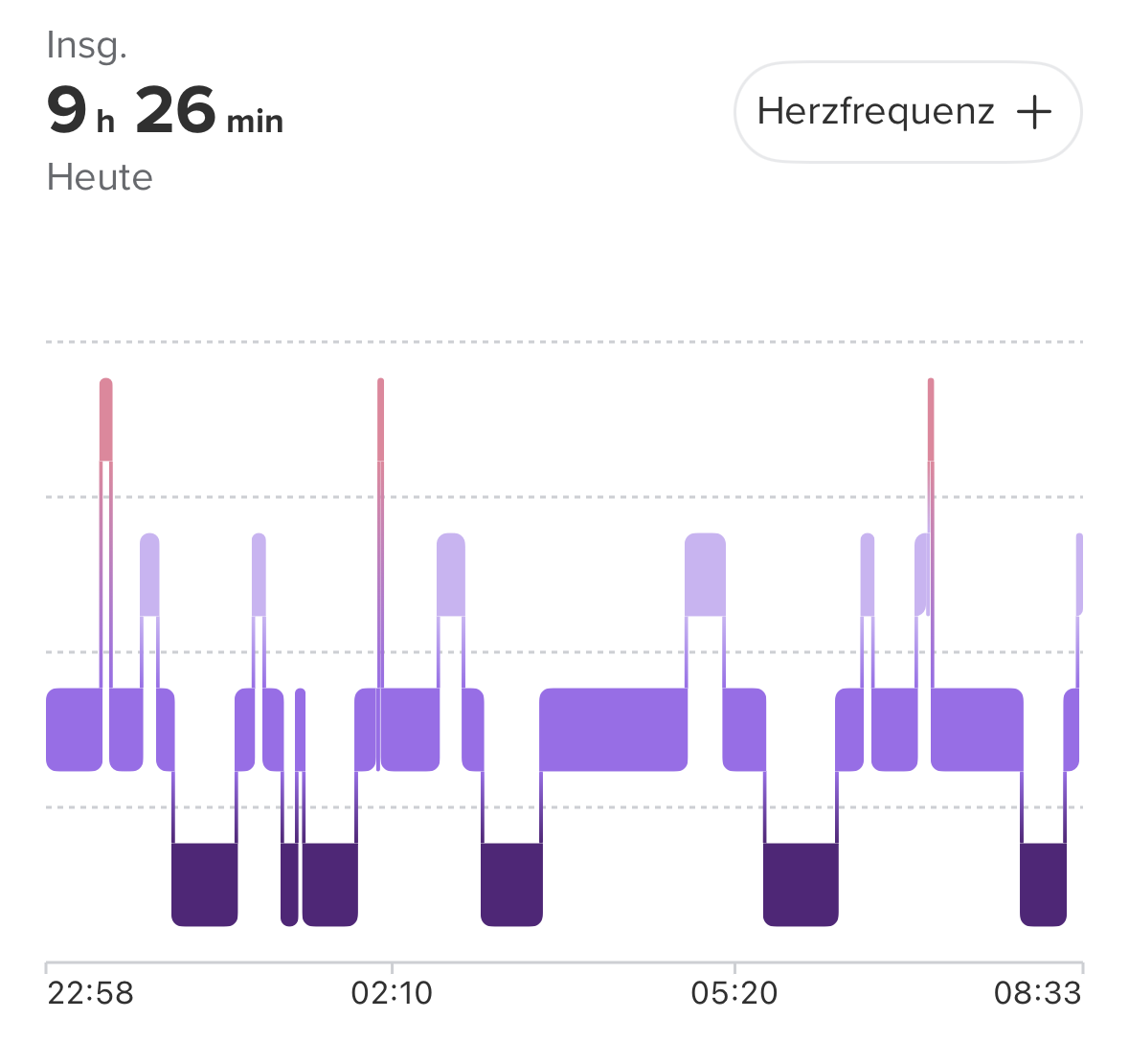
    @prairiedog Wow! Well, I tried a million things. First, I tried downgrading, but it only put the watch in safe mode for several hours. Then I reinstalled the same firmware version. Multiple soft resets. Nothing. I did a hard reset, and it was useless. Then I went back to using my 9PP (disconnecting the Race S), on which sleep tracking worked. I went back to the Race S, still nothing. Then I adjusted the sleep time on the 9PP from 0.00 to 0.00 and went back to the Race S again. Nothing. Finally, I reinstalled the app with the Race S connected, and magically, it worked. So I don’t know if it was a combination of factors or just the app reinstallation.
  • SuuntoPlus Guides are not syncing

    7
    0 Votes
    7 Posts
    320 Views
    2
    Ok, after the Q4 2025 update, the Guides did sync again. I hoped for this…
  • faslche Höhenberechnung bei Wanderung

    2
    0 Votes
    2 Posts
    51 Views
    EgikaE
    @Lieschen ja, das kann mit Wind zusammenhängen. Lies Q6 hier: https://forum.suunto.com/topic/9960/more-faq?_=1767791515532 Das FW-Update von heute sollte diesen Effekt minimieren.
  • Service mode

    3
    0 Votes
    3 Posts
    156 Views
    Amelie LepreuxA
    @Tieutieu thank you very much!
  • Sleeptracking not showing in watch

    5
    1 Votes
    5 Posts
    227 Views
    P
    @fiiamh Yes, I also have this issue. I commented on @enriqueescoms post as well. Just commenting here for visibility. Hope it gets fixed soon!
  • Suunto Race S optical heart rate sensor accuracy

    26
    1 Votes
    26 Posts
    6k Views
    I
    Buenos días, desde la última actualización el sensor óptico de frecuencia cardíaca de mi sunnto race s no funciona correctamente. Al iniciar la actividad no me lee la frecuencia y aunque lo reinicio y comienza a funcionar enseguida me doy cuenta que las lecturas de frecuencia cardiaca que realiza no coinciden con el esfuerzo que estoy realizando. Sabéis su sunnto va a solucionarlo, o directamente tengo que comprarme un sensor externo o directamente cambiar de reloj, aunque tiene poco más de un año.
  • ZoneSense hickup

    1
    2
    0 Votes
    1 Posts
    123 Views
    No one has replied
  • Race S Problem after last update 2.44.46

    12
    0 Votes
    12 Posts
    2k Views
    Brad_OlwinB
    @Valentin-Schulz You could wait for an update that should be soon but this should not be happening. I would try a hard reset but that seems to be what has happened. Try a hard reset and if still an issue it might be faulty hardware and will be replaced.
  • I almost messed things up.

    1
    2 Votes
    1 Posts
    110 Views
    No one has replied
  • Suunto Smart Heart Rate Belt keeps losing connection to the watch

    4
    0 Votes
    4 Posts
    234 Views
    JaakkoKJ
    @Brad_Olwin @SuperFlo75 Thanks, I’ll wait for the update and hope it solves the issue
  • Tides

    6
    4 Votes
    6 Posts
    853 Views
    M
    I would like times for high and low water plus heights based on the nearest reference port and a tide graph. For example I know I can navigate a particular channel when the depth of water at Mallaig is 3.3m or more. The channel isn’t at Mallaig but that’s the reference port I use for this location and the depth at a particular time is more useful than the actual time of HW (or the time of HW locally because a neap tide may not reach the required height, even at HW) If I have times and depths of high and low water I can work it out manually from that but a graph makes life easier. I’m a sea kayaker as well as a runner and this information would be helpful. However in a situation without phone coverage such as on a multi day trip I’m not sure if the software could load or store and display advance predictions and if there was coverage it might be more efficient to view it from actual tide tables or on a smart phone. Or simply write it down in advance on a bit of paper! There’s a lot more to it than just high and low water times but they are a starting point from which other calculations can be made using other data (which I’m pretty sure couldn’t be on a watch) and are useful locally for planning launch and recovery.
  • Race S battery consumption

    10
    1 Votes
    10 Posts
    819 Views
    E
    @2b2bff Only have my race s for about a year, so I guess this was due
  • No Powermeter Data from IC7 Indoor Cycling Bike

    7
    2
    0 Votes
    7 Posts
    271 Views
    pilleusP
    @raven My power meter is broadcasting CSCS and CPS. In older firmwares I could choose foot pod (CSCS) or power pod (CPS). Now Suunto does the choice and connects CSCS only. No possibility to connect CPS. That is the problem.
  • People who jumped from 9PP to Race S?

    18
    1 Votes
    18 Posts
    1k Views
    enriqueescomsE
    RUNNING AND TRAIL RUNNING The screen is easy to read at both dawn/sunrise and dusk/sunset, even with sunglasses; the difference compared to the 9PP is noticeable. (I haven’t tested it in full sunlight yet). Having maps instead of the 9PP’s breadcrumb display is also a significant improvement. Although I never had orientation problems with the 9PP, I think the Race S, with its maps, makes it much easier. Viewing the different Climb segments is also much easier now with the Race S. I really didn’t like the screen going black. In the end, I had to enable the Always On Display (AOD). I also ended up putting the maps in dark mode. The slight lag when switching to the light map display was driving me crazy. I really missed the contrast tooth color that the 9PP has; I think it makes reading the data easier at a glance because it visually structures it. MOUNTAIN BIKE (on wrist) In conditions of not much ambient light, the Race S is read very, very well, quite better than the 9PP, I think. With the AOD on and complete activation after turning the wrist, of course. In broad light, with the sun shining, what to say, of course, right? Well, the MIP screen of the 9PP seduces me much more, things as they are. It is the natural habitat of the MIPs and there Amoled is left behind. On ​​the other hand, in the Race S, I really miss being able to slide between screens with touch. It was very comfortable and fast for me to do it in the 9PP, now it is a little more difficult, especially going back screen. (Although in the cold and with long gloves, the touch screen is not very effective). The rest of the things are like in running and trail running: having maps is a plus, for my mandatory AOD and complete activation after turning the wrist, and I miss the greater contrast in the tone of the tooth of MIP display.
  • Sunnto race S + Garmin HRM 200 zonesense "waiting for data"

    7
    0 Votes
    7 Posts
    344 Views
    H
    @Brad_Olwin As I said in my original post this wasn’t the issue. This issue fixed itself and I am now able to see zonesense data on the watch and in the app, and I am not sure but believe one of the 2 following things fixed it: HRM 200 version updated to 5.40 Looking at the HRM 200 manual (Manual) I realized the device have 2 connection types: secure and open. Secure is when the device blinks green twice and open when it blinks green three times. I am not sure what was the connection type when I originally tried to make it work, but when trying again after opening this thread I made sure to use the open connection state. My hypothesis is that one of the two fixed my issue. Leaving this for future reference and future google searches, as when I searched this I didn’t find anything related.
  • Issues with pace/distance - Stryd integration

    6
    0 Votes
    6 Posts
    557 Views
    SquirrelS
    @atoponce said in Issues with pace/distance - Stryd integration: Utnlike my previous Ambit3 Peak and 9 Baro, I don’t see anywhere in the Race S menu to calibrate it. I also don’t believe it’s necessary however, as Stryd is precise out of the box. From what I read in the past in the forum, Stryd integration seems to be screwed up since Q3 update multiple BT sensors, if I remember correctly. Missing autocalibration option is a bug in the watch firmware, and the problem is, it needs to be disabled after initial pairing, and used only for manual calibration which is rarely or never needed for most users. So at this point it seems always enabled, as I understand, and I don’t know the implications of that, but is it possible that those implications are what you are seeing? Getting the actual speed/pace from whatever the watch provides, either GNSS based or accelerometer if indoors? I was contemplating getting Stryd Duo myself for indoor track runs, so I can have an accurate pace and distance (don’t care much about power at this point), but the more I look into it, the weirder the Stryd itself seems, even without Suunto issues. So there is now 4th generation pod? (Stryd 5.0) - Dec 2025 ( 3rd gen (Next Generation Stryd) - late 2022 - Nov 2025 2nd gen (Wind Detection) - June 2019 to September 2022 1st gen - January 2018 to June 2019 ) Possible issues that are not clear to me and if they apply to 5.0: • Reading through Stryd site, I don’t see clearly stated battery life anywhere • Battery level not available while charging, always shows 0% • Stryd will switch itself off to save power when your cadence drops below 130 SPM for a few minutes, unless pod gets keep alive command from connected Stryd app • Exercise can be started on the watch while only using single pod. When using Duo, exercise needs to be started in the Stryd app? • Pods support only single channel BT connection, so if using the Stryd app, can’t connect to watch using BT? Consequently, without ANT+, can’t connect at all for DUO workout? For USD 300/600 pods, this looks entertaining. Maybe it’s just outdated info and/or my misunderstanding.
  • Music control not working on Race S

    4
    0 Votes
    4 Posts
    248 Views
    DrSilverthornD
    I have had this issue on and off, as well as with my Garmin Enduro 2. It is tied to using multiple apps on the phone that play audio - such as using podcasting and music apps on the phone. I have been able to get it to work by rebooting, or closing all apps that play audio except one. I haven’t done this in a while, but it’s worth a try. I use an iteration of the google pixel.
  • Suunto Coach AI - No intervals screen?

    3
    4 Votes
    3 Posts
    289 Views
    K
    @Elvis-Tavarez same feedback as yours. My guess is this is the reason for the “beta” label: it is highly immature atm. I’d be surprised if the final version didn’t have intervals… but I won’t be surprised if it also comes with a paid subscription.
  • Cold Plunge/Exposure Problems - Temp/Altimeter Sensor Broken

    2
    0 Votes
    2 Posts
    236 Views
    Reino von WiellighR
    @Reino-von-Wielligh Suunto service repairs have been looking at this issue for 20 weeks, and there is no resolution yet. I handed in my watch on 03 July 2025 at Ultimo Service center in South Africa, who sent the watch to Finland. Does any user have the same problem with the Race S?

Suunto Terms | Privacy Policy