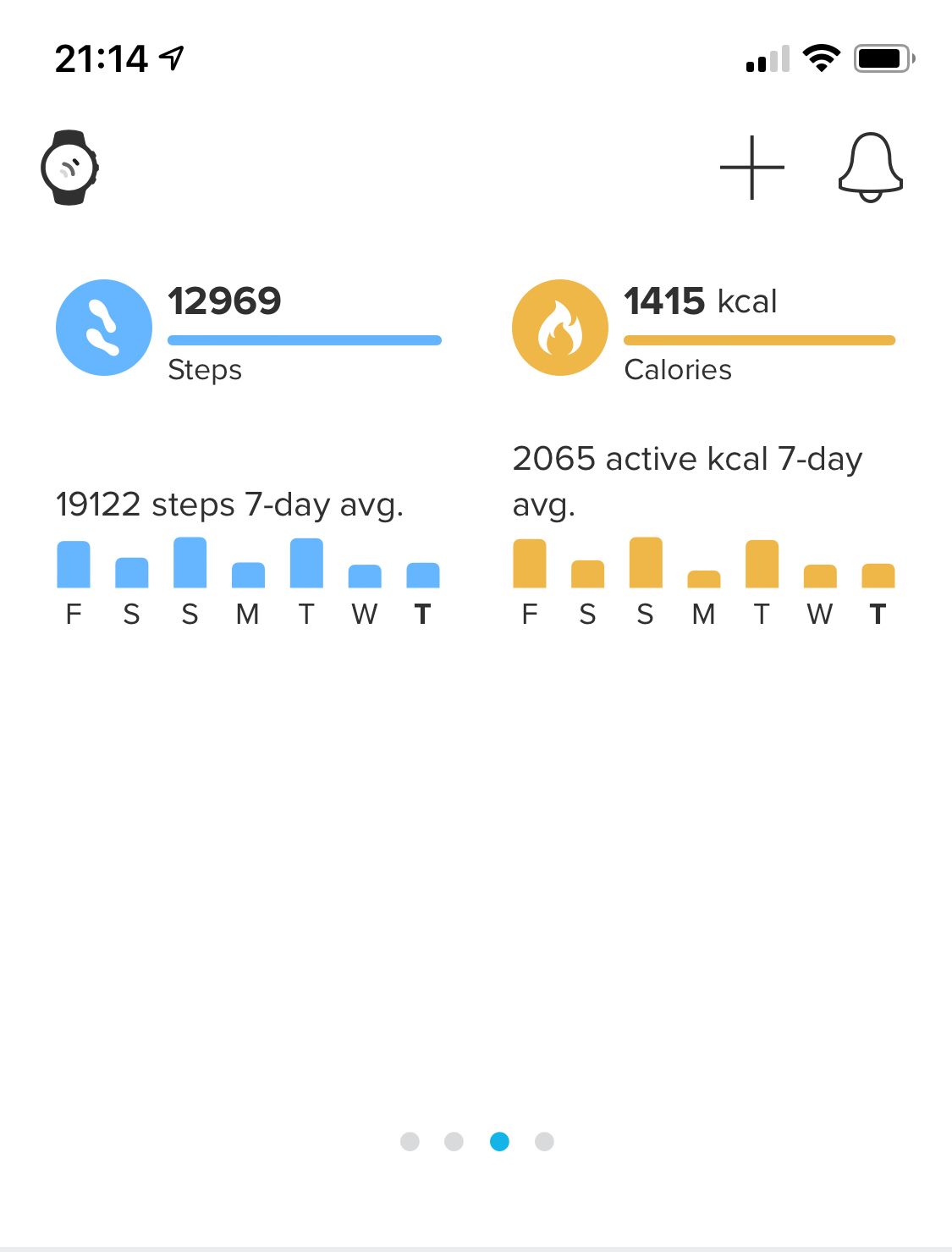
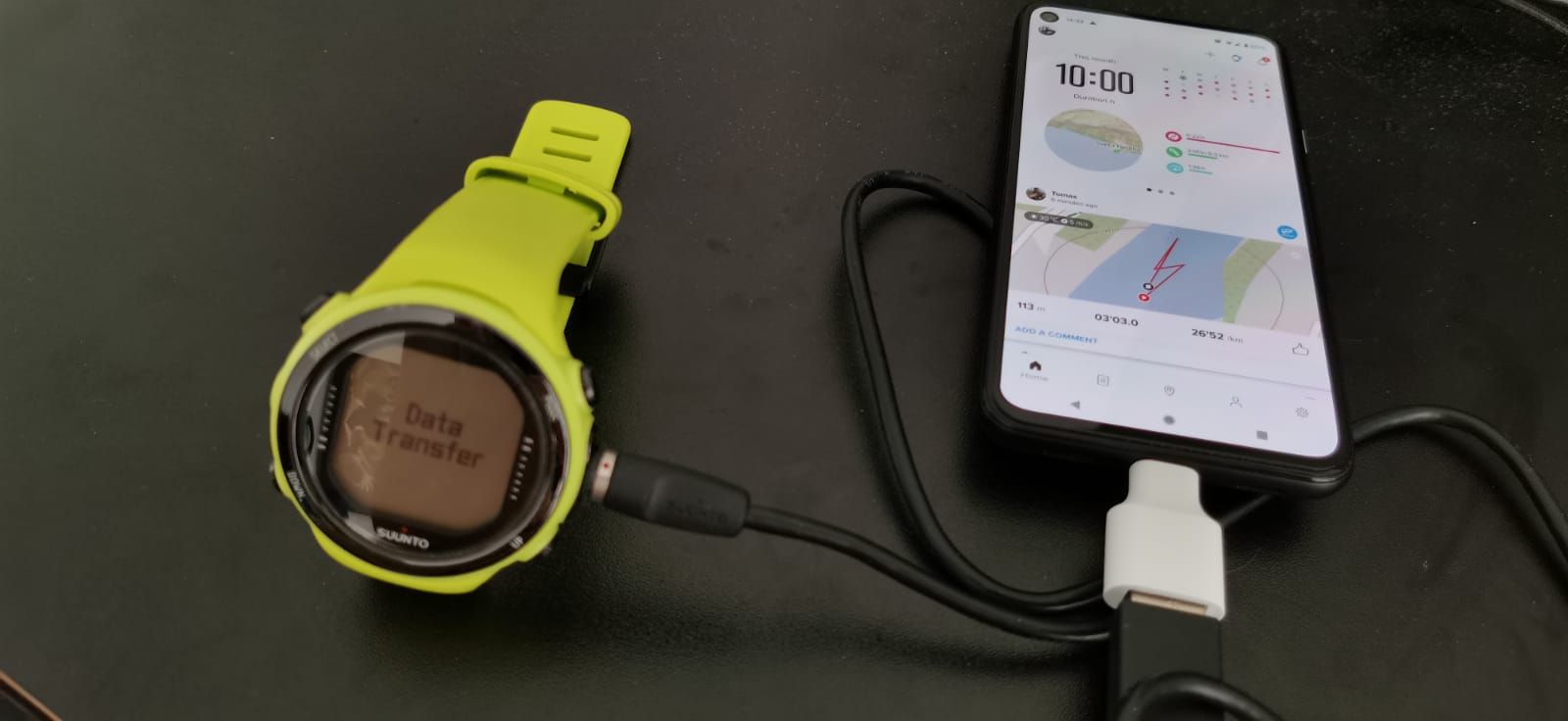
Operation explained above also fixed issue with visibility of some of the data. Now i can see temperature, Altitude, vertical speed - some not on the map directly - but data for it can be seen on app.
@Kostas-Zinelis-0
This topic is new, and it looks like a duplicate, so I’m closing it
Please use the original one to reply
That said
feature suggested doesn’t mean feature approved
anyway, POI are coming
@lexterm77
I guess it’s better (for traceability) if you open a new thread with a more inherent title
I’m going to close this one as the feature request is in fact a duplicate
@sebastian but honestly, those are very good ideas.
I was also thinking about HR wheel when it’s locked to certain zone. Normally HR wheel segment is highlighted when in current HR zone but it highlights only the locked
(pre selected) zone if in HR zone lock.
So let’s say that I want to run in Z3 only - the interface could lit up Z2 in green (speed up) if I’m too low or Z4 in red if I’m too fast.
The HR wheel is ideal for this as it’s always visible on regular screens.
This way the “slow down” and “speed up” notifications could be fired up less often (for example if the trend is constant for longer).
@Lozen perhaps I have misunderstood the topic. “jet stream pool” == “endless pool”? if thats the case, please forget my comment, because I have no idea how could it be measured
Is there anything new planned for sports mode UI? Does anyone know something? Or maybe a guide for certain settings (like how do I know what “Max. % of max. HR” even means )?
Perhaps we could make a community-driven guide?
@Mff73
I have not expected from myself that I would make more and more use of the route function in the watch. It works quite well, despite some bugs… and it is very convenient for MTB and running