Subcategories

  • All resolved bugs and issues

    192 Topics
    5k Posts
    No new posts.
  • Why can the Suunto App not accommodate personal HR zones?

    8
    1 Votes
    8 Posts
    204 Views
    M
    @Egika said in Why can the Suunto App not accommodate personal HR zones?: You should be able to keep using it to configure HR zones. For Ambits, Movescount HR zones are not synced to the watch, zones are only applied to activities that end up in Movescount. Ambit itself only knows about max & rest HR It would be quite a step forward if Suunto App could at least use those values for generating zone boundaries, currently it just seems to use same constants for every Ambit user.
  • Can't find watch

    11
    2
    0 Votes
    11 Posts
    138 Views
    Dimitrios KanellopoulosD
    i ll add a note. There online I dont find it
  • Running distance issue

    1
    0 Votes
    1 Posts
    63 Views
    No one has replied
  • Android 4.30.* generic comments

    android
    33
    1 Votes
    33 Posts
    2k Views
    Tommaso PaolettoT
    @Mff73 thanks for the explanation. That’s right, in “my profile->map” section the dots are plain, and in that screen I can tap only some of the points to see my activities. So I can reproduce your bug. @sartoric those points are the real starting points of my activity “heatmap”. So I will file an enhancement to see also those points as “clickable” to access old activities in a quicker way ( myprofile -> map is not so intuitve as clicking on the main map icon on home screen)
  • Unable to download .fit from Suunto app

    6
    0 Votes
    6 Posts
    136 Views
    P
    @Mff73 Thanks, I know. I have no control over the root cause - as it is between Suunto App & their servers. A better workaround would be to directly export the .fit file from the watch as is possible from other manufacturers.
  • 0 Votes
    5 Posts
    185 Views
    Phila HolmesP
    @David-Roberts yeah it took me about a week of trying to work it out. and in that week I have three activities that won’t come over to the app. Another forget the app in the watch and trying again worked. Don’t know what was so different yesterday and last Monday when I tried… Sorry… Good luck
  • Pairing failed for some reason

    3
    0 Votes
    3 Posts
    77 Views
    Orfeo Da Via'O
    Thanks, now works like a charm!
  • Final lap time bug

    1
    1 Votes
    1 Posts
    63 Views
    No one has replied
  • Can't connect to the watch

    3
    0 Votes
    3 Posts
    89 Views
    DMytroD
    @isazi Thank you! I kinda haven’t thought about it since it says paired with suunto app and not a particular phone.
  • Route altitude bug?

    4
    2
    0 Votes
    4 Posts
    158 Views
    sartoricS
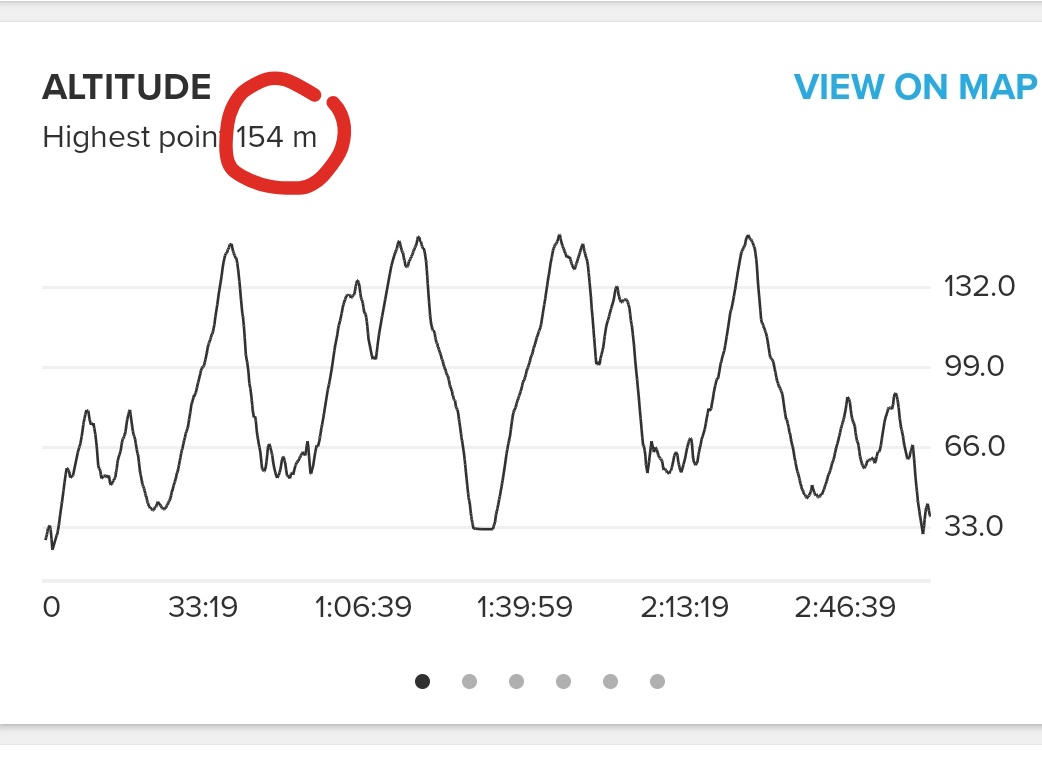
    @surfboomerang said in Route altitude bug?: are those lines provided as a layer from a different source? yep the map is just a visual layer (so the contour lines you see) the data are in an underlying layer and could be wrong
  • Cycling power from Ambit 3 to SA

    3
    1 Votes
    3 Posts
    181 Views
    Peter JoedeP
    Hi Mike, I’m facing the same issue with my Ambit3 Peak. Powermeter data syncing to movescount without any issues - but power data get lost syncing to Suunto App. Exporting .fit file from Suunto App also shows that file doesn’t contail any power data.
  • [Translation IT] 4.28 - Indoor cycling

    translation italian 4.28
    1
    2 Votes
    1 Posts
    150 Views
    No one has replied
  • Android 4.28.* generic comments

    50
    1 Votes
    50 Posts
    1k Views
    Jonathan NewbyJ
    @inkognito very nice.
  • Suunto app broken

    3
    0 Votes
    3 Posts
    103 Views
    Lan KavčičL
    I dont know, maybe it is. Thanks for a fast reply
  • Outlook notification

    21
    1 Votes
    21 Posts
    847 Views
    Mff73M
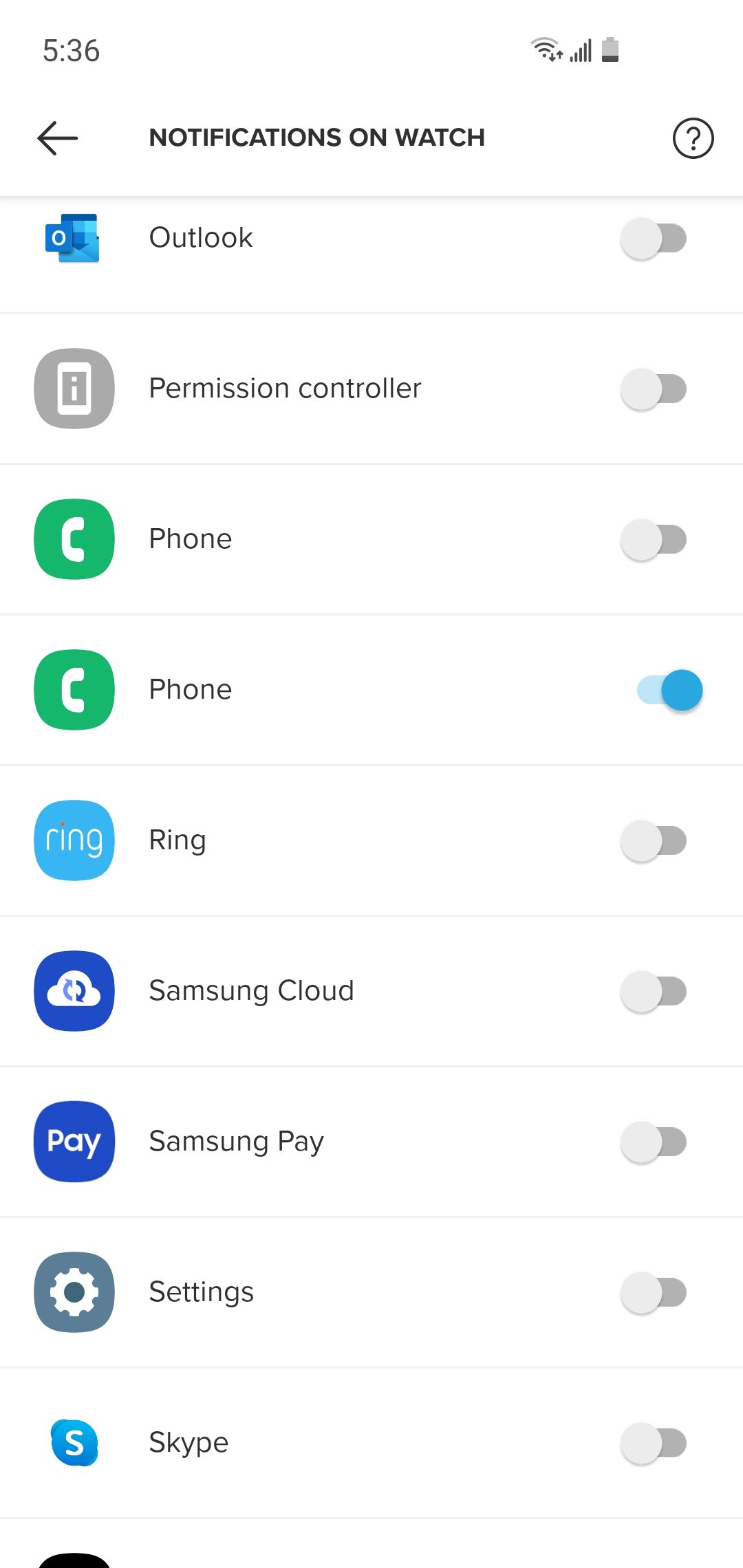
    Hi, I also use Outlook on the phone for professional calendar. No notifications for me neither Could be nice to be reminded of coming meetings on my SSU
  • Maps not visible in Android app version 4.17.7

    32
    0 Votes
    32 Posts
    891 Views
    S
    So whats the solution here to the black maps screen? In simple non-tech speak… Not had this before - every activity I have up to 05/09/20 are ok. All activities from 07/09/20, then the map is black. As someone noted it is only the terrain map that is unavailable, all others are possible to be used. I have a Suunto Ambit 3 Peak and a Sony Xperia XA2 Android phone if that is relevant Thanks in advance for any help on this
  • Connectivity issues with Suunto 7

    11
    2
    0 Votes
    11 Posts
    347 Views
    Yves FY
    Thanks, the application was already configured in that way, but it still do not help. [image: 1600585857456-screenshot_20200920-091037.png] Any further ideas?
  • Anonymous - Sign Up

    4
    0 Votes
    4 Posts
    108 Views
    Dimitrios KanellopoulosD
    @mitkos the app allows you to afaik just for testing
  • No bike cadence comparison data

    6
    1
    2 Votes
    6 Posts
    188 Views
    Dimitrios KanellopoulosD
    @jsr184 I thought that was fixed. Ill create a new issue for this . Must have regressed
  • IBI and cadence data from Suunto App json files

    15
    2
    1 Votes
    15 Posts
    330 Views
    M
    @Snijderfrey , for filtering and pre-processing techniques you could also check existing and well matured Python HRV analysis packages, some of those come with decent documentation, including references to research papers. https://pypi.org/search/?q=hrv

Suunto Terms | Privacy Policy