Subcategories

  • All resolved bugs and issues

    192 Topics
    5k Posts
    No new posts.
  • Suunto App with Ambit3 - Pairing Failed - Remove Connection

    2
    0 Votes
    2 Posts
    285 Views
    M
    @thw3545 Have you deleted (forgotten) the Bluetooth connection between your watch and your phone, directly in your phone’s list of Bluetooth devices? You need to delete the connection from the watch and from your phone before trying to repair from the app. If you done all of that, it should work, especially because the app can still find your watch, so you know the watch Bluetooth module has not failed completely. If it still doesn’t work, can you try to pair to a different device to see if it’s a problem with your phone?
  • 5.3.X

    19
    1
    2 Votes
    19 Posts
    2k Views
    GiPFELKiNDG
    @SamuelP hey could be. I dont know exactly
  • Trying to download maps ... again

    3
    -1 Votes
    3 Posts
    296 Views
    Mff73M
    @maxthetravelor Cancelling a tour because not having a map on a watch is little harsh. Adventure first
  • ZoneSense: unable to see in-app [Suunto Run]

    5
    1
    0 Votes
    5 Posts
    540 Views
    ?
    @isazi It would be the icing on the cake to have an entry-level watch with this feature, and I guess it will also depend on the sales performance of this model. Time will tell PS If you or other field testers have any persuasion toward Suunto, please feel free to ask…
  • Watch blocked in the app by mistake while pairing

    2
    0 Votes
    2 Posts
    304 Views
    EgikaE
    @colettas make sure to ‘forget’ the watch in the BT settings of your phone. Ans also make sure to forget the connection to the mobile app in the watch connectivity settings.
  • Media Ongoing Activity message issue

    mediaongoingactivity suunto 9 peak s25 ultra
    1
    0 Votes
    1 Posts
    207 Views
    No one has replied
  • 0 Votes
    1 Posts
    222 Views
    No one has replied
  • APP Data syncronization

    5
    0 Votes
    5 Posts
    518 Views
    enriqueescomsE
    @Dimitrios-Kanellopoulos Oops, well, I have reinstalled the app on the iPad and not only has it not worked but it has gotten worse
  • 0 Votes
    6 Posts
    504 Views
    Dimitrios KanellopoulosD
    @sky-runner Passing the feedback
  • “Undefined sport” - should be TRIAL RUNNING on the popularity map

    1
    1
    0 Votes
    1 Posts
    163 Views
    No one has replied
  • Duplicated tag

    9
    1
    1 Votes
    9 Posts
    739 Views
    suzzloS
    We are still suffering this issue There are some duplicated tags, that we are not able to rename or merge Also the behaviour is different from Android and iOS I’m also not sure how I manage to create same tag (probably there are some spaces somewhere inside the tag string?) I hope Sunnto can give some attention to Tag management
  • Error loading data

    2
    0 Votes
    2 Posts
    255 Views
    S
    @supergroover Server issue solved by Suunto.
  • Activities not showing up on home tab

    1
    0 Votes
    1 Posts
    158 Views
    No one has replied
  • 5.1.X

    41
    7 Votes
    41 Posts
    4k Views
    isaziI
    @Shrek3k I believe this is known
  • Android Suunto app 5.1.7 crashes when opening a large ultrarun activity

    2
    0 Votes
    2 Posts
    239 Views
    Dimitrios KanellopoulosD
    @sky-runner could you link some activity to me in pm and also send logs ?
  • Suunto app summary cards

    2
    2 Votes
    2 Posts
    254 Views
    isaziI
    @James-Eastwood you are correct, and I think this will improve soon
  • Intrusive location requests

    location intrusive weather
    6
    0 Votes
    6 Posts
    786 Views
    E
    @isazi oh, that’s weird, it took me some time to get the issues (well, it took me being injured and not able to do sport), but if i don’t do any activity for 24hours (maybe a bit more ?) It just says “open suunto App to sync weather”. I think “any” activity (not GPS) is enough to have a big sync. When i first had the issue, i thought it was more of a problem related to app battery management (i’m on Android, Asus Zenfone 9 - Android 14), so i thoroughly disabled every battery saving features under the sun for the app, i even gave it all the permissions it didn’t even ask for, but i still got the issue, so i figured it was an app problem ? the SuuntoApp even appears in the “list of active app” on my phone ( one displayed in recent-ish Android version, on the bottom of the notification panel)
  • Assisted GPS N/A since a couple of days on Race S

    17
    1 Votes
    17 Posts
    1k Views
    L
    File is current this morning after normal sync! Thanks!
  • Android - Bad plotting of Pace time graph

    5
    2
    0 Votes
    5 Posts
    672 Views
    Inge NallssonI
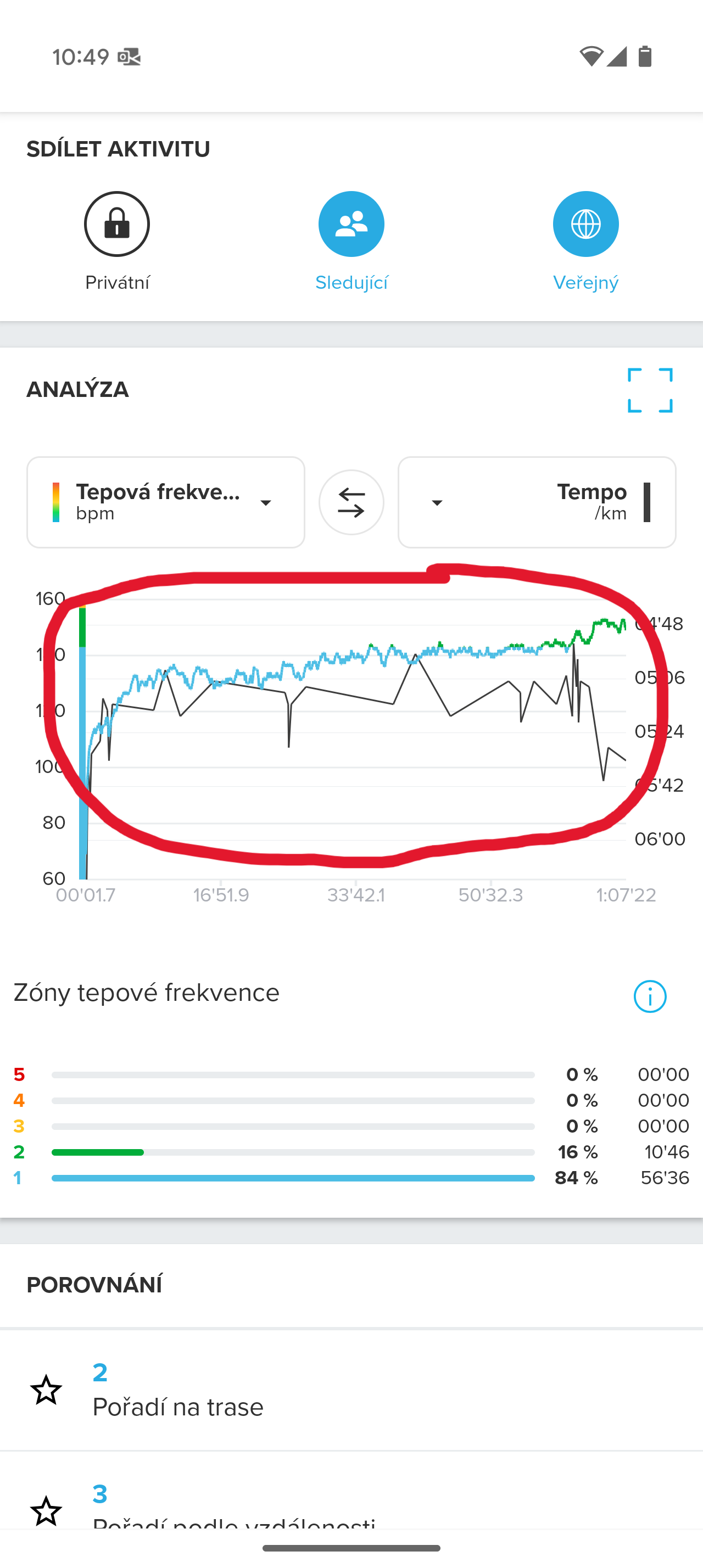
    Darn… I brought this up yesterday in an open topic (I’m seldom logged in and therefore can’t read things in this forum section). From my experience, having used a Race S since December 2024 and never gotten a finely plotted pace graph, the length of the session does not matter, it is the span between fastest and slowest pace that trigger different renderings. As a ‘bug fix’ (I wrote today) I will walk the last 10 seconds of every run henceforth: “Zonesense difficult to understand” https://forum.suunto.com/post/165127 Otherwise we get things like the plot below, where I upped the pace with 5 seconds every kilometres the first 5 km, and then fell back to the opening pace for the last 5 km. But there’s not a chance to see the pace changes with this coarse platting: [image: 1743693563927-1000006892.jpg] Contrast this with today’s experiment where I began with walking pace the first 30 seconds (same screenshot as in the linked posting): [image: 1743693693225-1000006891.jpg]
  • Incomplete synchronization of training

    1
    2
    0 Votes
    1 Posts
    180 Views
    No one has replied

Suunto Terms | Privacy Policy