Subcategories

  • All resolved bugs and issues

    192 Topics
    5k Posts
    No new posts.
  • Please read the FAQ before posting an issue

    Pinned Locked forum faq android
    1
    1 Votes
    1 Posts
    2k Views
    No one has replied
  • Bug - wrong altitude

    4
    2
    0 Votes
    4 Posts
    116 Views
    O
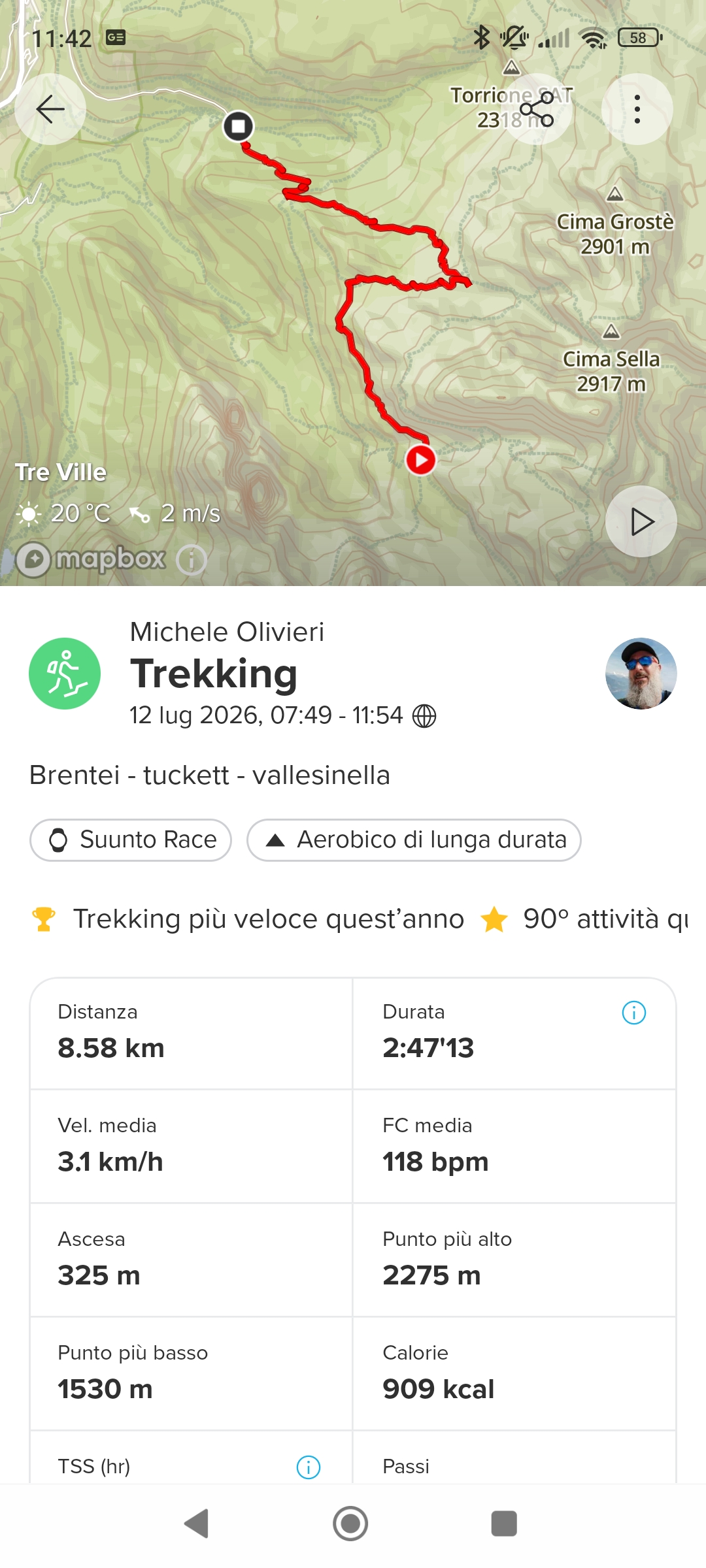
    @Dimitrios-Kanellopoulos https://maps.suunto.com/move/micheleolivieri80/6a5364be8c073465ceefc4d6 The data are correct, buy the app show It correct only the First time, from the second view in the same app session the data are shown without the last number
  • Issues manually adding activity

    5
    0 Votes
    5 Posts
    403 Views
    K
    @Mff73 Don’t know the status of this bug. But the problem/bug is still present in version 6.11.8.
  • Suunto App 6.11.8 update today

    22
    1 Votes
    22 Posts
    2k Views
    SamppaPS
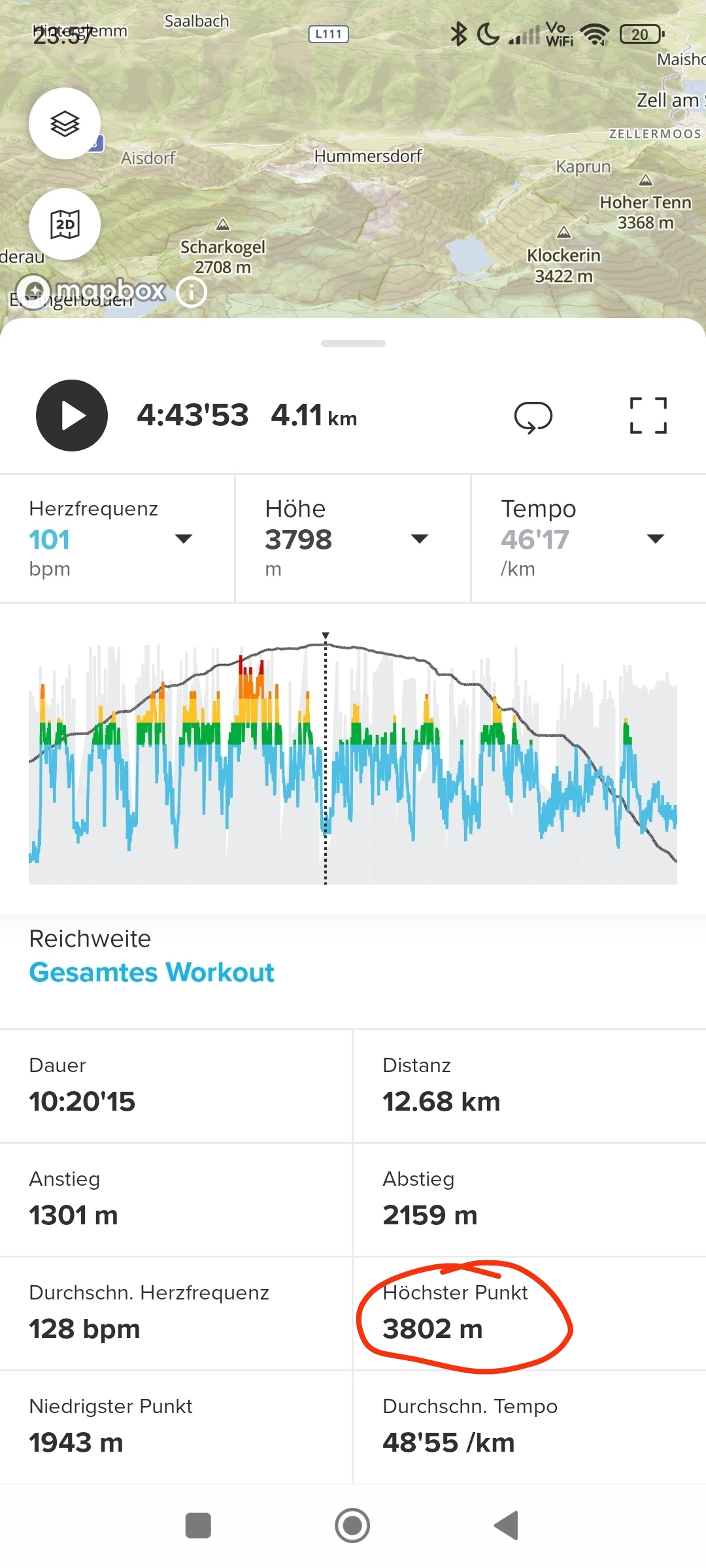
    I noticed that in the summary the highest point is wrong. [image: 1783936304771-1000015238.png] [image: 1783936304809-1000015239.png]
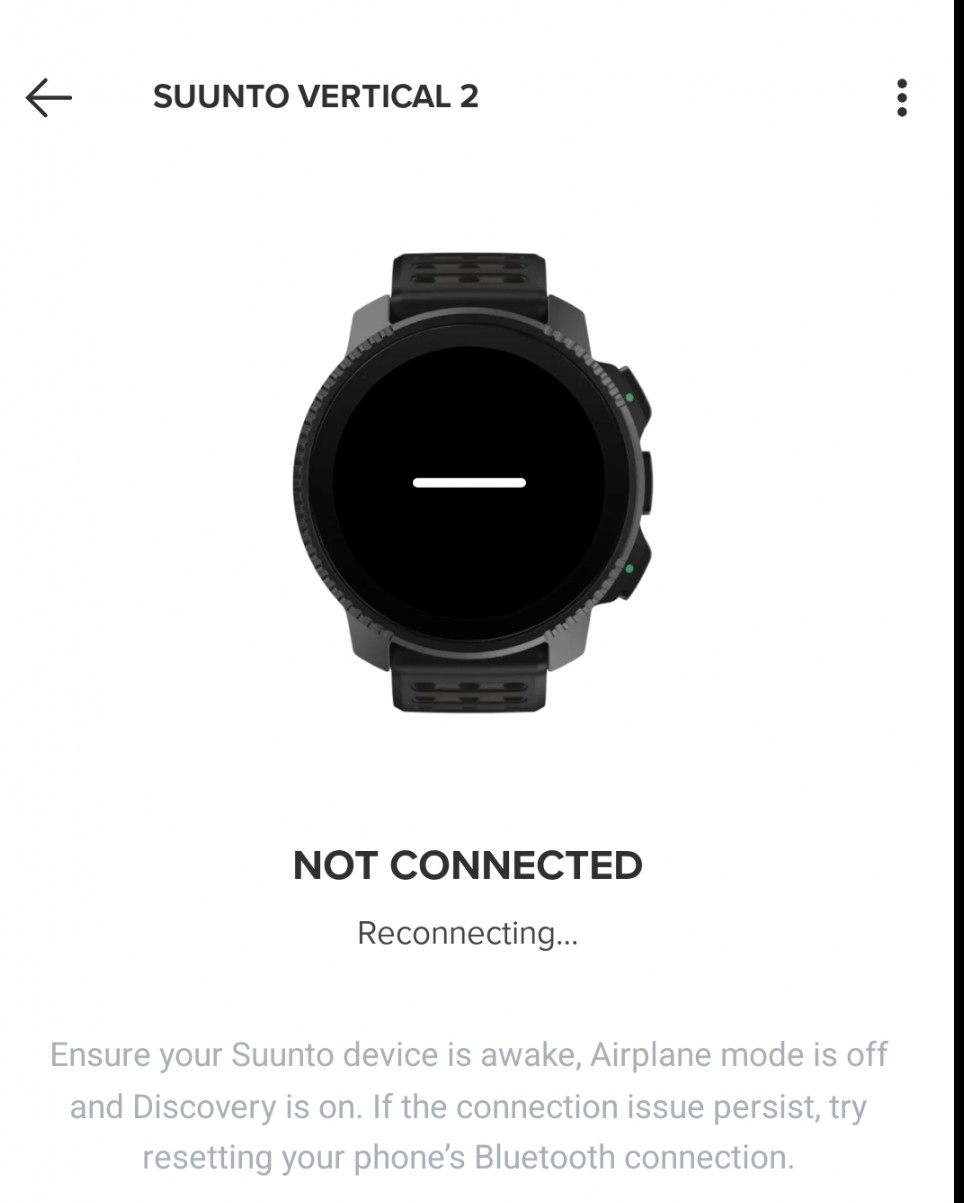
  • Vertical 2 App Connection Lost - Daily

    3
    1
    3 Votes
    3 Posts
    256 Views
    stromdiddilyS
    @surfboomerang missed that! gave yours a rec
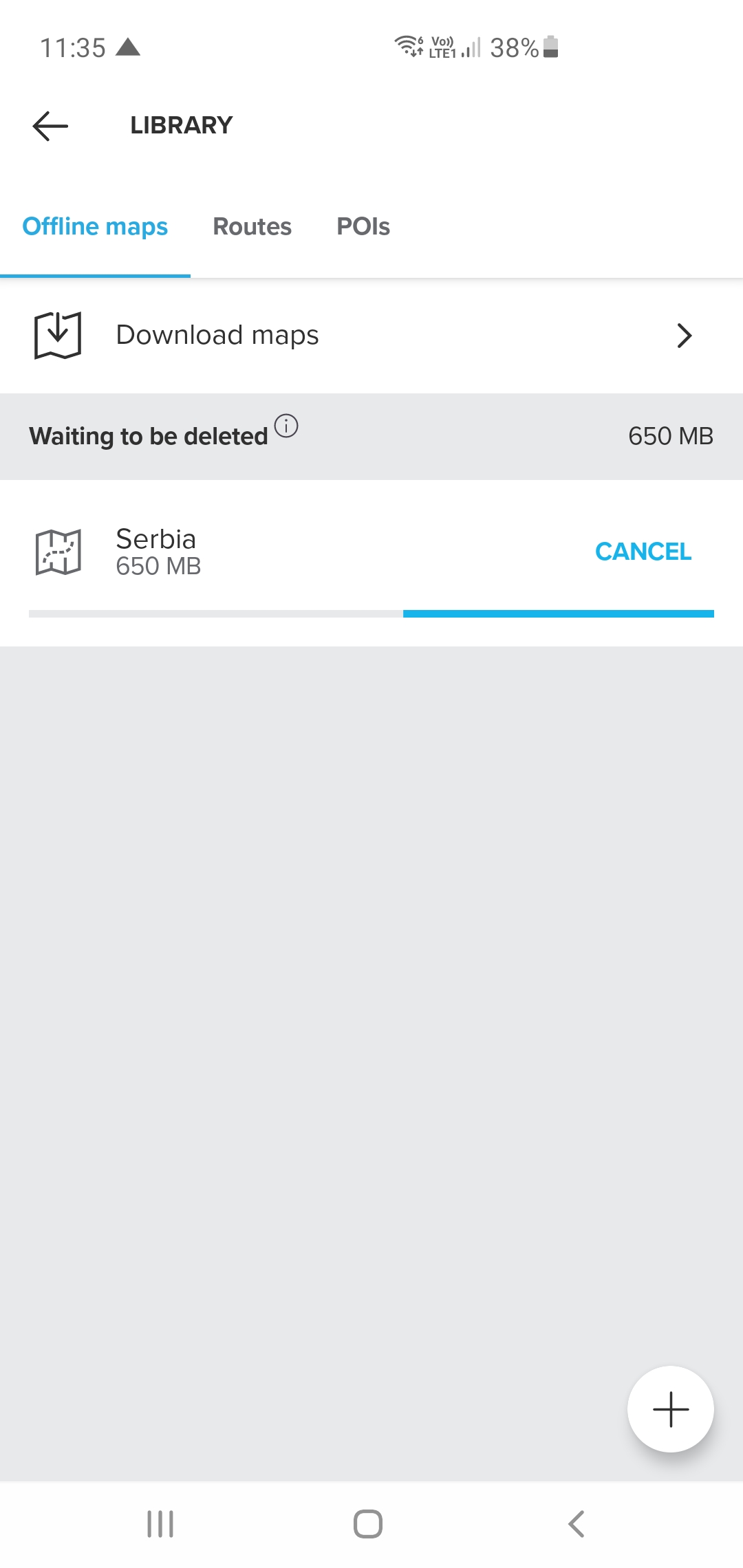
  • Suunto App stuck downloading/deleting offline map

    5
    1
    2 Votes
    5 Posts
    272 Views
    turbogolubT
    @MdzOtt thanks, i’ll give it another try!
  • 6.10.X

    46
    1 Votes
    46 Posts
    4k Views
    S
    @Mitch9 before this last beta update, wathsapp notifications on the watch were preceded by the word “WhatsApp” before the name of the sender of the message (as described few post above). This resulted in being impossible to read the name of the sender of the message. Now with 6.11.8 the problem is solved (at least for me)
  • No access to the saved routes

    16
    1
    0 Votes
    16 Posts
    1k Views
    M
    @Wilson75 It finally works
  • Cannot sync sleep data on Suunto App (6.11.8)

    5
    1 Votes
    5 Posts
    312 Views
    Dimitrios KanellopoulosD
    @SergioB top I had that issue as well. Reported it anyways
  • Routes get truncated after syncing to watch

    6
    0 Votes
    6 Posts
    439 Views
    turbogolubT
    Just got a new update this morning: 6.11.8 and it seems the issue got fixed! The routes are whole after transfer. Thank you Suunto!
  • Suunto Coach bugs

    1
    3
    1 Votes
    1 Posts
    85 Views
    No one has replied
  • HR Zones Bug

    3
    2
    0 Votes
    3 Posts
    331 Views
    E
    @sazzas I solved just logging out and re-logging in. My guess is that it re-dowloaded all the activities, correctly this time.
  • Widgets not adapting to dark mode

    5
    1
    2 Votes
    5 Posts
    661 Views
    BastienhereB
    @Squirrel and they delivered! [image: 1783076797739-25324.jpg] @dimitrios-kanellopoulos appreciate the Android app support
  • Issue with My Plan trining plans on the latest android version

    2
    2
    0 Votes
    2 Posts
    235 Views
    O
    The issue is still present and very frustrating (I’ve been using the feature for 8 weeks before it got broken, and got used to it.
  • Details of older activities missing

    31
    1 Votes
    31 Posts
    4k Views
    R
    Appena controllato, nel mio caso le tracce gpx e i dattagli delle vecchie attività sono tornate visibili! Grazie mille per aver risolto il problema!
  • Suunto app requests sharing mobile phone screen content with Suunto

    10
    2 Votes
    10 Posts
    845 Views
    A
    @mich-heller I agree with your interpretation that they probably took a shortcut in the programming. But we see this everywhere in current technologies.
  • Login Down?

    1
    1 Votes
    1 Posts
    100 Views
    No one has replied
  • Android 6.10.7: Route planning seems to be broken

    2
    0 Votes
    2 Posts
    170 Views
    sky-runnerS
    Mods, feel free to delete this thread. It works now. It seems the issue was temporary caused by a loss of connectivity.
  • Progress graph touch sensitivity

    2
    1 Votes
    2 Posts
    228 Views
    SquirrelS
    @Dušan-Ković said: I think that entire graph surface just needs to be divided vertically into slices so I don’t have to target graph line, just place a finger anywhere and it will show the values from that slice. Exactly, it used to be a lot smoother. I think it acts like this since the introduction of prediction section to the graph. Prediction is very useful in some scenarios, but not always and for that reason should be easy to be toggled shown or hidden. As you mention, as you tap and hold on the graph, you should be able to slide horizontally anywhere, without having to closely trace the graph to avoid sudden skips. Suunto.mp4
  • Tags: searches fail w/ custom tags

    1
    0 Votes
    1 Posts
    135 Views
    No one has replied

Suunto Terms | Privacy Policy