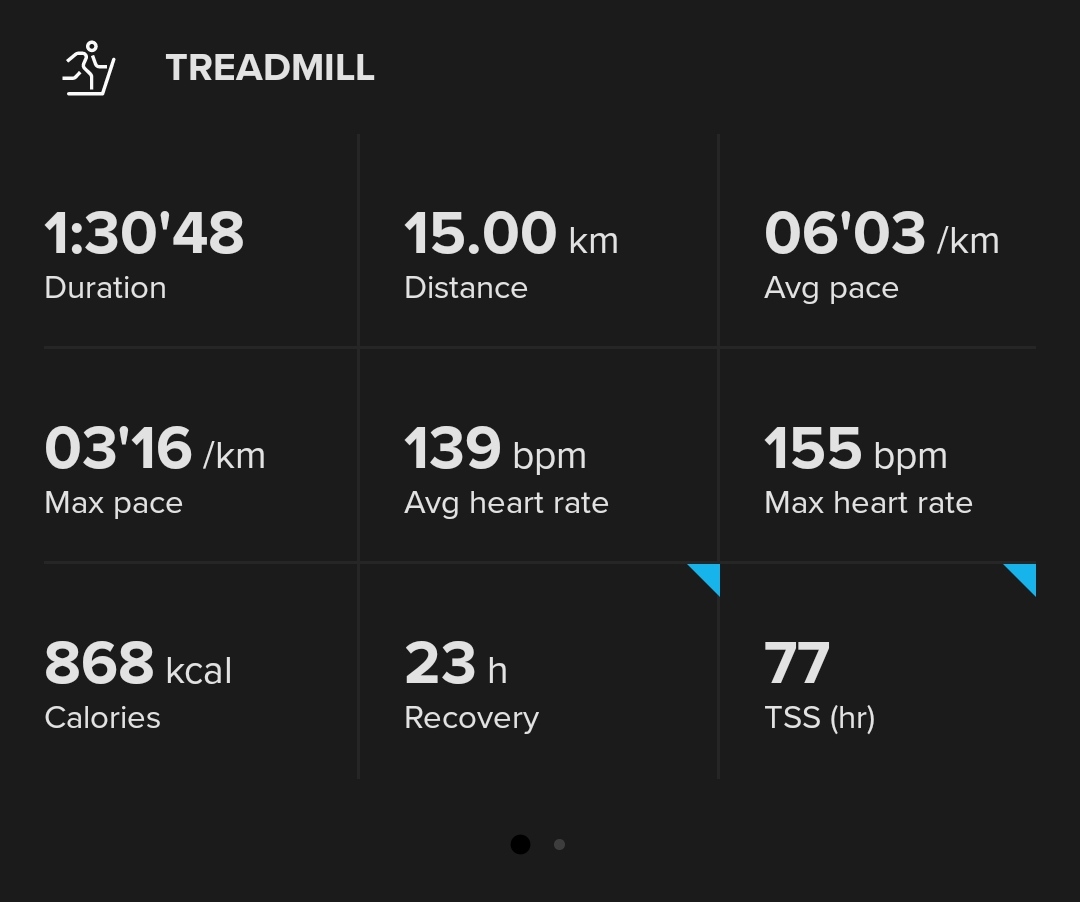
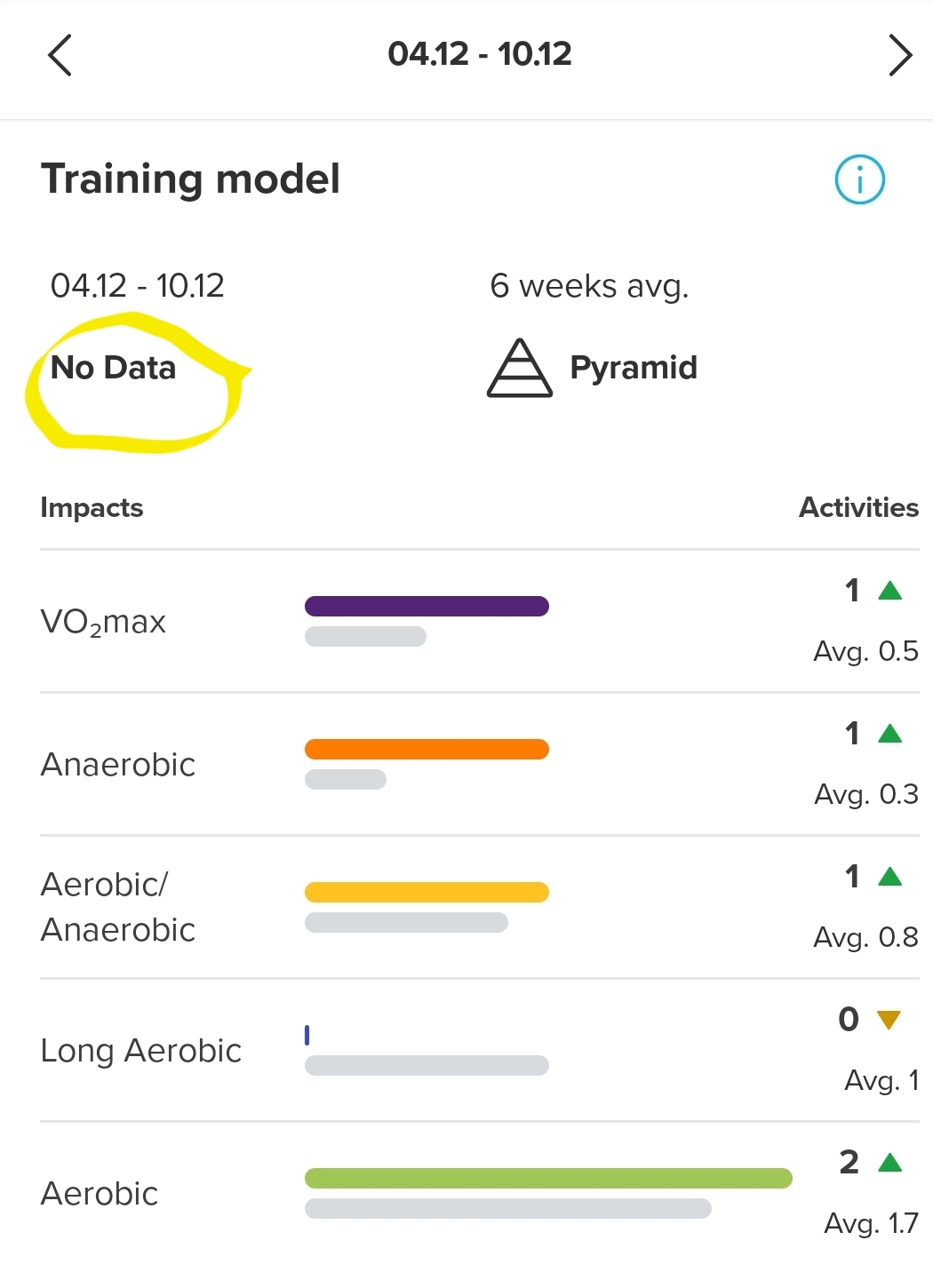
@shmish This was changed recently. Because the watch is recording water sports in nautical miles, SA is now showing the same units.
Before this change the watch was in nm and SA in km.
@The_77 Unfortunately you can’t zoom in-zoom out so at a certain point the dots disappear and there is no way to get them back during the comparison.
On the other hand if you tap on the map you are redirected to the traditional map where there is no comparison and no dots whatsoever.
@freeheeler
You want to laugh?
I looked at SA and now I noticed that:
positive and negative altitude differences are returned to “correct”
the traces remain distorted (see photo)
provided that the problem is only the training related to ski mountering
the problem is found until the end of 2020, from then on they are corrected.
I don’t remember when I transitioned from Movescount but I’m sure a lot of moves are later.
[image: 1659615501845-zombodroid-04082022141230.jpg] [image: 1659615501437-zombodroid-04082022141205.jpg]
@Mff73
No, I was recorded with Ambit3 Peak. I had some track issues when we migrated from movescount to SA. But the problems I encounter now are subsequent to that step.
[image: 1659117400601-img_20220729_160320.jpg]
I used SyncMyTracks to retrieve a workout done with a friend with his watch and the problem there is the maximum that either another comes to 0 or a result is given (eg: instead of showing 3340mt, it shows 334mt result)
[image: 1659117362958-img_20220729_195532.jpg]
[image: 1659117226233-img_20220708_154139.jpg]
@flypg
the batches remain with the activity. I’m not sure if it is something time related with server sync…?!
I use ows for surfboard paddling and change to SUP afterwards. I’ve got a lot of “2nd ows this month” batches for June, not sure where the 1st one disappeared
@thomashope iPhone or Android? On iPhone with 8 weeks it shows daily and on 8 months shows weekly, 13 months on the chart shows monthly steps so the data are still visible, they are presented as a chart.
@pavel-samokha Hi, i send you the informations you wanted.
as you can see on these screenshots, there is the bug.
[image: 1655814834077-screenshot_20220621-110759.png] [image: 1655814832146-screenshot_20220621-110655.png] [image: 1655814830497-screenshot_20220621-110650.png]
@triumph114 go to share in suunto app then select to internet browser then internet browser will start and download the gpx file into the “downloads” folder
@glenn-hurlow is it a single activity and you have all the graphs and information in the logbook of your watch? Then logout/login from the app, or if it does not work, uninstall/reinstall.
@wyvern
To me SA is showing GPS direction and not compas.
So random feeling could just be due to trying to get a direction while not moving.
Just tried, and while walking, direction is perfect, and “random” if stopped.