The sleep widget is acting up. How do I fix it?
-
@prairiedog Well, at least I’m not the only one

-
What a S**T! Yesterday I did a HARDWARE RESET as a last resort… and nothing was fixed: the watch must be recording sleep correctly because the app records it correctly, but the watch says “no sleep tracking”

-
 E enriqueescoms referenced this topic
-
E enriqueescoms referenced this topic
-
@enriqueescoms
With a soft reset I restored data on the watch (for now)…but morning report isn’t back yet… -
@enriqueescoms, a few days ago, without a known trigger (no setting were changed), I started experiencing the same problem on my Vertical 2 (no morning report, watch widgets showing two days old sleep and HRV data BUT the current data syncing to the Suunto App). Soft reset does not resolve the issue.
Cc: @isazi
-
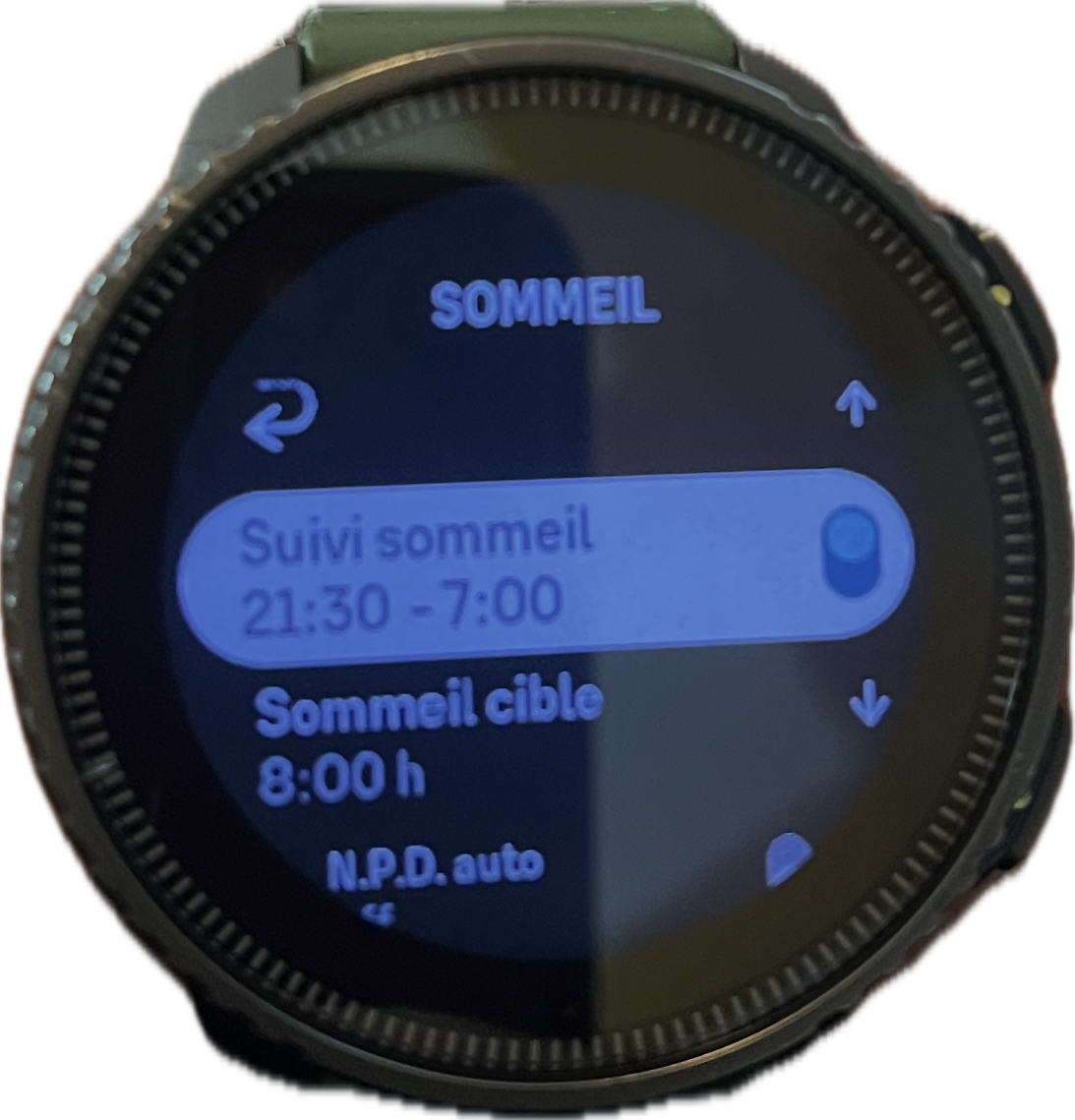
@Freezer Hello same for me for about 3 days sleep tracking shows sleep tracking from 0:00 to 00:00 I’m on vertical and I’ve never had a problem before?
-

-
You adjust the hours of sleep and when the application synchronizes with the watch
-
-
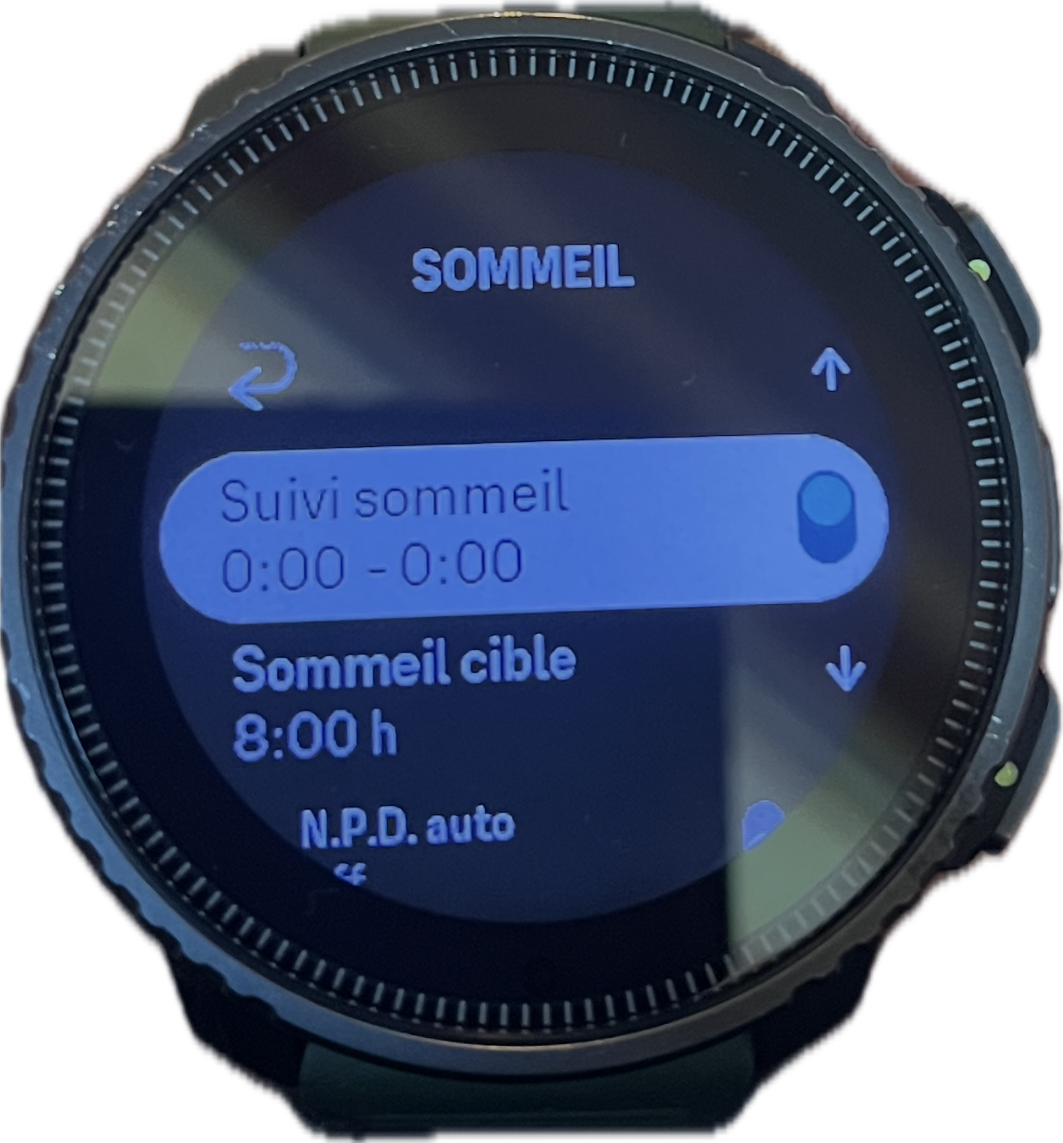
Here’s the magic suunto the watch modifies the tracking hours by itself the bug comes from the application
at some point I think we have to stop fumbling with things that work -

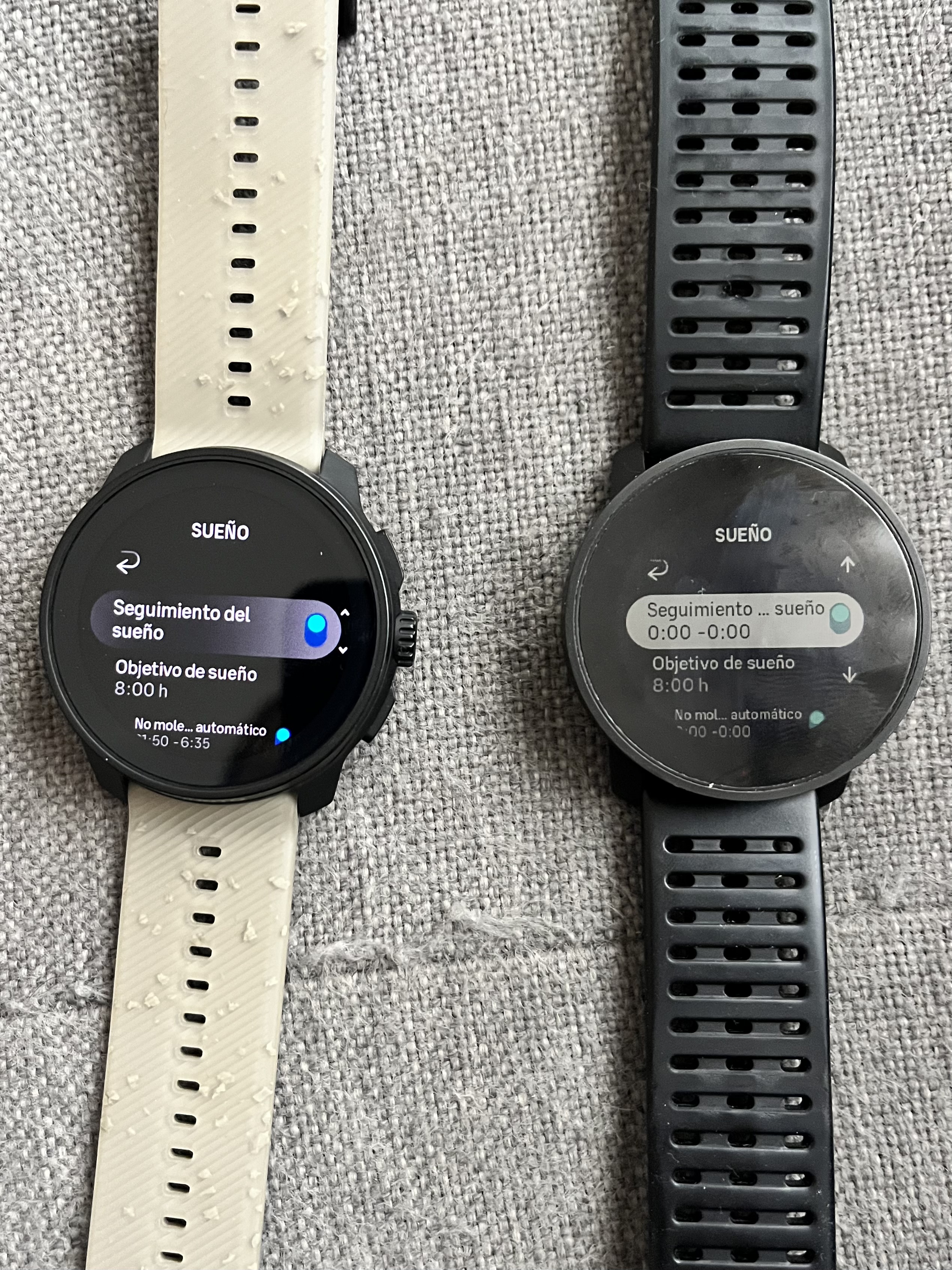
In fact, I’ve discovered something curious: when the watch connected to the app is the 9PP, I can indicate the range in the recovery/sleep/daily sleep goal section, whereas when the watch connected is the Race S, I can’t.
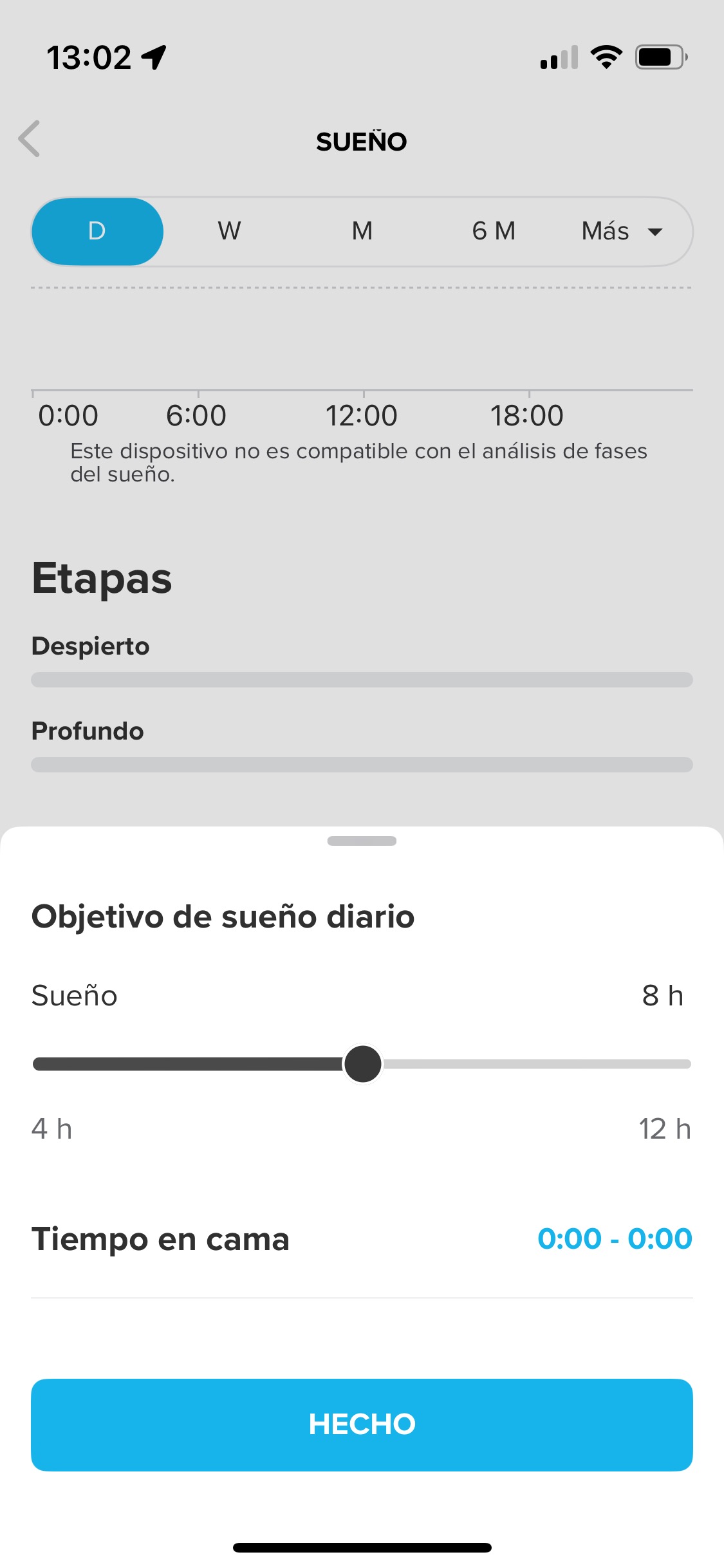
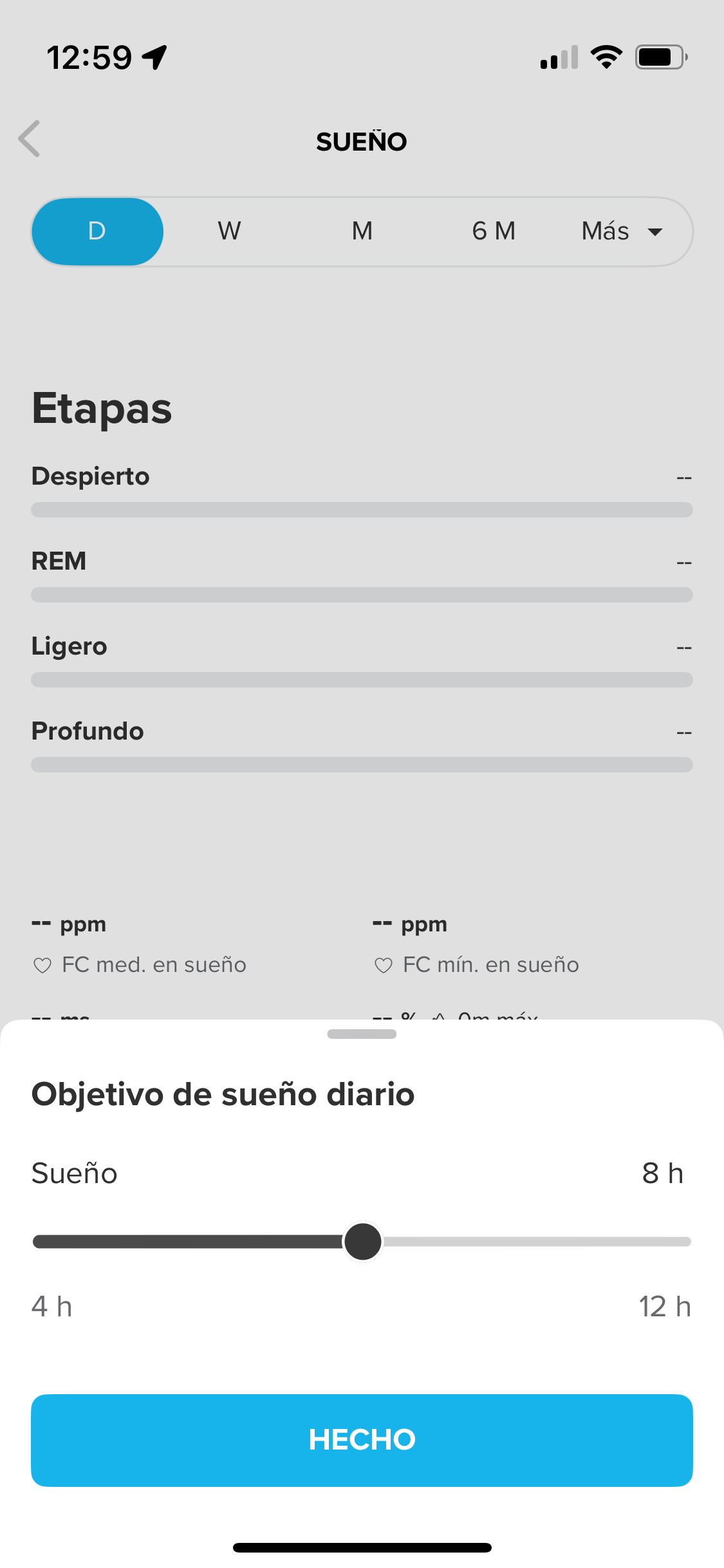
What can I do?
-
Well, IA custmer service support has told me this:
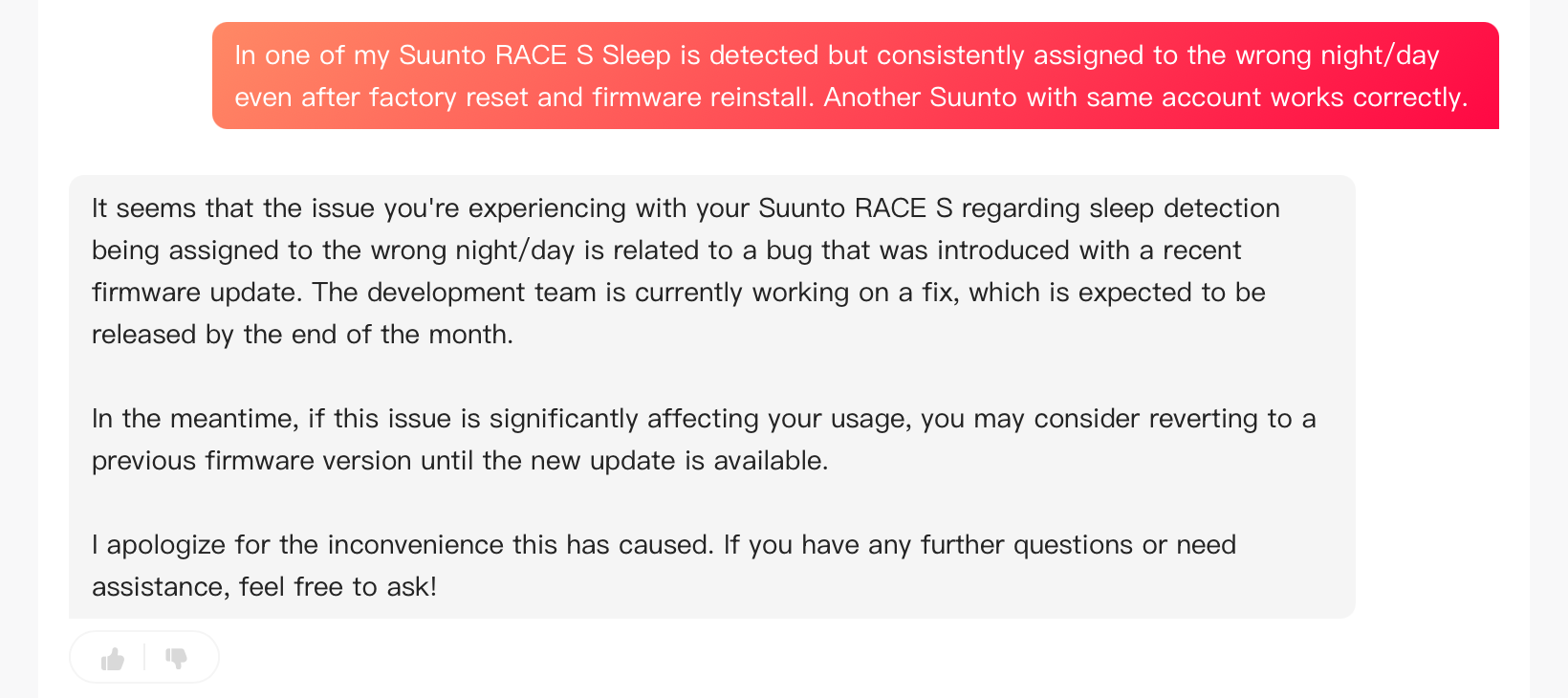
-
@enriqueescoms I went back to the suunto beta application and so the recording of my bedtime and wake-up times remains recorded I did a small light reinstallation and my 2 nights of sleep reappeared in the watch widget