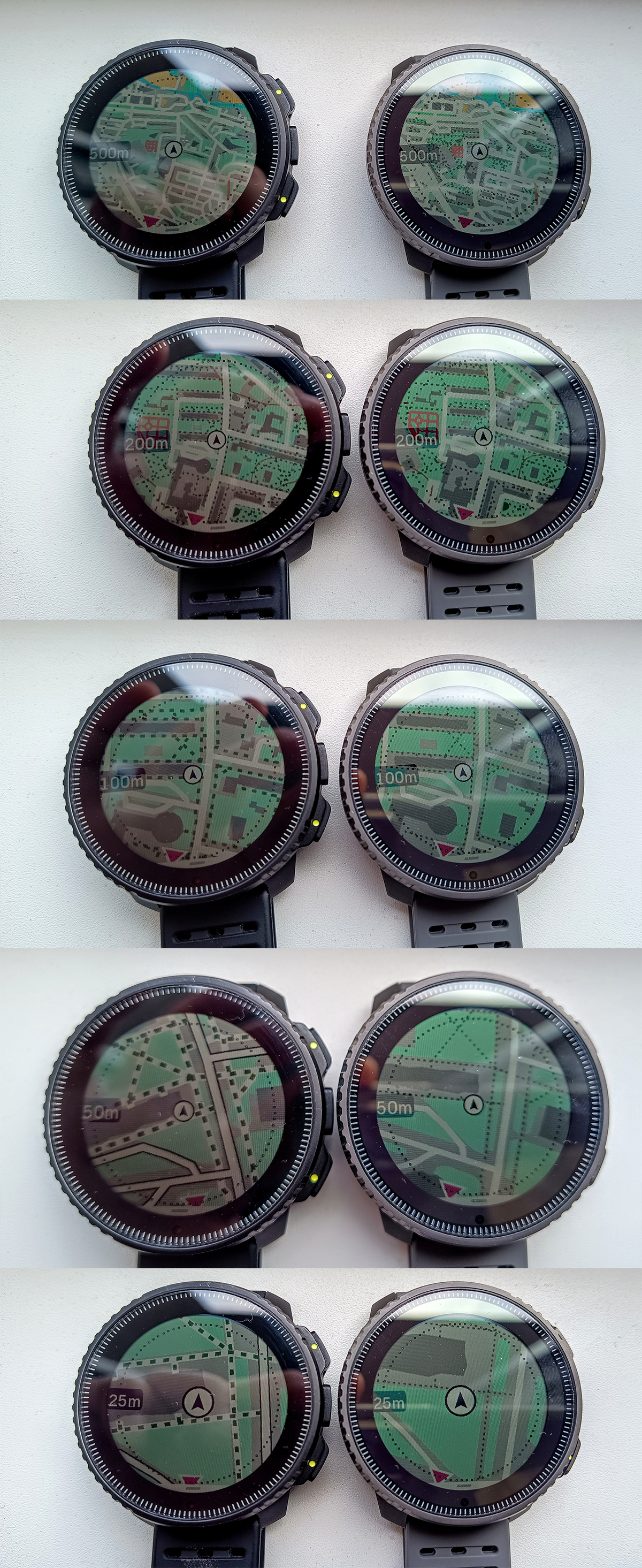
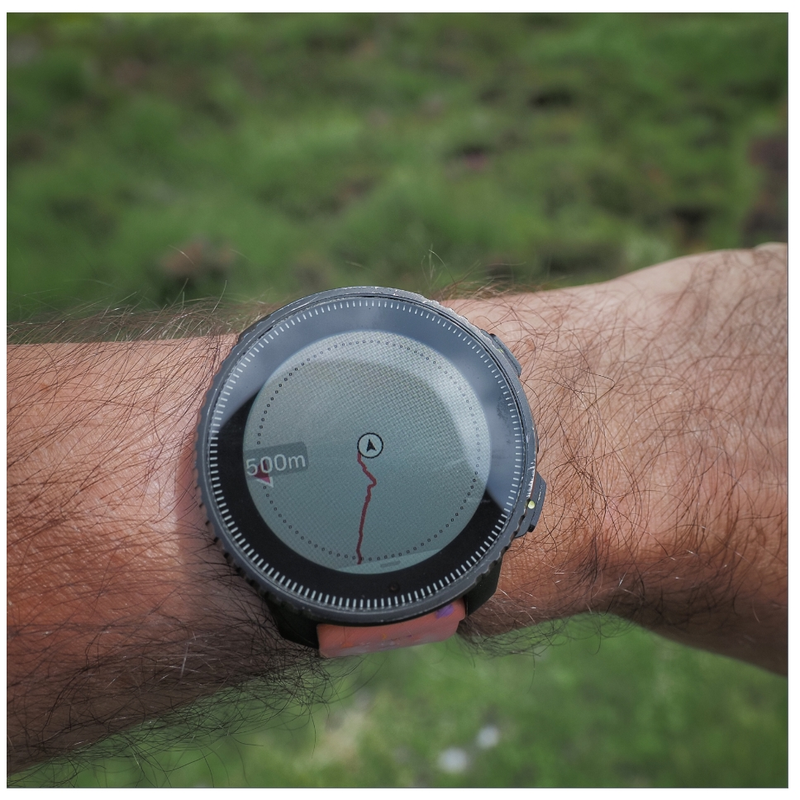
Map Rendering and Trail Visibility after Software Update 2.43.8/.12
-
@pavel.samokha said in Map Rendering and Trail Visibility after Software Update 2.43.8/.12:
This problem will be addressed in the future updates.
Glad to hear this!
I’ll order Vertical 2 the day the update is released! -
@pavel.samokha said in Map Rendering and Trail Visibility after Software Update 2.43.8/.12:
This problem will be addressed in the future updates.
This is phenomenal news
-
This post is deleted! -
-
@baaaa trails were brought back to 500m zoom level with 2026 Q1 FW release
Though unfortunately it was not made available for Vertical 1
-
@pavel.samokha and the same goes for Race 1, since it didn’t receive the map-related part of the FW update (or am I wrong?)
-
@SergioB I haven’t tested but I think you should be wrong. Race 1 didn’t receive new map features like titles, but the fix for trails at 500m should be applicable for Race 1 as well.
But again, I haven’t tested and can’t say for sure
-
@pavel.samokha I have to apologize, you are right and I was wrong! I have played a bit with my Race 1 and I can confirm trails are visible at 500m zoom level

Haven’t noticed before, even if I occasionally do some trekking, because after the last update I use a lot the auto zoom feature in navigation, so I stay all the time at 1 or 2 km zoom level, and the the watch auto-zoom near turns
I should have checked before writing, apologies again!
-
I still think it needs to be better.
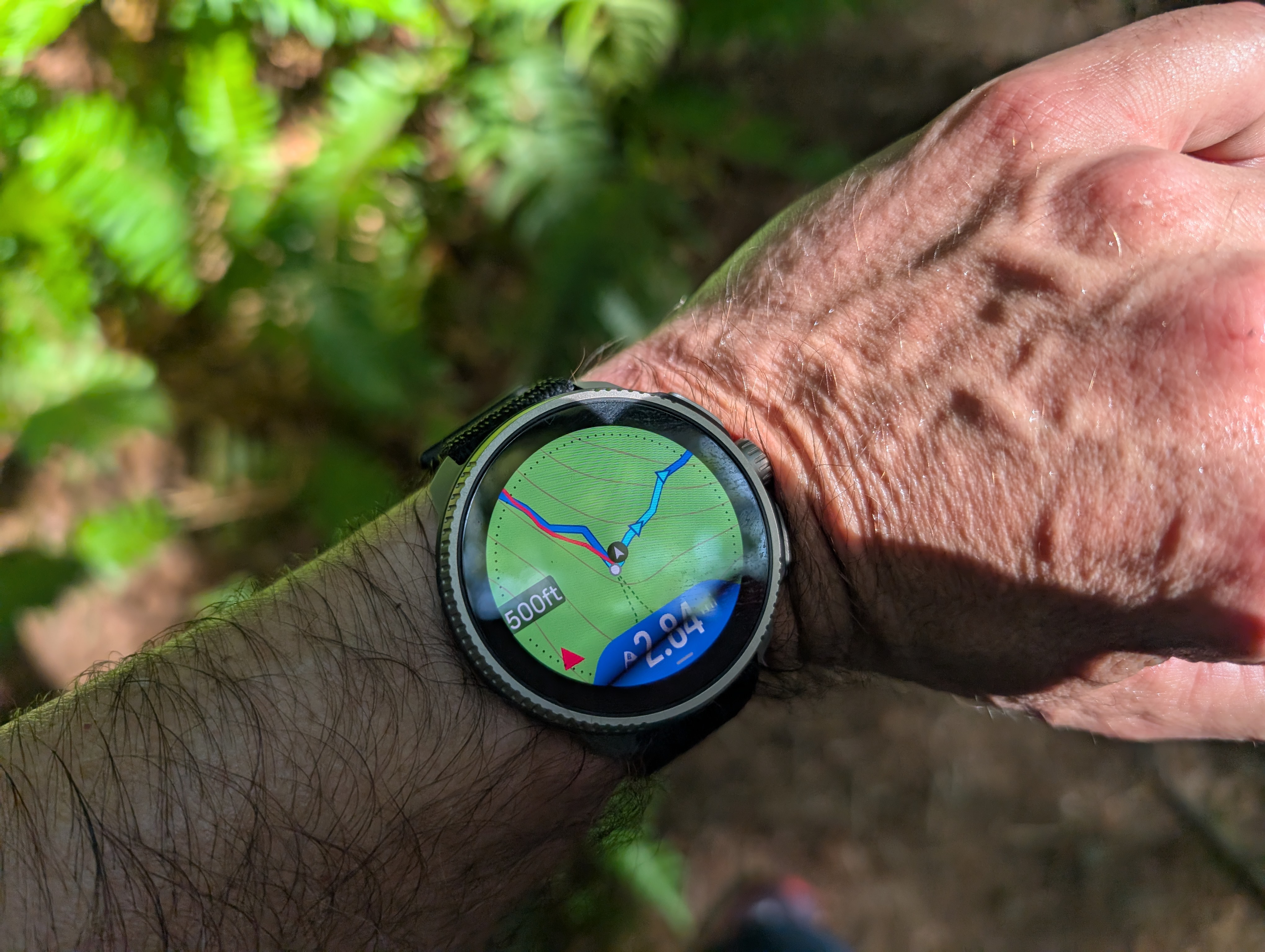
When map is configured to high level of details, Garmin maps allow trails to still be visible at 1.2-2 km from the current point without panning the map. In part, that is achieved by offsetting the current point towards the bottom on the map screen, so that you can “see” further in front of you on the map. At the same time, usually there isn’t much point at looking behind you on the map.
On Suunto, trails disappear after 500 m when the watch is configured in metric units. It is even worse when the watch is configured in imperial units, in which case trails disappear after the 0.2mi level (320 meters).
Suunto: Ambit, Ambit 3 Peak, 9 Baro, Race S, Race Ti, Vertical 2 Ti
Garmin: Forerunner 210, Forerunner 610, Fenix 6X, Fenix 7X Ti -
The problem with how trails and roads are displayed is simply disastrous - even in the route planner, compare the map at nearly the same scale and see how drastically it changes!
-
https://routeplanner.suunto.com/?lat=49.851338&lng=22.607213&zoom=13.1&style=outdoor
-
https://routeplanner.suunto.com/?lat=49.851338&lng=22.607213&zoom=12.95&style=outdoor
These aren’t watches, but maps on a computer - what’s the point of hiding so many roads?
-
-
@baaaa this topic is about watch firmware. The thing you mention is a different issue. It’s already mentioned in some dedicated topic, related to mobile app or route planner. Please post there
-
@sky-runner both things are known
-
It’s disappointing that you’re aware of the issues but aren’t addressing them.
I don’t know how important the map features are to your company, but…
it seems to me that your users who report bugs should be worth their weight in gold, and you should provide them with a simple and convenient tool for reporting bugs and suggesting new features. Instead, they have to go to some glitchy forum, search for relevant threads, and wait for a moderator to approve their post…
I spoke with a user of your watch - it stopped connecting to Wi-Fi after some update, and he just gave up. Or here on the forum, people are writing that they bought the watch and the maps didn’t work right out of the box…
-
It’s disappointing that you’re aware of the issues but aren’t addressing them.
This is not correct.
Suunto devices and services, like any complex products, have many issues and areas for improvement, while resources are always limited. That’s why issues have to be prioritized and cannot all be addressed at once.
Every user naturally feels that their own issues and requests are the most important, and that’s understandable. However, the bigger picture often looks different.
your company, but…
Sadly, it’s not my company, only my employer. If it were my company, many things would probably be different.
it seems to me that your users who report bugs should be worth their weight in gold, and you should provide them with a simple and convenient tool for reporting bugs and suggesting new features. Instead, they have to go to some glitchy forum
It sounds like you’re looking for official customer support channels. Those can be found at suunto.com.
This is a community forum, not an official support or feedback channel. If someone is answering here they do it in their free time, not on duty.
search for relevant threads
Yes, that’s the only practical way to keep the forum in a decent state. If everyone posted their own rant in arbitrary topics, the forum would quickly become a mess, making it even harder to find information and identify recurring issues.
wait for a moderator to approve their post…
Unfortunately, that’s the only way to deal with spam. Users who have built up some reputation can post immediately, but newcomers need to wait for their messages to be approved.
-
Ok, thanks.



Hello! It looks like you're interested in this conversation, but you don't have an account yet.
Getting fed up of having to scroll through the same posts each visit? When you register for an account, you'll always come back to exactly where you were before, and choose to be notified of new replies (either via email, or push notification). You'll also be able to save bookmarks and upvote posts to show your appreciation to other community members.
With your input, this post could be even better 💗
Register Login