Suunto Run + Nike Run Club ?
-
Hi Forum people,
New Suunto Run watch user here

Been using my iPhone on my runs but, was missing a run watch on my wrist instead, and so it became the Suunto Run and - so far so good.
With the iPhone i was using the Nike Run Club app, and some of the features the app was really good at was Voice Feedback, and i guess i just got really used to having “a coach voice” for every kilometer telling me the key basics:
- time
- distance
- average pace
This was keeping my run-focus on, without having to look at the iPhone, and basically all the information i need on my runs.
Now on the Ruunto Run watch, i can get the beep-sound + vibration alert for every kilometer, and then have a quick look on the watch to view those 3 basic info. But it seem like the watch support vocal feedback (through headphones > paired with my AirPods) correct??
Under the START menu > Exercise settings > Sound Alerts:
Sound On
Voice OnDoes / would that give you them 3 basic info with voice? - or is that a feature-only possible on more expensive watches like Suunto 9 Peak Pro or Suunto Vertical ??
Another thing - if the Suunto Run watch supports vocal feedback, is that depending on that my iPhone is not muted, and volume is set to medium, to actually hear the vocal info in my AirPods?
Feel free to add a comment or if you have info / experience with this?
Thanks / Peter.

-
@Dtpeter Suunto Run does not need a phone to give you voice comments like you describe.
It includes time, distance, average pace and average heart rate if I remember right. -
@Egika Hi Egika, and thanks for the reply

yeah, i got that the watch itself don’t need a phone to give voice comments, and i guess that the default voice volume on the watch, is set to a steady default level. Do you know if one can adjust the voice volume-level? or maybe possible to adjust (via the media-player) and then the volume for music, will apply for the voice too?
-
Short update: on my two latest 5K runs i´ve been testing the Suunto Run watch vocal feedback, and sadly it does not work?

Voice settings was ON
Watch paired with my AirPods 4
Click to activate START and begin my run…The watch provide the beep-sound + vibration alert for every kilometer but, no vocal feedback with time, distance, average pace.
Is there anyone here who can actually confirm that this function works on the Suunto Run watch??
-
@Egika as a little follow up - then i wrote to the Suunto Support earlier today regarding the vocal feedback was not working and here is what the support replied, and kinda contradicts some of what you mentioned?
Dear Peter
Thank you for contacting Suunto Support
We sincerely apologize for the confusion and inconvenience regarding the missing voice feedback during your runs. We understand that, since the watch manual indicates that voice feedback should provide information such as pace and distance, you would expect this to work with your AirPods.
The important point is that voice feedback for metrics such as pace, distance, and time is routed through the Suunto App on your smartphone, rather than being generated directly by the watch and sent to headphones through a direct Bluetooth connection.
In your setup, even though your AirPods 4 are paired and the Voice feedback setting is enabled, please make sure that:
-
Your smartphone is with you during the workout.
-
The Suunto App is running actively on your smartphone.
-
Your AirPods are connected to the smartphone and available as the active audio output.
-
Bluetooth remains enabled and the connection between the phone, Suunto App, and headphones is stable.
-
Before starting the exercise, open the Suunto App and ensure that the watch is properly connected and synchronized.
If the Suunto App is suspended in the background or the connection between the app and the watch is interrupted, the voice prompts may not be generated or played through the headphones*
Are they kidding me, did i read correctly?
Please make sure that: Your smartphone is with you during the workout

-
-
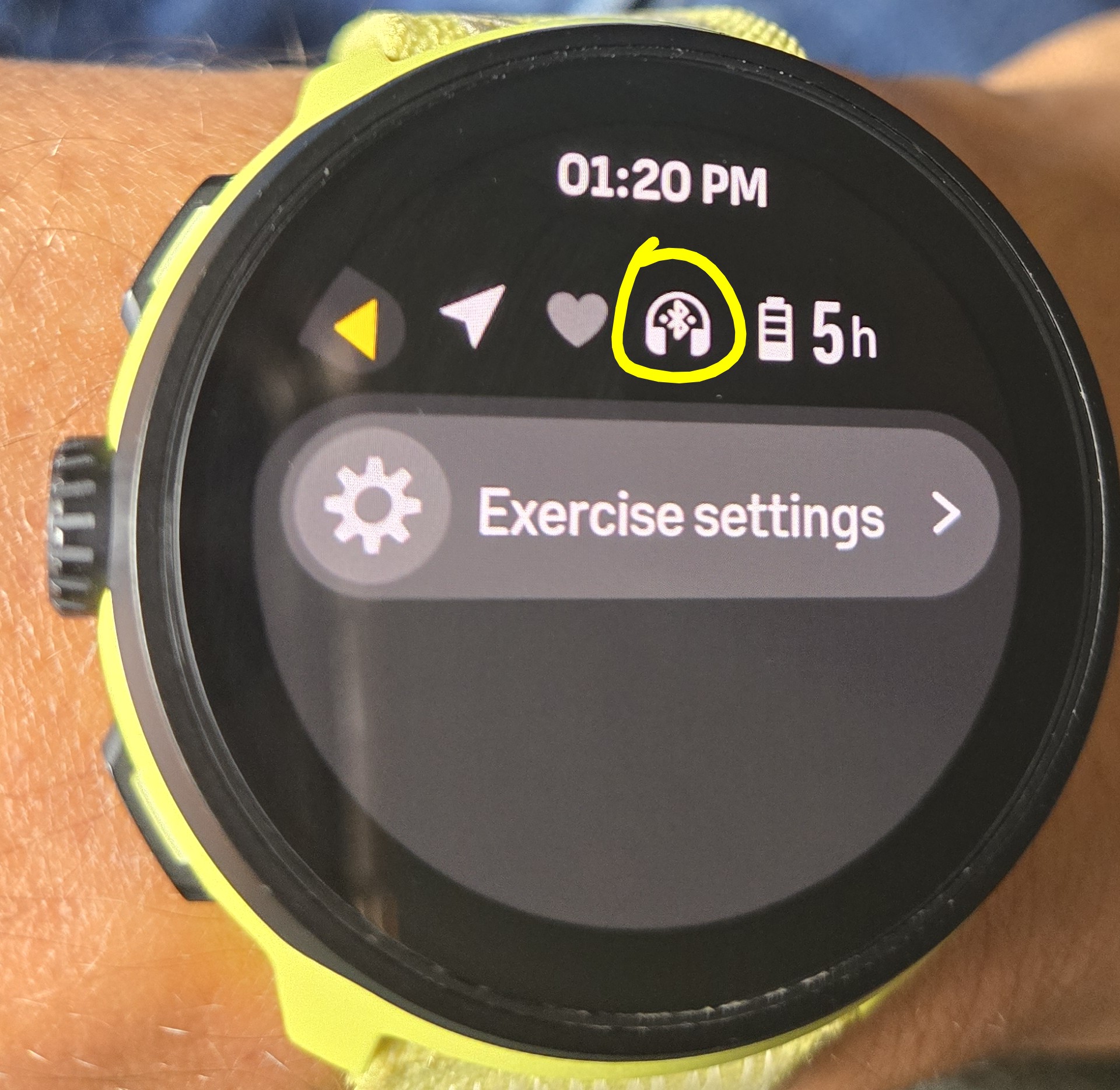
@Dtpeter that was an answer applicable to Suunto watches not named Run/Run2, just tested here my Run with Airpods pro and it’s working as expected with no phone.
Make your airpods are paired though and voice enabled.


Hello! It looks like you're interested in this conversation, but you don't have an account yet.
Getting fed up of having to scroll through the same posts each visit? When you register for an account, you'll always come back to exactly where you were before, and choose to be notified of new replies (either via email, or push notification). You'll also be able to save bookmarks and upvote posts to show your appreciation to other community members.
With your input, this post could be even better 💗
Register Login