HR-ZoneTracker: "Intensity zones" with an extra touch
-
HR-ZoneTracker
(App submitted for approval 2026-06-20 23:58)
(App published 2026-06-21!)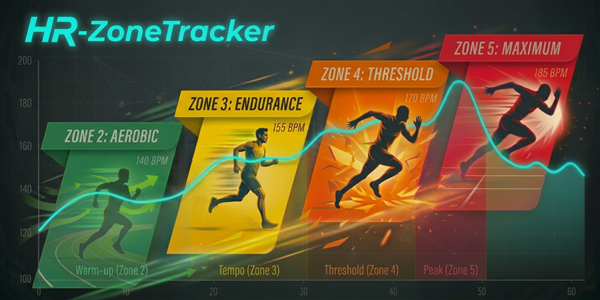
Take the guesswork out of your intensity zones. Whether you are executing a strict zone 2 aerobic base build or focusing on a more intense interval session, HR-ZoneTracker allows you to map out your entire session’s HR-zone accumulation and focus current intervals / interval spikes to target specific HR-zones. All with high-visibility in focus.
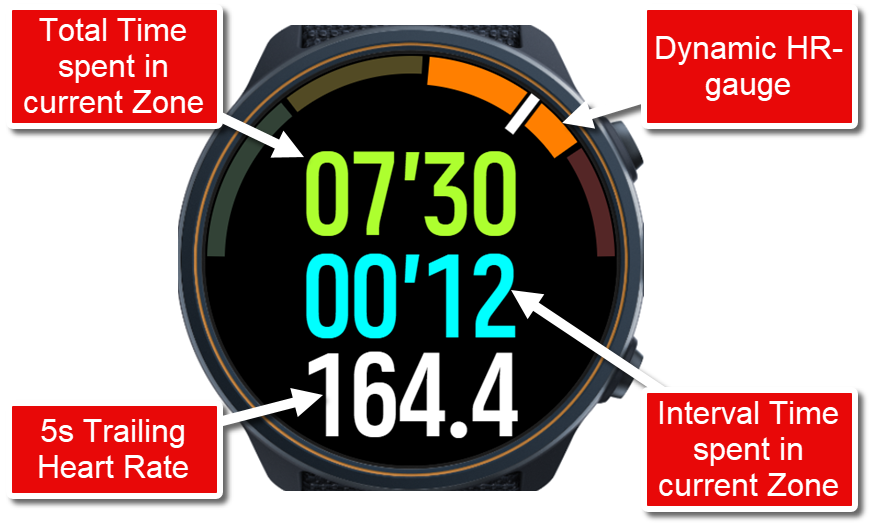
In essence - a high visibility version of the standard "Intensity Zones” display - but with the addition of automatic tracking of heart-rate based intervals. This means when your HR (based on a 5s trailing HR) enters a specific zone, an overall zone timer and an interval zone timer timer is started. This allows you to follow the progress for both of these timers simultaneously (while in active zone), and once you leave the zone - the interval timer resets to zero. The overall zone timer accumulates all time spent in specific zones, but only displays the accumulated time for the active zone.
Notes:
- Tracking starts at Zone 2 (Zone 1 eliminated) - primarily to increase granularity of the higher zones
- For increased visibility MaxHR is set to 104% of Zone 5 limit - normally exact tracking is not required in Zone 5
The app automatically syncs with your personal heart rate zones configured in your watch settings; if these are not specified standard zones will be used.
All feedback (and questions) welcome!
Also many thanks to @matram for sharing knowledge and inspiration on gauges!
-
New version published:
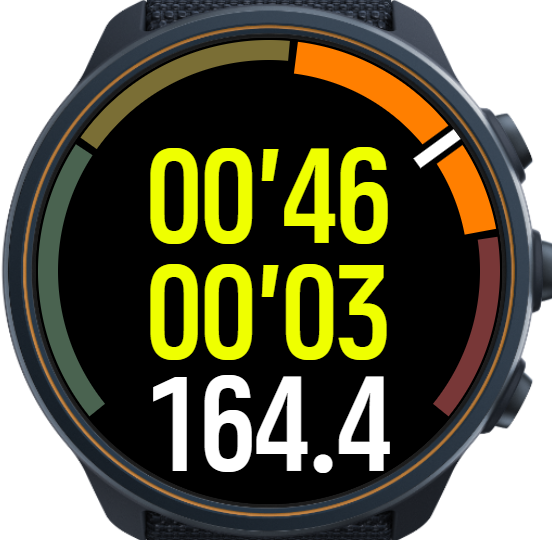
V1.1:- Performance improvements through decreased update frequency
- Modified gauge-colors for improved contrast
- Gauge extended for improved granularity
-
Why would I use this?
How do I use this?
I love all these new apps but for people newer to sportswatches and apps, it would be nice if there was some explanation of why and the how.
-
Why? for me the standard Intensity zones is not readable because of poor contrast (black on orange, small fonts etc). I also was missing a feature that would automatically track the HR-intervals. For me I like to keep track of time spent in HR-zones during intervals; and also help me to stay within zone2 for low intensity workouts.
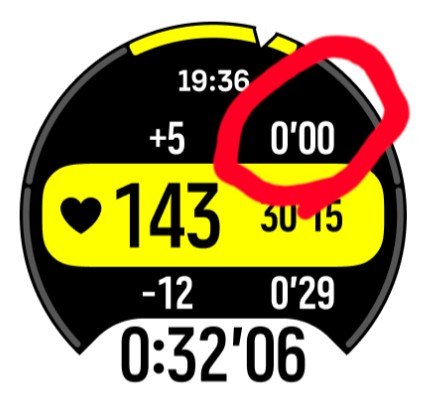
As for the how - there is really no setup required (if you have configured your HR-zones in Settings/Training/Intesity zones); the app is just a new data screen for the selected workout type.
-
@DonTomGot Excellent, I think I understand why I’d want to use this now

-
I used this for the first time today on my Vertical 1 and had this display issue.
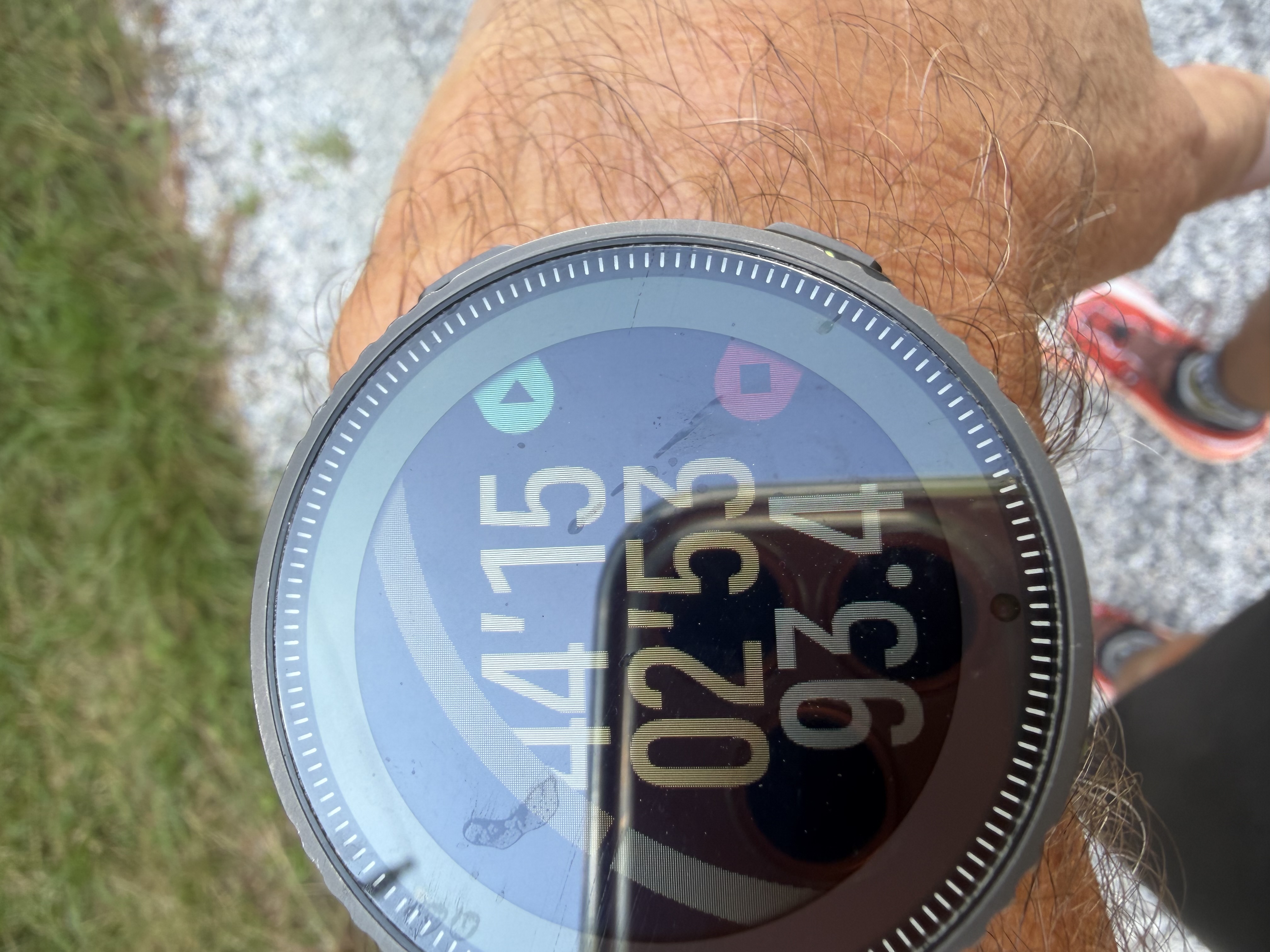
-
I used this for the first time today on my Vertical 1 and had this display issue.
Yes, unfortunately it will not work on that (or other) watches with smaller display - the app is designed only for 466x466 resolution watches. There are no mechanisms in S+ store to control this on download/install (unfortunately).
-
@DonTomGot ok thanks! Can it be listed in the app information? Is it just the visual issue? Numbers would be accurate?
-
@larrybbaker Yes, that was my intention (at least listing it in the info), so I’ll provide an update. Numbers will be accurate as they have nothing to do with the gauge. I will have a look to see whether it is possible to remove the gauge rendering from V1-watches as well. It seems there are methods for this.
Thanks for the update!


Hello! It looks like you're interested in this conversation, but you don't have an account yet.
Getting fed up of having to scroll through the same posts each visit? When you register for an account, you'll always come back to exactly where you were before, and choose to be notified of new replies (either via email, or push notification). You'll also be able to save bookmarks and upvote posts to show your appreciation to other community members.
With your input, this post could be even better 💗
Register Login