Live location S+ app
-
@Anthony-Guillemette make sure if SMS permission is enabled and what phone do you use?
-
@Nikolai-Simonov phone number is correctly defined and sms authorization toot, but sms is still in error. I have an Huawei P30.
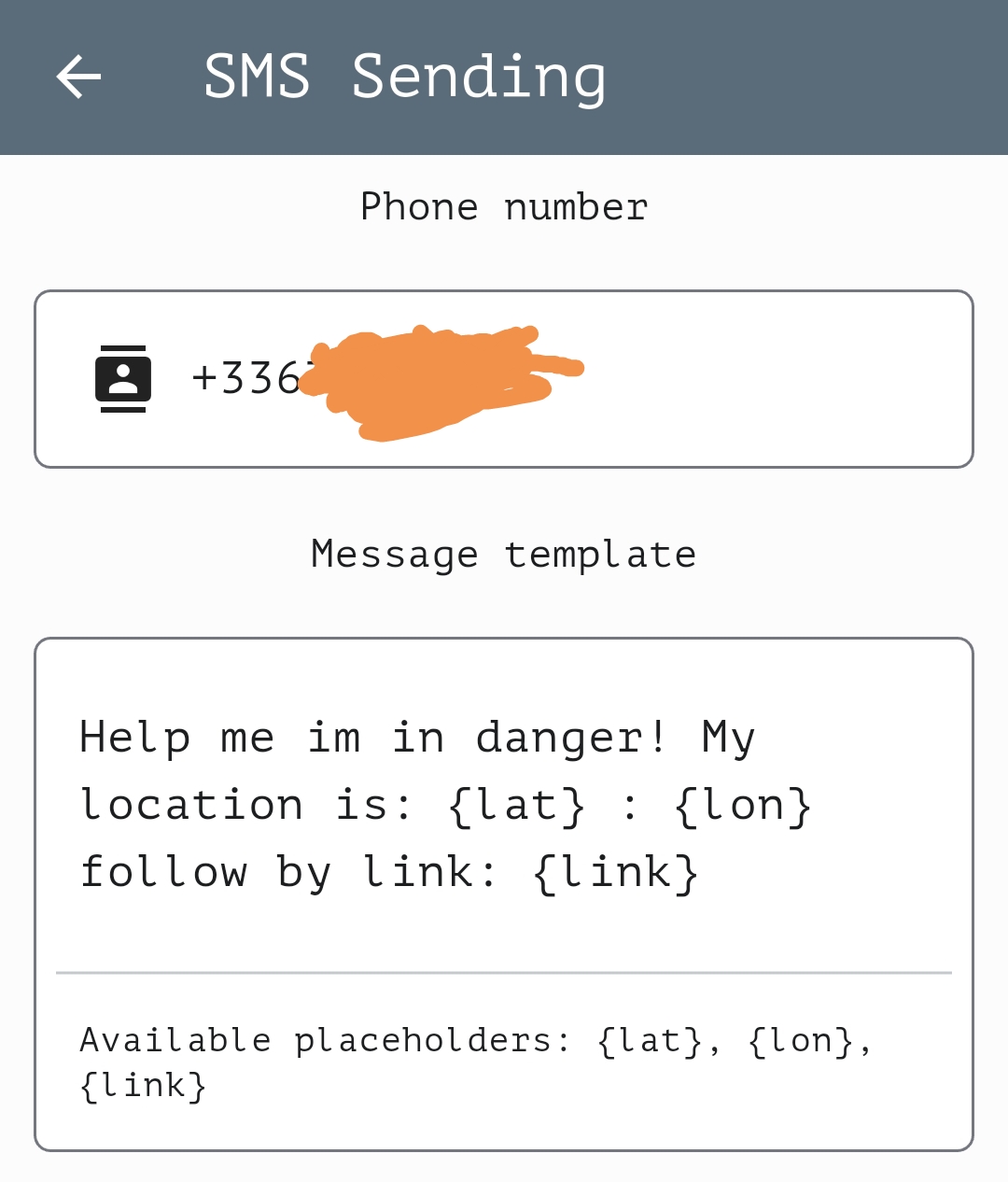
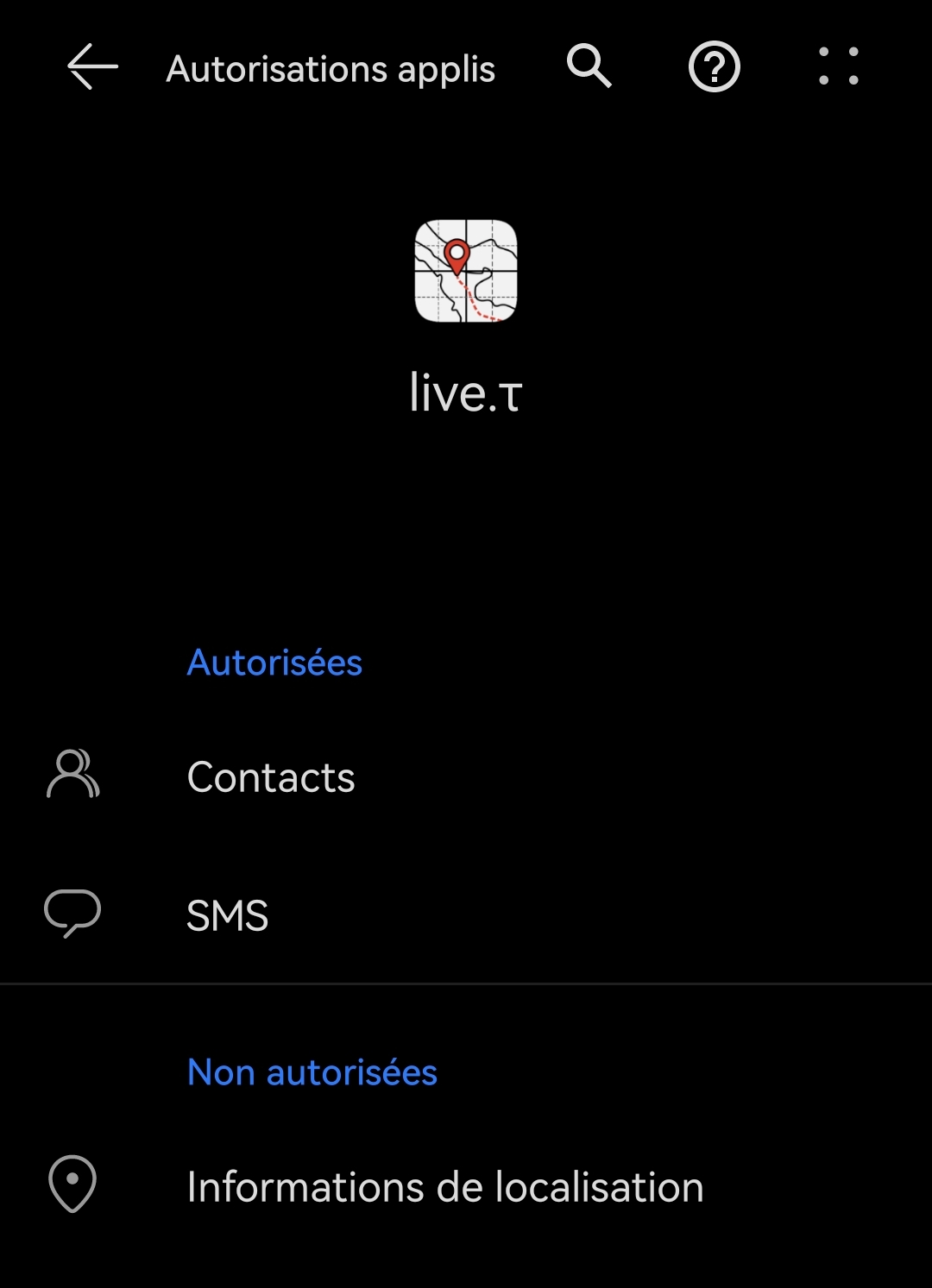
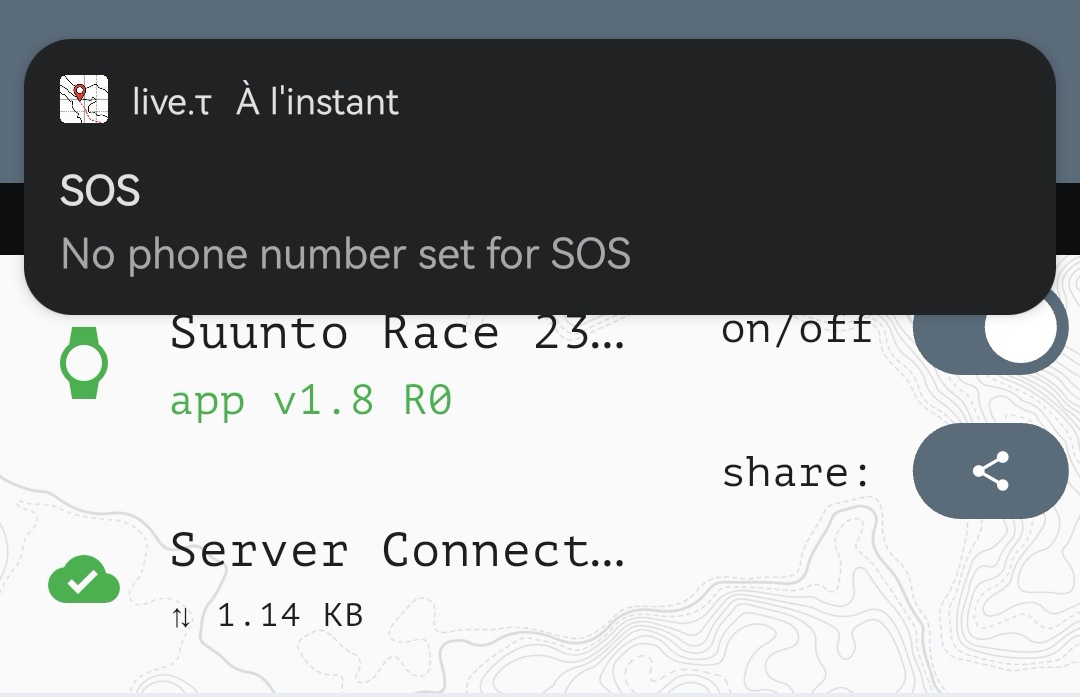
-
@Anthony-Guillemette I investigated an issue, unfortunatelly there was a real bug.
TLDR; what happend - misconfiguration of CI/CD leads to non googlePlay version was built with google play internals without sms sending module

so, could you try the latest preview build?
https://artifact.fra1.digitaloceanspaces.com/live-t/apk/btle/live-t.apk
should be - 1.0.16 (101)And again thanx a lot for point out this issue!
-
@Nikolai-Simonov I’ve downloaded the version
First of all, the graphical improvements look really nice
However :
- The button to save a phone number is now visible

- SMS is still not working : “SOS message failed”

- Linking the Suunto account doesn’t work (error 400: invalid redirect_uri)
Another problem I encounter: when LiveTracking SuuntoPlus app is enabled by default on the training mode, I have to disable and then re-enable it, otherwise the watch is not detected by the application (“device search”).
- The button to save a phone number is now visible
-
@Anthony-Guillemette said in Live location S+ app:
SMS is still not working : “SOS message failed”
i see an error, looks like missed implementation for pre-android12 telphony. I’ll publish new version today.
@Anthony-Guillemette said in Live location S+ app:
Linking the Suunto account doesn’t work (error 400: invalid redirect_uri)
Oh! thanx for pointing out! Just checked suunto api profile, and they clear all api integration data!!! 🤯 ridiculous! won’t be difficult to restore but…
@Anthony-Guillemette said in Live location S+ app:
Another problem I encounter: when LiveTracking SuuntoPlus app is enabled by default on the training mode, I have to disable and then re-enable it, otherwise the watch is not detected by the application (“device search”).
It’s not a bug but feature! you don’t need to re-connect it each time, just take a 5-15 sec to connect.
TLDR;
“Looking for watch…” - it’s a “cold start” during this time watch allocate memory and register all btle services.
after that you could see “waiting S+ application…” at this stage s+ app is connected and waiting for handshake between mobile app and s+ app… but connection already happend!
after that you could see the green text with a S+ app version.splitting connection on these three steps allows us immediatelly reconect to watch if service on phone has dropped or connection lost for some time, watch still registered on the gatt services, and we can try to restore it when connection back.
you could check how it works, connect to the watch, than during workout disable service for a few second and enable it back, the watch should instantly reconnect.
because every time on android we start from the fsecond phase, and if watch are registred in our GATT table, we fire handshake event imediatelly, if it pass we ready to work in miliseconds.
if we just start a workout watch initially is unsubscribed from our gatt services, so in fact of this we need to proceed through the cold start.
however, i agree it could look like a bug, but it should be solved in UX way… i’ll think about it…
-
@Nikolai-Simonov said in Live location S+ app:
It’s not a bug but feature! you don’t need to re-connect it each time, just take a 5-15 sec to connect.
Thanks for all the explanations.
The Bluetooth connection to the watch is a bit unclear to me, but I understand the general principle.And I confirm your explanation: even if the app says “waiting for S+ application…”, it will turn green as soon as the activity starts.
However, I tried the live tracking again this evening during a run, but unfortunately, it didn’t work very well - version 1.0.16-ext (102)
First, I had trouble activating tracking: the watch said it was connected (I had the GPS coordinates on the dedicated screen) and the app indicated a connection with the watch. But I still wasn’t located on the app’s map, either at the start or after a short movement.
I had to stop the activity, disconnect and reconnect the app and the watch, and start a new activity to finally be located on the map and see my movement.
Several kilometers later, I checked and the watch was disconnected (“DISCONECTED state:99”). I’m not entirely sure, but I think the app still indicated a connection with the watch. I tried disabling the Suunto app on the watch and then re-enabling it, disconnecting from the app and re-enabling it, several times, in various orders, but still without success. I finally gave up on LiveTracking.
Last weekend, I also had some issues with version 1.0.13-ext (77) where I experienced a disconnection for a few kilometers, but the connection was restored afterward and the tracking resumed (with a long straight line corresponding to the disconnection).
As I work in software development myself, I imagine it can be very difficult to diagnose with just this text information, sorry

-
Hi everyone. Nicolai, thanks for your efforts despite the limitations you’re facing. These past few days, due to activities and routes with poor outdoor coverage, I’ve given up on using this great app (until it’s fully integrated or Suunto offers more features) because I’m spending more time configuring it than training… Anyway, we’ll see more stable connections and compatibility with the watch (simultaneous Bluetooth connections) later on, as the current issues are causing constant chaos. Cheers.

-
It’s been a while since the last public release… and finally apple approved the v1.0.17 (google is still reviewing as usual)
This is probably one of the biggest updates so far.
So, most of you probably already tried that new features in testFlight, btw I want to highlight some of them (smth like release notes):
-
Updated home screen
The main page is now card-based, and cards can be rearranged however you like. -
Better UI performance overall
Previously there were noticeable frame drops while moving around the map. Now it much smoother. -
Groups are now integrated directly into the home screen
You can access group invite links right from the main page. -
Group members are now visible on the map in real time.
-
Added PTT (Push-To-Talk) inside groups (Experimental feature)
Basically a walkie-talkie mode between members of an active group. -
Added automation providers:
n8n, Zapier and Make (you know, if you know)
Currently available as community nodes or private integrations.
They can work with checkpoints, session events, and even Suunto workouts. I’ll probably make a separate detailed post about this later. probably. -
Sensor Forwarding support (Experimental feature)
The app can now be used not only for geo tracking, but also as a sensor forwarding bridge.
You can connect sensors to your watch and forward the data through the app into platforms like Zwift or MyWhoosh or froward somewhere else, while still keeping your workout recorded in Suunto ecosystem.
Cycling and running profiles are currently supported. -
Completely rewritten BTLE stack
(the conflict with the Suunto App is still not solved because of… you know)
So, next releas I probably going to finally focus on localization support as a most requested ‘feature’ in support.
Also want to highlight some updates made to the web version:
- Support for 3D characters on the map
You can now choose different character styles in your profile. - Drone-like follow mode
It’s mimic to drone style tracking camera, a bit… um… “cinematic” from my perspective. - Your partner or followers can now see their own position relative to you directly on the map, including live distance and ruller between you.
That’s probably it for now.
Thanx you all for testing, feedback, and patience.
-
-
Hey there!
Just want to make a quick teaser of upcoming v1.0.18 feature - Field notes.
You will able to make a notes just while you walking, hiking, running whatever… It could be, photo, recorded audio, plain text, and video in the future. Your followers could see the taken notes live, and later on replay page.
Here quick video demo with audio and picture on replay page:
https://drive.proton.me/urls/0JW6MQ3Q5R#UW6p9qLv7U4q
so that’s all for now.
-
Today I continue teaser the 1.0.18 features, and tell about feature that I personally use really frequently!
Personally I’m used to planing workouts by visual cues and landmark.
Instead of running 400m high tempo 200m rest etc etc… I’m planing my workout like- warm-up from home to embankment around 10 min
- on embankment from start to the first crossroad - tempo run
- rest till the court,
- then tempo till the fish restaurant… etc… etc…
it’s pretty difficult to measure structured workout in exact timing… to real city world…
traffic lights… segment length couldn’t be clearly 400m you can run bit different way…So in Live.τ i can create x-line trigger checkpoints. It allows me trigger Lap (or send message on watch, or some zapier automation) in exact time when i crossing my visual cue and don’t care to tap lap manually, or trying to fit structured workout.
Here is how it works:
- set checkpoint on map and chose cross line type
- adjust the line by dragging ends, specify trigger direction
- seta an action what to do on crossing line - mark a new lap, send some message to your watch, or even trigger custom zapier/n8n/make automations
- when you cross the line, the app automatically triggers an action
there’s a really short video how to set x-lines
-
@Nikolai-Simonov hey Nikolai
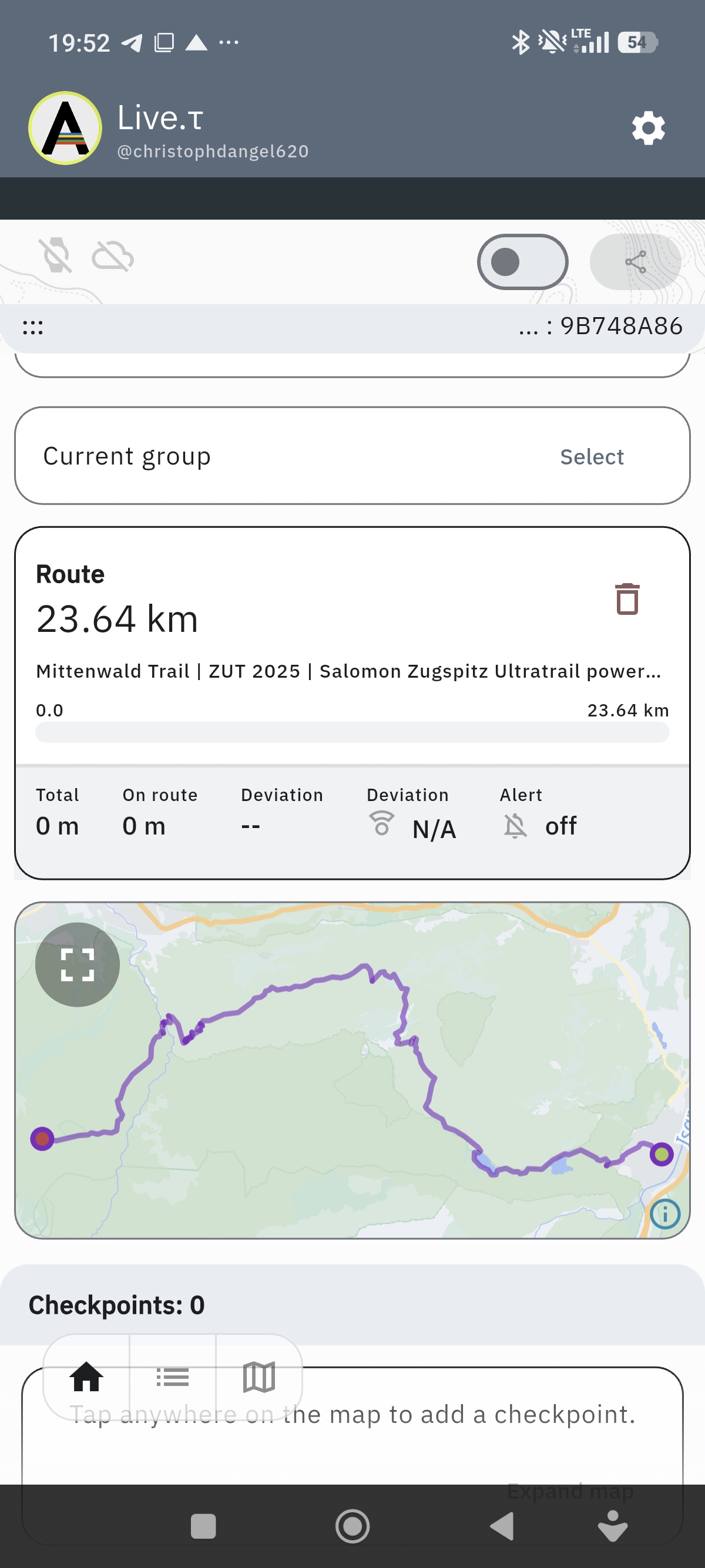
 had many Breaks today with Connection! Last Version and a second bug: i import a route ITS 44km but the live App only shows 23km and ends in top of the Mountains… Whats Up?  )
)
-
Hey @GiPFELKiND !
could you share .gpx of this route?
-
-
Mittenwald_Trail_ZUT_2025_fa6c0d4010(2).gpx
Thanx! I looked this track, found an issue.
TL;DR - it’s a bug in preproccesing tracks, to avoid it you should use gpx with route not a track that bypass preprocessing.
The root cause is here:
gpx format has a two tags for holding routes
<trk>and<rte><trk>- represents a saved by device route and usually contains timestamps on points, telemetry extensions etc…<rte>- represents planed route by some software.in live.τ we can use both of them, however for
<trk>we’re making some preprocessing to reduce amount of points on straight lines, collapse stops etc, it allows us save quite a lot of cpu and memory while navigating, but, you found a bug in this preprocessing, due to this route points in<trk>tag app thinking that it’s a recorded route and should be sanitized, but sanitizing faced up with issue in it’s logic trackpoint without timestamp and gap more than 100m - algorithm decides it looks like a malformed gnss data - no timestamp and speed probably more than 100m/s and cut it out.so in fix i’ll add euristic if point not contains timestamps probably it might be proceed like a route not a track…
but anyway i suggest use gpx followed standarts.
And thank you for bug report
-
@Nikolai-Simonov okay thank you! Thats the official route from UTMB Homepage from the Zugspitz Ultra Trail in 1 Week. The UTMB share this official route!
-
@GiPFELKiND yep, it could. it created via outdoor active as i see in the metadata. but frankly, not every software follows standards, so, neither good nor bad just a fact.
-
@Nikolai-Simonov what about the fact with the Break while run a Activity? I never had a complete track…suddenly the watch says Error… And did not track again. Yesterday 28km Trailrunning! Lost 3 times the Connection? End the Activity at suunto watch, start again…
-
What phone model? and what error?
also on lates android build, knowing issue if you app swiped out from activity list, you probably could lost connection, fixed but not released yet.
in general race for BTLE connection between suunto app and live.τ app still exist, but observation said that it’s not a big deal, and connection works in general well. personally i usually lost connection in some difficult areas near military objects, or radio polluted regions… not sure if it’s your case.
you can try to the latest apk build here - https://artifact.fra1.cdn.digitaloceanspaces.com/live-t/apk/1.0.18/live-t.apk
or if you use google play join internal builds here - https://play.google.com/apps/internaltest/4701596347369604163
-
Just purchased a Race 2. Updated to newest firmware. I installed LiveT on my phone (iOS) and on watch. I activated it in the run activity and was able to connect to my phone. The watch and the phone connect. Unfortunately after that my watch freezes then reboots. After watch reboot when go back to the run activity the watch freezes again. My watch looped on the “The device is being restored to a safe state” then it did a hard reset. I’m also trying to do a structured interval plan I created. Are there any know conflicts with that?
-
Hey @Tamon-Yanagimoto!
nope, never heard this behavior, is it happens if you try use Live.τ + structured workout?Suunto Race 2 Ti
Suunto Race
Suunto 9 BaroSuunto Aqua
Suunto Wings




Hello! It looks like you're interested in this conversation, but you don't have an account yet.
Getting fed up of having to scroll through the same posts each visit? When you register for an account, you'll always come back to exactly where you were before, and choose to be notified of new replies (either via email, or push notification). You'll also be able to save bookmarks and upvote posts to show your appreciation to other community members.
With your input, this post could be even better 💗
Register Login