Suunto 9 Baro route sync fail

-
Hi, Suunto fans
Overall I am happy with my S9 Baro, although recently I’m experiencing route sync issues.
-
I create a route in the Suunto Android App and click the radio button to upload to watch! Screenshot_20200602-173401.png
-
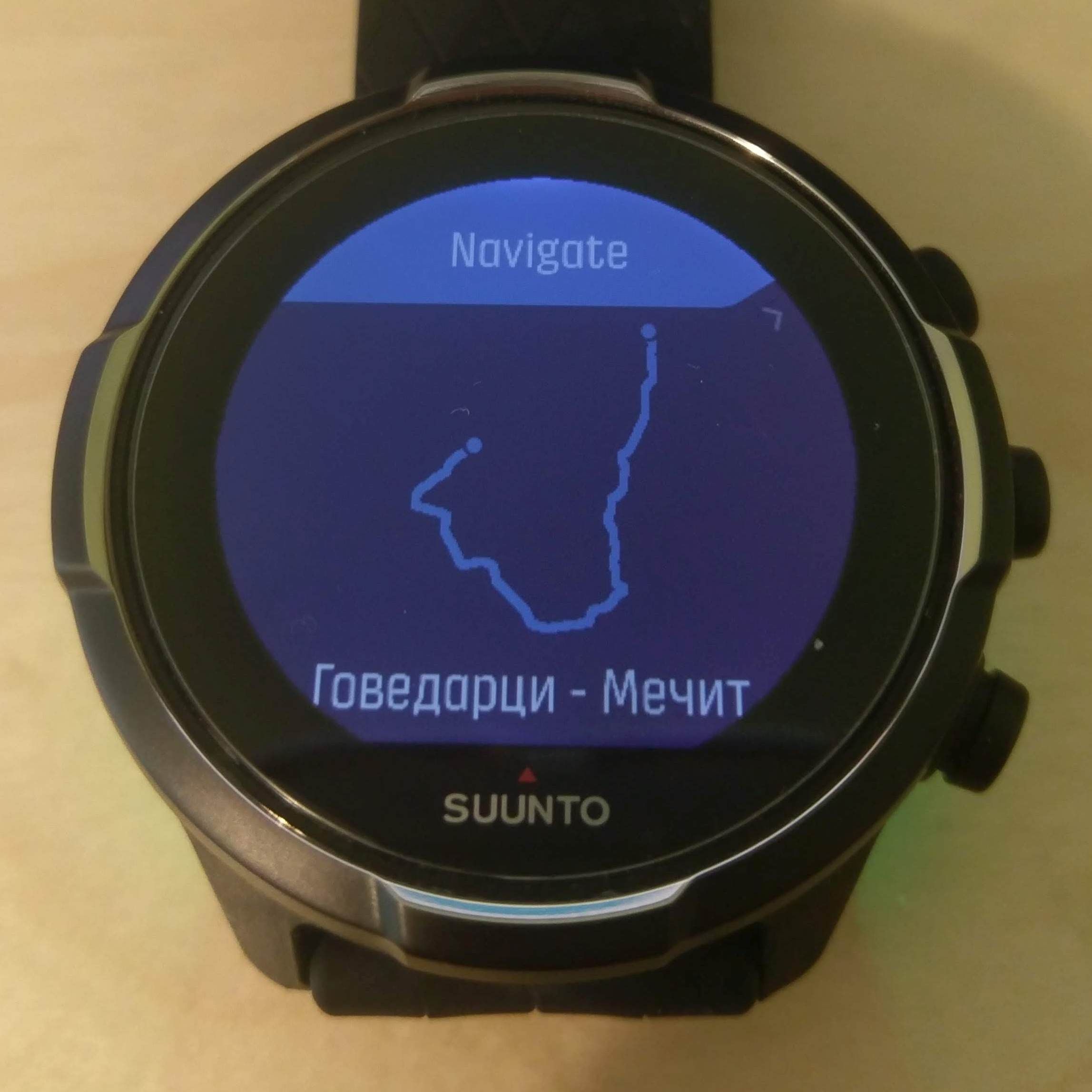
After Bluetooth sync I go to watch menu -> Navigation -> Routes - Route name and meta-data are correct but route contour / outline / thumbnail is completely wrong. Usually it shows the contour of one of my old routes deleted long ago. When I use navigation during an Activity (mountain biking or hiking) the loaded route is again the old deleted one and not the newly created & synced one.
Something is wrong with the route syncing.
How can I collect diagnostic data & contact Suunto tech support?
Suunto Androind App & S9 Baro firmware are latest versions.Thanks!
Suunto 9 Baro + Android
-
-
Already discussed in the forum, let me find the right topic so you can contribute there.
-
@synner88 this is the topic where this issue is discussed: https://forum.suunto.com/topic/4257/route-changes-not-sent-to-the-watch-v-4-20-2
-
If you want you can post your message there, and I can close this topic as duplicate.
-
Yes, please. Close as duplicate.
Thank you, isazi!


Hello! It looks like you're interested in this conversation, but you don't have an account yet.
Getting fed up of having to scroll through the same posts each visit? When you register for an account, you'll always come back to exactly where you were before, and choose to be notified of new replies (either via email, or push notification). You'll also be able to save bookmarks and upvote posts to show your appreciation to other community members.
With your input, this post could be even better 💗
Register Login