Delete a map on the watch
-
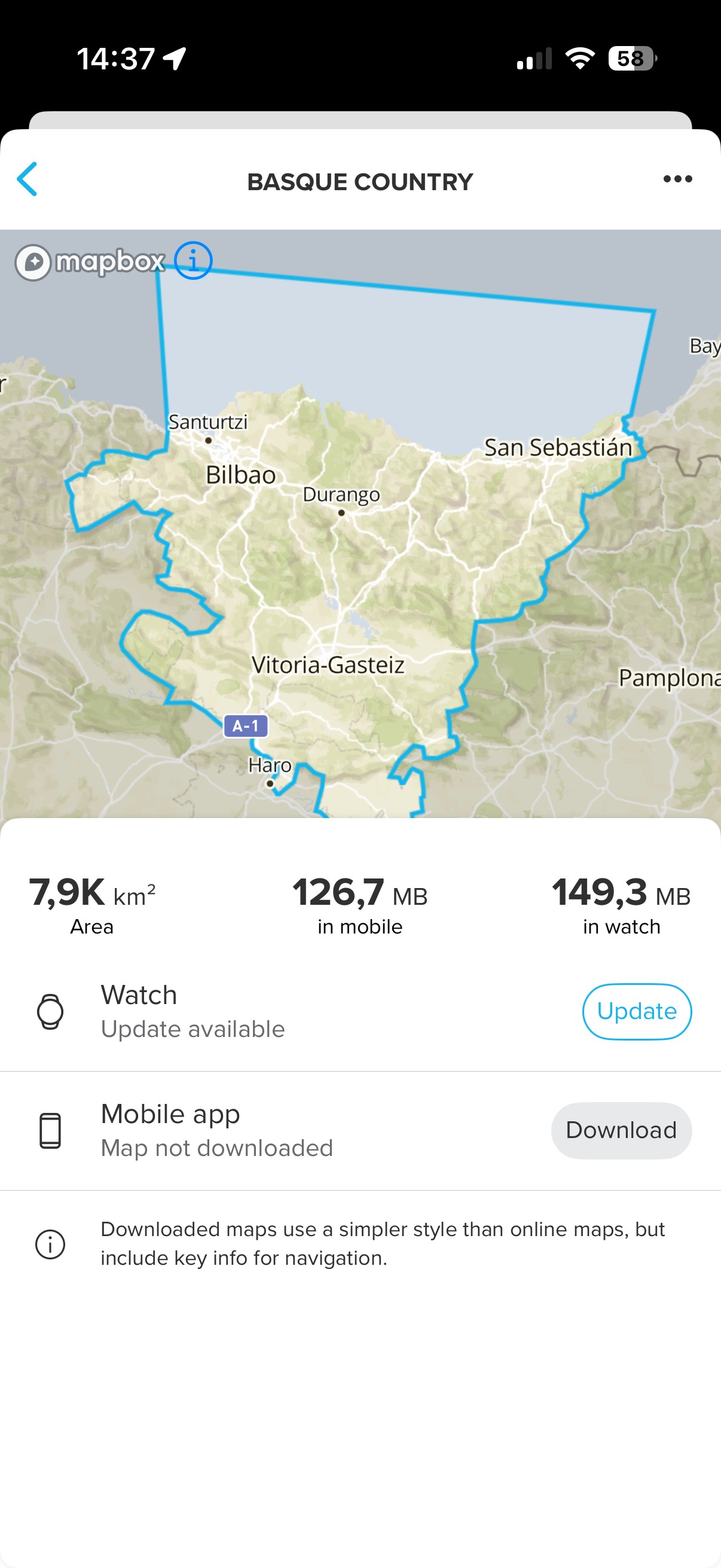
@sartoric you’re right. I updated the map, and I had the remove button

thanks
-
@love_leeloo I think it was mentioned in the thread about the offline maps that you first need to update the map before you can remove it.
-
You’re all right !!!
update the maps and got the remove buttonmany thanks
-
What do you do when the update doesn’t update and you’re stuck, as you can’t remove the map… I feel a hard reset coming on!

-
@Spen-B
Is this still the case that Delete button is not available while there is map update? -
I had to update maps yesterday just to be able delete them. Very annoying, because downloading maps took ages. I’m on Q2 update.
-
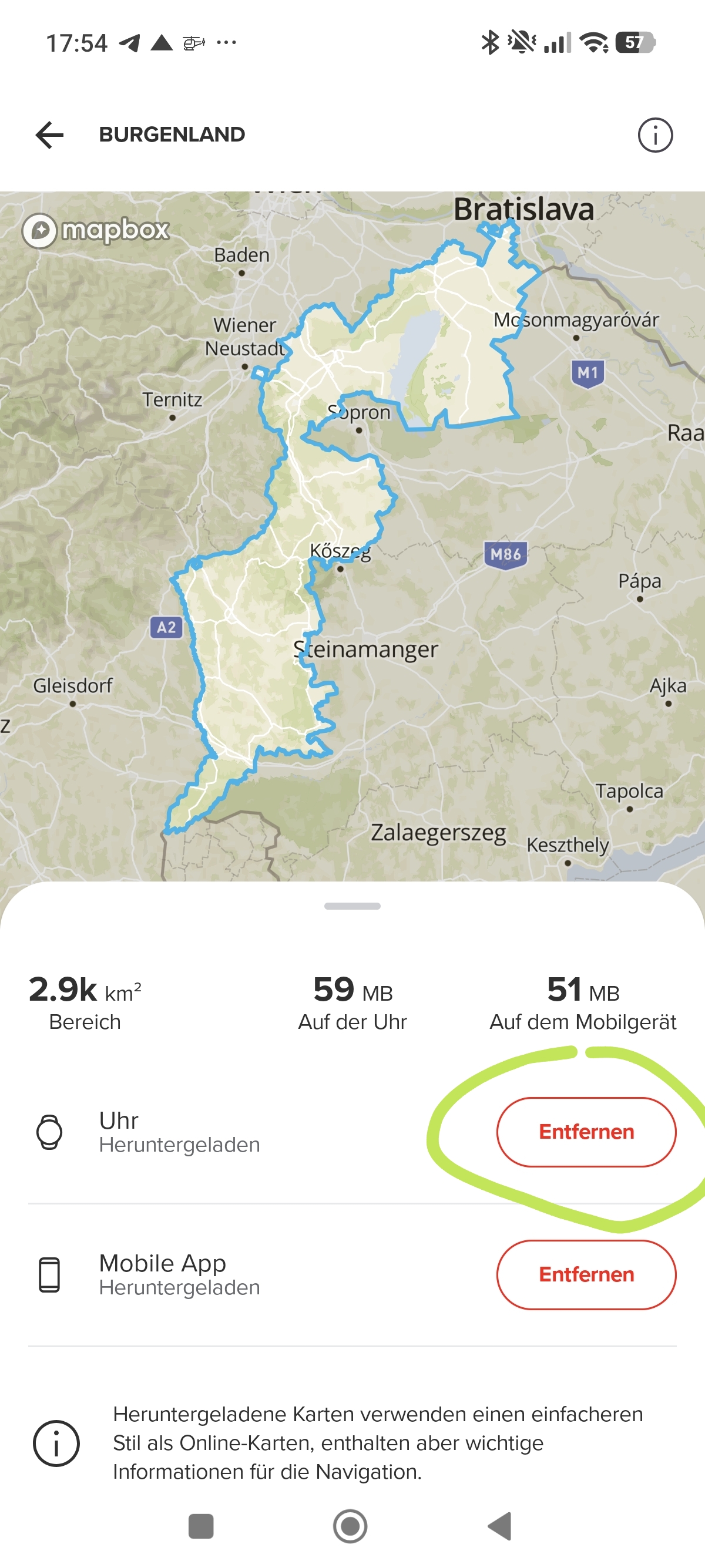
@HonzaS you can delete easy after load the map. Look here. You have to click in your downloaded map and then delete
-
you can delete easy after load the map
Yeah, easily AFTER “load” the map
One thing with a 59 MB map size, different with 1+ GB map, when you have 10, 20, or 30 of them. You could be a software architect for Suunto, you’d fit right in. 🤨
BTW, this idiotic workflow has been reported almost four months ago…
https://forum.suunto.com/post/187662Race S
-
@Squirrel two Options: delete it or NO delete it

-
@Squirrel Exactly. Why I have to download an update for an hour or more, if I just want to delete the map?



Hello! It looks like you're interested in this conversation, but you don't have an account yet.
Getting fed up of having to scroll through the same posts each visit? When you register for an account, you'll always come back to exactly where you were before, and choose to be notified of new replies (either via email, or push notification). You'll also be able to save bookmarks and upvote posts to show your appreciation to other community members.
With your input, this post could be even better 💗
Register Login