Suunto Software update Q1 (2.53.42)
-
@rawmtb said in Suunto Software update Q1 (2.53.42):
Hello, using a Suunto Race S. Since the update, I can’t move the map with my finger anymore, it stays locked and follows the route I have selected.
Also the new tooth with up to five data points can’t be touched to cycle through the data points.
I have no touch screen issues, other screens works, just not the map view during a sport mode recording.
Anyone having the same issues? Tried soft restart already.
What are your settings in the exercise options for “Touch”?
It needs to be set to “on” or “Map only” to work for this. -
@Egika Here’s what happened: I set the alarm for 7:15 every day initially (Custom alarm: Mo, Tu, Wed, etc.). Then I changed all days except Wed and Sun to 6:15 am (a time during DND). Since then, every morning report shows 7:15. The alarm never goes off – not at 6:15, not at 7:15 – and I also think other data in the report is wrong.
I’ll try reboot/soft reset.
-
@Egika do I set this on the watch directly? Could you point me to these settings?
-
@rawmtb
Before starting an activity:
Select sport mode -> In the pre-start screen scoll to the bottom and select Exercise options -> Scroll down and select “Touch”During the activity:
Press and hold the lower button -> scroll down and select “Touch” -
-
@Egika thanks a lot! This seems like a new option for the Suunto Race S. Problem is now solved and I can navigate the map with touch.
-
@Egika said in Suunto Software update Q1 (2.53.42):
What are your settings in the exercise options for “Touch”?
It needs to be set to “on” or “Map only” to work for this.I honestly wonder why “Map only” isn’t the default after the update, as it is the same as before, I seem to remember. Or at least it is the most sensible option.
Suunto Race S
Garmin Epix Pro -
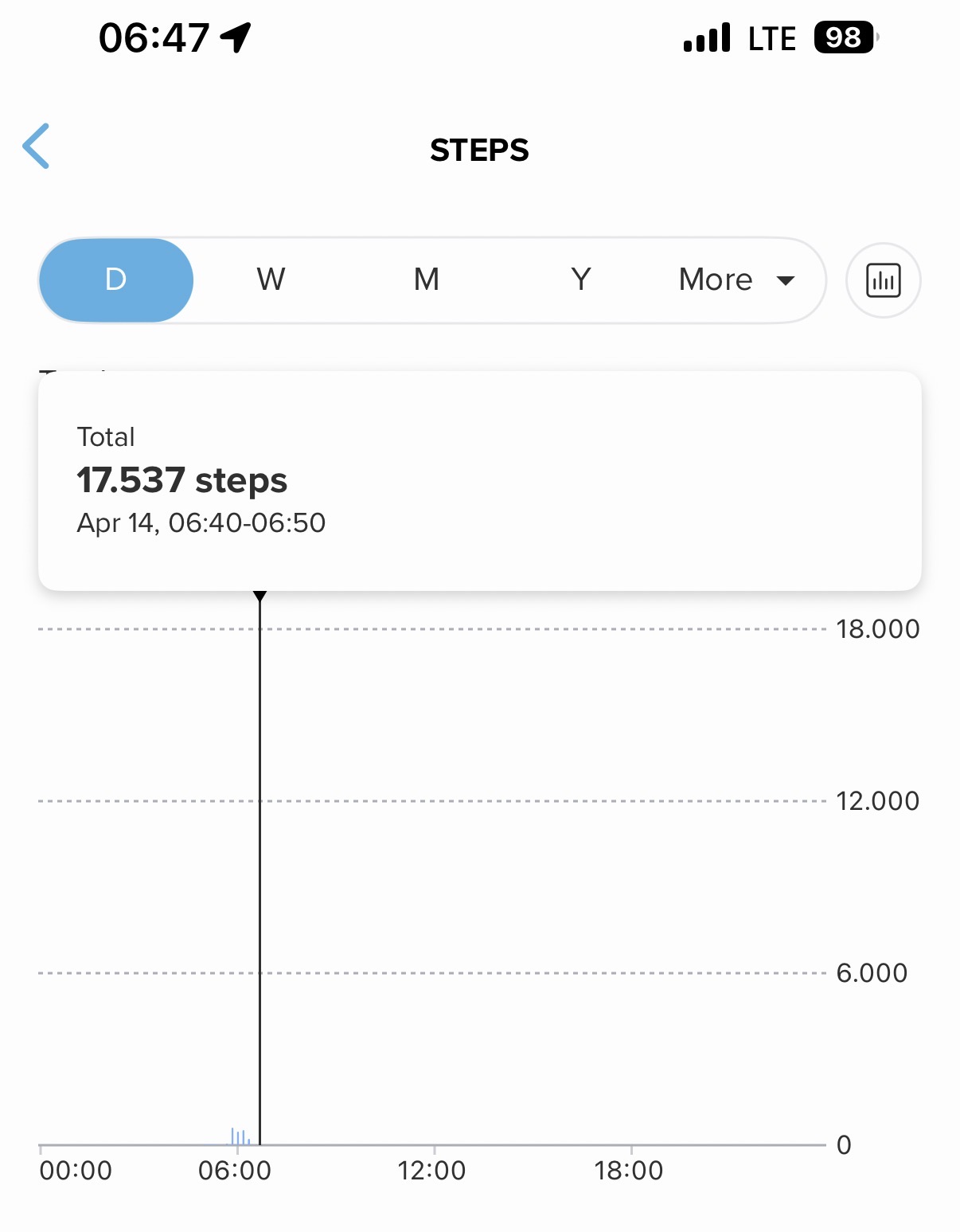
This morning, my Suunto Vertical 2 wasn’t displaying notifications. So I turned the watch off and on again. But then a new problem arose: my step count jumped from 2,000 to 17,537?
-
@2b2bff said in Suunto Software update Q1 (2.53.42):
I honestly wonder why “Map only” isn’t the default after the update, as it is the same as before, I seem to remember. Or at least it is the most sensible option.
I noticed this too! I created a new custom sport mode and found that I couldn’t switch between multiple custom fields at the bottom of the map because the touch was disabled by default. I was wondering why I could choose multiple fields but see only one - at first I thought that was a bug. The “Map only” default makes much more sense.
Suunto: Ambit, Ambit 3 Peak, 9 Baro, Race S, Race Ti, Vertical 2 Ti
Garmin: Forerunner 210, Forerunner 610, Fenix 6X, Fenix 7X Ti -
@sky-runner I get it. on my SRs, using the same parameters I have always had, daily consumption is back to what it was with previous updates
-
@sky-runner said in Suunto Software update Q1 (2.53.42):
@2b2bff said in Suunto Software update Q1 (2.53.42):
I honestly wonder why “Map only” isn’t the default after the update, as it is the same as before, I seem to remember. Or at least it is the most sensible option.
I noticed this too! I created a new custom sport mode and found that I couldn’t switch between multiple custom fields at the bottom of the map because the touch was disabled by default. I was wondering why I could choose multiple fields but see only one - at first I thought that was a bug. The “Map only” default makes much more sense.
uff wrong post, sorry
-
@Speed-Man Sounds like a memory issue.
-
Today, for the second time after the update, it happened that the custom alarm set to 06:40 ringed 10 minute later, as it was postponed. This time, I awaked by myself about 15-20 minutes ahead the alarm time and I’m pretty sure I didn’t touch any button. DND was set from 22:30 to 07:30.
Suunto Vector . Vector HR . Core . Race & Race S
-
![alt text]
 (image url)
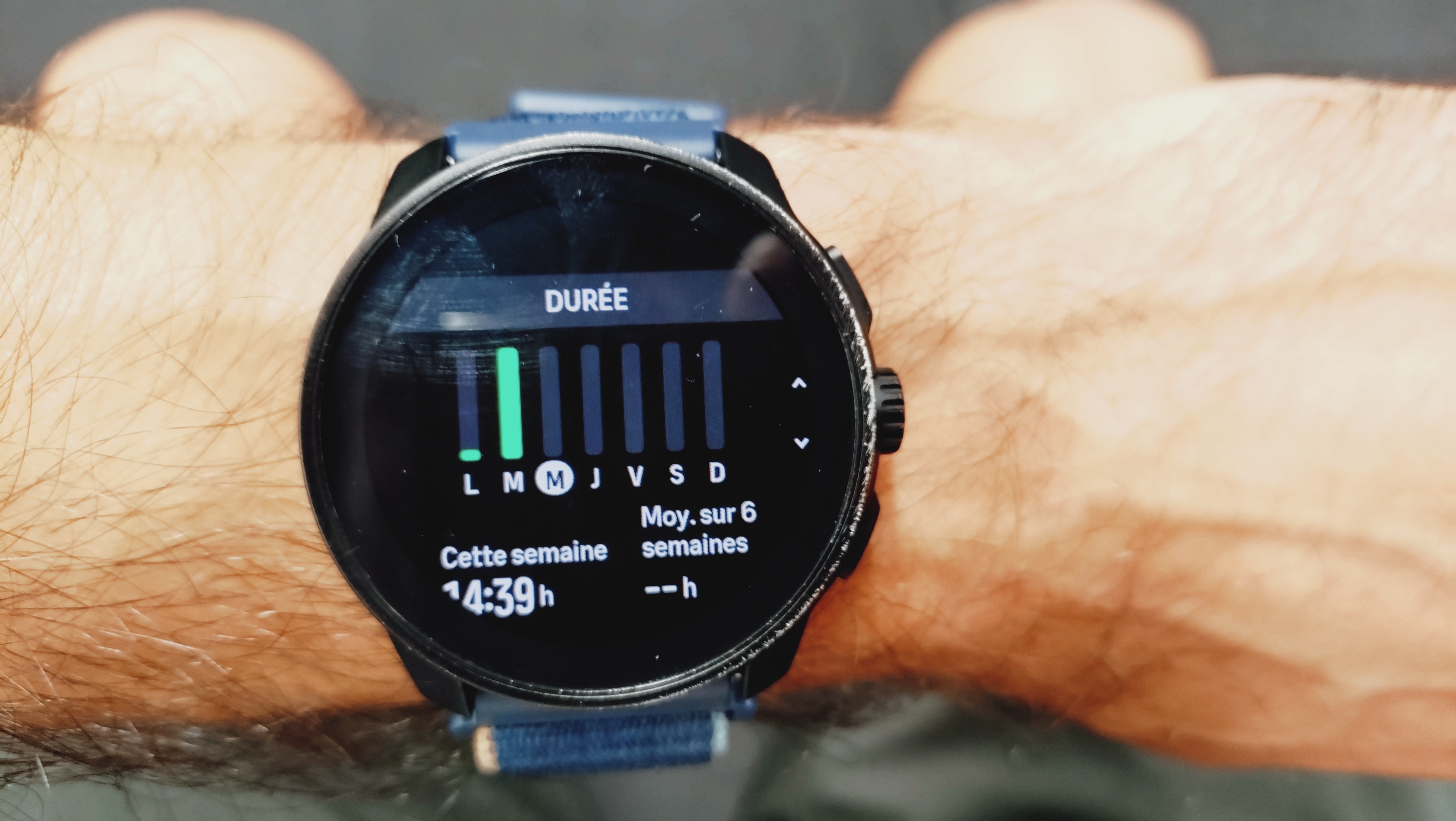
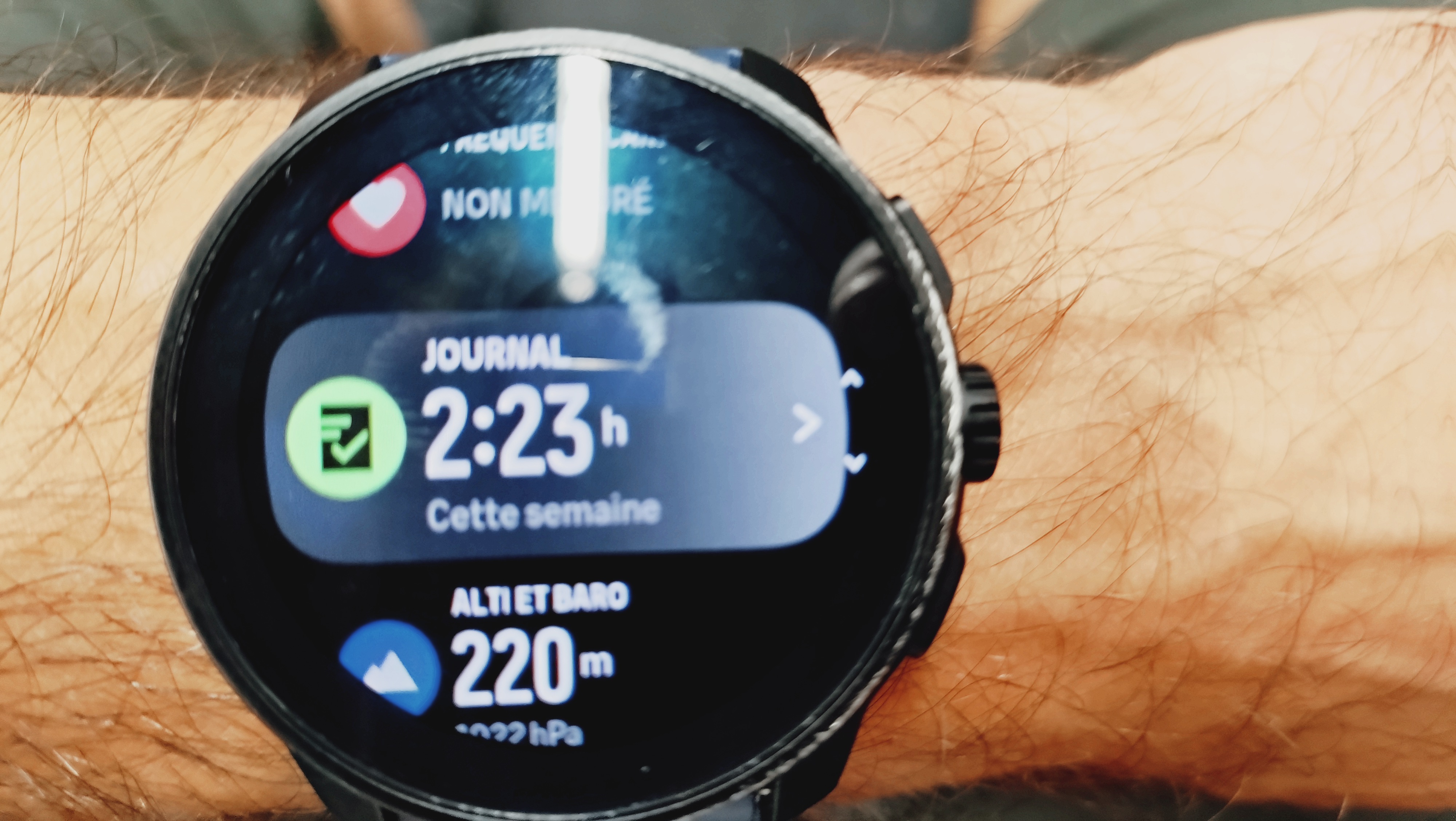
Since the update the weekly total is off nad sometimes it goes back to the correct value. I guess this is a bug ?
-
Thank you for this update. Got a Race S Ti and broadcast heart rate was something I was missing from garmin. Done now.
Keep up the great work -
Hi All,
Check this watchface:
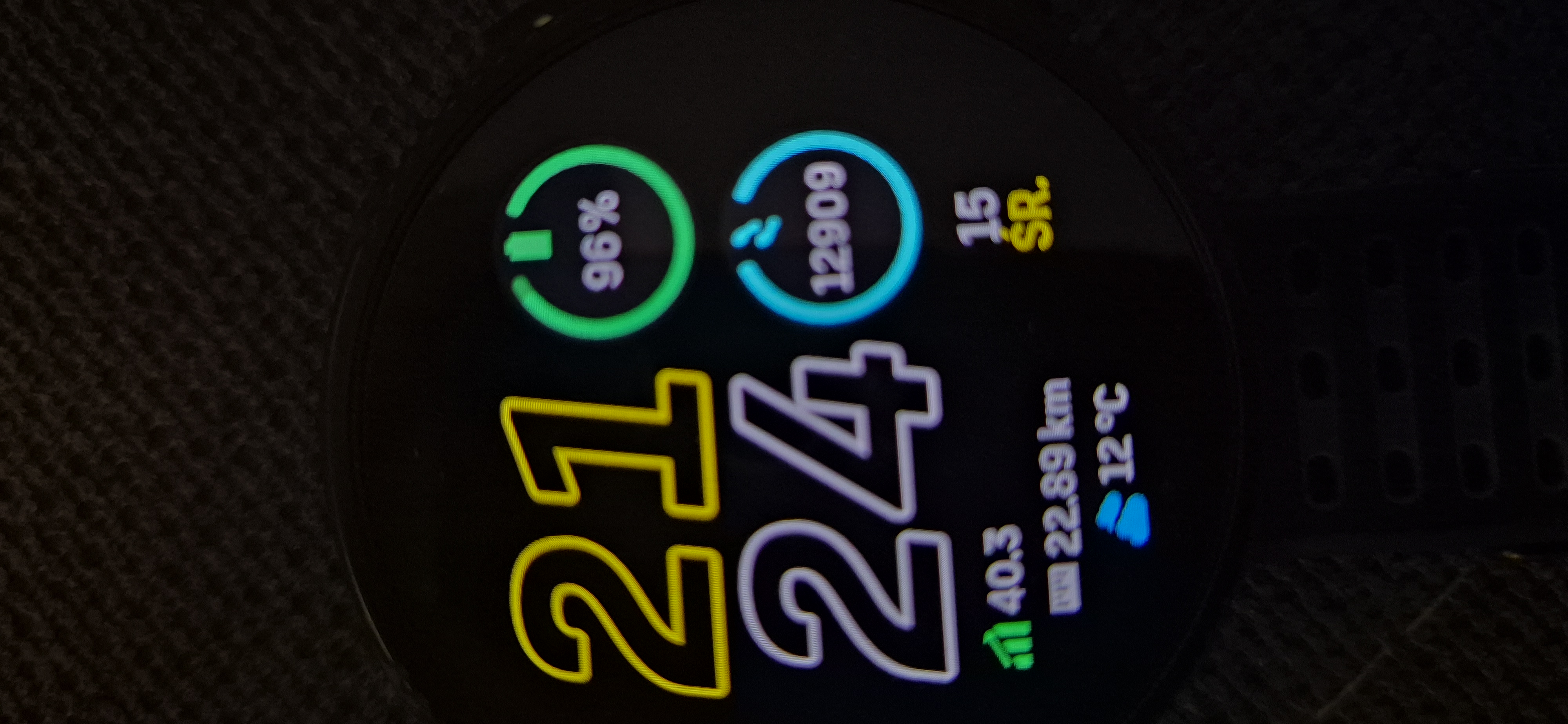
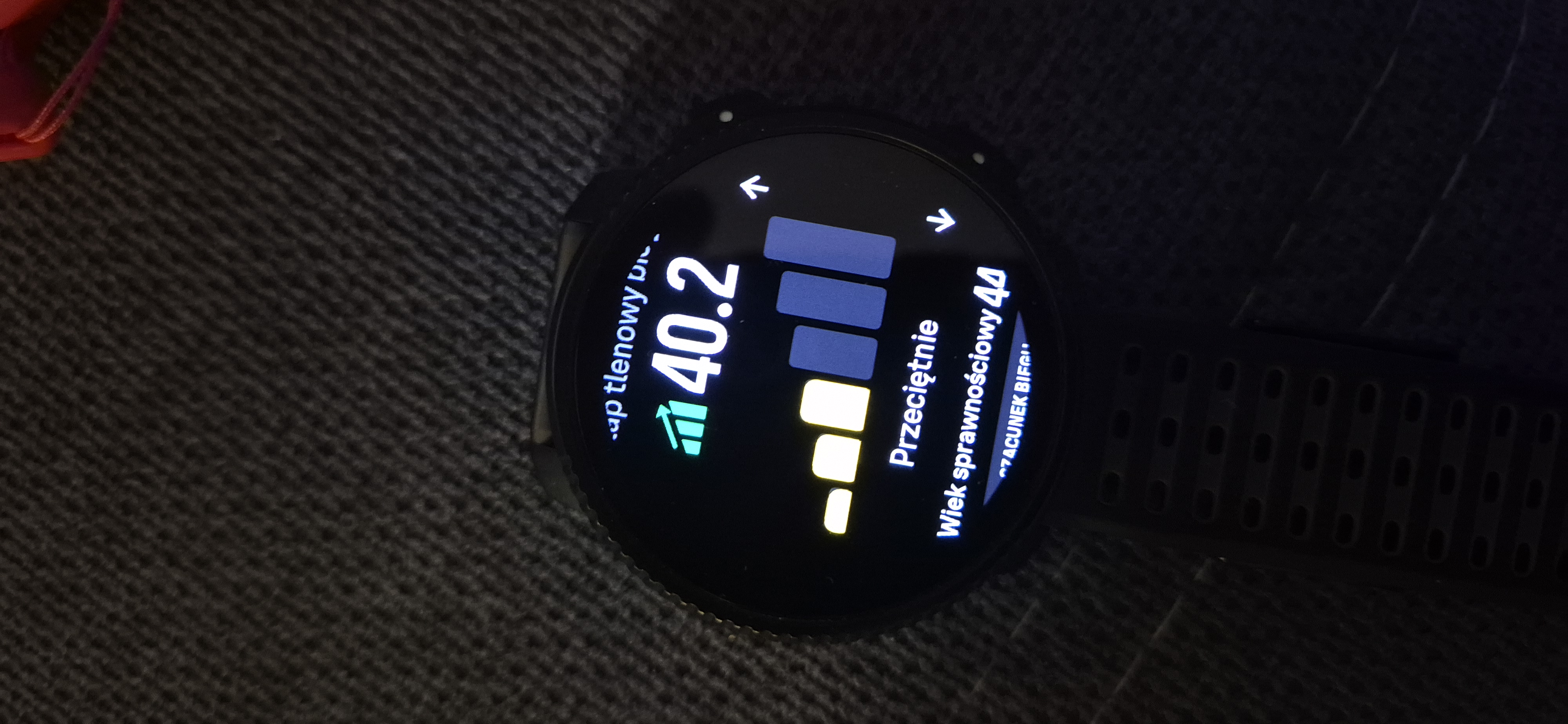
I don’t know why but VO2MAX is not updating after training
My VO2MAX is getting down after today’s run (don’t judge me) but on the watchface I can see old data
-
said in Suunto Software update Q1 (2.53.42):
Today, for the second time after the update, it happened that the custom alarm set to 06:40 ringed 10 minute later, as it was postponed. This time, I awaked by myself about 15-20 minutes ahead the alarm time and I’m pretty sure I didn’t touch any button. DND was set from 22:30 to 07:30.
Also this morning the alarm ringed 10 minutes later (!)
I have changed to time to 6:30 and then back to 6:40,
lets see what happens tomorrow morning …
Nobody else is experiencing the same odd behavior? -
@Stefano-M64 said in Suunto Software update Q1 (2.53.42):
said in Suunto Software update Q1 (2.53.42):
Today, for the second time after the update, it happened that the custom alarm set to 06:40 ringed 10 minute later, as it was postponed. This time, I awaked by myself about 15-20 minutes ahead the alarm time and I’m pretty sure I didn’t touch any button. DND was set from 22:30 to 07:30.
Also this morning the alarm ringed 10 minutes later (!)
I have changed to time to 6:30 and then back to 6:40,
lets see what happens tomorrow morning …
Nobody else is experiencing the same odd behavior?For me it’s ok so far. DND set to 22pm-6am and alarm set to 6.15am (weekdays). Race S.
-
@Mravac said in Suunto Software update Q1 (2.53.42):
my step count jumped from 2,000 to 17,537?
This is an old, old ‘bug’, where a bucketload of phantom steps gets tacken on to the current day when the watch is booted up (think it also can happen with the calories). But these phantom numbers silently disappear when the date ticks over to the next day. Leaving no trace anywhere.
I’ve mentioned it in a post far back, but can understand that it hasn’t garnered any attention or fix. We’re not supposed to turn the watch off in the first place…
-
Not sure if related to this firmware, since I have the watch for little time and I am alternating between it and my fr965, but now when I don’t sleep with it, it counts sleep till I come back to it.
So for two days I get 18h of sleep.
Any hint to delete it ?Suunto Race S | Ambit 3 Peak Sapphire | Kailash | Hammerhead Karoo 3
Garmin Edge 1040 Solar








Hello! It looks like you're interested in this conversation, but you don't have an account yet.
Getting fed up of having to scroll through the same posts each visit? When you register for an account, you'll always come back to exactly where you were before, and choose to be notified of new replies (either via email, or push notification). You'll also be able to save bookmarks and upvote posts to show your appreciation to other community members.
With your input, this post could be even better 💗
Register Login