Notifications
-
Is it possible to disable only call notification? I want to see notifications from SMS, Signal, Teams, etc.
Suunto Race 2
Google Pixel 8 pro -
@Piotr-Grygiel
this setting has to be done in the app.
if I recall correctly iOS pushes all notification to the watch that are allowed on the phone screen but in Android you can toggle individually in SA notification setup -
Hi @Piotr-Grygiel,
I’m suffering by this - let’s say by design - issue.
As freeheeler said, IOS cannot filter anything, just forward all the notification which is enable on the phone for apps.
My solution for this was to create a focus mode for sport, what I use when I’m doing my training. In this, I disable every notification except SMS, calls from known numbers.
By this way I can limit drastically the numbers of notification reach me during my trail running sessions
Regards,
Marcell -
@kamarasm
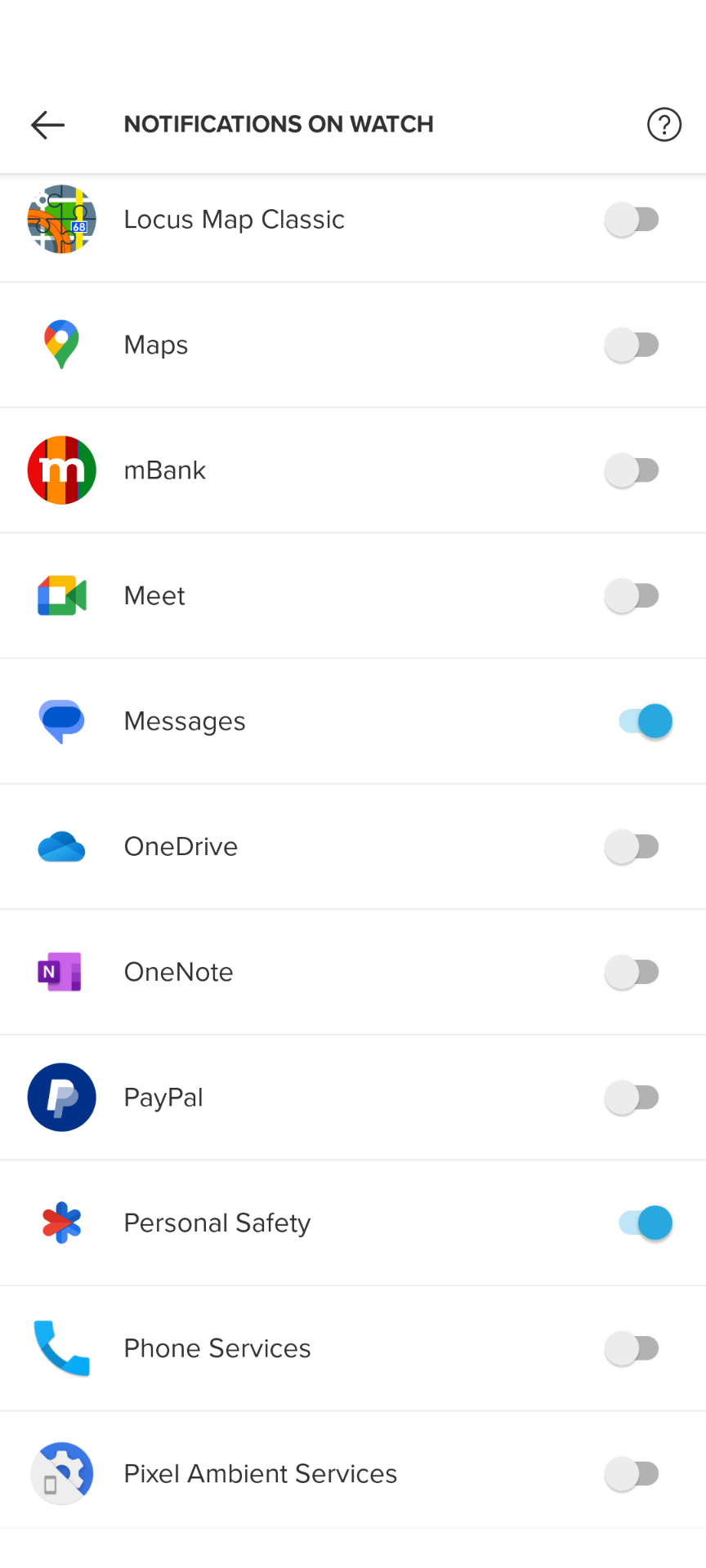
Still ringing -
@Piotr-Grygiel

didn’t we have the issue recently that it wasn’t ringing at all?
now it’s the other way around… let me try to replicate it.indeed, phone service toggled off: call notification is passed thru
-
@Piotr-Grygiel In your Android phone, go to Settings - Apps - find Suunto App and check the app Permissions. If you disable Phone permission, call notification will be disabled in your watch while other notifications should work normally.
SV: fingers crossed :D
S9 (non-baro): died after 2 months, replaced, holding strong since 03/20
Spartan Trainer: casing broke after 23 months, repaired, lost watertightness 5 months later, died
Despite some pretty bad luck, I still love Suunto! -
@inkognito
but that’s not how it’s supposed to work, right? -
@freeheeler It works. That’s the only thing that matters

-
@inkognito But without SMS.
-
@Piotr-Grygiel Oh, you’re right… I haven’t realised that…



Hello! It looks like you're interested in this conversation, but you don't have an account yet.
Getting fed up of having to scroll through the same posts each visit? When you register for an account, you'll always come back to exactly where you were before, and choose to be notified of new replies (either via email, or push notification). You'll also be able to save bookmarks and upvote posts to show your appreciation to other community members.
With your input, this post could be even better 💗
Register Login