Suunto Mac app map zoom out
-
In the Suunto app on my Mac, I can zoom in on the map with a single click. However, I can only zoom out by pinching my finger, and it only zooms out to a certain point; it doesn’t zoom out to the area I want. Is there a more practical way to do this? (I’m not using a mouse.)
-
@safari I have no problem with pinch-to-zoom in both in and out to any zoom level
-
@pavel.samokha I can zoom in by double-clicking. But I haven’t found a practical way to zoom out.
-
@safari I wonder maybe we do it differently? I use touchpad with mac and pretty standard pinch to zoom works well for me, same like on the phone
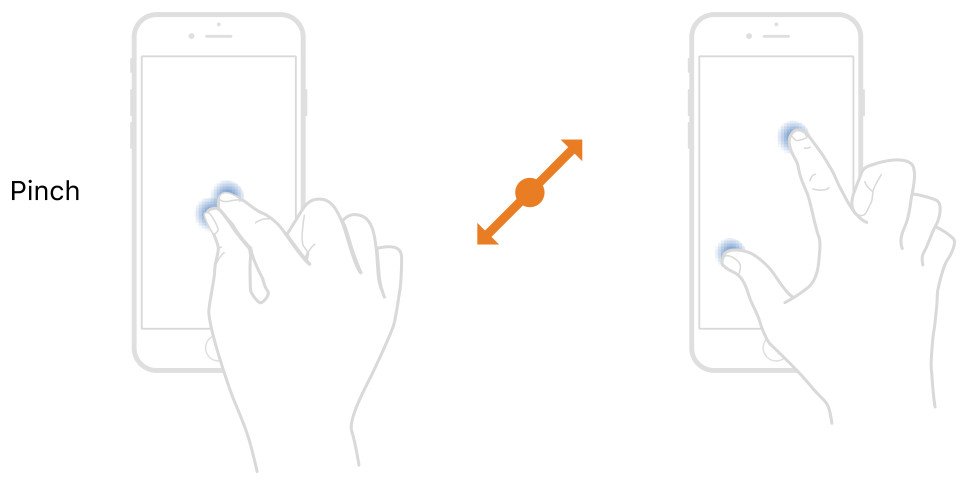
-
@pavel.samokha
Yes, that’s how I do it. But it’s not practical or convenient. There should be a keyboard shortcut. -
@safari
I’m sorry, you said you double click, but you also said you’re not using a mouse ?anyway if you are using it on a MacBook, check app preference an you’ll find special keys
-
@sartoric
I’ve been using it for a very long time. The problem is that the application doesn’t support it. For example, it works very well on https://routeplanner.suunto.com. Clickable “plus” and “minus” icons should be added to a section of the application.



Hello! It looks like you're interested in this conversation, but you don't have an account yet.
Getting fed up of having to scroll through the same posts each visit? When you register for an account, you'll always come back to exactly where you were before, and choose to be notified of new replies (either via email, or push notification). You'll also be able to save bookmarks and upvote posts to show your appreciation to other community members.
With your input, this post could be even better 💗
Register Login