Suunto Race 2 General Discussion
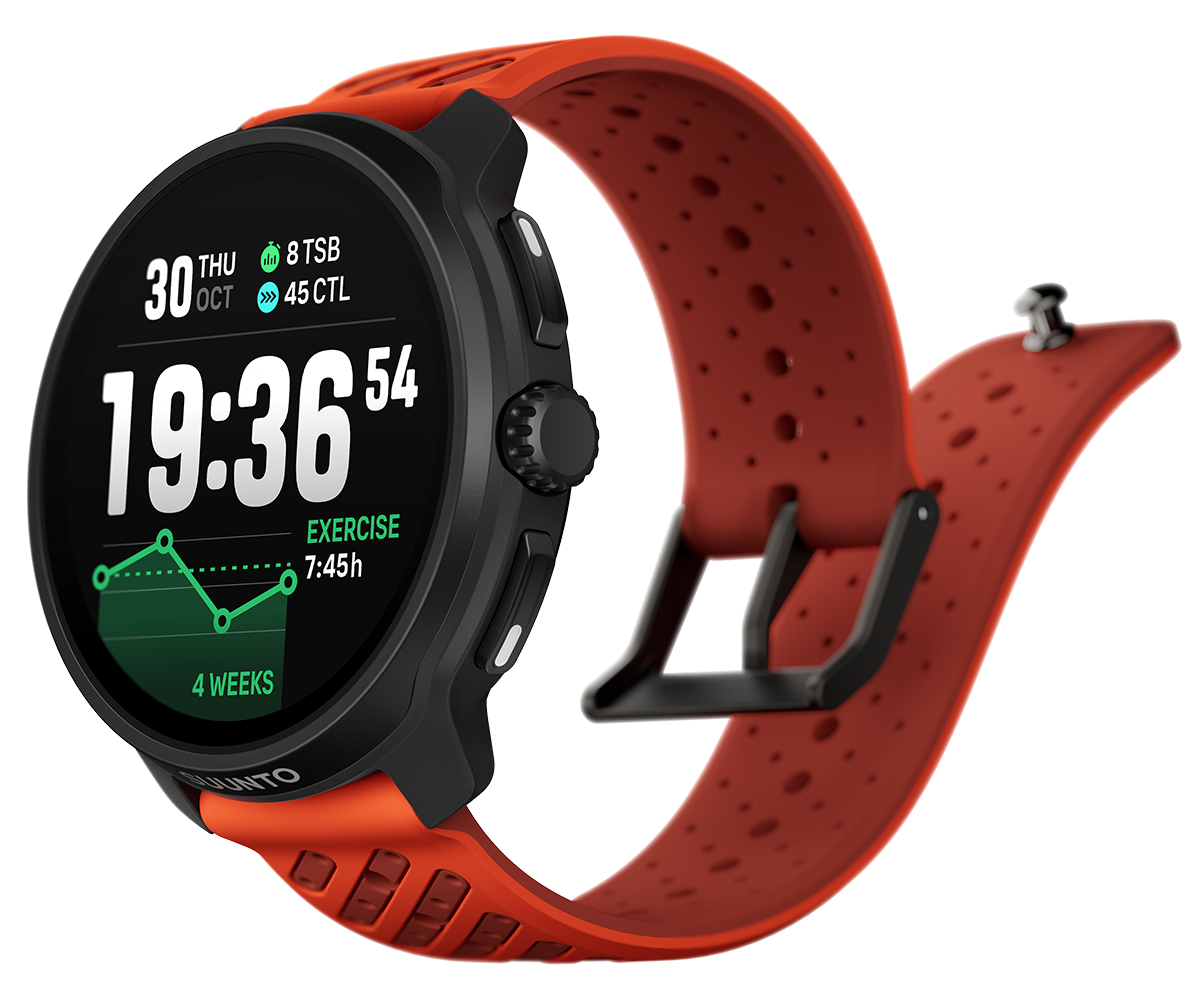
-
welche vorteile hat das 2.50 update gebracht ???
#speedup #race2 #karoo3
Triathlon und Trailrunning 👿 -
@dani_degi see here
My favorites for Race 2:
• Bis zu 3 SuuntoPlus-Apps gleichzeitig während einer Aktivität
(Exklusiv für Suunto Race 2 und Suunto Vertical 2)ZoneSense
• ZoneSense-Zeitzonenübersicht direkt auf der Uhr nach der Aktivität
Verbesserte Navigation
• Größere Pfeile, Abbiegesymbole und POIs
• Option zur Nordausrichtung der KarteVerbesserter optischer Herzfrequenzalgorithmus
-
@dani_degi check here: https://www.suunto.com/Support/Software-updates/Release-notes/suunto-race-software-updates/
or here: https://forum.suunto.com/post/182494I think it is possible to find this with a little search
-
@Egika
You are so patient to help lazy forumers.

-
My Suunto Race 2 Technical Test - Final comments:
I have conducted a side-by-side analysis of the Suunto Race 2 against the Suunto Vertical and Suunto Race S across multiple activities during more than 2 weeks.
Suunto Race 2 systematically under-reports total distance by 0.5% to 1.5% compared to reference devices (Suunto Vertical and Suunto Race S).
Analysis of RAW FIT files confirms that this is not a GNSS reception issue. The Race 2 records valid GPS coordinates but seems to discard valid distance data during post-processing. In every activity analyzed, the Suunto Race 2 records a “Session Summary” distance that is significantly lower than the mathematical sum of its own recorded GPS coordinates.
Pattern: The device records the correct path (lat/long points) but the internal software filters out valid distance.
Example: The Race 2 RAW file contains GPS coordinates summing to 11.35 km, yet the final session summary displays 11.20 km.
Comparison: The Suunto Vertical and Race S show a near-perfect match (99.9% accuracy) between their GPS point sum and the displayed distance.The Race 2 consistently reports a higher average cadence than the reference units, likely due to hardware inertia or accelerometer sensitivity.
Pattern: Race 2 reads +2 to +4 spm (steps per minute) higher than Vertical/Race S in every activity.
Consequently, the device systematically calculates lower power (-7 Watts) and shorter distance (-0.7% to -1.5%) compared to reference devices (Vertical/Race S), despite identical GPS tracks.Do you have this difference between devices? Is the current performance acceptable for a flagship device when compared to the older Vertical and the cheaper Race S?
If you are interested in deeper details, specific thread here: Race 2: GPS and distance accuracy vs previous Suunto models
-
Bug detected: Race 2: wrong cadence/step calculated during activities
-
Anyone heard of something they planning to integrate more datas to apple health or bevel? maybe?
-
@kristofkmety said in Suunto Race 2 General Discussion:
Anyone heard of something they planning to integrate more datas to apple health or bevel? maybe?
No, but in general future plans are not disclosed in advance. One day you get an update and there’s new features. Also, regarding Bevel, if Suunto writes more data to Apple Health then Bevel will get that as that’s how it gets data by default. While Bevel also has integrations with Garmin and Oura, that’s necessary because those systems also don’t properly write to Apple Health. I think in those cases Bevel used existing APIs with those companies; I don’t think Garmin or Oura did any special work to accommodate Bevel specifically.
So unless I’m missing something, from Bevel’s end thy could try to use APIs from Suunto to get data, but I don’t know how feasible that is. On Suunto’s end, simply writing data properly to Apple Health will help both Bevel as well as any other app that uses Health.
-
@kristofkmety said in Suunto Race 2 General Discussion:
Anyone heard of something they planning to integrate more datas to apple health or bevel? maybe?
If you want Bevel to access Suunto data Bevel needs to initiate this. Suunto has an API that Bevel can have access to. I do not know the limits on the API or what data streams Suunto allows access to. This is not something that Suunto would initiate from their end.
-
Zone alerts. I started using intensity zones, power for cycling.
Is it possible to turn off out of zone alerts full screen message? I could not find an option for it.
The full screen out of zone message is not necessary for me. Sound and vibration alert would be enough. The full screen message covers the data screen until it disappears or closed manually. I use the power screen where the outer 5 segment ring shows the actual zone I am in. In the case of out of zone situation a sound and vibration would be enough. When it would happen a quick glance is enough check the numbers.
Sometimes I get 2 out of zones messages, speed up and slow down. I have to press the button twice to make them disappear.
If it is possible, please add an enable/disable option to an update. Thx






Hello! It looks like you're interested in this conversation, but you don't have an account yet.
Getting fed up of having to scroll through the same posts each visit? When you register for an account, you'll always come back to exactly where you were before, and choose to be notified of new replies (either via email, or push notification). You'll also be able to save bookmarks and upvote posts to show your appreciation to other community members.
With your input, this post could be even better 💗
Register Login