IOS with waypoints now!
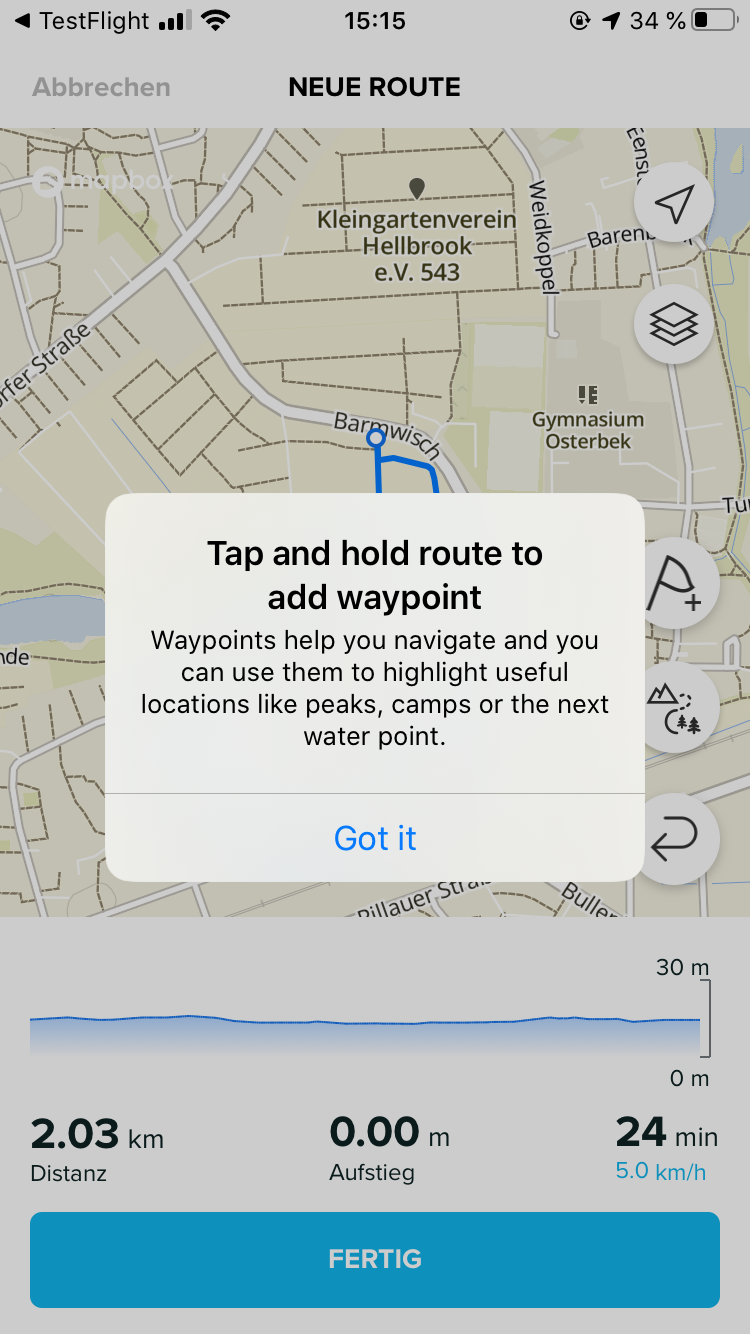
-
@estevez I cannot answer for sure because I don’t have iOS nor an Ambit, but you can try for sure exporting the route from SA in GPX, import in Movescount, and send it to your device.
-
@Mff73 said in IOS with waypoints now!:
@Bulkan said in IOS with waypoints now!:
98398: Waypoints are missing from Android (#3839)
Any idea what does it mean ?
Why Android thing are linked to iOS thing ?Another idea: If you have multiple devices connected to the same account, then create a route with waypoints in iOS and open it with an Android device those points could be missing.?!
Just guessing though
-
@Egika
nice potential explanation
-
Where do I get this Version for iOS?
-
-
@nseslija thx for the quick reply
-
@jorgefd78 hehe
-
Hi,
I’ve just installed the update of SA from App Store, version 1.20.0.- Save Waypoints on your route to help you navigate.
- Various improvements and bug fixes
Cheers
-
When I rename a waypoints there is no modification while I use itinerary. My S9 show me the type but not my description.
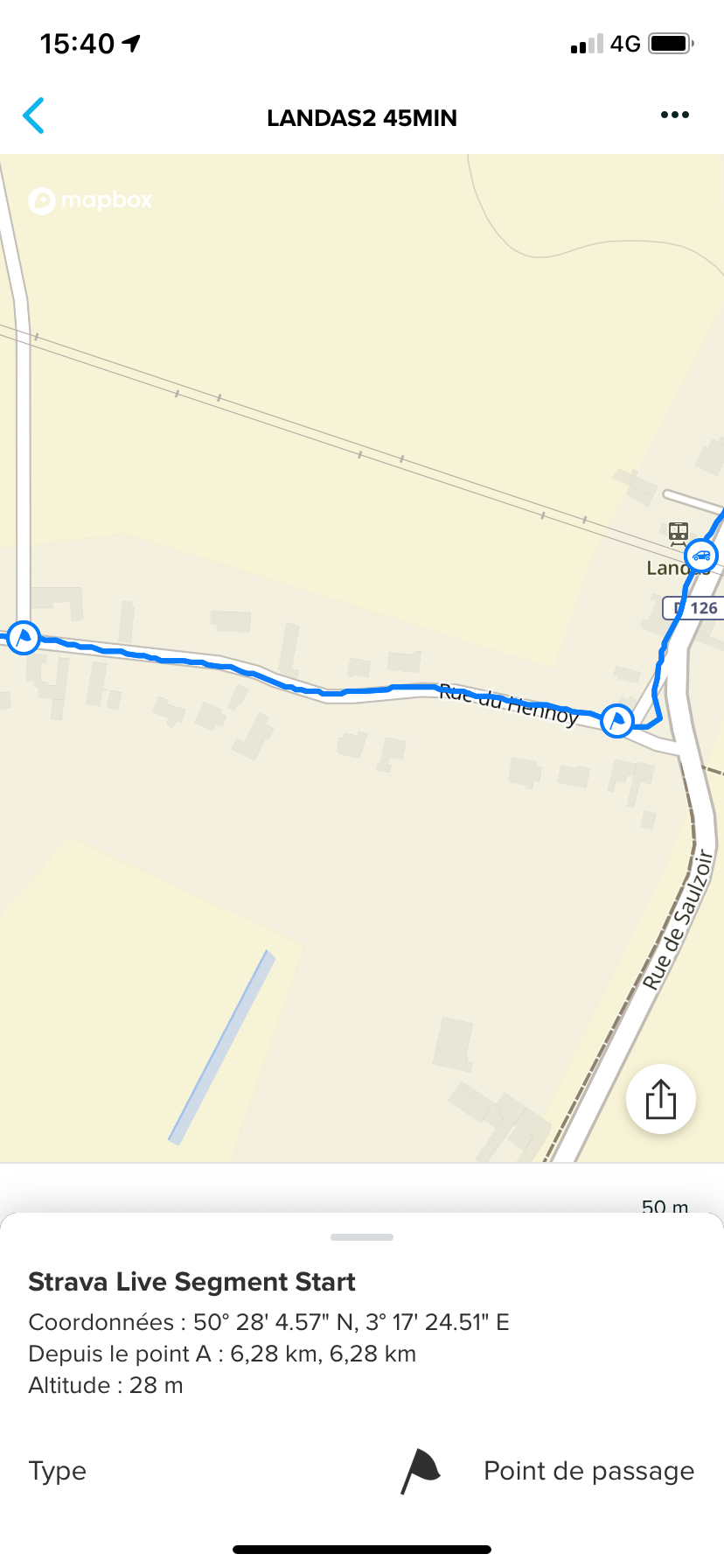
Just « Point de passage » instead of « Strava Live Segment Start »
@Dimitrios-Kanellopoulos perhaps a watch firmware update is necessary?
-
Names are not yet sent to the watch, afair
-
@sartoric names are sent to the watch. Just they are not displayed. This needs a watch firmware update, which afaik is planned.
-
Today we had a new version but nothing noticeable in iOS.
I like this waypoints.








Hello! It looks like you're interested in this conversation, but you don't have an account yet.
Getting fed up of having to scroll through the same posts each visit? When you register for an account, you'll always come back to exactly where you were before, and choose to be notified of new replies (either via email, or push notification). You'll also be able to save bookmarks and upvote posts to show your appreciation to other community members.
With your input, this post could be even better 💗
Register Login