Suunto app Forum Suunto Community Forum
    • Recent
    • Tags
    • Popular
    • Users
    • Groups
    • Register
    • Login

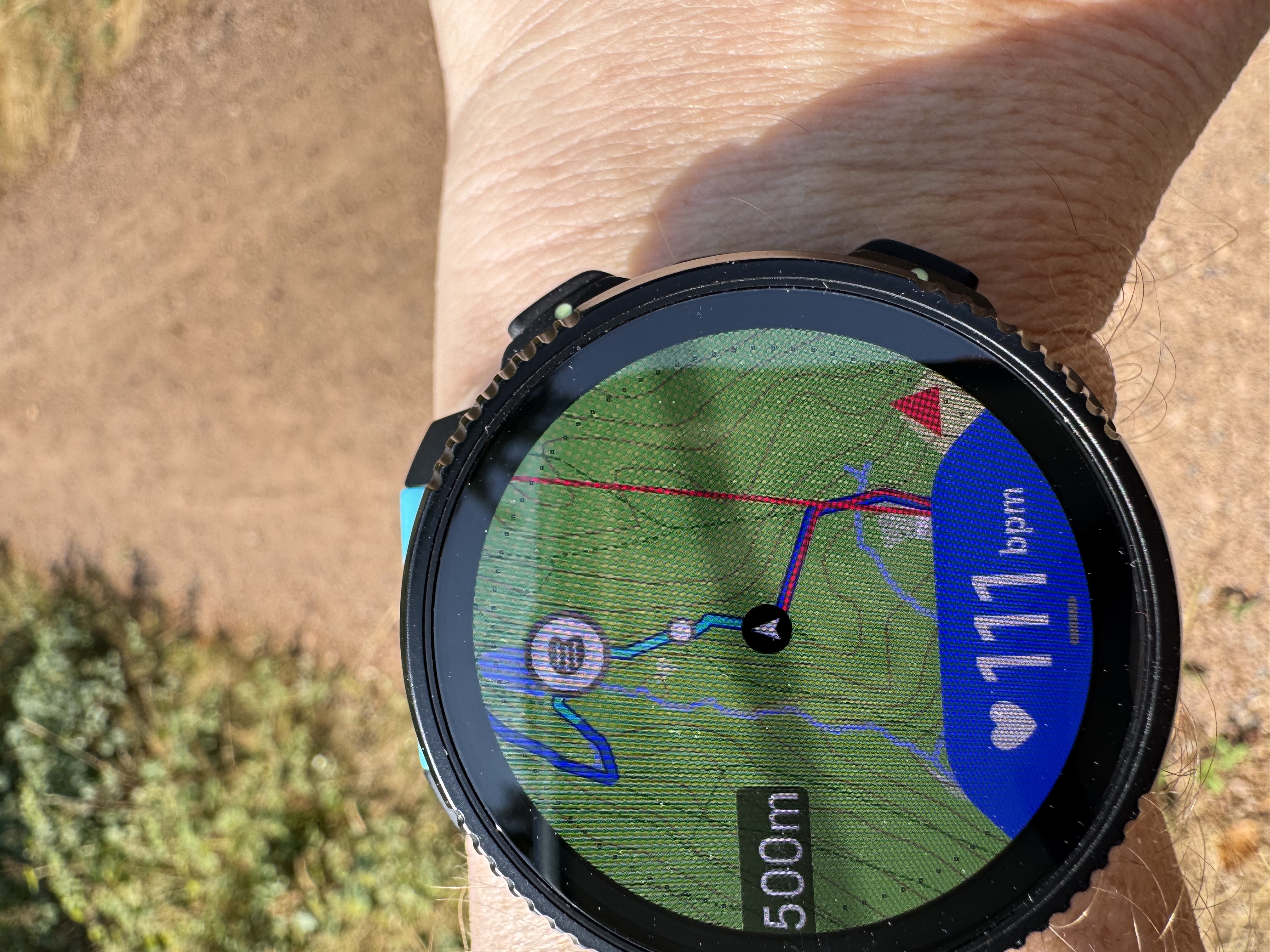
    Red line when navigating? Why?
    Scheduled Pinned Locked Moved Suunto Vertical 2
    11 Posts 5 Posters 339 Views 6 Watching
    Loading More Posts
    • Oldest to Newest
    • Newest to Oldest
    • Most Votes
    Reply
    • Reply as topic
    Log in to reply
    This topic has been deleted. Only users with topic management privileges can see it.
    • L Offline
      larrybbaker
      last edited by

      The red line should be what you traveled - looks like you don’t have a good GPS signal - or forgot to start your watch after a break?

      Vertical Ti Solar
      Vertical 2
      Race 2
      iPhone 17 Pro

      S 2 Replies Last reply Reply Quote 0
      • Horizontal_2H Offline
        Horizontal_2 Bronze Member
        last edited by

        Does it happen always? I only had this the first time using. I toggled between screens and it was gone.

        S 1 Reply Last reply Reply Quote 0
        • S Offline
          SergioB Bronze Member
          last edited by

          It happens sometimes on my Race 1, stays a few seconds then disappears. I believe it is some rendering issue, where the watch initially connects two points with a line, then draws the full registered path between them. Waiting a few seconds, using the zoom or toggling between data screen resolves the issue (in my case)

          Suunto Race 1 and SuuntoApp on Android 13.

          S 1 Reply Last reply Reply Quote 1
          • S Offline
            Sascha Domres Bronze Member @SergioB
            last edited by

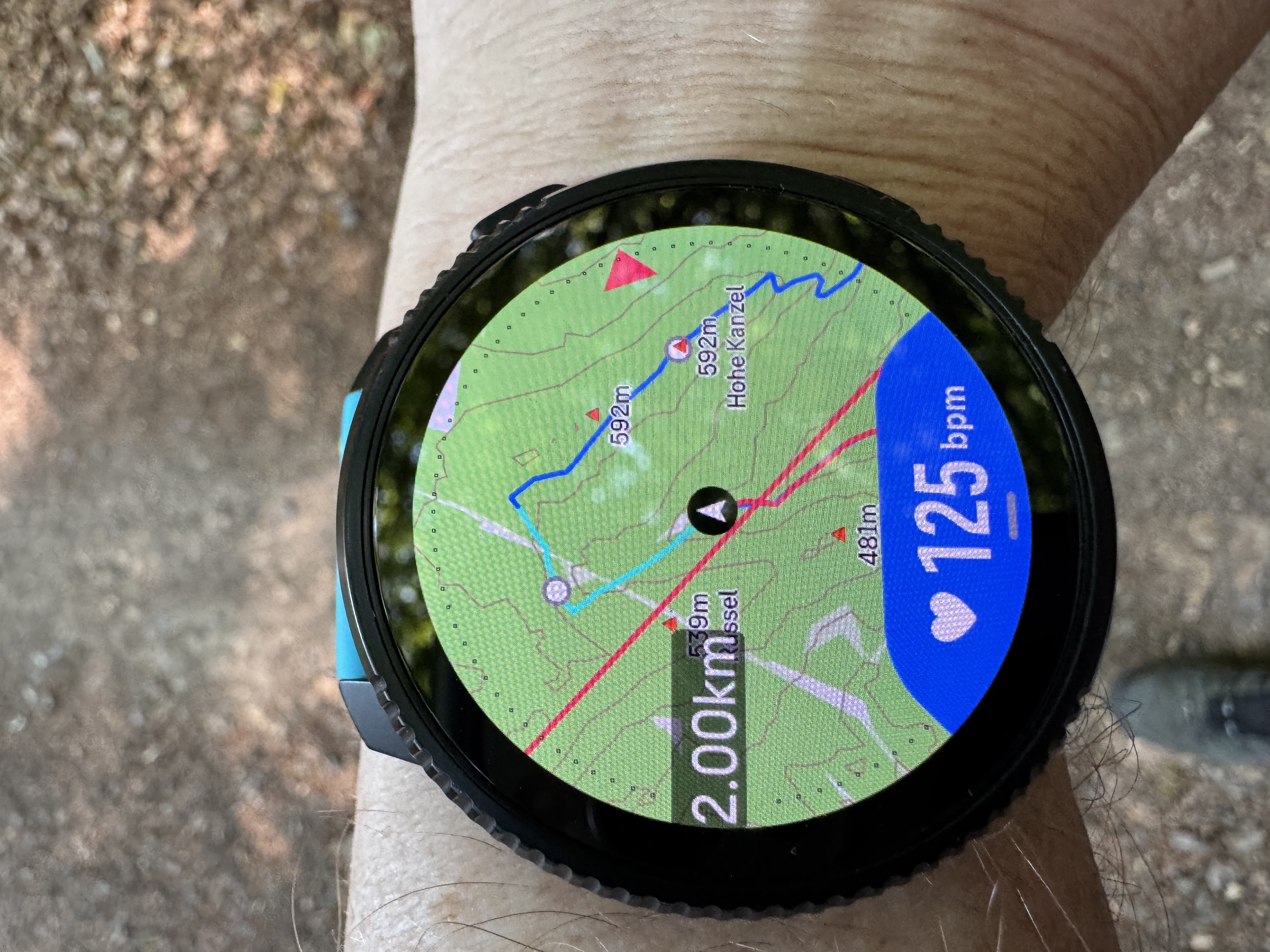
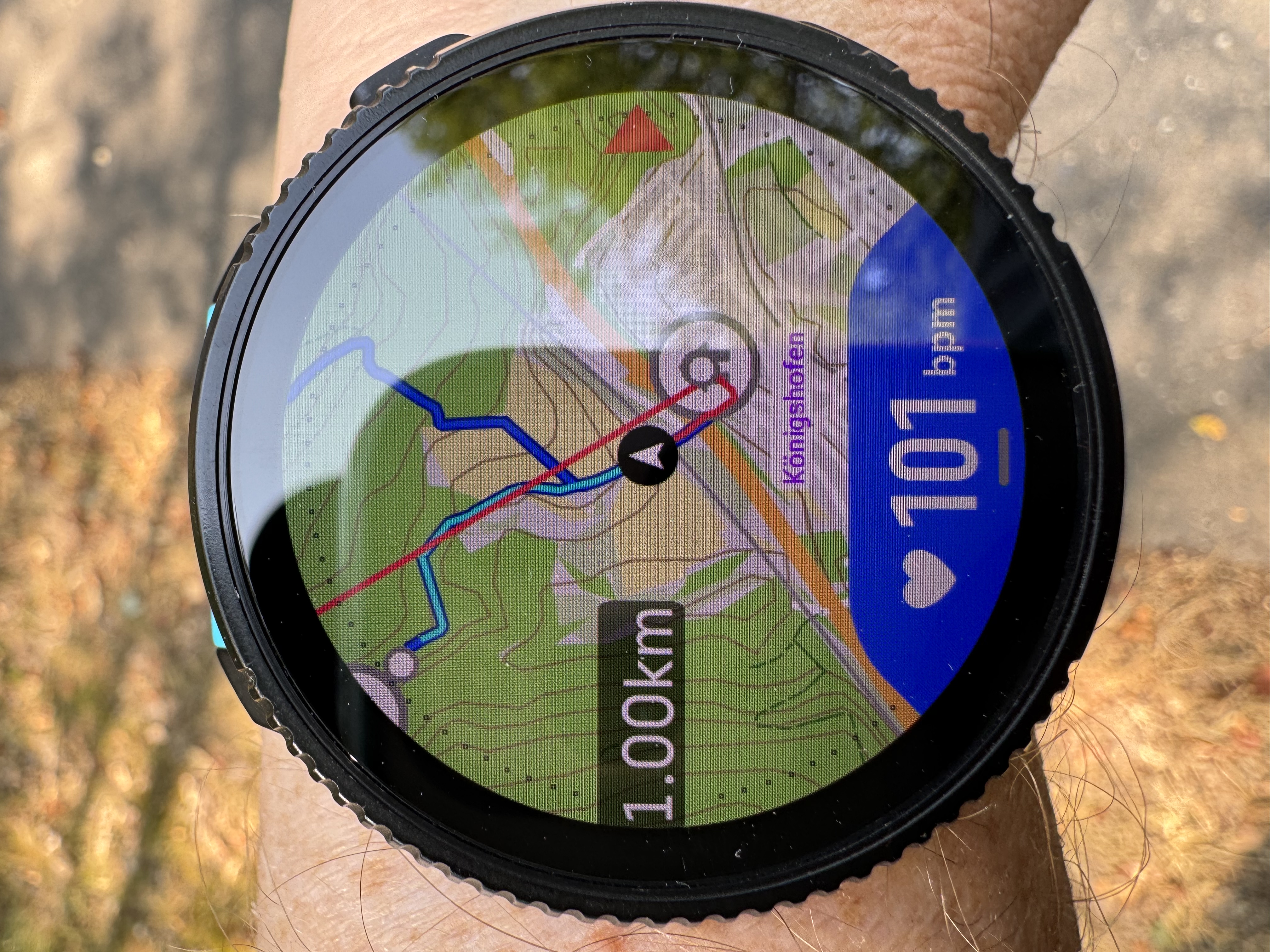
            @SergioB thank you… The red line remained the entire hike. Even zooming didn’t change anything. The red line also had nothing to do with the track… the navigation worked well only was additionally this line in the picture.

            1 Reply Last reply Reply Quote 0
            • S Offline
              Sascha Domres Bronze Member @Horizontal_2
              last edited by

              @Horizontal_2 The red line remained the entire hike. Even zooming didn’t change anything. The red line also had nothing to do with the track… the navigation worked well only was additionally this line in the picture.

              1 Reply Last reply Reply Quote 0
              • S Offline
                Sascha Domres Bronze Member @larrybbaker
                last edited by

                @larrybbaker The navigation had worked well and the track was also saved.

                S 1 Reply Last reply Reply Quote 0
                • S Offline
                  Sascha Domres Bronze Member @Sascha Domres
                  last edited by

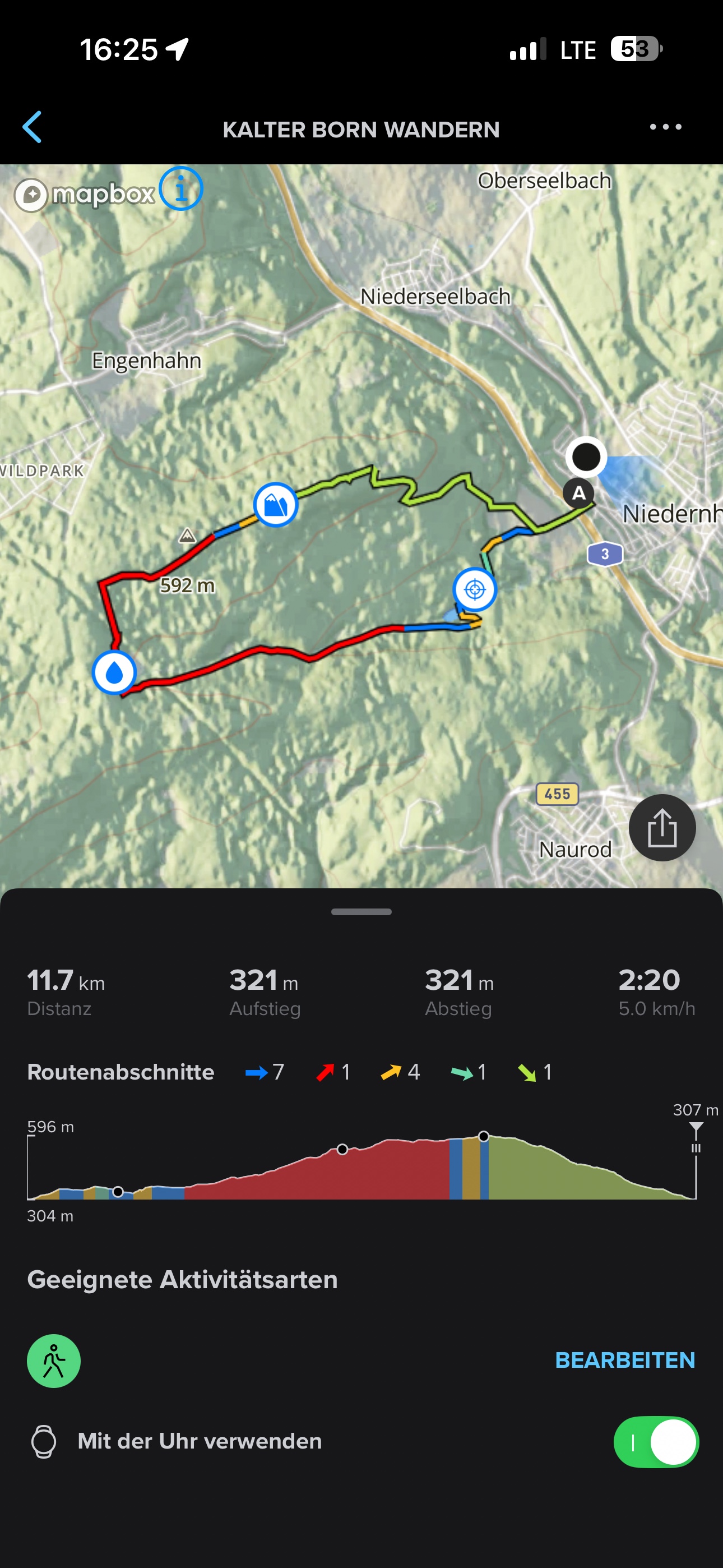
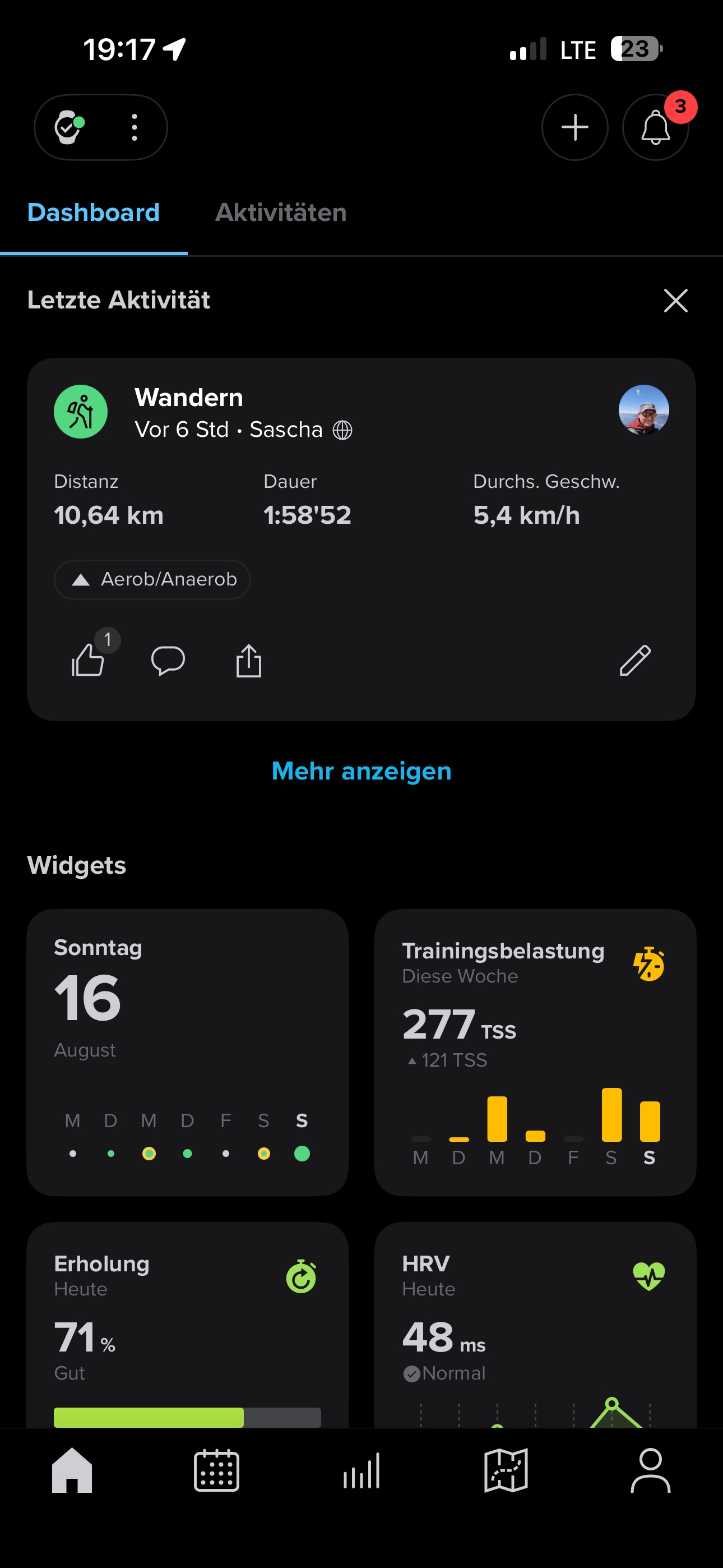
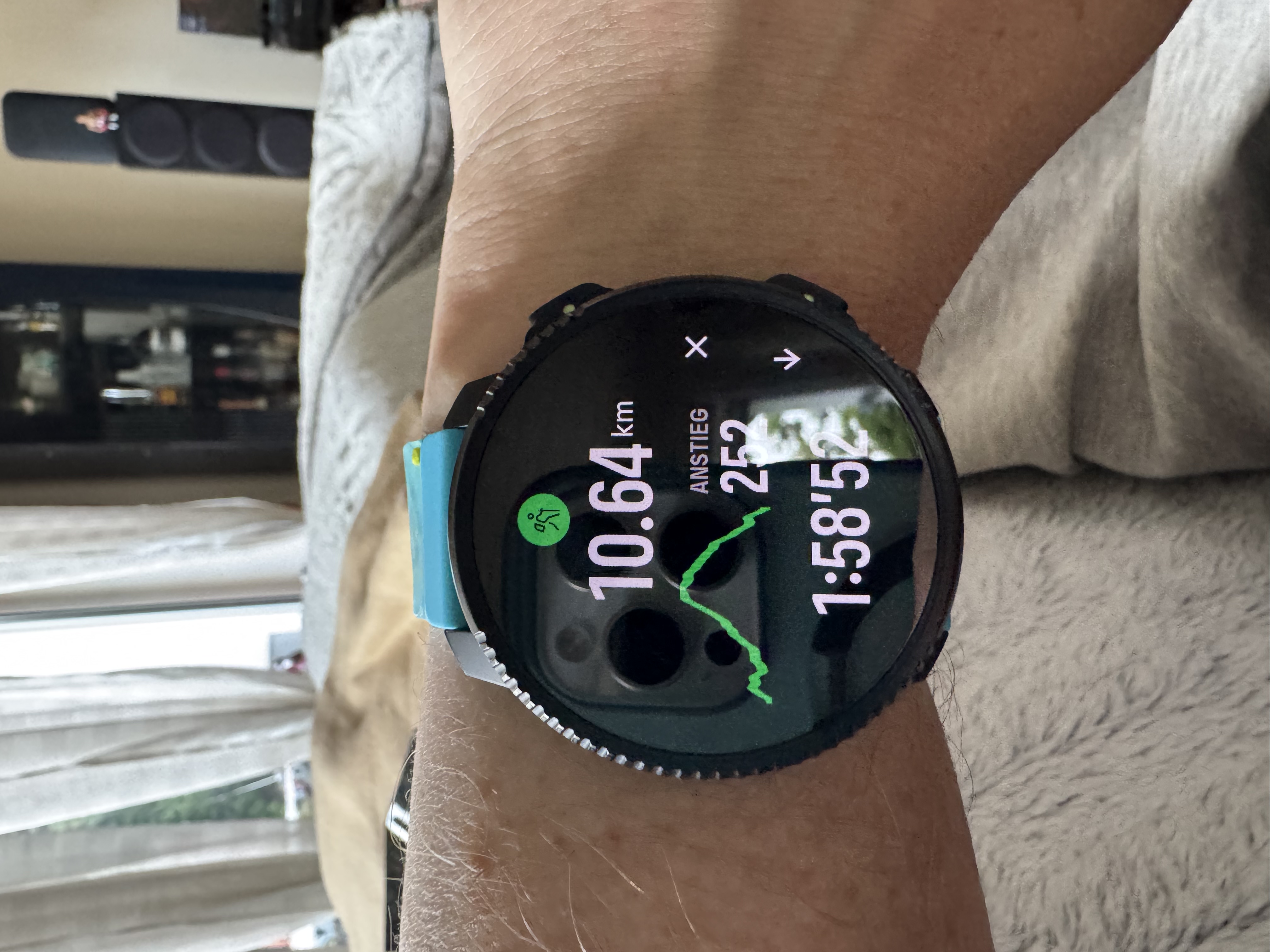
                  Oh, I just see that the Watch has navigated perfectly during the hikes but no altitude data is available during the recording and the track as such is not visible in the app.
                  65fadbd1-189e-42c4-be9a-a2437c514e35-image.jpeg

                  9b872ede-16e7-45d4-a8fe-a73a3d0b6ba6-image.jpeg

                  1 Reply Last reply Reply Quote 0
                  • S Offline
                    Sascha Domres Bronze Member @larrybbaker
                    last edited by

                    @larrybbaker You’re right, probably the GPS signal was bad… I just started the track with navigation again. Now the red line is no longer there… Thank you

                    D 1 Reply Last reply Reply Quote 1
                    • D Offline
                      duffman19 @Sascha Domres
                      last edited by

                      @Sascha-Domres The red line showing where you’ve traveled begins populating as soon as the watch picks up a GPS signal while on the activity start screen, even before you press start. So if you load an activity start screen while traveling to a trailhead, for example, to “prime” the GPS, you’ll see that trace on the map screen once you start the activity.

                      I don’t think that’s what happened to you, though. In this case, it looks like the initial GPS lock was way off to the west of where you began. As the GPS zeroed in, it connected those dots, drawing the red line across the map.

                      Vertical Ti / S9PP Ti / S9P Ti

                      S 1 Reply Last reply Reply Quote 1
                      • S Offline
                        Sascha Domres Bronze Member @duffman19
                        last edited by

                        @duffman19 Thank you, curiously, the navigation still worked exactly. But it makes sense what you explain. Thank you

                        1 Reply Last reply Reply Quote 0

                        Hello! It looks like you're interested in this conversation, but you don't have an account yet.

                        Getting fed up of having to scroll through the same posts each visit? When you register for an account, you'll always come back to exactly where you were before, and choose to be notified of new replies (either via email, or push notification). You'll also be able to save bookmarks and upvote posts to show your appreciation to other community members.

                        With your input, this post could be even better 💗

                        Register Login
                        • First post
                          Last post

                        Suunto Terms | Privacy Policy