Offline Maps and Routing in Suunto App
-
@pavel.samokha said in Offline Maps and Routing in Suunto App:
@Stefano-M64 we decided that it’s better to have explicit control for various reasons. A few of them:
I understand, nevertheless I believe that at least a warning would be useful: “no data connection available, please switch to offline map/routing”. The fact that to use the offline routing the offline map must be selected isn’t clearly stated, I guess that many users could be confused by that.
In any case, this feature is really great, a must have for outdoor adventures, many thanks!
Suunto Vector . Vector HR . Core . Race & Race S
-
@Egika Before that, you have to upload/remove them to the watch, and this is a big problem sometimes when using two watches/applications.
-
@Stefano-M64 said in Offline Maps and Routing in Suunto App:
I understand, nevertheless I believe that at least a warning would be useful: “no data connection available, please switch to offline map/routing”. The fact that to use the offline routing the offline map must be selected isn’t clearly stated, I guess that many users could be confused by that.
Thanks. Yeah, I agree that it can be confusing at first and we may need to suggest switching to offline mode
-
@maszop said in Offline Maps and Routing in Suunto App:
@Egika Before that, you have to upload/remove them to the watch, and this is a big problem sometimes when using two watches/applications.
today yes. tomorrow no

-
So I have to charge my watch tonight…
Suunto Quest / Suunto Ambit 3 Peak / Sununto Spartan Sport Wrist HR / Suunto 9 Baro / Suunto 9 Peak Pro / Suunto Vertical / Suunto Race S / Suunto Race 2
-
Edge Case: No offline maps if no device is linked
Makes sense? probably. Just mentioning
-
@Stoke80 better not take this literally
-
-
@Stoke80 right before the Easter public holidays would not be the greatest idea…
-
@Gunnar let’s be honest, when the app gets updates, new features in the backend/app are released, a firmware update cannot be that far in the future…
-
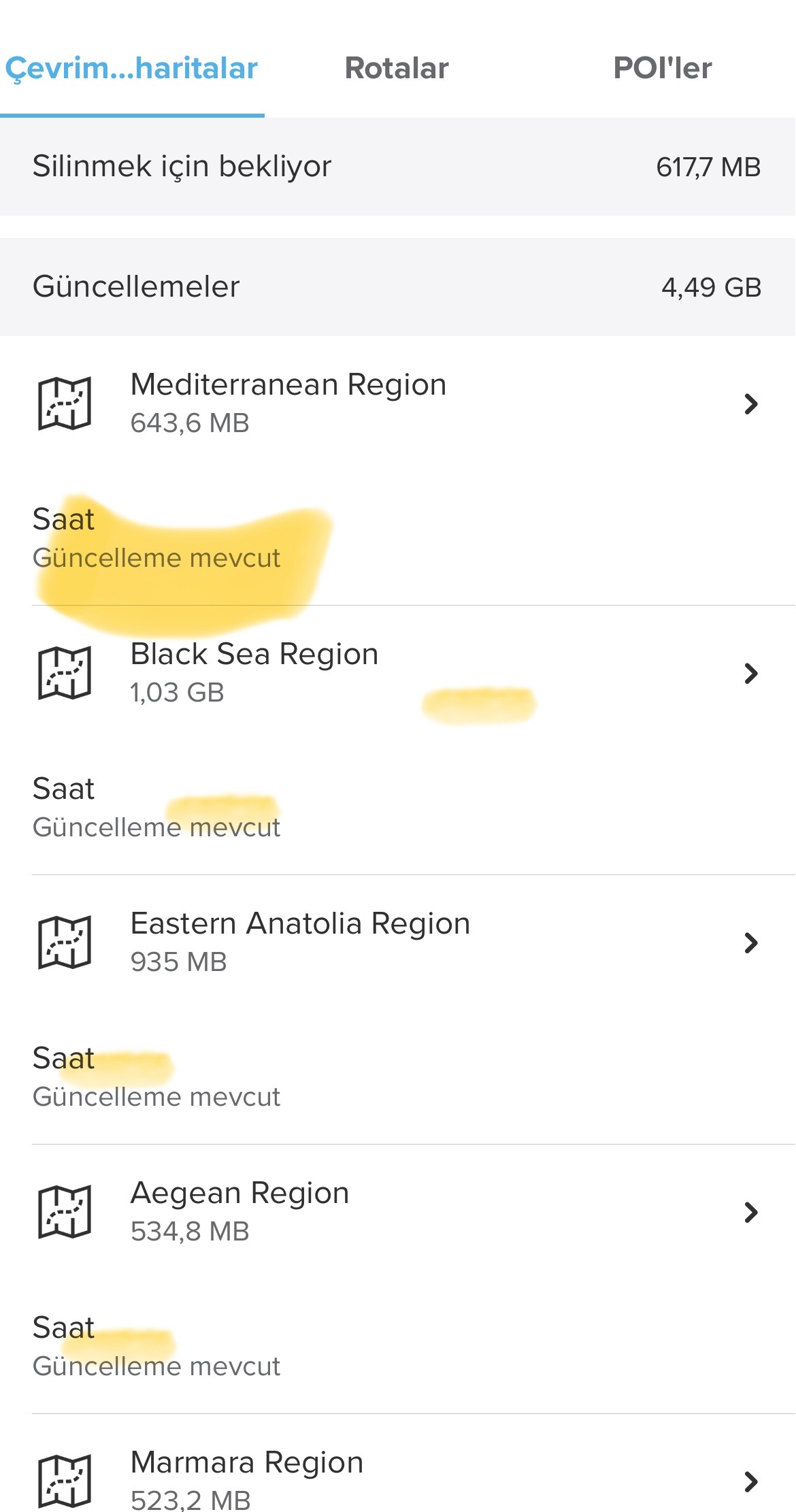
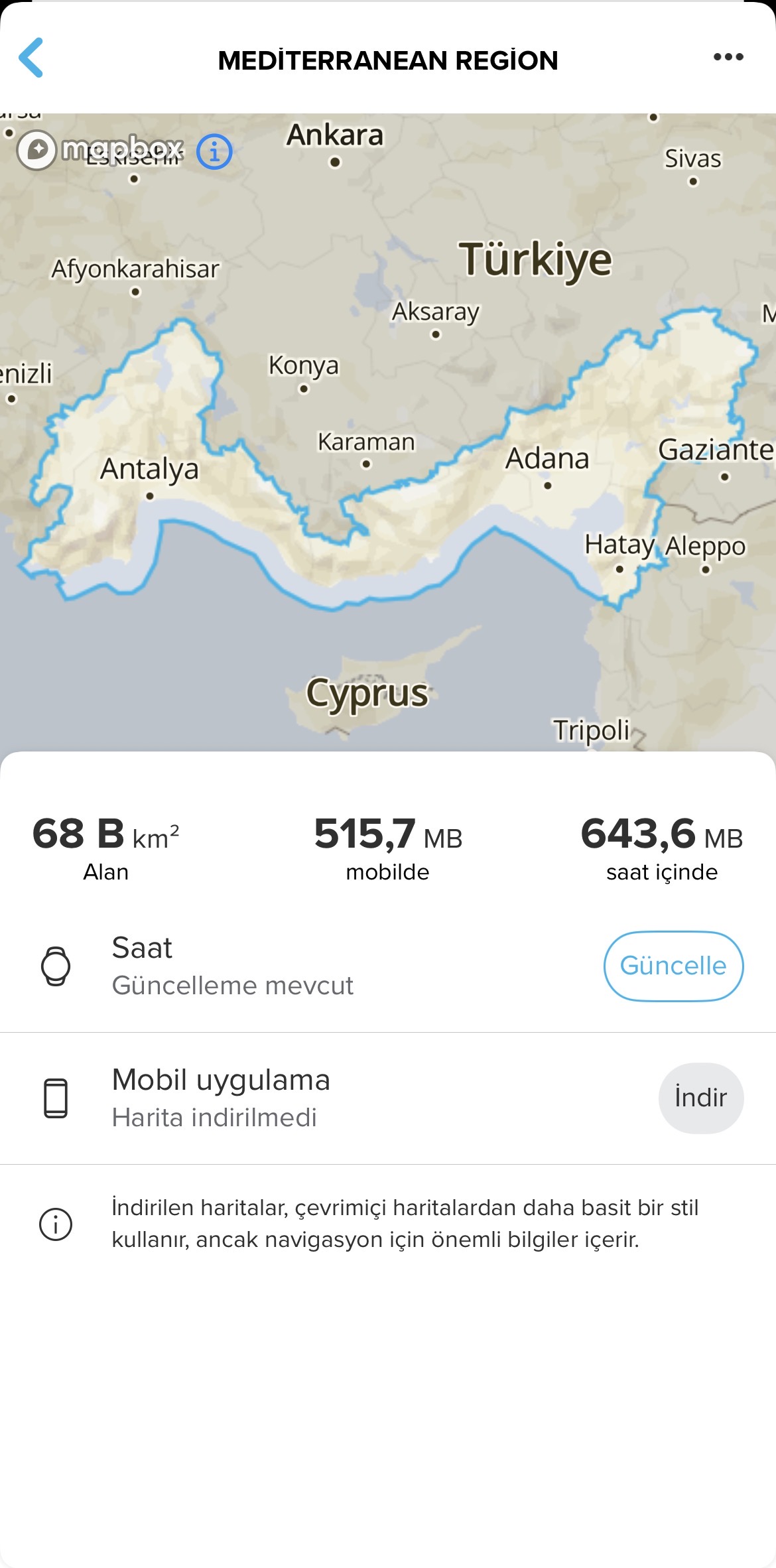
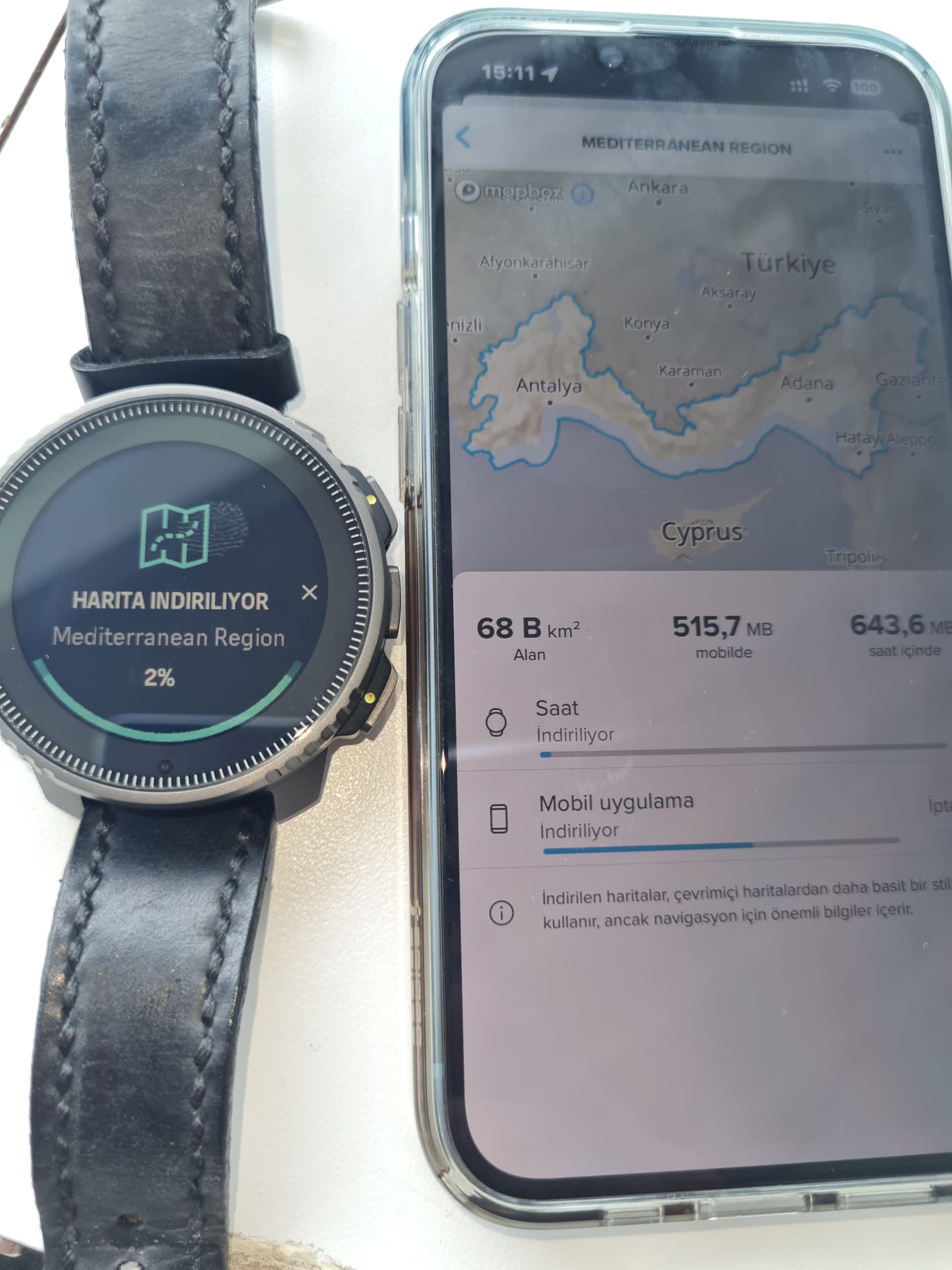
An app update has just arrived. The Maps section now says “Update available.” “Download to watch time” and “Offline download” options have also appeared.
-
@Nelson-Diogo I was hoping for this—if its paired with processing activities into file exports offline as well (posted about that a few weeks ago), every Suunto watch compatible with the app turns into a backcountry powerhouse

-
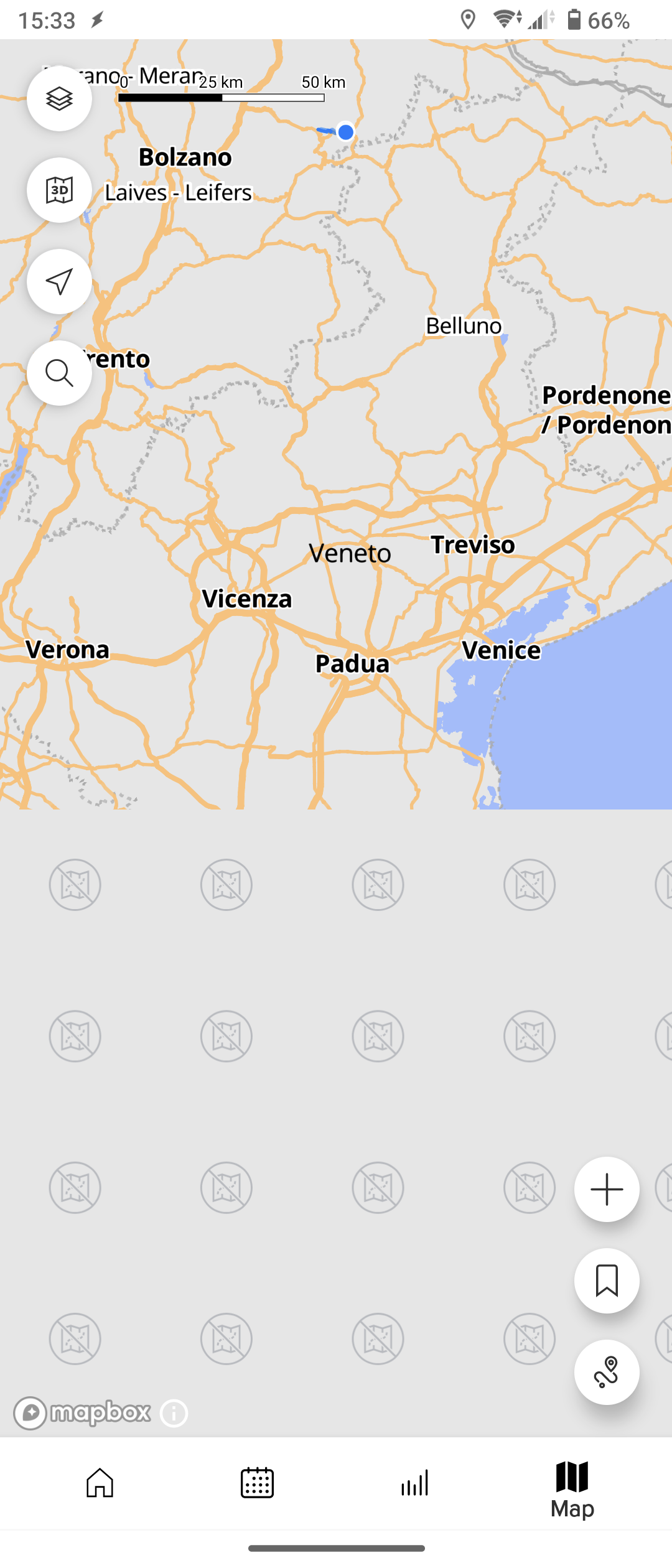
Another nice improvement would be to add a low resolution map of the whole country, so that it would be easier to move across the downloaded regional offline maps. For now only a portion of the country is shown around the downloaded offline regional map
-
It updates quite slowly. And it drained the battery very quickly.
The battery dropped from 65% to 20% after 2 out of 7 regions were updated.history:
Suunto Vertical 2 titanium Black
suunto vertical solar titanium
suunto 9 baro
suunto ambit 3
suunto ambit 2
Suunto Heart Rate Belt
Suunto Smart Heart Rate Beltsuunto App: apple iphone 14 pro
-
@pavel.samokha said in Offline Maps and Routing in Suunto App:
@Stefano-M64 we decided that it’s better to have explicit control for various reasons. A few of them:
- Online and offline data are different, it’s not good to mix neither the style nor navigation with different type of data.
- If connection available or not is tricky to detect. Connection can be intermittent, or available but super slow. It’s more reliable to control it explicitly. In my personal experience it’s super frustrating when app switches online/offline unpredictably.
- Even while having a data connection I might want to use offline map and routing. For example if I’m abroad in expensive roaming network, while I downloaded offline maps in advance
- Offline and online routing engines are different. We tried to align them feature-wise, but they can produce different results. You may prefer one or another.
Is it normal that there are no names of the cities in the offline map in Suunto app? In Bosnia there are no names at all.
It’s certainly better to have offline maps than not, but I think at least some basic location names and POI-s (mountain peaks, rivers etc.) would make map much more useful when offline.
Suunto Race
-
@safari said in Offline Maps and Routing in Suunto App:
It updates quite slowly. And it drained the battery very quickly.
The battery dropped from 65% to 20% after 2 out of 7 regions were updated.This is a topic for mobile app maps, not watch maps.
It’s recommended to download watch maps on charger. -
@Prenj show it
Opinions expressed are solely my own and do not express the views or opinions of my employer
-
@pavel.samokha Are offline maps supposed to have contour lines? My region does not have them (same with the updated watch maps).
-
@duffman19 yes, it should. I’ll test
-
@Brad_Olwin Oh, in the beta it is
 if you click on the little point at the activity start it will open the activity in a popup and you can tap to open it entirely. That’s awesome! You can’t click anywhere on the activity line but maybe this will be improved in a future update. But if not, the actual implementation does the job great













Hello! It looks like you're interested in this conversation, but you don't have an account yet.
Getting fed up of having to scroll through the same posts each visit? When you register for an account, you'll always come back to exactly where you were before, and choose to be notified of new replies (either via email, or push notification). You'll also be able to save bookmarks and upvote posts to show your appreciation to other community members.
With your input, this post could be even better 💗
Register Login