Running Suunto App on a desktop with Bluestacks
-
Hi guys,
I’m one of the many people whining about not having a desktop app or a web platform to connect to my Suunto watch. I like having a big screen and a mouse for editing or creating routes. So I tried to do something about that.
Bluestacks is an Android emulator (they call it Gaming platform) for Windows or Macos. I figured that if it can run an Android game it should have no problem running the Suunto App. It’s also free, I think there are some paid features but I don’t think they are needed for running Suunto App.
And it does work. The setup goes like this:- Download Bluestacks from their site (there are different versions, I used the 64bit one with HyperV support for Windows) and install it
- Run Bluestacks and log into your Google account
- Open Google Play and install Suunto App
- Run Suunto APP and log in to your Suunto account.
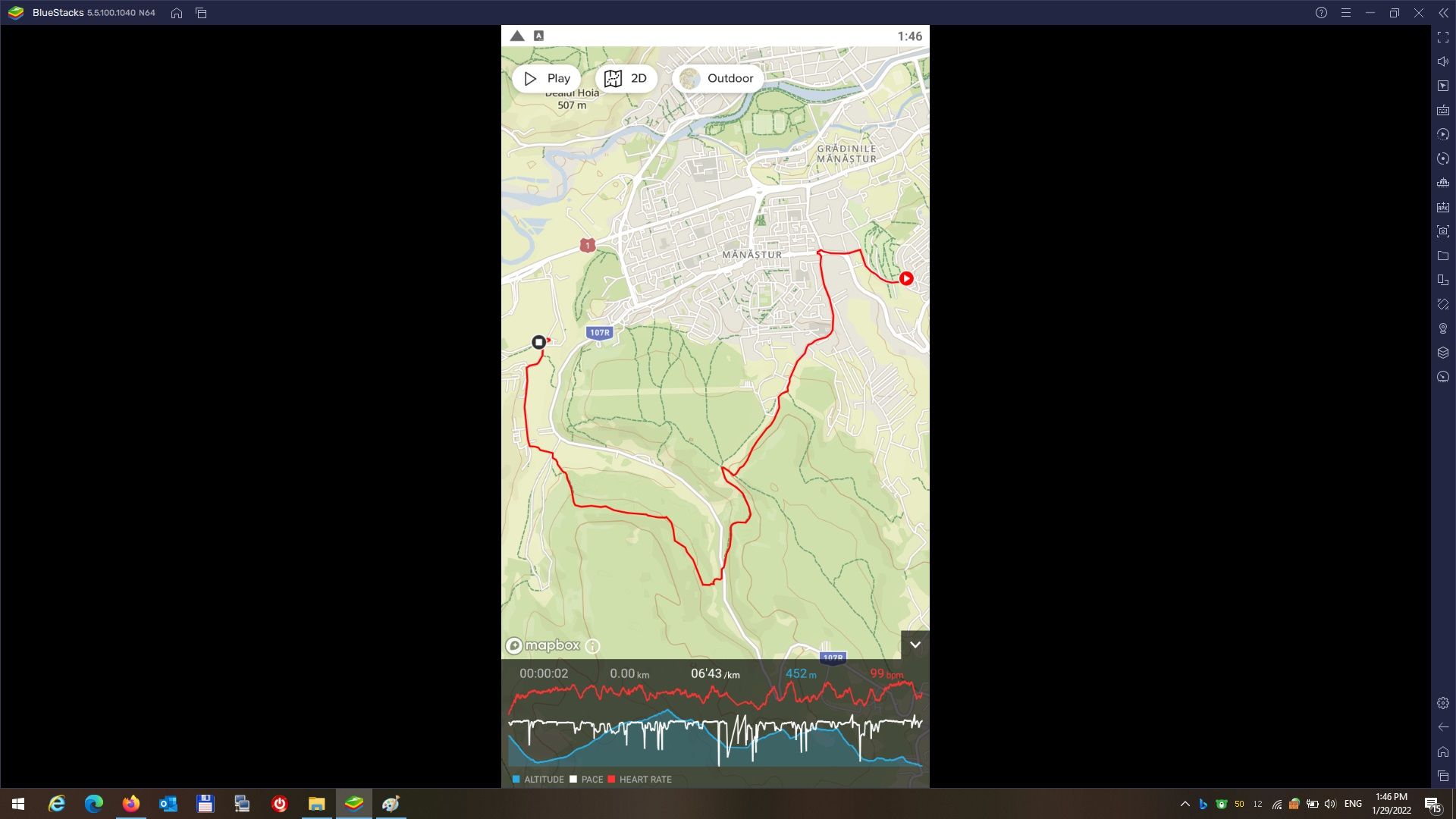
- After that you get a Suunto shortcut on your Windows desktop ald launch the app from there just like a Windows app.
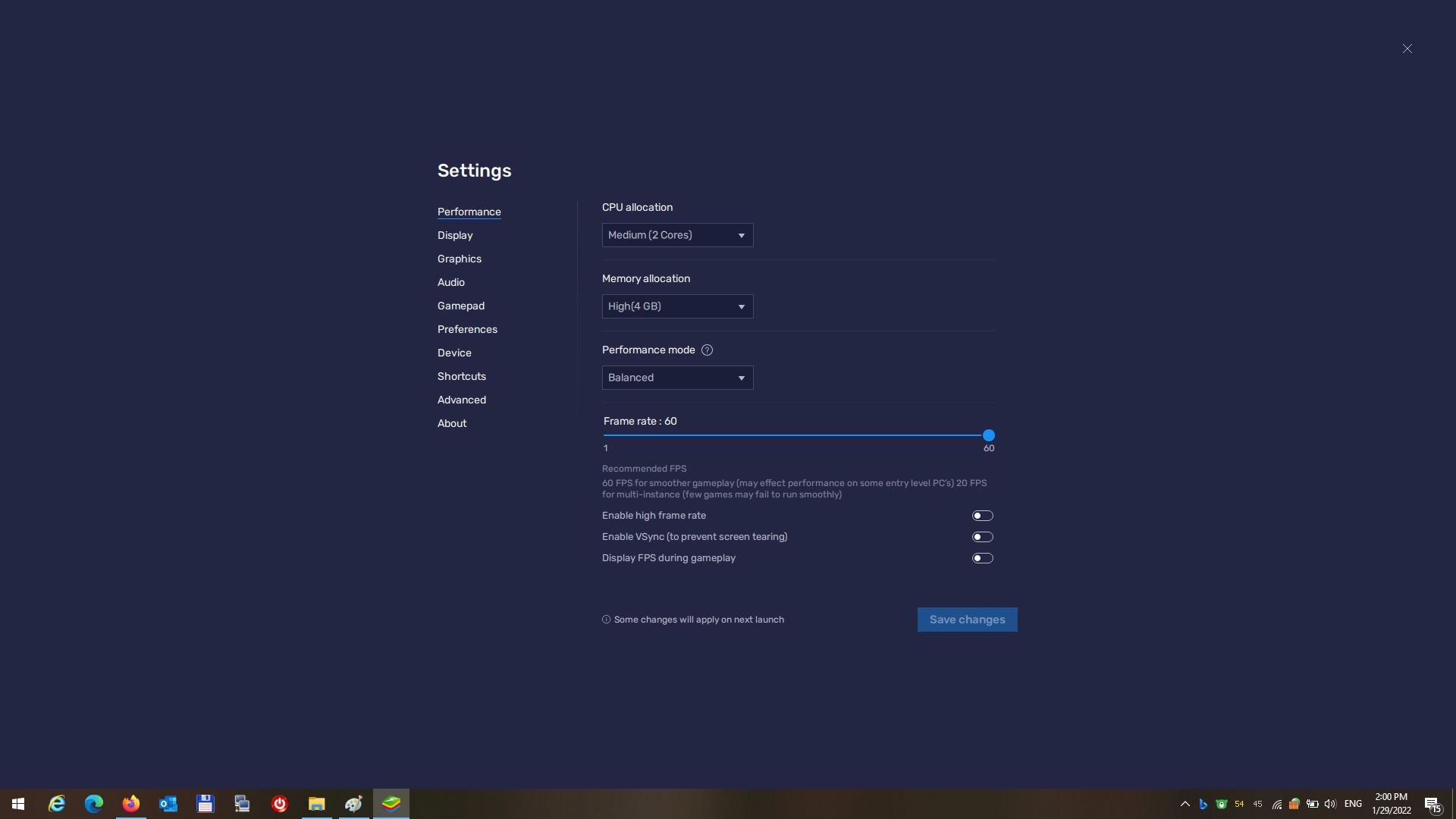
At first the Suunto App crashed a few seconds after launch but after I played around with the Bluestack settings it works without problems. One can also try to enable or disable HyperV in windows.
Everything seems to work apart from a few small issues: - Bluestack hangs when I try to activate Bluetooth from the Suunto App, but It’s not important to me.
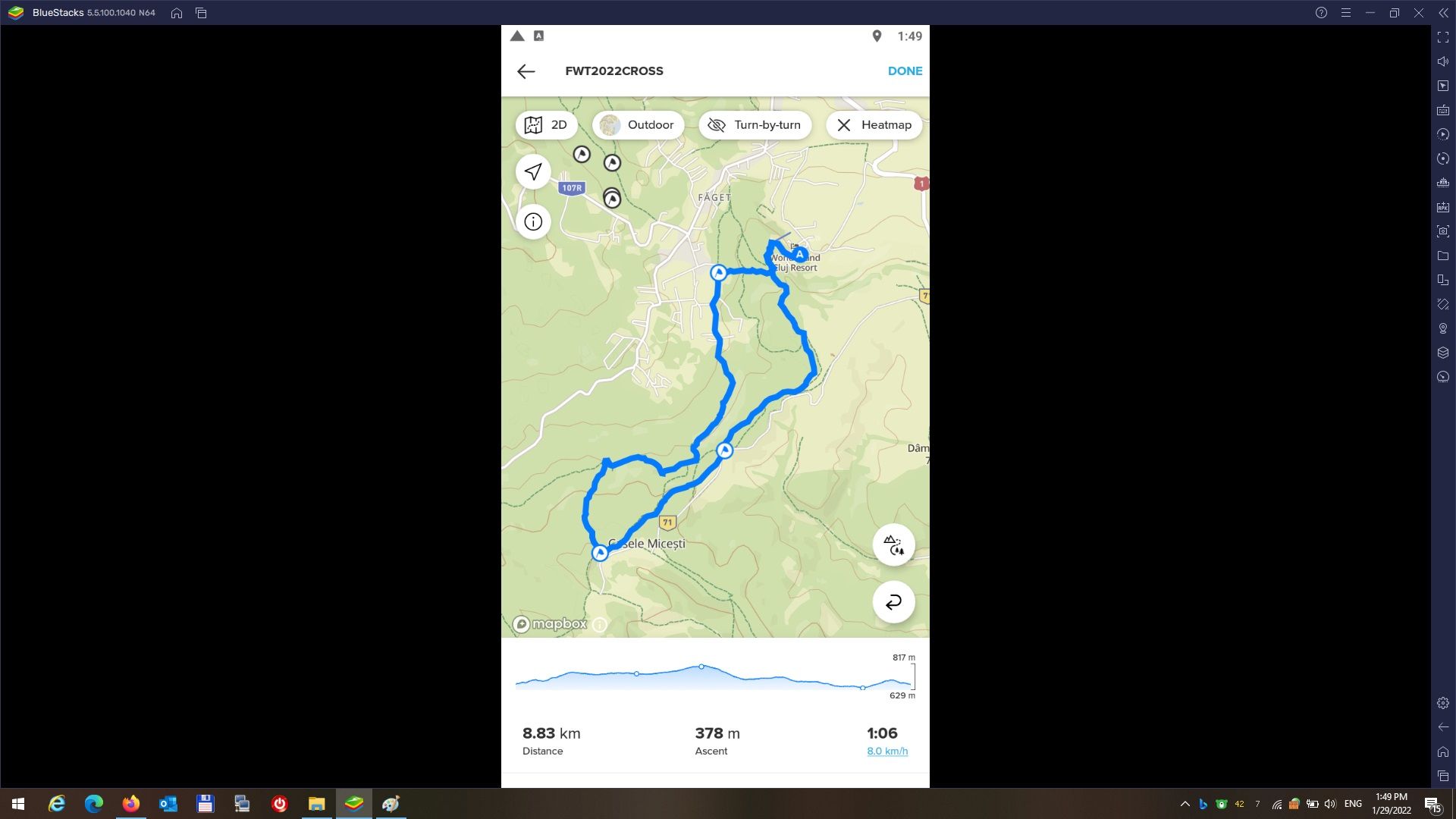
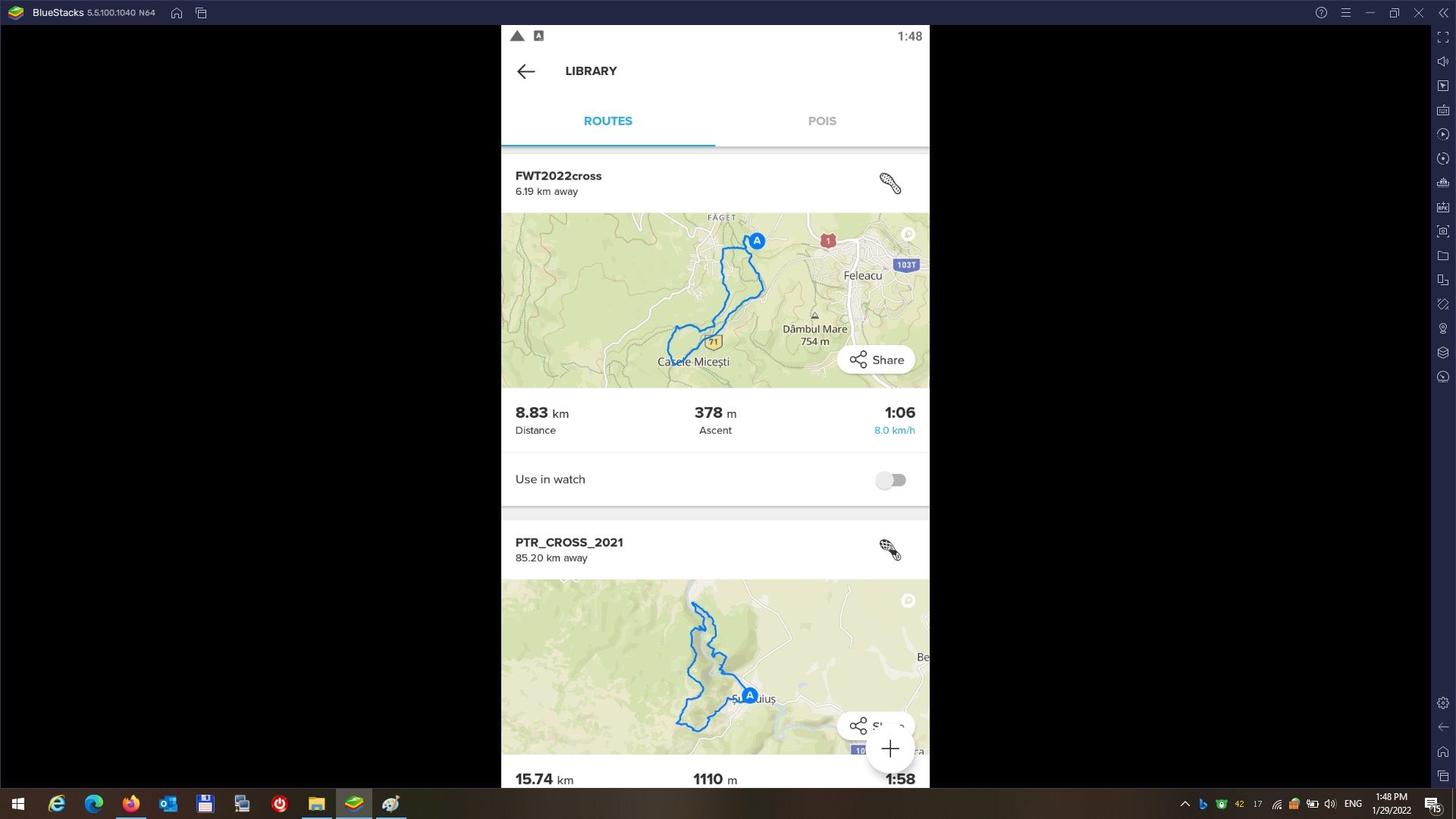
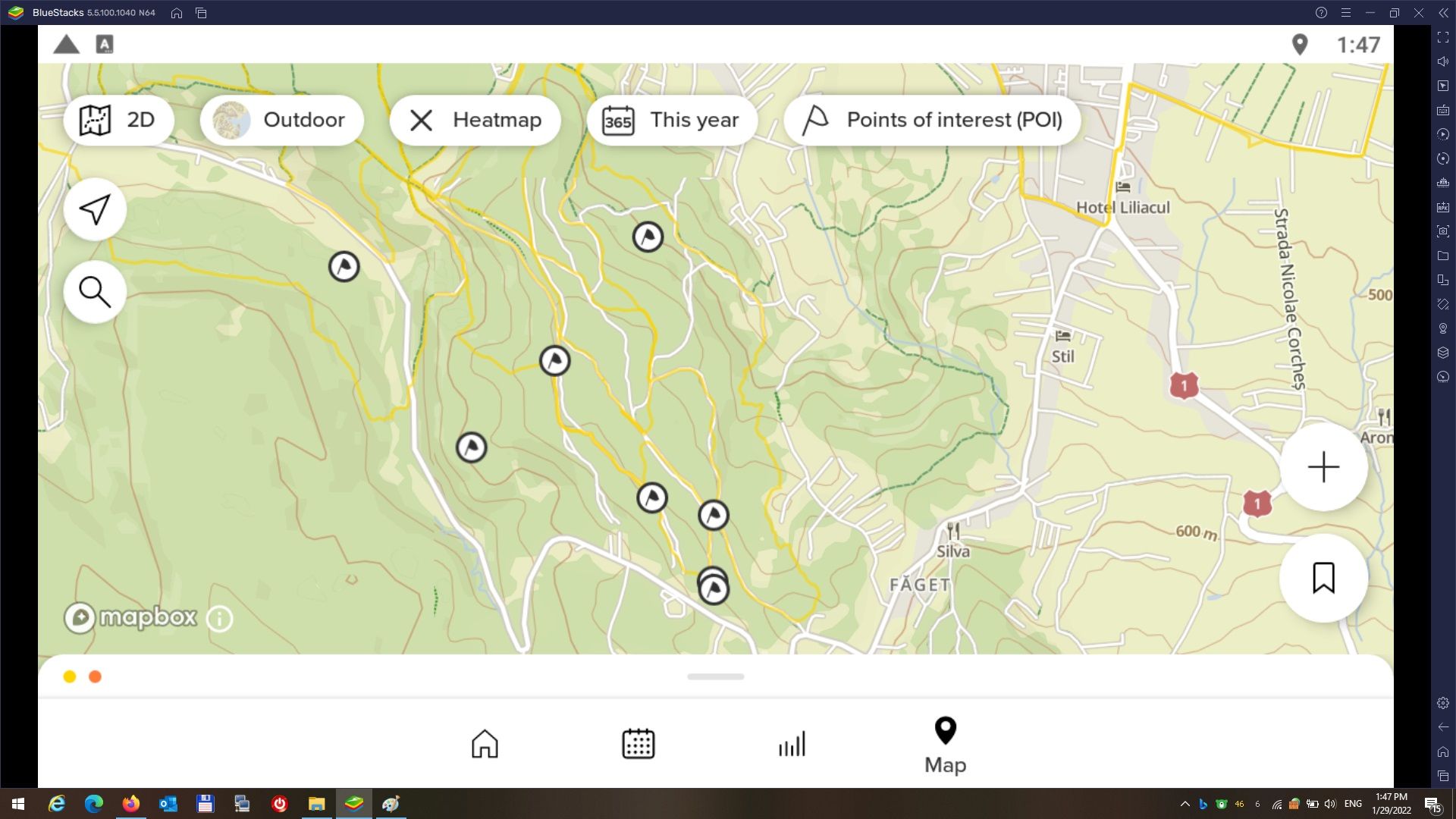
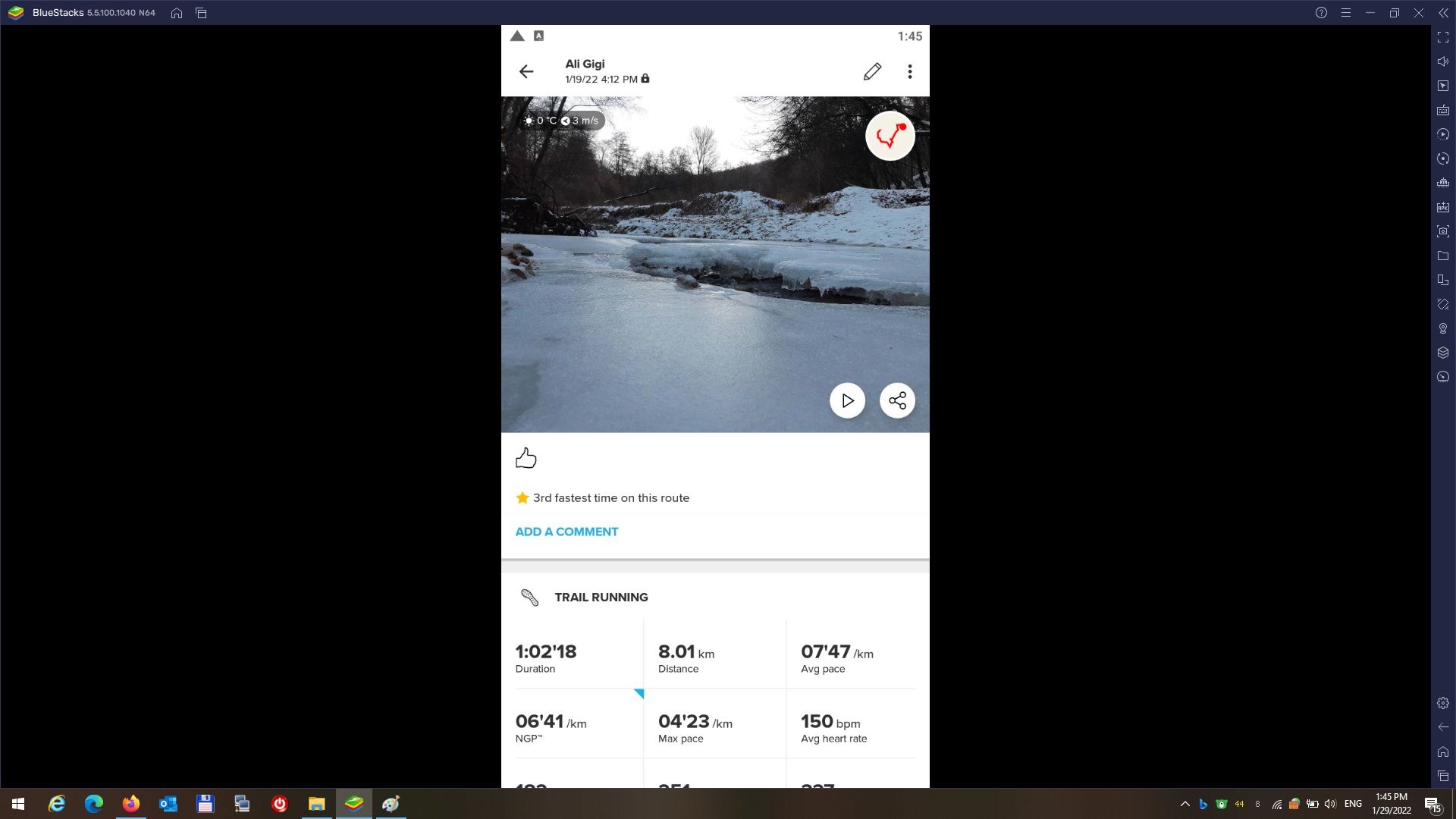
- When I open an activity or open a saved route (also when editing a route) the Suunto App goes to portrait mode, anywhere else it works in landscape. On my phone landscape mode works everywhere. But I have the beta on the phone and when trying to install the beta on Bluestacks I got a message that the beta program is full so I installed the regular Suunto App.
I’ll post a few screenshots and the settings that work for me.
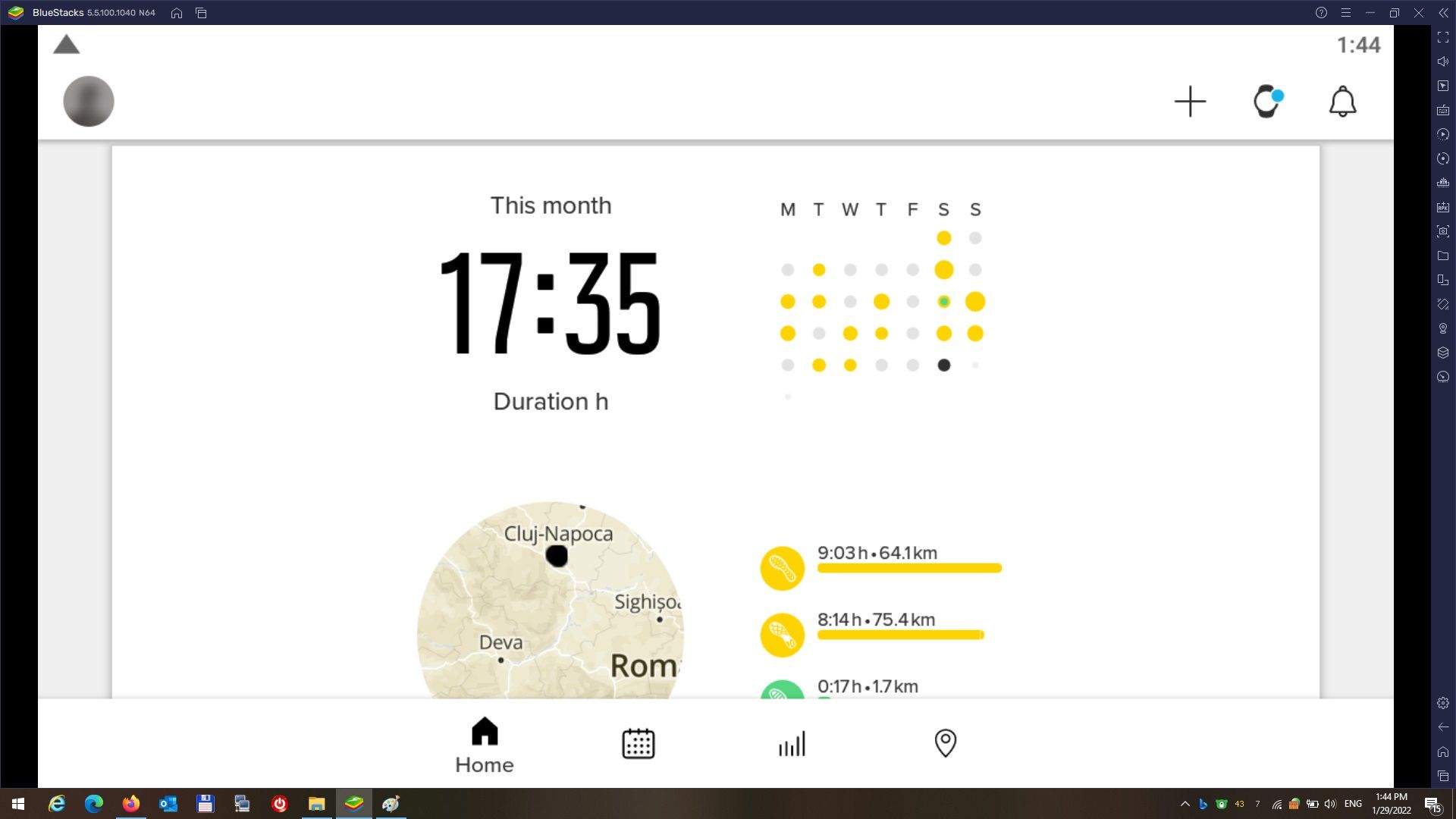
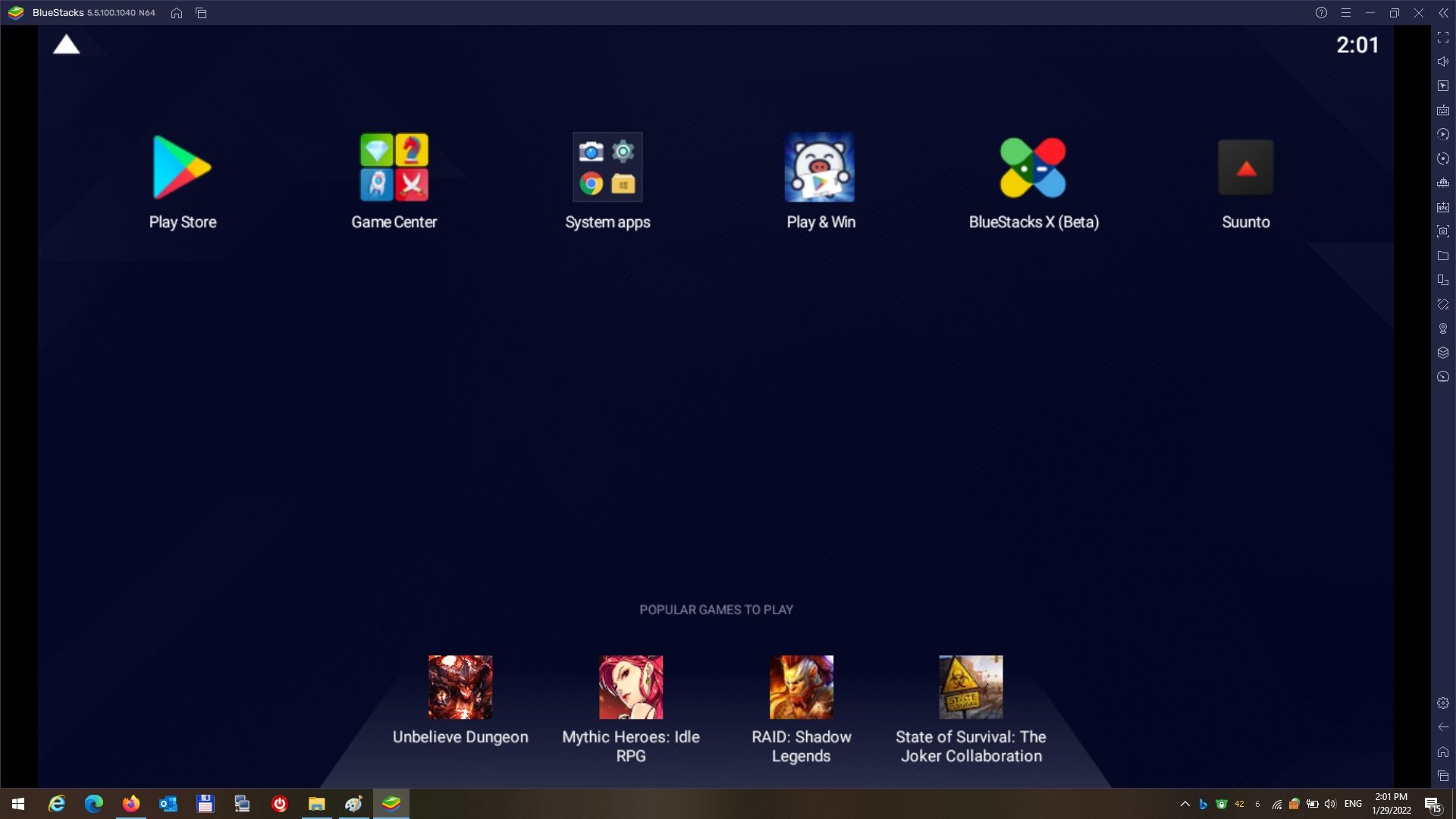
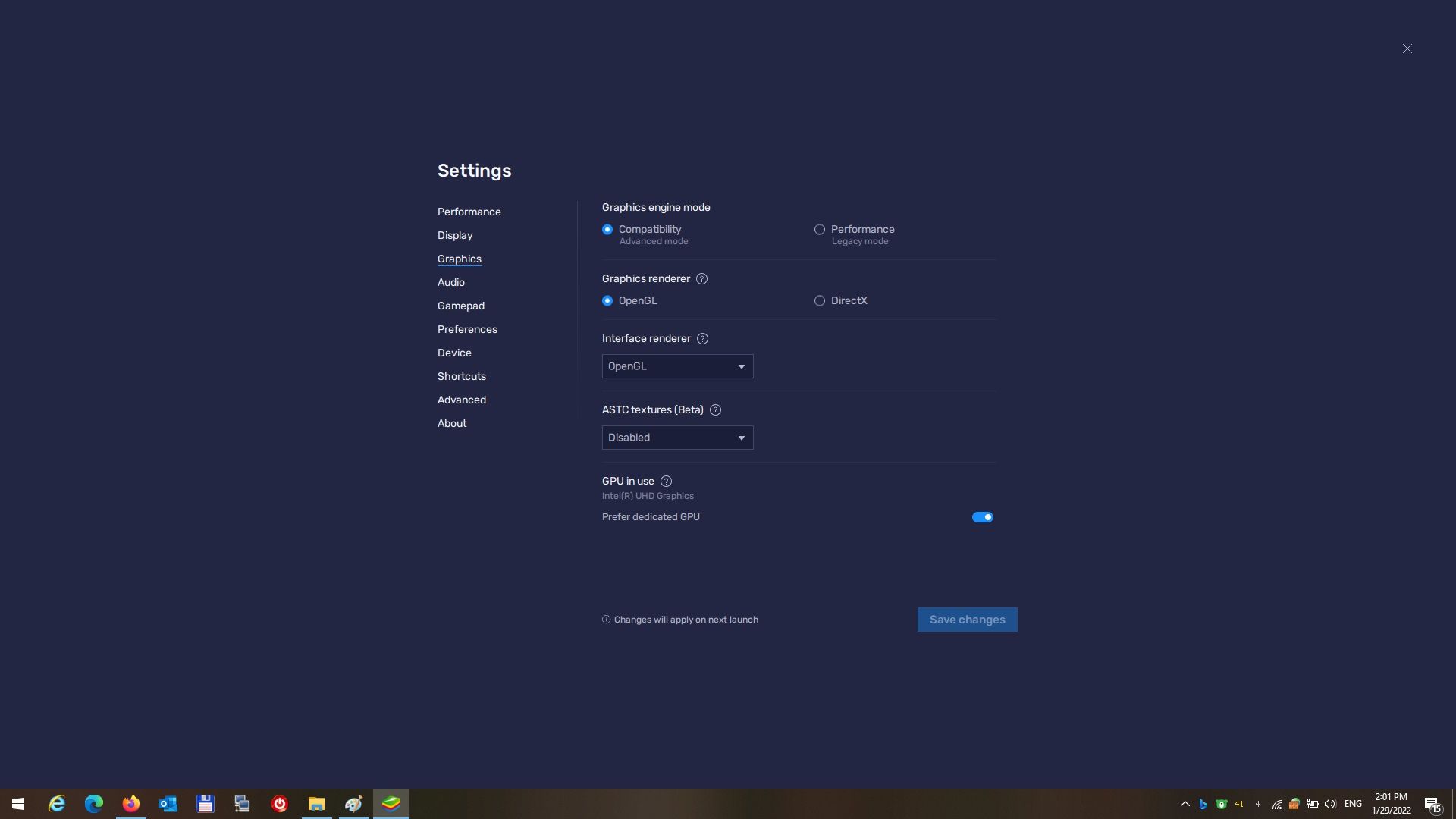
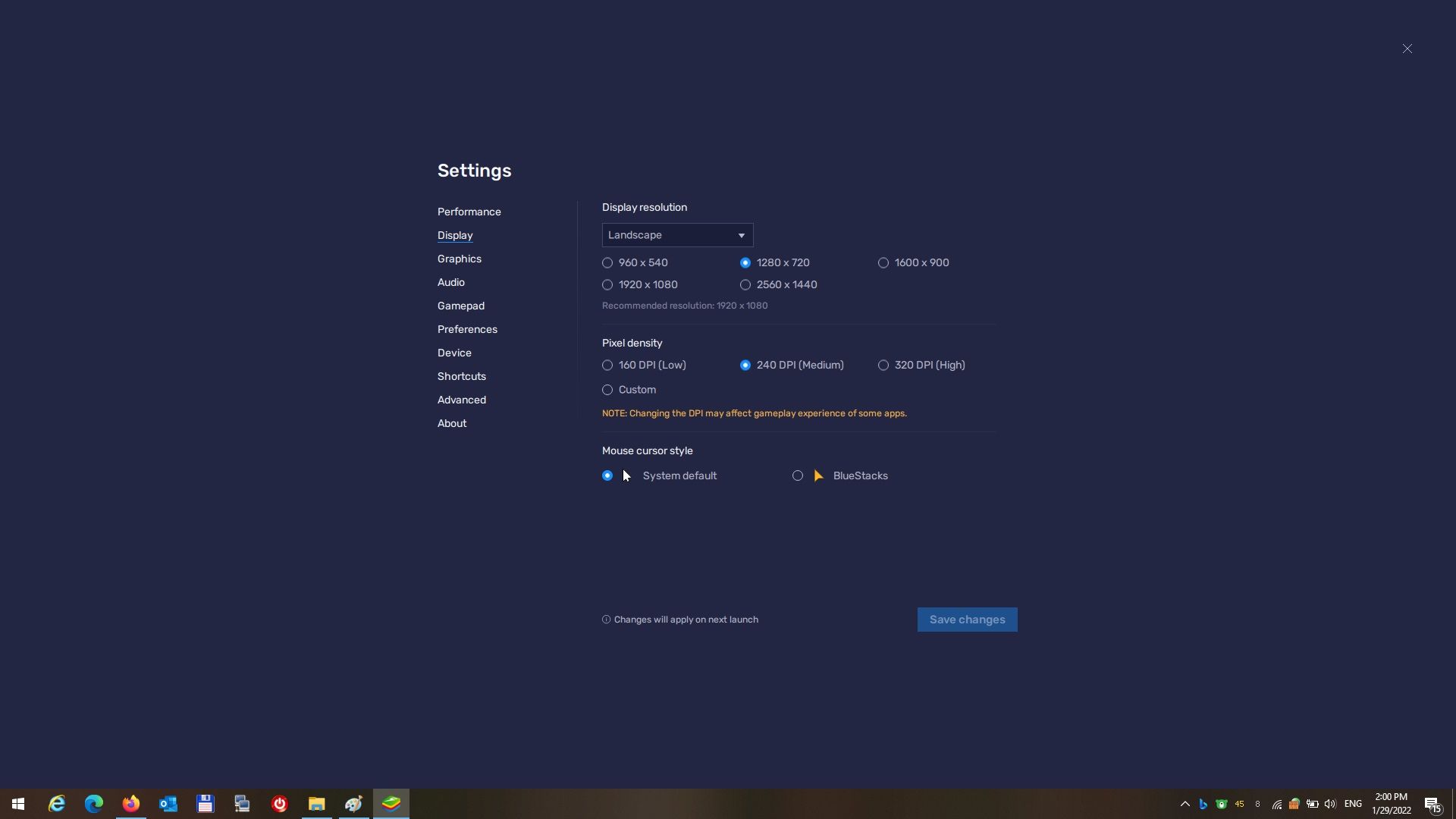
-
@aligigi thank you,
I tried this a while back but it kept crashing; i dint try and resolve the crashing issues via settings; so thank you for your continued effort, i will give it a try later
-
Next month I think win 11 will be able to run Suunto app


Hello! It looks like you're interested in this conversation, but you don't have an account yet.
Getting fed up of having to scroll through the same posts each visit? When you register for an account, you'll always come back to exactly where you were before, and choose to be notified of new replies (either via email, or push notification). You'll also be able to save bookmarks and upvote posts to show your appreciation to other community members.
With your input, this post could be even better 💗
Register Login