Subcategories

  • All resolved bugs and issues

    122 Topics
    1k Posts
    No new posts.
  • Please read the FAQ before posting an issue

    Pinned Locked faq forum ios
    1
    1 Votes
    1 Posts
    2k Views
    No one has replied
  • Suunto App maps and routing issues

    2
    7
    2 Votes
    2 Posts
    149 Views
    S
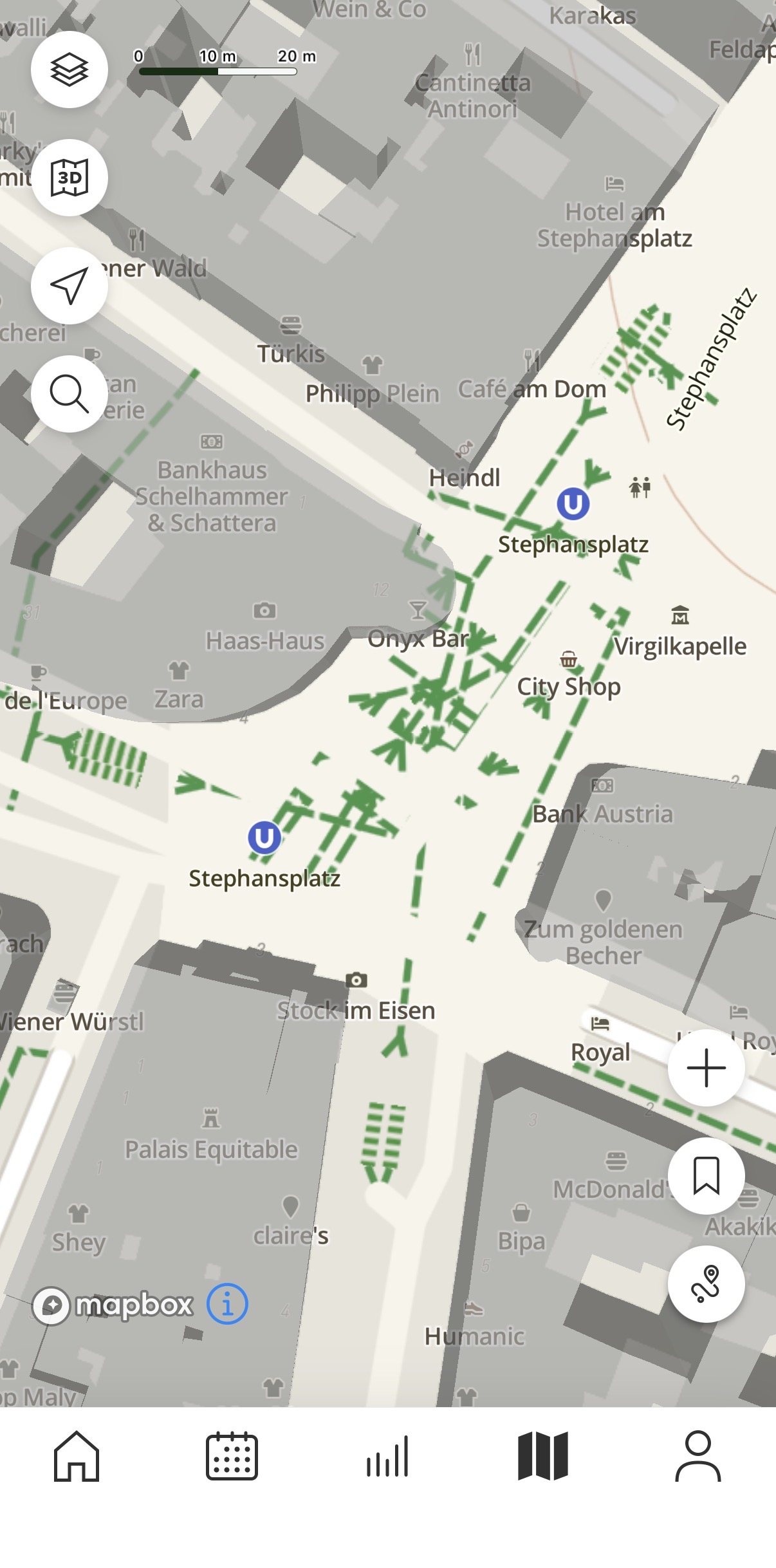
    I’ve dug a little deeper and discovered that most of these issues are rooted in OpenStreetMaps. the crazy idea to include Stephansplatz subway station with routable paths is actually already implemented in OpenStreetMaps completely unbeknownst to me there’s a long distance trekking route called “Sultan’s Trail” (kind of a knockoff of Camino de Santiago) that apparently runs from Vienna to Istanbul. Somehow this trail has made it into OpenStreetMaps with a really high routing weight, so all routing apps seem to follow it, and it doesn’t run straight through Kärntnerstraße, but takes the detour shown over Neuer Markt. Doesn’t make the routing in the Suunto app any better, but at least Suunto is not alone to blame here.
  • Notifications way of working

    6
    0 Votes
    6 Posts
    271 Views
    EgikaE
    @darrepac just pressing a button does not stop sleep tracking. I do this regularly.
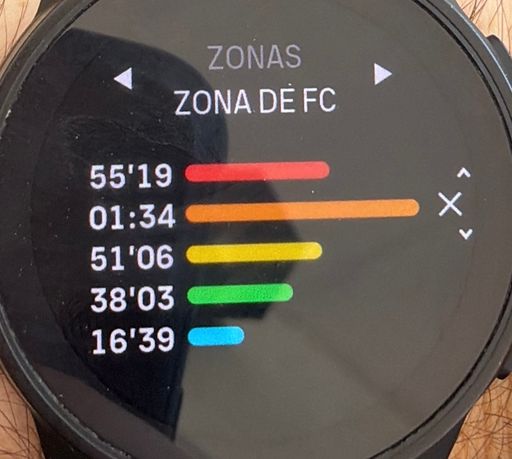
  • HR zones from app not matching watch

    6
    2
    0 Votes
    6 Posts
    177 Views
    S
    @GratefulDeadpan @GratefulDeadpan I’m on Android latest beta and don’t have that option. Don’t know if it appears when connecting a Suunto Run
  • 0 Votes
    2 Posts
    99 Views
    martintrailM
    So I started looking into it a little. Suunto app doesn’t enrich activities after upload, but Strava and Garmin does. Worth knowing before. So I don’t know how to do it in a place without a cell phone signal. That’s really bad. I tried ran with a Suunto Vertical and a Garmin Enduro 3 at the same time from no phone signal location. The Garmin activity came out with weather conditions and a place name attached; the Suunto one had neither. My first assumption was that the Vertical hadn’t got a GPS fix at the start. But it looks the difference is entirely server-side, after upload: Weather. Garmin Connect and Strava both take the activity’s coordinates and start time and pull historical conditions from a weather API. Suunto doesn’t do this. The only weather-ish data in my FIT is the watch’s own temperature sensor, which mostly measures your wrist. Place name. Same story - Garmin reverse-geocodes the start coordinates and names the activity after the location. Suunto leaves it as the sport type. One separate thing that caught me out: the forecast widget in the Suunto app takes its location from your phone, not the watch.
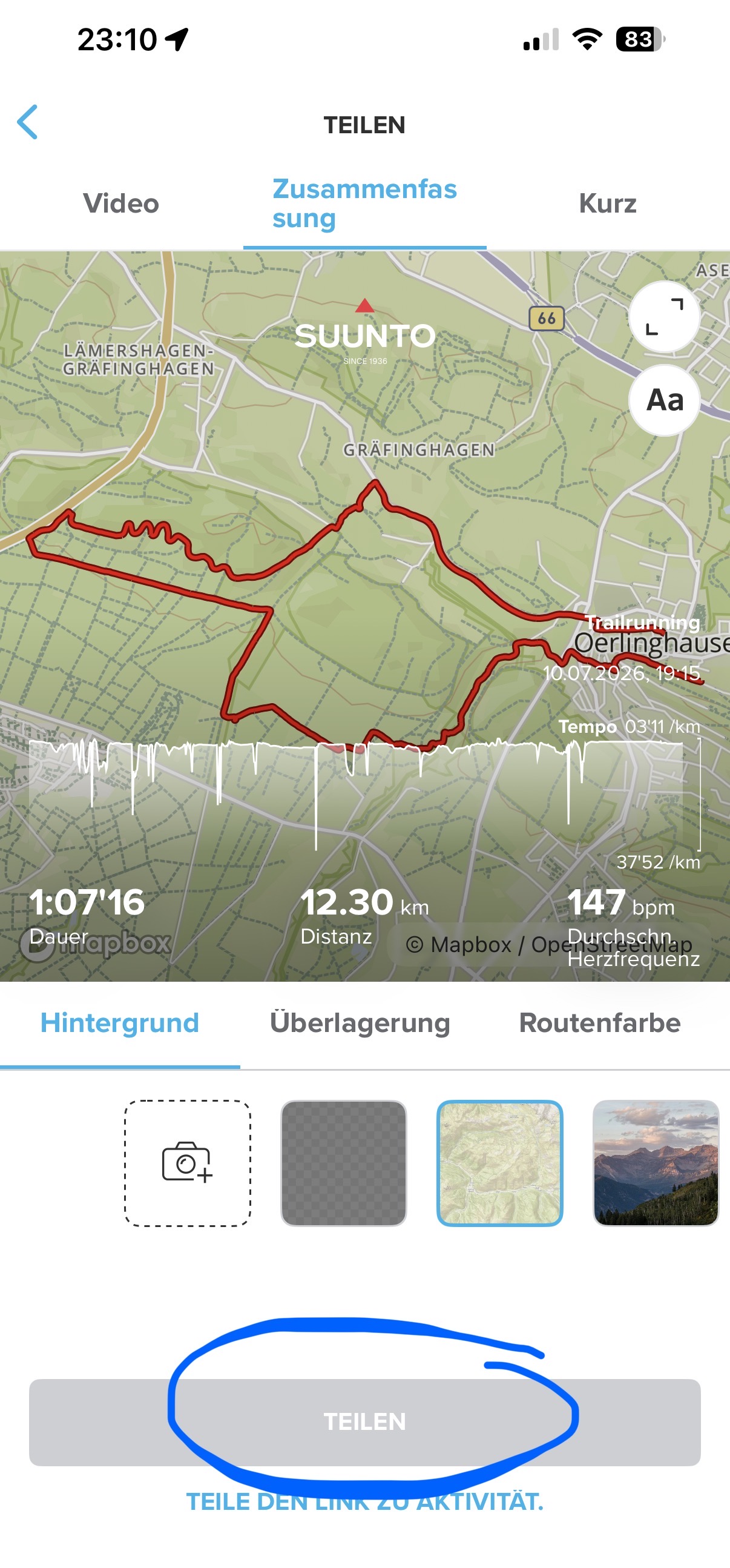
  • Activity share button don't work in ios App

    14
    1
    0 Votes
    14 Posts
    933 Views
    J
    I’d try restarting the app and checking for an update first. If the share button still does nothing, reporting the iOS and Suunto app versions might help them reproduce it.
  • Suunto App for iOS crashes when opening

    1
    0 Votes
    1 Posts
    48 Views
    No one has replied
  • All about current iOS beta app

    6
    2
    5 Votes
    6 Posts
    601 Views
    TieutieuT
    3.13.1 build 23404 is out NGP issue hase been fixed and all map layers are back. Only things I have noticed so far
  • 13.3.1 beta update

    2
    1 Votes
    2 Posts
    219 Views
    D
    @peegee heat strain score
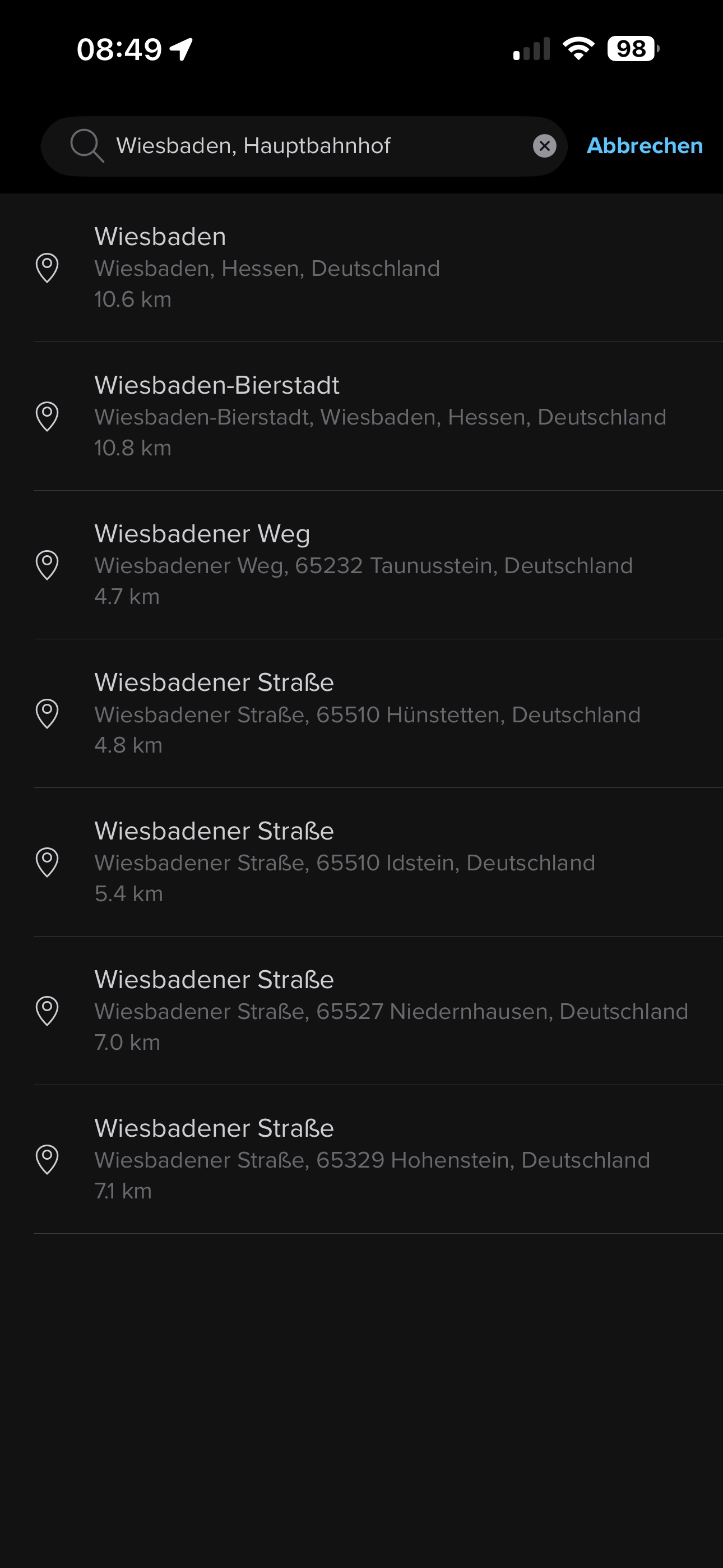
  • Mapbox: Search for addresses

    1
    3
    1 Votes
    1 Posts
    97 Views
    No one has replied
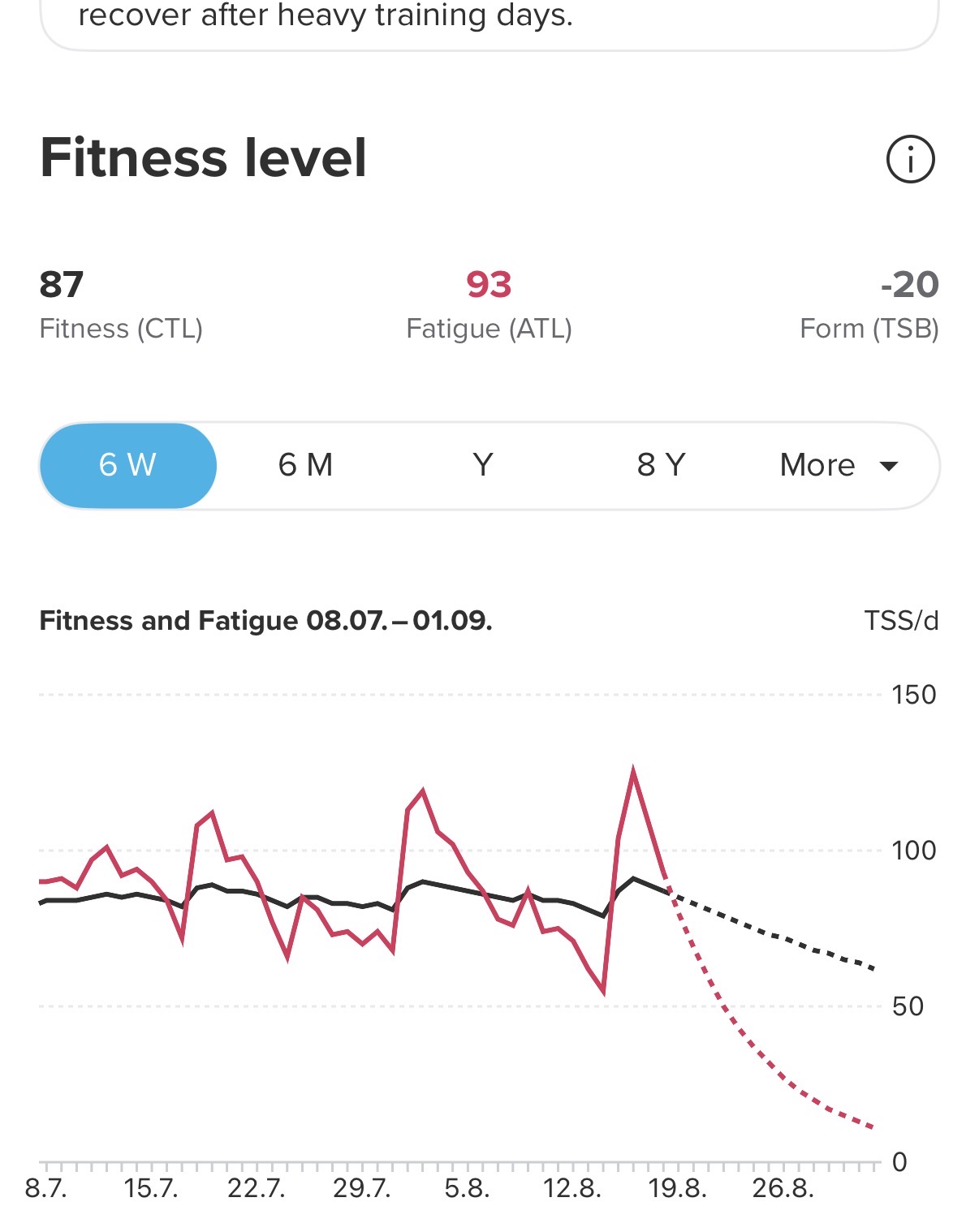
  • Performance Metrics not updating after manual TSS adjustments

    1
    2
    0 Votes
    1 Posts
    97 Views
    No one has replied
  • Where can I change map widget to 2D again?

    3
    0 Votes
    3 Posts
    213 Views
    2
    @Marcelo-Mönch I’m talking about the widget… Mmmh, I wanted to take a screenshot right now, but now it is 2D? Strange…
  • SA beta 3.11 iOS

    22
    1
    0 Votes
    22 Posts
    2k Views
    S
    @OutdoorMan no, I also wondered the same thing
  • Distance missing in Weight Training in Statistics

    Moved
    1
    0 Votes
    1 Posts
    78 Views
    No one has replied
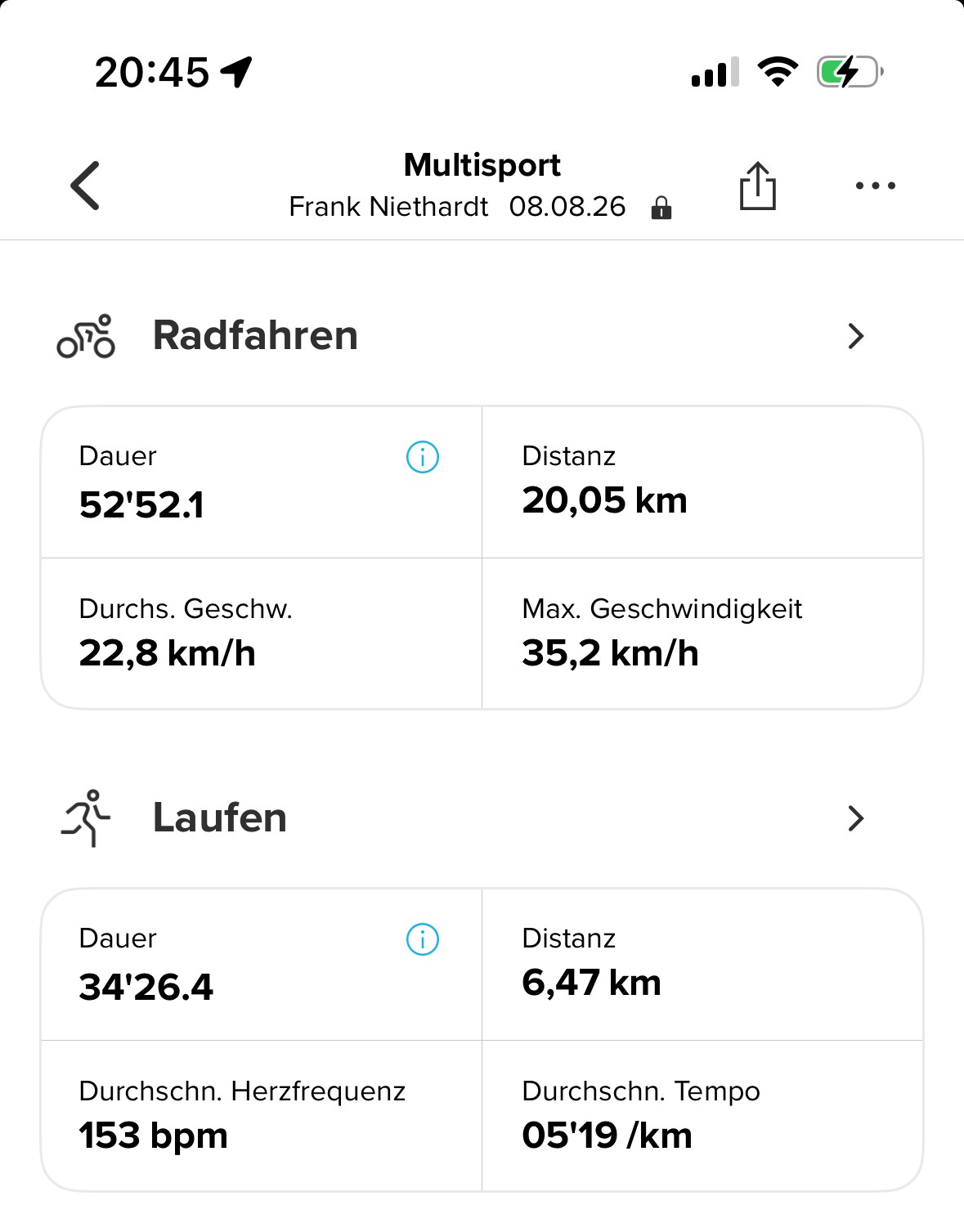
  • Running within Multisport is not running?

    1
    2
    2 Votes
    1 Posts
    113 Views
    No one has replied
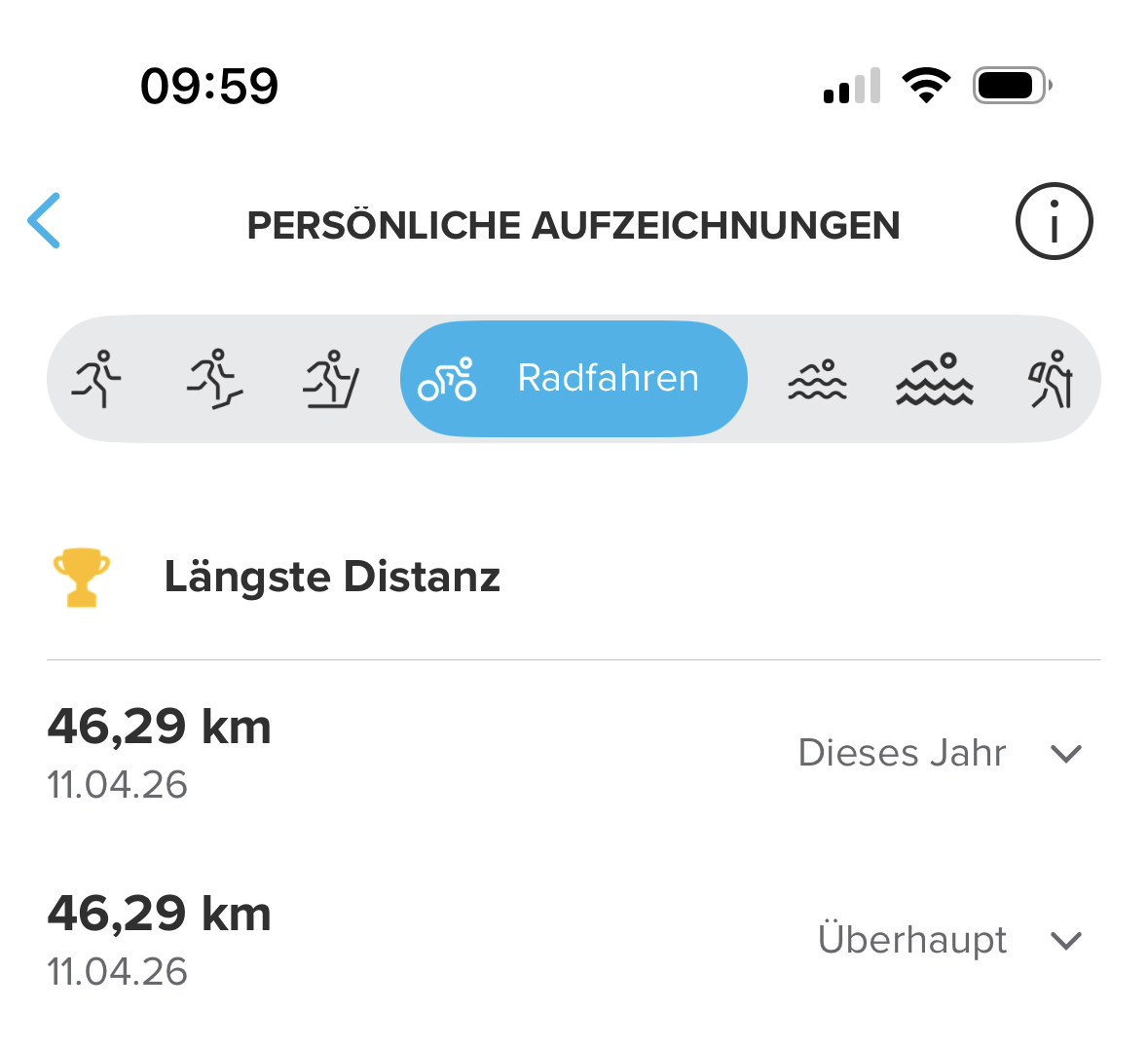
  • Another weird thing about Personal Records...

    1
    2
    0 Votes
    1 Posts
    89 Views
    No one has replied
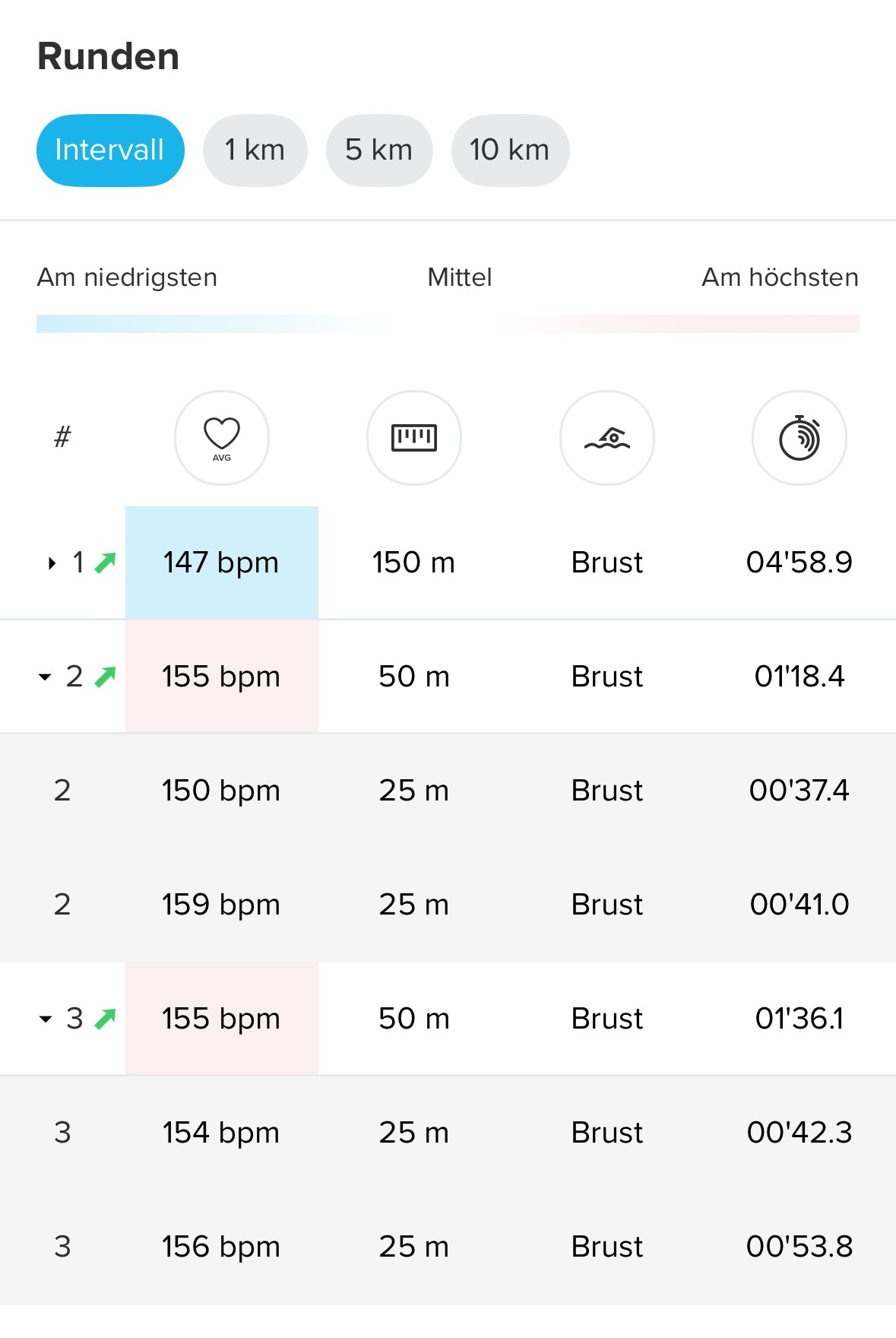
  • What are those green arrows?

    1
    1
    0 Votes
    1 Posts
    183 Views
    No one has replied
  • Old history missing

    3
    0 Votes
    3 Posts
    301 Views
    JonasLarssonJ
    @Dimitrios-Kanellopoulos Thanks for answering. I am sure. I did that. Nothing changes.
  • 2 Votes
    3 Posts
    370 Views
    sky-runnerS
    @isazi Thank you! Just to be clear, the save issue also exists in the Android app - I tried both. Sometimes, when a waypoint is added manually it shows up at multiple matching distances, but that doesn’t work consistently. This specific issue is about importing but it would be great if the same issue is also fixed for manually adding waypoints at the same time.
  • iOS Bug with Race 2 Apple Health Sync

    11
    1 Votes
    11 Posts
    603 Views
    S
    This is also something that I would like to see fixed. Having my workouts with all the relevant data saved to Apple Health is important to me, so that other iOS apps that I use can read the data directly from Apple Health. Currently to get your Suunto workout data properly synced to Apple Health you need to first sync the workouts through the Suunto API to a 3rd party app, and then use that 3rd party app to sync the data to Apple Health. I’m too using (and paying for) RunGap to sync my Suunto workouts to Apple Health. Having Suunto fix this would save me both money and time.

Suunto Terms | Privacy Policy